Introduzione
This manual provides detailed instructions for the safe and effective use of your OneOdio A70 Wireless Bluetooth Headphones. Please read this manual thoroughly before using the product and retain it for future reference.

Image: OneOdio A70 Wireless Bluetooth Headphones in red and black, shown with 3.5mm and 6.35mm audio cables.
Contenuto della confezione
Assicurarsi che tutti gli articoli siano presenti nel pacco:
- OneOdio A70 Fusion Headphones
- 3.5mm to 3.5mm Jack Cable with Microphone (1.2 M)
- 3.5mm to 6.35mm Jack Cable with Spring Wire (2-3 M)
- Micro-USB Charging Cable (0.6 M)
- Sacchetto protettivo
- Manuale dell'utente (questo documento)

Immagine: Oltreview of the OneOdio A70 package contents, including the headphones, various cables, and a carrying pouch.
Prodotto finitoview
The OneOdio A70 headphones feature a versatile design for both wireless and wired use, offering high-quality audio and comfortable wear.
- Driver audio: Equipped with 40mm drivers for powerful bass and clear treble.
- Connettività: Bluetooth 5.2 for wireless connection, and multiple wired options (3.5mm, 6.35mm).
- Durata della batteria: Up to 72 hours of playback on a single charge (at 50% volume).
- Microfono: Integrated CVC 8.0 noise-cancelling microphone for clear calls.
- Share Port: Allows two headphones to connect to one audio source for shared listening.
- Comfort: Thick foam ear pads and a foldable, adjustable headband for extended wear comfort.
- Jack Lock: Secure locking mechanism for the auxiliary stereo cable.
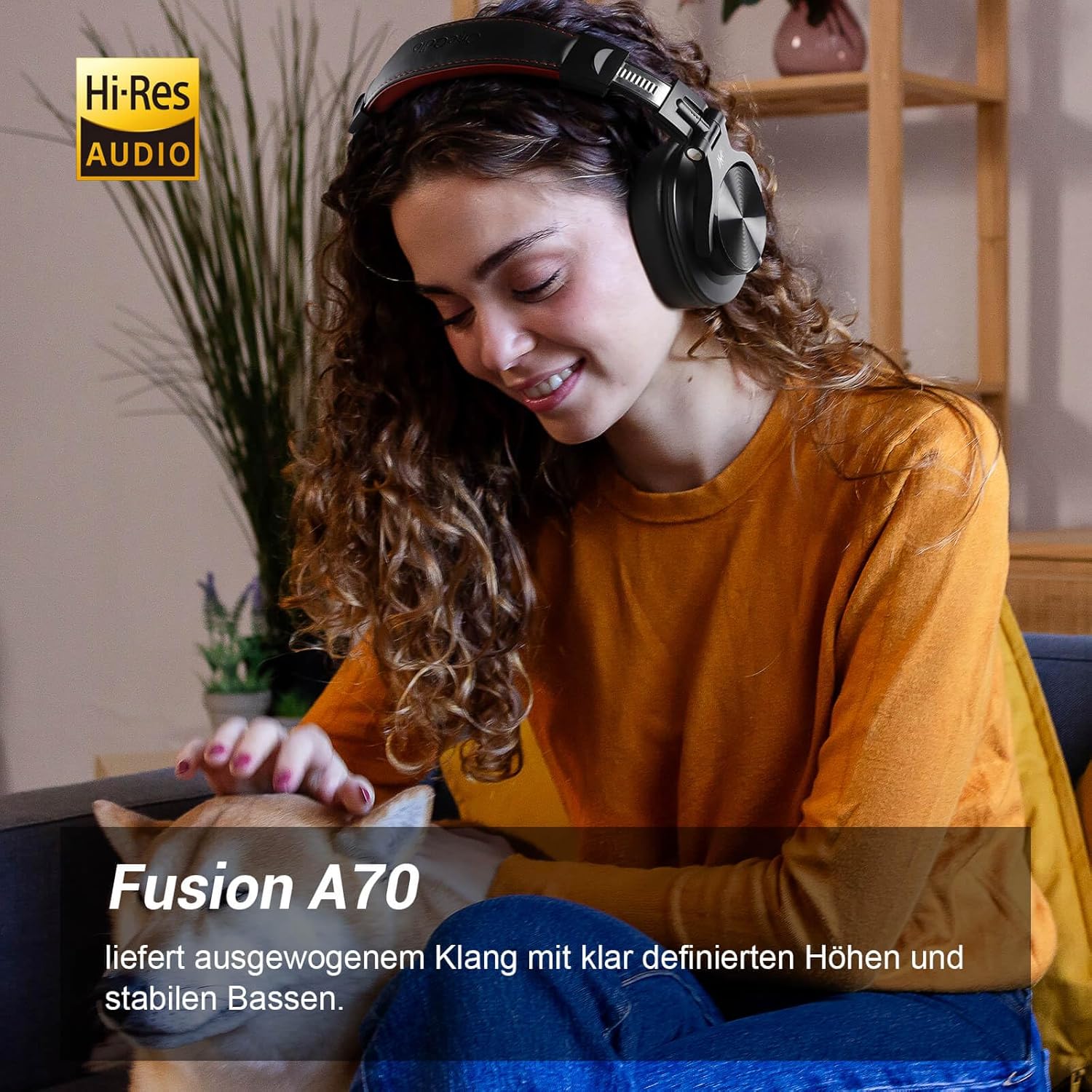
Image: A woman wearing the OneOdio A70 headphones, emphasizing the Hi-Res Audio capability.
Impostare
Caricare le cuffie
Before first use, fully charge the headphones. Use the provided Micro-USB charging cable.
- Connect the Micro-USB end of the charging cable to the charging port on the headphone.
- Connect the USB-A end to a USB power adapter (not included) or a computer's USB port.
- L'indicatore LED mostrerà lo stato di carica (ad esempio, rosso per la carica, blu per la carica completa).

Immagine: Un dettaglio view of the headphone's side, showing the Micro-USB charging port and control buttons.
Accoppiamento Bluetooth
Per connettere le cuffie in modalità wireless:
- Assicurarsi che le cuffie siano cariche e spente.
- Press and hold the Multi-function button (usually the power button) for approximately 5 seconds until the LED indicator flashes red and blue alternately, indicating pairing mode.
- Sul tuo dispositivo (smartphone, tablet, PC), attiva il Bluetooth e cerca i dispositivi disponibili.
- Select "OneOdio A70" from the list of devices.
- Una volta connesso, l'indicatore LED diventerà blu fisso o lampeggerà lentamente in blu.
Connessione via cavo
Le cuffie A70 supportano due tipi di connessioni cablate:
- Cavo da 3.5 mm a 3.5 mm: For connecting to smartphones, tablets, laptops, and other devices with a 3.5mm audio jack. This cable includes an in-line microphone for calls.
- Cavo da 3.5 mm a 6.35 mm: For connecting to professional audio equipment like DJ mixers, amplifiers, and guitars.
To use a wired connection, simply plug the appropriate cable into the headphone's corresponding port and the other end into your audio source. The headphones will automatically switch to wired mode when a cable is inserted.

Image: A visual guide illustrating the wide compatibility of the OneOdio A70 headphones with different devices using 3.5mm and 6.35mm cables.
Istruzioni per l'uso
Basic Controls (Bluetooth Mode)
| Funzione | Azione |
|---|---|
| Accensione/spegnimento | Press and hold Multi-function button for 3 seconds. |
| Riproduci/Pausa | Press Multi-function button once. |
| Alza il volume | Press '+' button. |
| Abbassa il volume | Press '-' button. |
| Traccia successiva | Press and hold '+' button. |
| Traccia precedente | Press and hold '-' button. |
| Rispondi/Termina chiamata | Press Multi-function button once. |
| Rifiuta chiamata | Press and hold Multi-function button for 2 seconds. |
| Attiva l'Assistente Vocale | Double-press Multi-function button. |

Image: Controls for the in-line microphone on the 3.5mm cable, detailing functions like play, pause, answer, and end calls.
Share Port Function
The OneOdio A70 headphones feature a unique Share Port, allowing two headphones to share audio from one source.
- Connect the 3.5mm to 3.5mm cable to the 3.5mm input port on your A70 headphones.
- Connect the other end of this cable to the 3.5mm output port of another headphone (e.g., another A70 or compatible headphone).
- Ensure the primary A70 headphone is connected to your audio source (via Bluetooth or 6.35mm cable).
- Entrambe le cuffie riceveranno ora l'audio dalla stessa sorgente.

Image: Two individuals sharing audio from a single device using the Share Port technology of the OneOdio A70 headphones.
Manutenzione e cura
- Pulire regolarmente le cuffie con un panno morbido e asciutto. Non utilizzare detergenti abrasivi o solventi.
- Store the headphones in the provided protective pouch when not in use to prevent scratches and damage.
- Evitare di esporre le cuffie a temperature estreme, umidità o luce solare diretta.
- Non tentare di smontare o modificare le cuffie, poiché ciò invaliderebbe la garanzia.
- The headphones are not waterproof. Avoid contact with liquids.

Image: The OneOdio A70 headphones in their folded configuration, ready for storage in the protective pouch.
Risoluzione dei problemi
| Problema | Possibile causa | Soluzione |
|---|---|---|
| Nessun suono (Bluetooth) | Headphones not paired or connected. Low battery. Volume too low. | Ensure headphones are in pairing mode and connected. Recharge headphones. Increase volume on headphones and device. |
| Nessun suono (cablato) | Cable not fully inserted. Incorrect cable used. Device volume too low. | Ensure cables are securely plugged in. Use the correct cable for your device. Increase volume on device. |
| Scarsa qualità del suono | Interference (Bluetooth). Damaged cable. Low quality audio source. | Move closer to the Bluetooth device. Try a different cable. Test with a different audio source. |
| Il microfono non funziona | Using wrong cable (only 3.5mm to 3.5mm has mic). Mic muted on device. | Ensure you are using the 3.5mm cable with the in-line microphone. Check microphone settings on your device. |
| Le cuffie non si accendono | La batteria è completamente scarica. | Charge the headphones for at least 30 minutes before attempting to power on. |
Specifiche
| Caratteristica | Dettaglio |
|---|---|
| Nome del modello | OneOdio A70 Fusion |
| Tecnologia di connettività | Bluetooth 5.2, Wired (3.5mm, 6.35mm) |
| Dimensioni del conducente | 40mm |
| Gamma di frequenza | 20 Hz - 20,000 Hz |
| Impedenza | 32 ohm |
| Sensibilità | 110 dB |
| Composizione della batteria | Litio-polimero |
| Durata della batteria | Fino a 72 ore (al 50% del volume) |
| Peso | 250 grammi |
| Materiale | Leather (earpads/headband) |
| Caratteristiche speciali | Volume Control, Noise Isolation, Built-in Microphone (CVC 8.0), Foldable Design, Share Port, Jack Lock |
Garanzia e supporto
OneOdio products are designed and manufactured to the highest quality standards. For warranty information and customer support, please refer to the official OneOdio websito o contattare direttamente il servizio clienti.
Produttore: UnoOdio
Venditore: OneOdio EU (via Amazon.com.be)
Per ulteriore assistenza, visitare il Negozio OneOdio su Amazon.


