1. Introduzione e oltreview
The Cshidworld Cshid MA10 Wireless Earbuds are designed to provide a superior audio experience with advanced features for everyday use. Featuring Bluetooth 5.0 technology, CVC 8.0 noise cancellation, and a portable charging case, these earbuds offer convenience, high-fidelity sound, and extended playtime. Their ergonomic design ensures a comfortable and secure fit, while IPX5 water and sweat resistance makes them suitable for various activities.

Image: Cshidworld Cshid MA10 Wireless Earbuds in their charging case.
2. Contenuto della confezione
Si prega di controllare attentamente il pacco per assicurarsi che siano presenti tutti gli articoli:
- 2 x TWS Bluetooth Earbuds (Left and Right)
- 1 custodia di ricarica portatile
- 1 x Cavo di ricarica micro USB
- 1 x Manuale utente
3. Caratteristiche del prodotto
- Bluetooth 5.0 & CVC 8.0 Noise Cancellation: Provides a stable connection, faster pairing, and clear audio with effective noise reduction for calls.
- Suono ad alta fedeltà: Equipped with a 13mm vibrating diaphragm and HD rendering technology for natural, authentic sound and powerful bass.
- Abbinamento in un unico passaggio: Automatic power-on and pairing when removed from the charging case.
- Tempo di riproduzione esteso: Up to 5 hours of playback on a single charge, with an additional 25 hours provided by the portable charging case, totaling 30 hours.
- Design ergonomico: Lightweight and designed for a secure and comfortable fit for various ear shapes.
- IPX5 Resistente all'acqua e al sudore: Offers protection against sweat and light splashes, ideal for workouts and outdoor activities.

Image: Advanced Bluetooth 5.0 technology within the earbud.
4. Impostazione
4.1 Carica iniziale
Before first use, fully charge the earbuds and the charging case. Connect the Micro USB charging cable to the charging case and a power source. The charging time is approximately 1.5 hours for a full charge.

Image: Earbuds and charging case, highlighting extended playtime.
4.2 Istruzioni per l'associazione
Follow these steps to connect your Cshidworld earbuds to your device:
- Accensione automatica: For initial use, open the charging case and remove both earbuds. They will automatically power on and connect to each other. You will hear a voice prompt: "Power On" then "TWS Connected".
- Accoppiamento Bluetooth: On your mobile phone, open the Bluetooth settings and ensure Bluetooth is enabled for detection.
- Seleziona dispositivo: In the list of available devices, locate and tap on "M10" to connect. The earbud LED will flash blue continuously once connected. You will hear a voice prompt: "Connected".
The earbuds are now paired and ready for use. They will automatically reconnect to the last paired device when removed from the case, if Bluetooth is enabled on the device.

Image: Instant pairing process shown on a smartphone.
5. Istruzioni per l'uso
5.1 Comandi touch
The Cshidworld Cshid MA10 earbuds feature intuitive touch controls for easy management of calls and music playback.
- Riproduci/Pausa: Un solo tocco su uno degli auricolari.
- Traccia successiva: Tocca due volte l'auricolare destro.
- Traccia precedente: Tocca due volte l'auricolare sinistro.
- Rispondi/Termina chiamata: Un singolo tocco su uno degli auricolari durante una chiamata in arrivo o una chiamata attiva.
- Rifiuta chiamata: Durante una chiamata in arrivo, tenere premuto uno dei due auricolari per 2 secondi.
- Attiva l'assistente vocale: Tocca due volte l'auricolare sinistro.

Image: Smart touch control feature on the earbud.
5.2 Effettuare chiamate
The earbuds are equipped with a high-quality microphone for clear hands-free calls. Ensure both earbuds are connected for the best call experience.
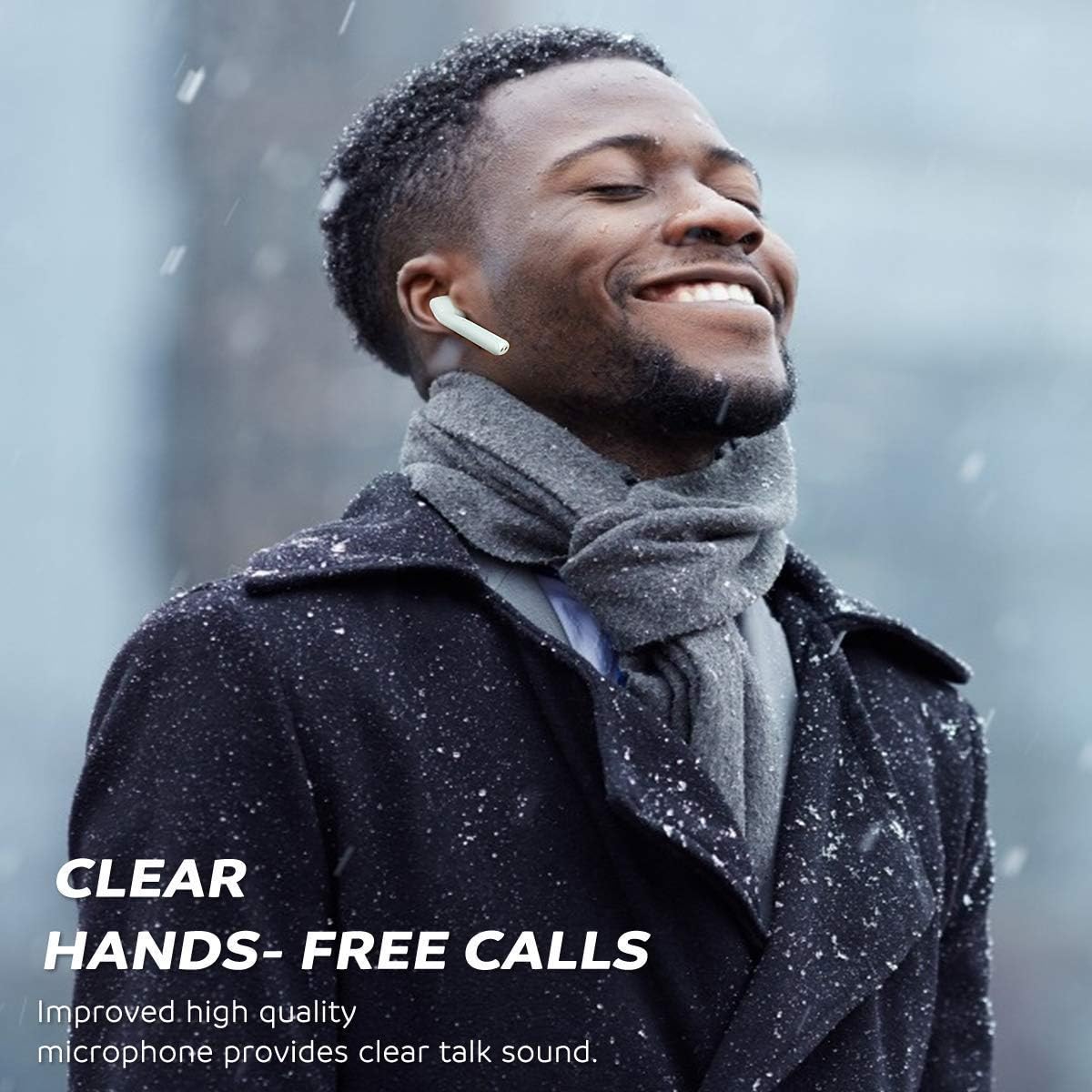
Image: Clear hands-free calls with the earbuds.
5.3 Ascoltare la musica
Enjoy rich, clear audio for your music, podcasts, and other media. Adjust volume directly from your connected device or use the earbud controls if supported by your device and media player.
6. Manutenzione
6.1 Pulizia
Una pulizia regolare aiuta a mantenere la qualità del suono e l'igiene:
- Pulisci delicatamente gli auricolari e la custodia di ricarica con un panno morbido, asciutto e privo di lanugine.
- Non utilizzare detergenti abrasivi, alcol o solventi chimici.
- Per garantire una ricarica corretta, pulire periodicamente i contatti di ricarica sia sugli auricolari che sulla custodia con un batuffolo di cotone asciutto.
6.2 Conservazione
Quando non li usi, conservali nella loro custodia di ricarica per proteggerli da polvere e danni e mantenerli carichi. Conservali in un luogo fresco e asciutto, lontano dalla luce solare diretta e da temperature estreme.

Image: IPX5 sweat-resistant feature, suitable for active use.
7. Risoluzione Dei Problemi
7.1 Ripristino degli auricolari
If you experience connection issues or only one earbud is working, you may need to reset the earbuds:
- Disattiva il Bluetooth sul tuo dispositivo mobile.
- Ensure both earbuds are powered off.
- Place both earbuds close to each other.
- Press and hold both function buttons (touch areas) on the earbuds for 10 seconds. Release when the earbud LED flashes red once.
- The earbuds will manually power on and enter automatic pairing mode (the right earbud will flash red and blue, the left earbud LED will be off).
- Once they pair with each other, the default settings recovery is complete.
- Re-enable Bluetooth on your device and reconnect to "M10".
7.2 Problemi comuni
- Gli auricolari non si collegano tra loro: Eseguire un reset come descritto sopra.
- Gli auricolari non si connettono al telefono: Ensure Bluetooth is on, earbuds are charged, and try forgetting the device on your phone's Bluetooth settings before re-pairing.
- Nessun suono da un auricolare: Check battery levels, ensure both earbuds are properly paired to each other, or perform a reset.
- Problemi di ricarica: Assicurarsi che il cavo di ricarica sia collegato saldamente e che i contatti di ricarica su entrambi gli auricolari e sulla custodia siano puliti e privi di detriti.
8. Specifiche
| Caratteristica | Specificazione |
|---|---|
| Versione Bluetooth | V5.0 + CSR |
| Distanza operativa | Fino a 10 metri (33 piedi) |
| Tempo di riproduzione degli auricolari | ca. 5 ore per carica |
| Tempo di riproduzione totale (con custodia) | Circa 30 ore |
| Tempo di standby | Circa 30 ore |
| Capacità della batteria degli auricolari | 3.7V, 55mAh Li-polymer |
| Tempo di ricarica | Circa 1.5 ore |
| Valutazione della resistenza all'acqua | IPX5 (resistente al sudore e agli schizzi) |
| Peso | 100 grammi (peso totale della confezione) |
| Materiale | Plastic, TPE, Silicone |
| Connettività | Bluetooth senza fili |
9. Informazioni sulla sicurezza
Please read and follow these safety guidelines for safe and optimal use of your earbuds:
- Non esporre gli auricolari o la custodia di ricarica a temperature estreme, umidità o materiali corrosivi.
- Avoid dropping, impacting, or disassembling the device. This may cause damage and void the warranty.
- Do not use the earbuds at excessively high volumes for prolonged periods, as this can cause hearing damage.
- Tenere gli auricolari e la custodia di ricarica lontano dalla portata di bambini e animali domestici.
- Smaltire il prodotto in modo responsabile secondo le normative locali. Non smaltire con i rifiuti domestici.
10. Garanzia e supporto
Specific warranty details and direct customer support contact information are not available in the provided product data. Please refer to the product packaging or the retailer's website for warranty terms and customer service contacts.


