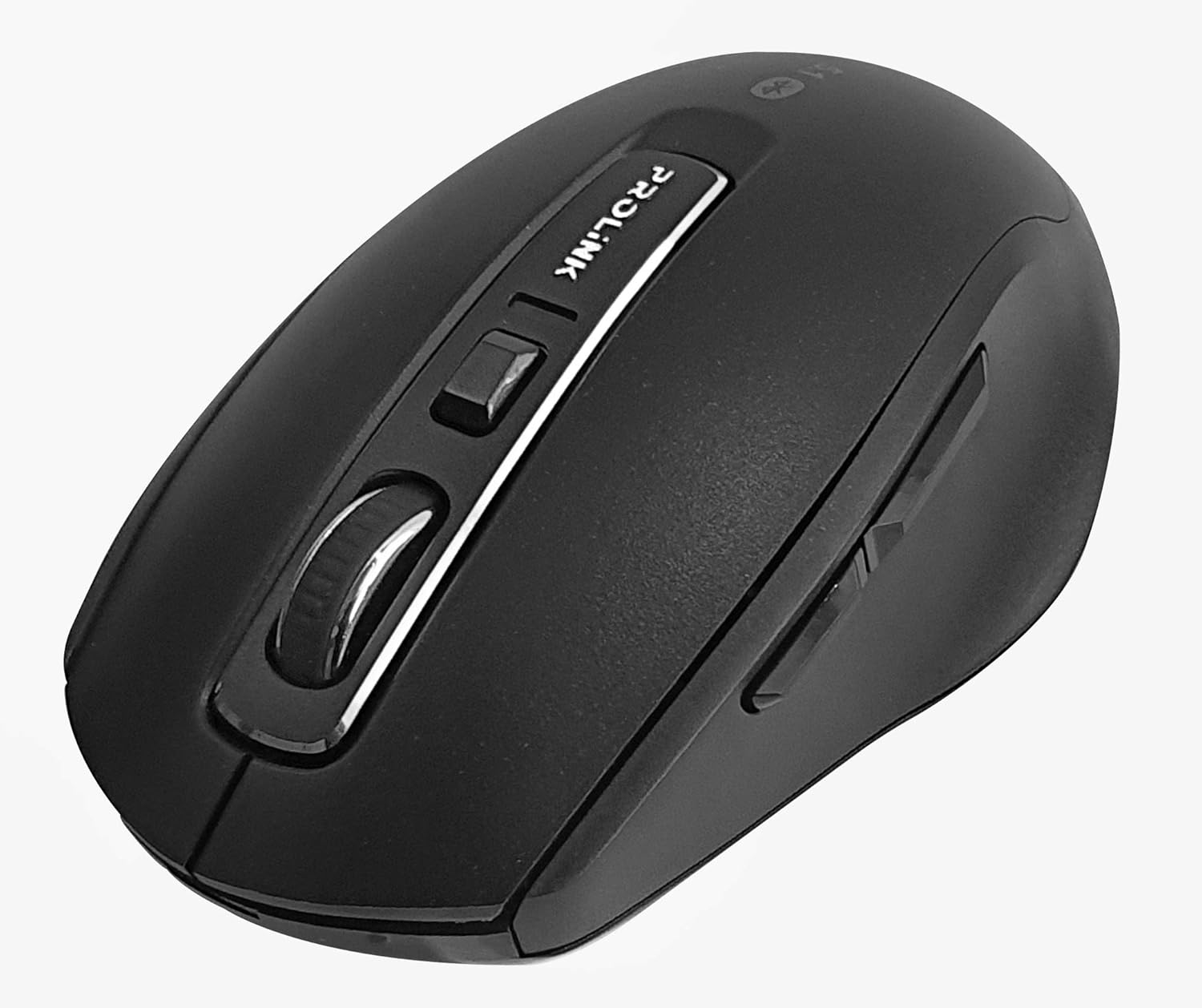
Immagine: dall'alto verso il basso view of the Prolink PMB8502 Bluetooth Wireless Optical Mouse.
1. Introduzione e oltreview
The Prolink PMB8502 Bluetooth Mouse is designed for seamless wireless control of your desktop, laptop, or tablet. It features Bluetooth 5.2 connectivity, an ergonomic design, and adjustable DPI settings for personalized comfort and precision. This manual provides detailed instructions for setup, operation, maintenance, and troubleshooting.
Caratteristiche principali:
- Bluetooth 5.2 connectivity (backward compatible with 5.1/5.0/4.2/4.1/4.0)
- Up to 27 months battery life (based on supplied batteries)
- DPI regolabile: 800/1200/1600
- 6-button design including back and forward buttons
- Design ergonomico per un utilizzo confortevole
- Operating range of up to 10 meters

Image: Prolink PMB8502 mouse highlighting its Bluetooth 5.2, battery life, DPI, and range features.
2. Contenuto della confezione
- Prolink PMB8502 Bluetooth Wireless Optical Mouse
- 1 batteria AA (preinstallata o inclusa separatamente)
- Manuale dell'utente (questo documento)
3. Istruzioni per l'installazione
3.1. Installazione della batteria
- Individuare il coperchio del vano batteria sul lato inferiore del mouse.
- Per aprire il vano, far scorrere o sollevare delicatamente il coperchio.
- Inserire una batteria AA, assicurandosi che i terminali positivo (+) e negativo (-) siano allineati correttamente con le marcature all'interno del vano.
- Riposizionare il coperchio del vano batteria finché non scatta saldamente in posizione.
3.2. Accoppiamento Bluetooth
Before pairing, ensure your device (computer, laptop, tablet) has Bluetooth enabled.
- Accendere il mouse utilizzando l'interruttore On/Off situato nella parte inferiore.
- Press and hold the Bluetooth 'Connect' button (usually located near the On/Off switch or within the battery compartment) for 3-5 seconds until the LED indicator on the mouse begins to flash, indicating it is in pairing mode.
- Sul tuo dispositivo, vai alle impostazioni Bluetooth.
- Cercare new devices. The mouse should appear as "Prolink PMB8502" or similar.
- Select the mouse from the list to complete the pairing process. The LED indicator on the mouse will stop flashing and remain solid for a few seconds, then turn off, indicating a successful connection.

Immagine: Frontale view of the Prolink PMB8502 mouse, showing its ergonomic shape.
4. Istruzioni per l'uso
4.1. Funzioni dei pulsanti
- Pulsante sinistro del mouse: Selezione e attivazione standard.
- Pulsante destro del mouse: Accede ai menu contestuali.
- Rotella di scorrimento: Scorre i documenti e web pages vertically. Can also be pressed for middle-click functionality.
- Pulsante di regolazione DPI: Located below the scroll wheel. Press to cycle through DPI settings (800/1200/1600).
- Pulsante Avanti: Naviga in avanti in web browser o file esploratori.
- Pulsante Indietro: Naviga indietro in web browser o file esploratori.
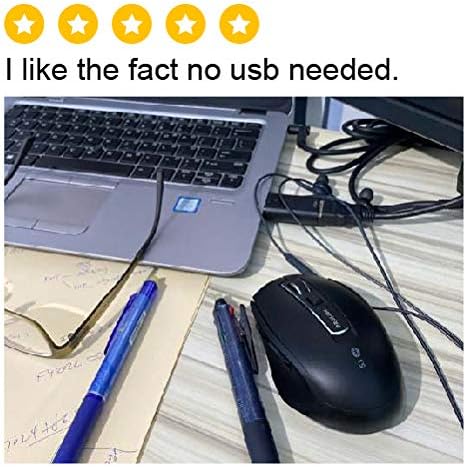
Immagine: Lato view of the Prolink PMB8502 mouse, illustrating the placement of the back and forward navigation buttons.
4.2. Regolazione DPI
The mouse offers three DPI (Dots Per Inch) settings: 800, 1200, and 1600. Press the DPI button located below the scroll wheel to switch between these sensitivities. A higher DPI setting results in faster cursor movement across the screen.
4.3. Gestione energetica
- Interruttore On/Off: To conserve battery life, turn off the mouse using the switch on its underside when not in use for extended periods.
- Modalità di sospensione automatica: The mouse automatically enters a sleep mode after more than 10 minutes of inactivity. To wake it up, simply move the mouse or click any button.
5. Manutenzione
5.1. Pulizia
Per pulire il mouse, utilizzare un panno morbido, asciutto e privo di lanugine. Per lo sporco ostinato, utilizzare un panno leggermenteampen the cloth with water or a mild cleaning solution. Avoid using harsh chemicals, abrasive cleaners, or spraying liquids directly onto the mouse.
5.2. Sostituzione della batteria
When the mouse performance degrades or the LED indicator suggests low battery, replace the AA battery following the steps in Section 3.1. Dispose of used batteries responsibly according to local regulations.
6. Risoluzione Dei Problemi
- Mouse not connecting or erratic movement:
- Assicurati che il mouse sia acceso.
- Controllare il livello della batteria e sostituirla se necessario.
- Assicurati che il Bluetooth sia abilitato sul tuo dispositivo.
- Try re-pairing the mouse with your device (refer to Section 3.2).
- Avvicina il mouse al dispositivo per escludere problemi di portata.
- Assicurarsi che non vi siano altri segnali wireless forti che interferiscono con la connessione Bluetooth.
- Cursor not moving smoothly:
- Pulisci il sensore ottico sul lato inferiore del mouse.
- Utilizzare il mouse su una superficie pulita e non riflettente.
- Adjust the DPI setting to a level that suits your preference.
- I pulsanti non rispondono:
- Controllare il livello della batteria.
- Ensure the mouse is properly connected via Bluetooth.
- Riavvia il computer o il dispositivo.
7. Specifiche
| Caratteristica | Dettaglio |
|---|---|
| Pulsanti | 6 |
| Sensore | Ottico |
| Risoluzione DPI | 800 / 1200 / 1600 DPI |
| Interfaccia | Bluetooth 5.2 (backward compatible with Bluetooth 5.1/5.0/4.2/4.1/4.0) |
| Tasso di rapporto USB | 125 Hz |
| Sparatutto in prima persona | 2400 volte/secondo |
| Umidità di esercizio | 30%UR - 95%UR |
| Temperatura di esercizio | -20°C - +60°C |
| Sistema operativo | Windows 7 / 10 / 11, Mac OS 10.2 above |
| Dimensioni (L x P x A) | Dimensioni: 108 mm x 66.7 mm x 40.2 mm |
| Peso | 69.2g (product only) |
| Tipo di batteria | 1 batteria AA |

Image: Graphic displaying the technical specifications of the Prolink PMB8502 mouse.
8. Garanzia e supporto
The Prolink PMB8502 Bluetooth Wireless Optical Mouse typically comes with a Garanzia di 3 anno from the date of purchase. Please refer to your purchase receipt or the official Prolink websito per i termini e le condizioni di garanzia specifici applicabili nella tua regione.
For technical support, troubleshooting assistance, or warranty claims, please visit the official Prolink website or contact their customer service department. Contact information can usually be found on the product packaging or the Prolink official websito.
Risorse online:

Image: Prolink PMB8502 mouse with a "3 Year Warranty" label, indicating product assurance.


