1. Introduzione
The boAt Airdopes 441 Pro are True Wireless Stereo (TWS) earbuds designed for an immersive audio experience. Featuring advanced technology and a durable design, these earbuds are suitable for various activities, from daily commutes to intense workouts.
This manual provides detailed instructions on how to set up, operate, and maintain your Airdopes 441 Pro earbuds to ensure optimal performance and longevity.
2. Cosa c'è nella scatola
- boAt Airdopes 441 Pro TWS Auricolari
- Custodia di ricarica
- Additional Earbuds (various sizes)
- Cavo di ricarica di tipo C.
- Manuale d'uso
- Scheda di garanzia

Image: The boAt Airdopes 441 Pro earbuds, charging case, extra ear tips, and Type-C charging cable are included in the package.
3. Prodotto finitoview
Caratteristiche principali
- IWP (Insta Wake N’ Pair) Technology: Automatic power-on and connection upon opening the charging case lid.
- Bluetooth v5.0: Ensures seamless and instant wireless connectivity.
- Driver dinamici da 6 mm: Delivers immersive audio with signature boAt sound.
- Resistenza all'acqua IPX7: Provides protection against sweat and splashes, ideal for workouts and outdoor use.
- Capacitive Touch Controls: Intuitive touch controls for managing music, calls, and voice assistant.
- Supporto dell'assistente vocale: Access your device's voice assistant with a single touch.
- Chiamata stereo: Enjoy clear and smooth conversations during calls.
- Funzione banca di potere: The 2600mAh charging case can also be used to charge other devices in emergencies.
- Riproduzione lunga: Up to 5 hours of playback per charge, with an additional 150 hours using the charging case.
Design e comfort
The Airdopes 441 Pro features a secure sports fit with premium grade silicone ear tips and ear wings, ensuring they stay comfortably in place during physical activities. The earbuds are crafted from durable plastic material and come in a stylish red and black color scheme.
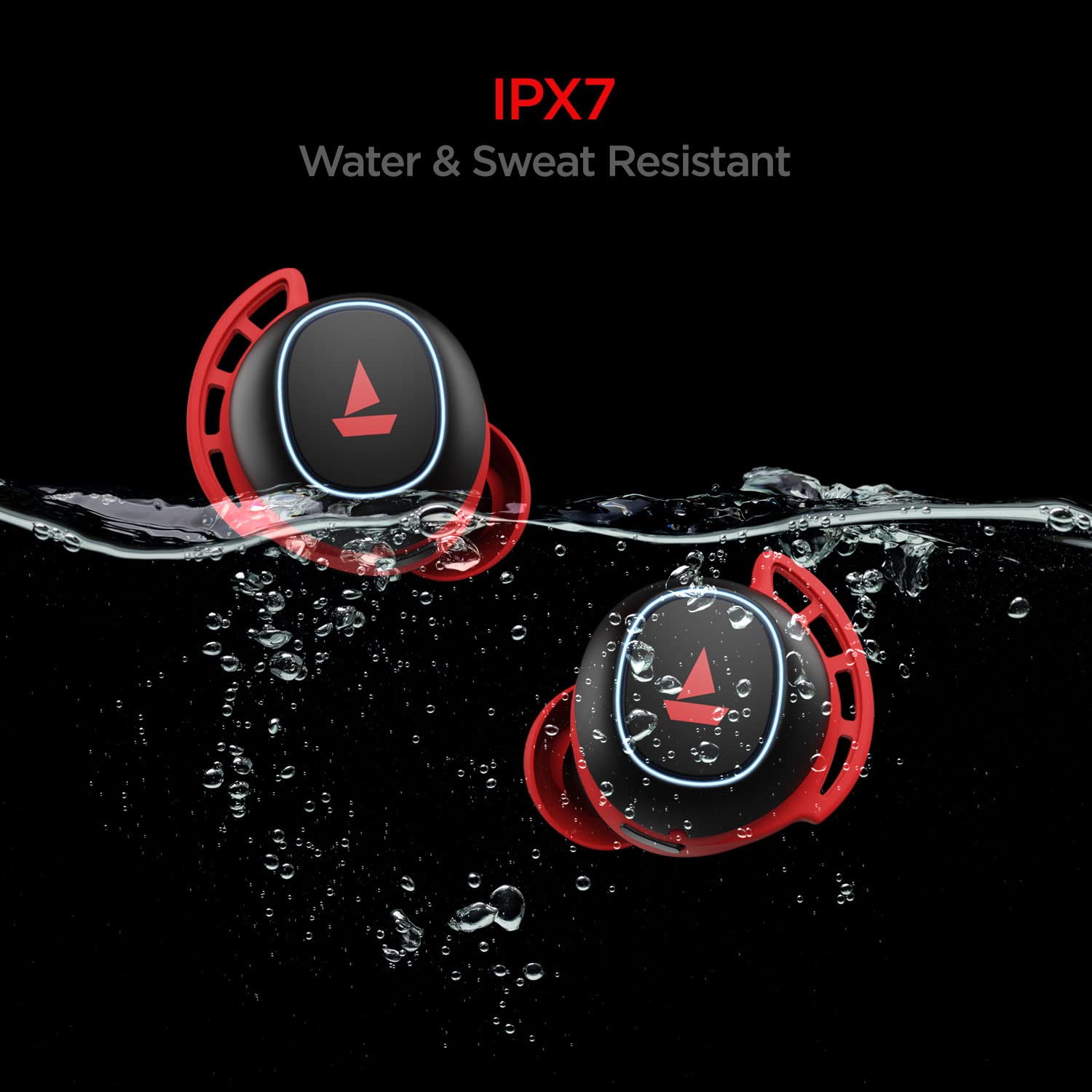
Image: The earbuds are IPX7 rated, making them resistant to water and sweat.

Image: The earbuds feature a premium grade silicone design for a secure and comfortable fit.
4. Configurazione e associazione
First-Time Use & Power On
- Open the lid of the charging case. The earbuds will automatically power on and enter connection mode.
- Ensure Bluetooth is enabled on your phone/media device.
- Scan for available devices and select "Airdopes 441P" to pair.
Video: A visual guide demonstrating the initial power-on and pairing process for the boAt Airdopes 441 Pro earbuds.
Instant Wake N’ Pair (IWP)
After initial pairing, the IWP Technology allows the earbuds to automatically power on and connect to the previously paired device simply by opening the charging case lid.
Utilizzo di un singolo auricolare (modalità mono)
Both earbuds can be used independently in mono mode. To use a single earbud, simply take one out of the charging case. It will automatically connect if previously paired. Alternatively, you can manually power on the desired earbud.
5. Istruzioni per l'uso
Controlli touch capacitivi
- Riproduci/Pausa musica: Single tap the capacitive touch control on either earbud.
- Traccia successiva: Double tap the right earbud's capacitive touch control.
- Traccia precedente: Double tap the left earbud's capacitive touch control.
- Rispondi/Riaggancia alla chiamata: Single tap the capacitive touch control on either earbud.
- Rifiuta chiamata: Long touch the capacitive touch control on either earbud for 2 seconds.
- Attiva l'assistente vocale: Long touch the capacitive touch control on either earbud for 2 seconds.
Video: This video demonstrates various touch controls for calls, music playback, and voice assistant activation.
Spegnimento manuale
To manually power off the earbuds, long touch the capacitive touch control (CTC) on either earbud for 5 seconds until the green indicator LED blinks before the earbuds turn off.
6. Ricarica
Ricarica degli auricolari
Place both earbuds back inside the charging case in the correct orientation. A green LED will indicate that the earbuds are being charged. Once fully charged, the LED turns into a steady blue light.
Ricarica della custodia
To charge the case, plug one end of the Type-C cable into the case's charging port and connect the other end to a computer or a wall adapter. The charging time for the case is approximately 1.5 hours.
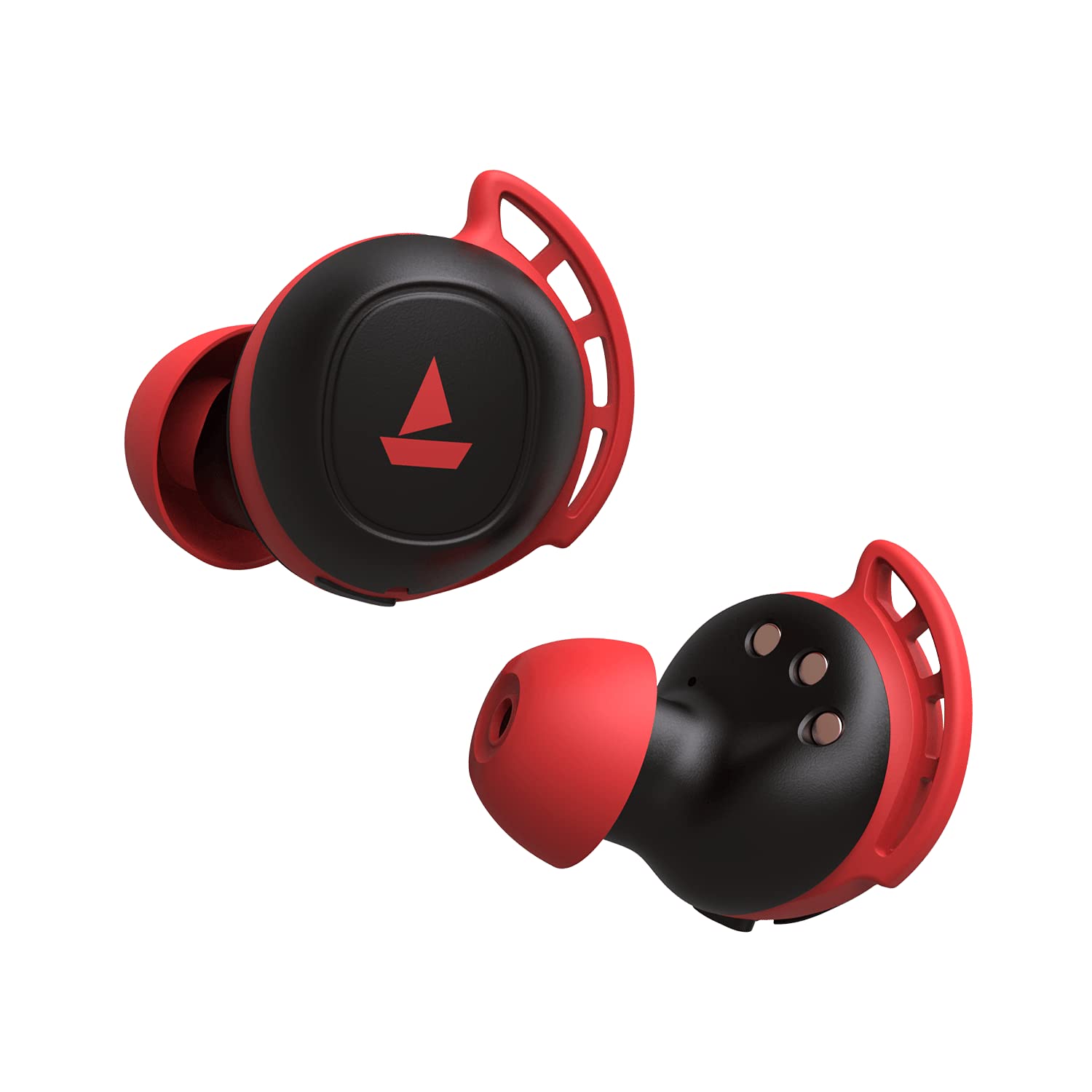
Image: The charging case with earbuds inside, indicating charging status.
7. Funzione Power Bank
The boAt Airdopes 441 Pro charging case features a 2600mAh battery, which can double as a power bank. In case of emergency, if your phone runs out of battery, you may utilize the charging case to provide a temporary charge to your device via its USB-A output port.
Image: The charging case can act as a power bank to charge other devices.
8. Manutenzione e cura
- Mantenere gli auricolari e la custodia di ricarica puliti e asciutti.
- Evitare di esporre il dispositivo a temperature estreme.
- Use a soft, dry cloth for cleaning. Do not use harsh chemicals.
- Conservare in luogo fresco e asciutto quando non in uso.
- Ensure earbud tips fit snugly for optimal sound quality and comfort. Replace with additional ear tips if needed.
9. Risoluzione Dei Problemi
Nessun suono/scarsa qualità del suono
- Assicurati che gli auricolari siano posizionati correttamente nelle orecchie. Prova inserti auricolari di diverse dimensioni.
- Check if the earbuds are correctly paired with your device.
- Verify the volume level on both the earbuds and your connected device.
Problemi di connessione
- Ensure Bluetooth is enabled on your device and the earbuds are within the 10-meter operating range.
- Prova a disassociare e riassociare gli auricolari al tuo dispositivo.
- Se il problema persiste, esegui un ripristino delle impostazioni di fabbrica.
Ripristino delle impostazioni di fabbrica
Per eseguire un ripristino delle impostazioni di fabbrica:
- Place both earbuds back into the charging case in the correct orientation.
- Triple tap the capacitive touch control on both earbuds.
- Once done, it is indicated by alternate green and blue LED flashes.
- Shut the lid of the charging case and then re-open it again. The earbuds will automatically restart, and the reset is complete.
Video: This video demonstrates the steps to perform a factory reset on the boAt Airdopes 441 Pro earbuds.
10. Specifiche
| Caratteristica | Specificazione |
|---|---|
| Nome del modello | Airdope 441 Pro |
| Tecnologia di connettività | Bluetooth 5.0 |
| Tecnologia di comunicazione wireless | Veramente wireless |
| Tipo di driver audio | Driver dinamico (6 mm) |
| Controllo del rumore | Isolamento acustico |
| Livello di resistenza all'acqua | IPX7 (resistente all'acqua) |
| Durata della batteria (auricolari) | 5 ore per carica |
| Riproduzione totale (con custodia) | Fino a 150 ore |
| Interfaccia di ricarica | Tipo C |
| Tempo di ricarica | 1.5 ore |
| Metodo di controllo | Tocco, controllo vocale |
| Distanza operativa massima | 10 metri |
| Peso dell'articolo | 190 grammi |
11. Garanzia e supporto
The boAt Airdopes 441 Pro comes with a Garanzia di 1 anno dalla data di acquisto. Per i termini e le condizioni dettagliate, consultare la scheda di garanzia inclusa.
For any support or service-related queries, please contact boAt customer service or visit their official websito.


