1. Introduzione
The INNOVA 6000P is a compact Bluetooth OBD2 diagnostic dongle designed to monitor, diagnose, and maintain 1996 and newer vehicles. This tool, paired with the RepairSolutions2 mobile application, provides comprehensive vehicle health information, diagnostic trouble code reading, and live data streaming capabilities.
2. Informazioni sulla sicurezza
Always exercise caution when working on a vehicle. Ensure the vehicle is in a safe, well-ventilated area. Do not attempt to operate the device or perform diagnostics while driving. Refer to your vehicle's service manual for specific safety procedures.
3. Contenuto della confezione
- INNOVA 6000P OBD2 Bluetooth Diagnostic Dongle
- Manuale dell'utente (questo documento)
4. Specifiche
| Numero di modello | 6000P |
| Marca | Innova |
| Connettività | Bluetooth |
| Sistemi operativi compatibili | iOS, Android (via RepairSolutions2 and Gauged apps) |
| Compatibilità del veicolo | Most 1996 and newer domestic, Asian, and European vehicles (OBD2 compliant) |
| Fonte di alimentazione | Porta OBD2 del veicolo |
| Dimensioni | Circa 7.36 x 3.35 x 2.24 pollici |
| Peso | Circa 1.08 libbre |
5. Guida all'installazione
Scarica e installa l'app: Cercare "RepairSolutions2" in your device's app store (Apple App Store for iOS or Google Play Store for Android) and install it. The "Gauged" app is also compatible for live data display.

Image: Step 1 - Download the RepairSolutions2 app. This image shows a smartphone screen with the RepairSolutions2 app icon and options to download from Google Play or the App Store.
Locate and Insert the OBD2 Dongle: The OBD2 port is typically located under the dashboard on the driver's side. Firmly plug the INNOVA 6000P dongle into the vehicle's OBD2 port.

Image: Step 2 - Inserting the INNOVA 6000P dongle into the OBD2 port. The dongle is black with a clear top, and a green light is visible, indicating it is powered on.
Avviare il motore: Turn the vehicle's ignition to the 'ON' position or start the engine to ensure the OBD2 port is powered.
Connessione tramite Bluetooth: Ensure Bluetooth is enabled on your mobile device. Open the RepairSolutions2 app. The app will guide you through connecting to the INNOVA 6000P dongle via Bluetooth. Select the device from the list when prompted.

Image: Step 3 - Connecting the device via Bluetooth. A hand holds a smartphone displaying live data from the RepairSolutions2 app, with a Bluetooth icon indicating connection.
Inizia la scansione: Once connected, the app will prompt you to start scanning for diagnostic information. Follow the on-screen instructions to perform a vehicle health scan.
Note importanti:
- Ensure Wi-Fi and Bluetooth are enabled on your mobile device.
- An online account setup may be required for certain app functions.
- Always use the latest version of the RepairSolutions2 app for optimal performance.
6. Istruzioni per l'uso
6.1. Lettura e cancellazione dei codici di errore
The INNOVA 6000P, through the RepairSolutions2 app, can read and clear various diagnostic trouble codes (DTCs).
- Spia di controllo motore (CEL): Read and clear powertrain-related codes.
- ABS/Brakes Codes: Diagnose and clear Anti-lock Braking System codes.
- SRS/Airbag Codes: Diagnose and clear Supplemental Restraint System codes.
- TPMS/Tire Codes: For some specific vehicles, Tire Pressure Monitoring System codes can be read.
To read codes, perform a scan as described in the Setup Guide. The app will display any detected codes along with their definitions. To clear codes, navigate to the appropriate section within the app and follow the prompts. Clearing codes will turn off the associated warning lights, but the underlying issue must be resolved to prevent them from reappearing.
6.2. All System Network Scan
Beyond basic engine, ABS, and SRS modules, the 6000P can perform a comprehensive scan of all accessible Electronic Control Units (ECUs) in your vehicle. This helps uncover problems in other systems.
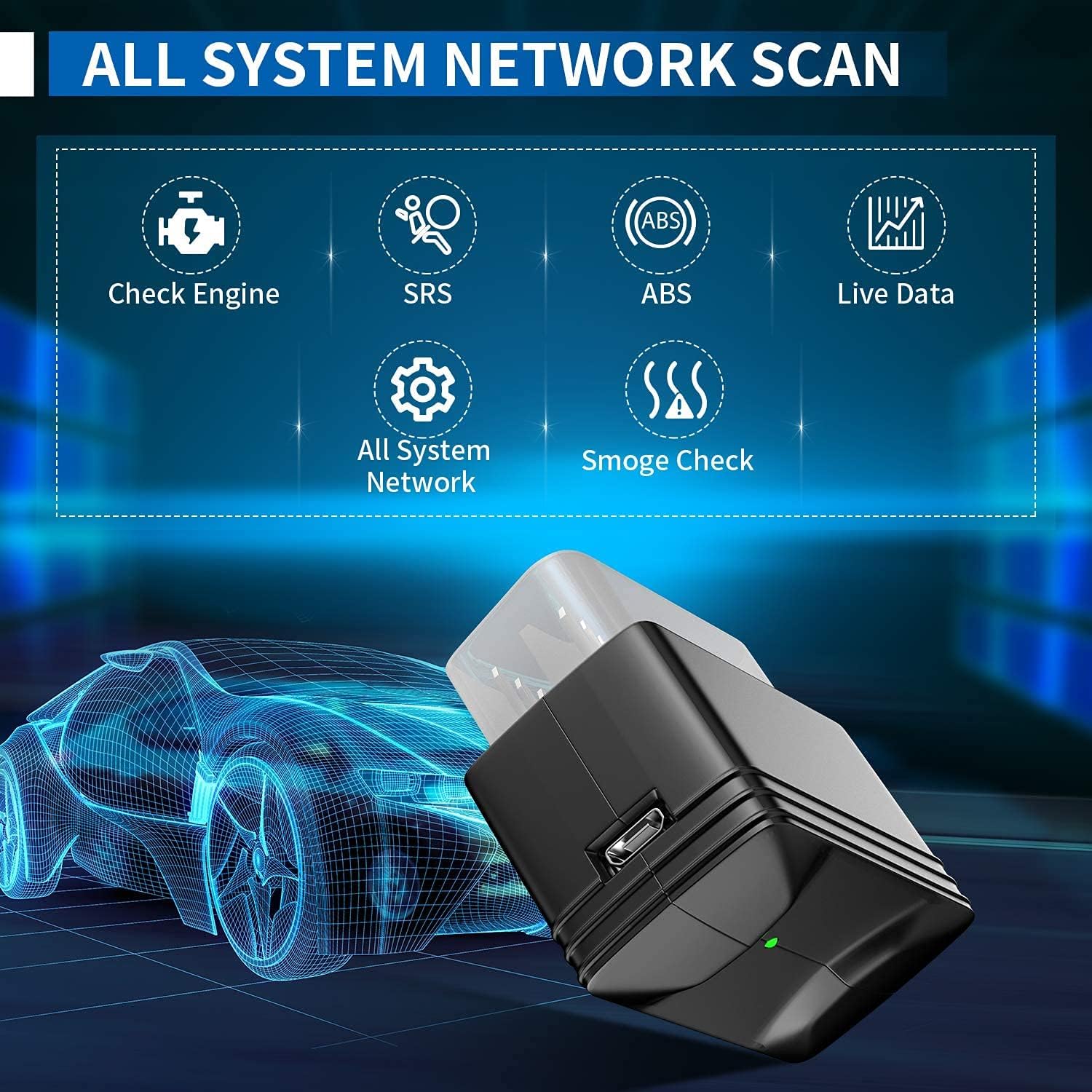
Image: All System Network Scan. The RepairSolutions2 app interface shows a list of vehicle modules and their diagnostic status, indicating a comprehensive scan.
6.3. Viewflusso di dati in tempo reale
The device allows you to monitor your vehicle's health in real-time by viewing live data streams. This includes parameters such as engine RPM, intake air temperature, oxygen sensor output, and more.
- Customize the dashboard with various displays and colors.
- Log and export live data as a file per ulteriori analisi.

Image: Live Data Stream. The RepairSolutions2 app shows real-time graphs of various engine parameters, such as engine load, coolant temperature, and fuel trim.
6.4. Diagnostic Reports and Maintenance
The RepairSolutions2 app provides additional features to assist with vehicle maintenance:
- Rapporto diagnostico: Generate and print detailed diagnostic reports of your vehicle's condition.
- Predicted Repairs: Access information on common repairs associated with detected codes.
- Manutenzione programmata: Keep track of and receive reminders for routine vehicle maintenance.
- Technical Service Bulletins (TSBs) / Recalls: View relevant TSBs and safety recalls for your vehicle.

Image: RepairSolutions2 App Interface. A hand holds a smartphone showing the main menu of the RepairSolutions2 app, highlighting features like report history and support.
7. Manutenzione
The INNOVA 6000P dongle requires minimal maintenance. Keep the device clean and free from dust and moisture. Store it in a cool, dry place when not in use. Ensure the OBD2 connector pins are clean and undamaged.
Regularly update the RepairSolutions2 app to ensure you have the latest features, vehicle coverage, and bug fixes. Firmware updates for the dongle, if available, will typically be managed through the app.
8. Risoluzione Dei Problemi
8.1. Device LED Light Not Turning On
If the LED light on the INNOVA 6000P dongle does not illuminate when plugged into the vehicle, it indicates a lack of power.
- Check Vehicle Accessory Fuses: The device is powered by the vehicle's accessory fuses. A blown fuse will prevent the dongle from receiving power. Inspect and replace any blown accessory fuses.
- Assicurare una connessione corretta: Verify the dongle is firmly seated in the OBD2 port.
- Potenza del veicolo: Ensure the vehicle's ignition is in the 'ON' position or the engine is running. The tool requires power from the vehicle to establish a connection.
8.2. Impossibile connettersi tramite Bluetooth
- Bluetooth abilitato: Confirm Bluetooth is turned on for your mobile device.
- Autorizzazioni app: Ensure the RepairSolutions2 app has necessary Bluetooth permissions.
- Riavvia app/dispositivo: Close and reopen the app, or restart your mobile device.
- Ripara dispositivo: In your mobile device's Bluetooth settings, "forget" the INNOVA 6000P and attempt to pair it again through the RepairSolutions2 app.
8.3. App Not Scanning or Displaying Data
- Accensione del veicolo: Ensure the vehicle's ignition is 'ON' or the engine is running.
- Aggiornamenti app: Verify the RepairSolutions2 app is updated to the latest version.
- Conto in linea: Some functions may require an active online account and internet connection.
- Compatibilità del veicolo: Confirm your vehicle is OBD2 compliant (most 1996 and newer vehicles). Check the emissions label under the hood or near the radiator.
9. Garanzia e supporto
INNOVA provides a Garanzia di 1 anno for the 6000P device. Support is available in the U.S.A. by ASE Certified Technicians.
Orari del servizio clienti:
- Disponibilità: 6 days a week, Monday - Saturday
- Ore: 6 AM - 6 PM PST
Informazioni sui contatti:
- Telefono: (800) 544-4124
- E-mail: support@innova.com
- Chat dal vivo: Visita innova.com/support
For vehicle coverage information, please visit innova.com/coverage.
Video: INNOVA 6000P Bluetooth OBD2 Scan Tool OverviewQuesto video fornisce una panoramicaview of the INNOVA 6000P Bluetooth OBD2 Scan Tool, demonstrating its features for all systems, including SRS and ABS diagnostics.


