Introduzione
The Sengled Smart Light Bulb offers advanced smart lighting capabilities, including color changing, dimming, and voice control via Alexa and Bluetooth Mesh technology. Designed for ease of use, this bulb integrates seamlessly into your smart home ecosystem, providing convenient and customizable lighting solutions.

The Sengled Smart Light Bulb, shown with its packaging, highlights its multicolor capabilities and compatibility with Alexa.
Impostare
The Sengled S1 Auto Pairing Kit simplifies the setup process. No registration or third-party account is required. Simply twist in the smart bulbs, and they will be ready for use with your Alexa devices in seconds.
Abbinamento iniziale
- Ensure your Alexa Echo device is updated to the latest software version. You can say, "Alexa, check for updates!"
- Screw the Sengled Smart Light Bulb into a standard E26/A19 light socket.
- Power on the light bulb.
- Open the Alexa App on your smartphone or tablet.
- Navigate to the "Devices" section and tap the "+" icon to add a new device.
- Select "Light" from the device types, then choose "Sengled" as the brand.
- Confirm that your Sengled Light has a Bluetooth logo and is powered on.
- Alexa will begin searching for and connecting to the new bulb. This process may take up to a minute.
- Once connected, you can assign the bulb to a room or group for easier control.

Key features of the Sengled Smart Light Bulb, including auto-pairing, dimmability, and voice control.

A comparison illustrating the simplified auto-pairing process of Sengled bulbs versus traditional Wi-Fi/Zigbee setups.
Video di installazione ufficiale
This video demonstrates how to connect a BLE Mesh device, such as the Sengled Smart Light Bulb, with an Amazon Alexa device.
Istruzioni per l'uso
Controllo vocale
Utilize hands-free voice commands through your Alexa device to control the smart light bulb. You can turn it on/off, adjust brightness, and change colors. For example, say "Alexa, turn on the light" or "Alexa, set light to blue."
Controllo dell'app
Control your Sengled smart bulb remotely from anywhere using the Alexa App. This allows you to manage settings, track energy usage, and create routines even when you're away from home.
A woman using voice commands to control her smart light bulb from bed.
Remote control of smart lights via a smartphone app, allowing management from any location.
Dimmable and Color Changing
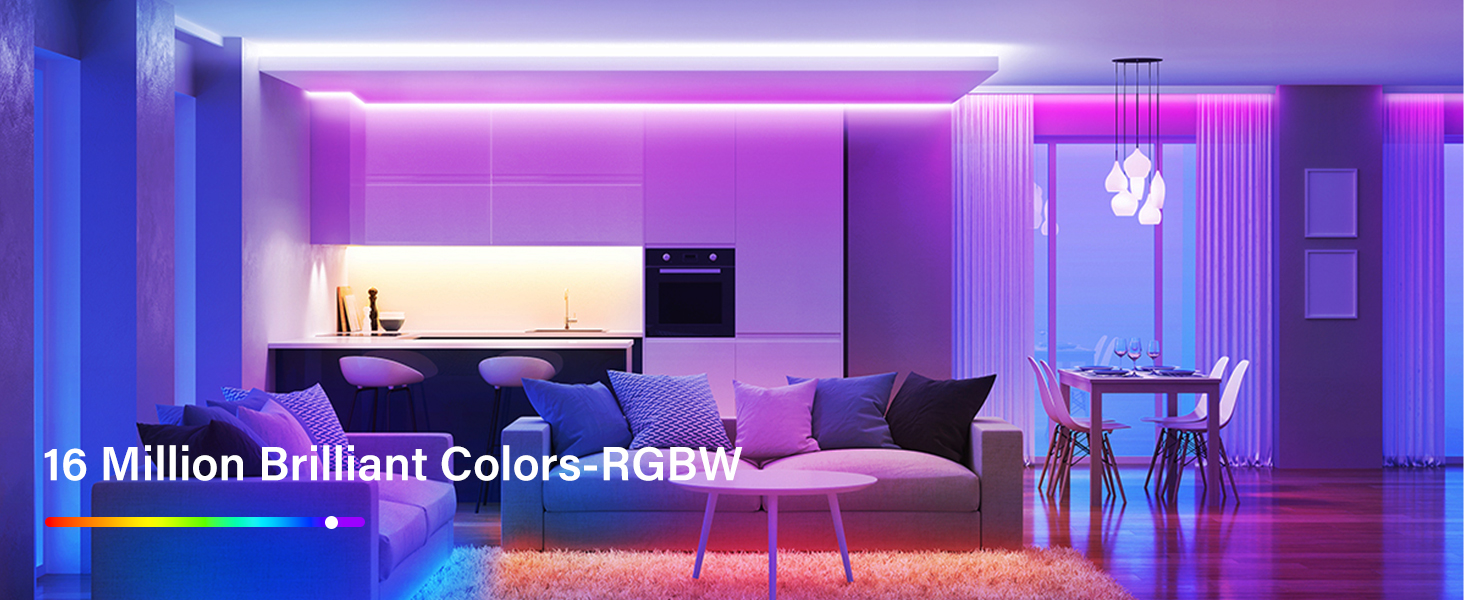
The smart light bulb offers a dimmable range from 5% to 100%, allowing you to set the perfect ambiance for any time of day. With 16 million colors available, you can customize your lighting to suit your mood or occasion.

Illustration of the dimmable feature, showing varying light intensities.

The bulb supports custom scenes and offers 16 million colors for diverse lighting effects.
Rete mesh Bluetooth
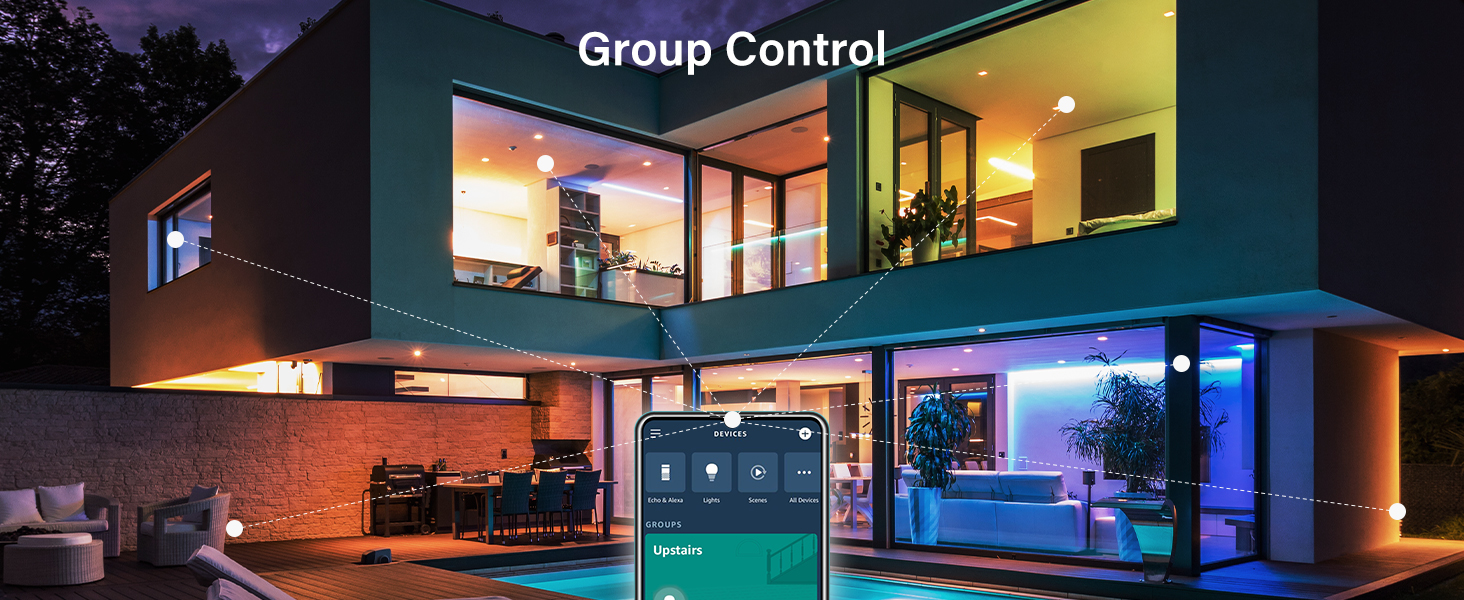
Sengled's Bluetooth Low Energy (BLE) Mesh technology allows for extended range and stable connections. Each connected bulb acts as a node, extending the Bluetooth signal throughout your home, enabling whole-home installations without relying on a central hub.
An illustration of group control in a smart home setting, demonstrating how multiple lights can be managed together.

Diagram showing how Bluetooth Mesh extends the reach of smart lighting throughout a home.
Manutenzione
To ensure optimal performance and longevity of your Sengled Smart Light Bulb, keep it free from dust and debris. Gently wipe the bulb with a soft, dry cloth when it is powered off and cool. Avoid using liquid cleaners or abrasive materials, as these can damage the bulb's surface or internal components. Ensure proper ventilation around the bulb to prevent overheating.
Risoluzione dei problemi
Re-pairing After Power Interruption
If the bulb loses power (e.g., due to a wall switch being turned off, power outage), it may lose its pairing with Alexa. To re-pair:
- Assicurarsi che la lampadina sia accesa.
- In the Alexa App, initiate a "Discover Devices" routine.
- While Alexa is searching, quickly turn the light switch on and off five times (each cycle less than a second).
- After the fifth cycle, turn the bulb on. The bulb should blink or dim to indicate successful re-pairing.
For more detailed troubleshooting steps and solutions to common issues, please refer to the official User Manual PDF available for download.
Specifiche
| Caratteristica | Dettaglio |
|---|---|
| Marca | Scelto |
| Tipo di luce | GUIDATO |
| Caratteristica speciale | Dimmerabile, cambia colore |
| Cosatage | 8.7 watt |
| Forma della lampadina Dimensioni | A19 |
| Base della lampadina | E26 |
| Incandescente Equivalente Wattage | 60 Watt |
| Colore chiaro | Multicolor (16 Million) |
| Voltage | 120 Volt |
| Luminosità | 800 lumen |
| Tecnologia di connettività | Wireless (Bluetooth Mesh) |
| Tipo di controllore | Amazon Alexa |
| Indice di resa cromatica | 90 |
| Peso dell'articolo | 2.4 once |
| Dimensioni del prodotto | 2.35"L x 4.3"A |
| Nome del modello | B11-N1EW |
Garanzia e supporto
Sengled offers a worry-free 36-month (3-year) warranty for this product. For any assistance or inquiries, friendly customer service is available based in the U.S.
For comprehensive information, including detailed troubleshooting guides and additional product details, please refer to the official User Manual:


