1. Introduzione
The Rapoo MT550 is a versatile multi-device wireless mouse designed for enhanced productivity and comfort. This manual provides detailed instructions for setting up, operating, and maintaining your MT550 mouse, ensuring optimal performance across various devices.
Le caratteristiche principali includono:
- Multi-device connectivity (Bluetooth 3.0, Bluetooth 4.0, and 2.4G wireless)
- Adjustable DPI settings (600/1000/1300/1600)
- Design ergonomico per un utilizzo confortevole
- Long battery life of up to 12 months
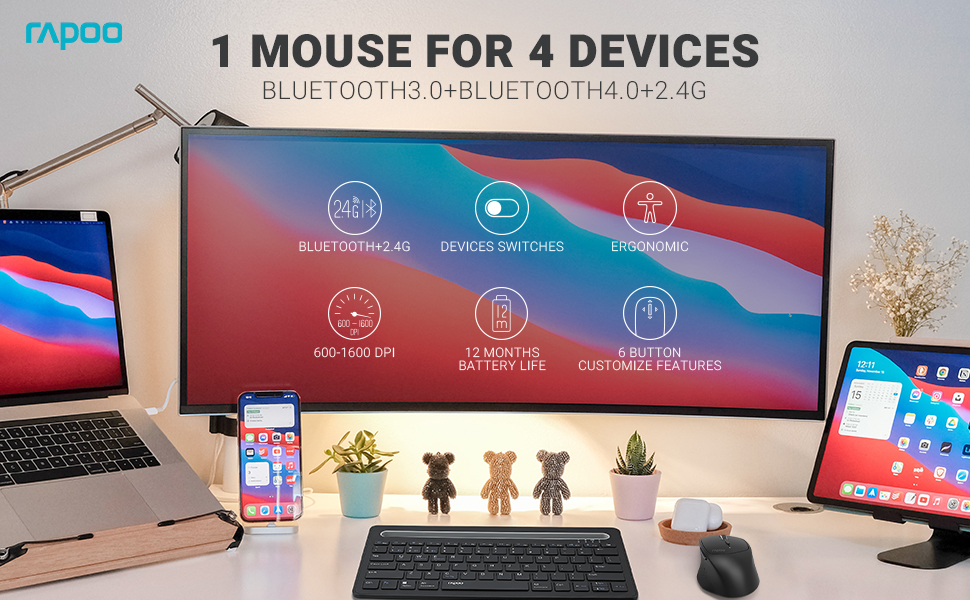
Image: The Rapoo MT550 mouse, highlighting its design for endurance, versatility, and comfort.
2. Impostazione
2.1. Installazione della batteria
The Rapoo MT550 mouse requires two AA batteries (included). To install:
- Individuare il coperchio del vano batteria sul lato inferiore del mouse.
- Far scorrere il coperchio per aprirlo.
- Inserire due batterie AA, assicurandosi della corretta polarità (+/-).
- Chiudere il coperchio del vano batterie.
2.2. Connessione tramite wireless 2.4G (ricevitore USB)
For a 2.4G wireless connection:
- Accendere il mouse utilizzando l'interruttore ON/OFF posto nella parte inferiore.
- Locate the USB receiver stored in the battery compartment.
- Inserisci il ricevitore USB in una porta USB disponibile sul tuo computer.
- The mouse should automatically connect. If not, press the device switch button until the indicator for channel 4 (usually indicated by a specific light pattern or number) is active.
2.3. Connessione tramite Bluetooth
The Rapoo MT550 supports up to three Bluetooth connections. To connect:
- Accendere il mouse utilizzando l'interruttore ON/OFF.
- Short press the device switch button to select a Bluetooth channel (1, 2, or 3). The corresponding indicator light will illuminate.
- Press and hold the Bluetooth pairing button (often located near the device switch button) for approximately 3 seconds until the indicator light for the selected channel starts flashing rapidly. This indicates the mouse is in pairing mode.
- Sul tuo dispositivo (computer, laptop, tablet, telefono), attiva il Bluetooth e cerca nuovi dispositivi.
- Select "Rapoo MT550" from the list of available devices to complete the pairing process.
- Repeat these steps to pair with up to two additional Bluetooth devices on channels 2 and 3.

Image: Labeled diagram of the Rapoo MT550 mouse, indicating the location of the ON/OFF switch, Bluetooth button, device switch button, battery slot, USB receiver, DPI button, scroller, and other buttons.
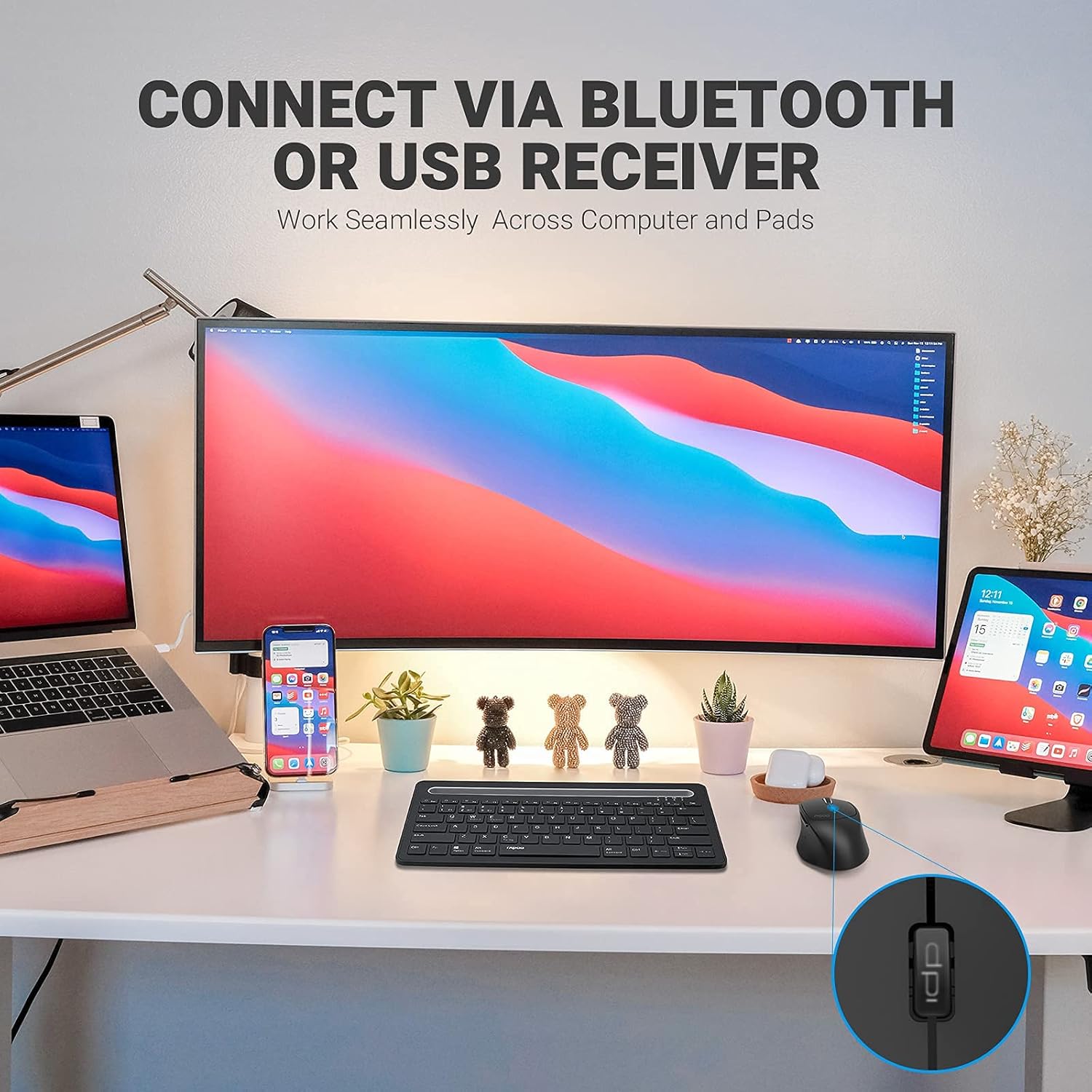
Image: A workstation demonstrating the Rapoo MT550 mouse connecting to multiple devices via Bluetooth or USB receiver.
3. Istruzioni per l'uso
3.1. Passaggio da un dispositivo all'altro
Per passare da un dispositivo all'altro:
- Short press the device switch button located on the underside of the mouse.
- Each press will cycle through the connected channels (1, 2, 3 for Bluetooth, 4 for 2.4G USB receiver). The corresponding indicator light will show the active channel.
3.2. Regolazione DPI (sensibilità)
The MT550 mouse features four adjustable DPI settings for precise control:
- Press the DPI button, located behind the scroll wheel, to cycle through the available settings: 600, 1000, 1300, and 1600 DPI.
- The indicator light will briefly change to reflect the selected DPI level.

Immagine: Primo piano view of the DPI button on the Rapoo MT550 mouse, with the indicator light showing the current DPI setting.
3.3. Using Forward/Back Buttons
The two thumb buttons on the side of the mouse provide quick navigation:
- The forward button advances to the next page or folder.
- The back button returns to the previous page or folder.
4. Manutenzione
4.1. Pulizia
Per mantenere l'aspetto e la funzionalità del mouse:
- Utilizzare un panno morbido e asciutto per pulire la superficie del mouse.
- Evitare l'uso di prodotti chimici aggressivi, detergenti abrasivi o solventi, poiché potrebbero danneggiare la finitura.
4.2. Sostituzione della batteria
When the low battery indicator appears or the mouse becomes unresponsive, it's time to replace the batteries:
- Seguire i passaggi per l'installazione della batteria descritti nella Sezione 2.1.
- Ensure you use two fresh AA batteries and insert them with the correct polarity.
4.3. Conservazione
Quando non lo si utilizza per lunghi periodi, conservare il mouse in un ambiente fresco e asciutto, lontano dalla luce solare diretta e da temperature estreme.
5. Risoluzione Dei Problemi
If you encounter issues with your Rapoo MT550 mouse, refer to the following troubleshooting steps:
5.1. Il mouse non risponde
- Controlla la potenza: Ensure the mouse is turned on using the ON/OFF switch.
- Controllare le batterie: Verify that the batteries are correctly installed and have sufficient charge. Replace them if necessary.
- Ricevitore 2.4G: For 2.4G connection, ensure the USB receiver is securely plugged into a working USB port on your computer. Try a different USB port.
- Connessione Bluetooth: For Bluetooth, ensure Bluetooth is enabled on your device and the mouse is paired to the correct channel. Try re-pairing the mouse if the connection is lost.
5.2. Connessione intermittente o ritardo
- Prossimità: Move the mouse closer to your computer or device to ensure a strong signal.
- Interferenza: Avoid using the mouse near other wireless devices (e.g., Wi-Fi routers, cordless phones) that might cause interference.
- Superficie: Ensure you are using the mouse on a suitable surface. While the MT550 is designed for various surfaces, extreme textures or reflective surfaces can affect tracking.
5.3. DPI non cambia
- Ensure you are pressing the dedicated DPI button, not another button.
- Se il problema persiste, prova a spegnere e riaccendere il mouse.
6. Specifiche
| Dimensioni del prodotto | 3.93 x 2.55 x 1.57 pollici |
| Peso dell'articolo | 5.3 once |
| Batterie | 2 batterie AA (incluse) |
| Tecnologia di connettività | Bluetooth (3.0/4.0) and 2.4G Wireless |
| Tecnologia di rilevamento del movimento | Ottico |
| DPI regolabile | 600 / 1000 / 1300 / 1600 |
| Numero di pulsanti | 6 (Left, Right, Scroll, DPI, Forward, Back) |
| Durata della batteria | Fino a 12 mesi (in condizioni normali) |
7. Garanzia e supporto
Rapoo provides the following coverage for your MT550 Multi-Device Wireless Mouse:
- Garanzia: Garanzia di 3 anni senza pensieri.
- Politica di ritorno: Garanzia soddisfatti o rimborsati entro 180 giorni.
For further assistance, technical support, or warranty claims, please visit the official Rapoo websito o contattare il loro servizio clienti.


