Introduzione
This instruction manual provides comprehensive guidance for the Logitech Rally Speaker V-U0048. It covers essential information regarding product setup, operation, maintenance, and troubleshooting to ensure optimal performance and longevity of your device. Please read this manual thoroughly before using the speaker.
Contenuto della confezione
Prima di procedere con la configurazione, verificare che tutti i componenti siano presenti nella confezione:
- Logitech Rally Speaker V-U0048
- Required Cables (as included with the product)
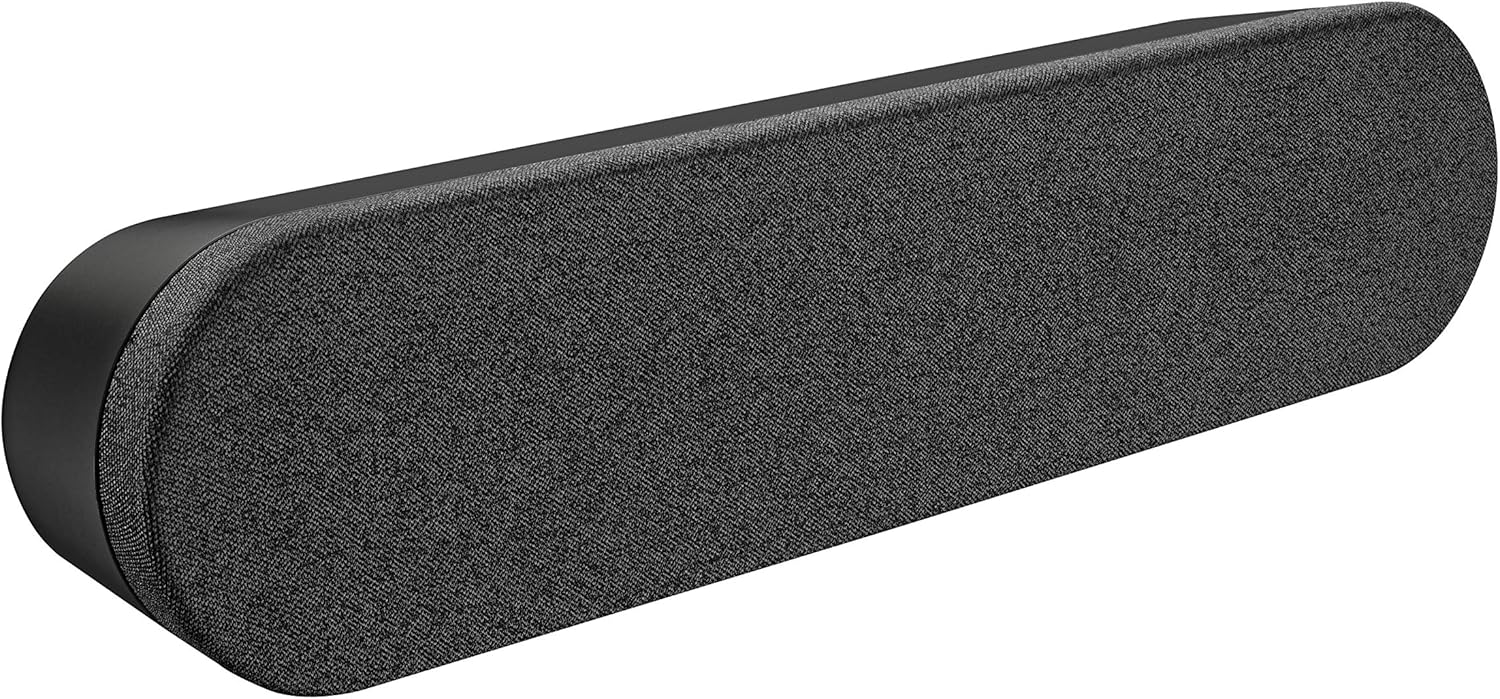
Image: The Logitech Rally Speaker V-U0048, a sleek black soundbar-like speaker designed for clear audio.
Impostare
Follow these steps to set up your Logitech Rally Speaker V-U0048:
- Posizionamento: Position the speaker on a stable, flat surface, such as a tabletop. Ensure there is adequate space around the speaker for proper ventilation and cable management. The speaker is designed for tabletop mounting.
- Collegamento elettrico: Connect the power cable to the speaker's power input port. Plug the other end of the power cable into a standard electrical outlet. The speaker is powered by a corded electric source.
- Connessione audio: Connect the speaker to your audio source (computer, smartphone, tablet, or television) using the appropriate auxiliary cables. The speaker supports auxiliary connectivity for stereo audio output.
- System Integration (for conference rooms/offices): For use in conference rooms or office environments, integrate the speaker with your existing video conferencing system or computer setup. The speaker is specifically designed for conference room and office use.

Image: A Logitech Rally Speaker positioned on a shelf alongside a Logitech camera, illustrating a typical setup in a professional environment.

Image: A group of professionals in a conference room, actively participating in a video call, with Logitech Rally equipment, including the speaker, integrated into their setup.
Istruzioni per l'uso
The Logitech Rally Speaker V-U0048 features a touch control method for ease of use, primarily managed through the connected source device.
- Accensione/spegnimento: The speaker typically powers on automatically when connected to a power source and an active audio input. Refer to your primary audio source device for power control.
- Controllo del volume: Adjust the volume directly from your connected device (computer, smartphone, etc.). The speaker itself does not have dedicated physical volume controls, relying on the source device for audio level management.
- Riproduzione audio: Once connected and powered, audio from your source device will be played through the speaker. Ensure your device's audio output is directed to the connected auxiliary port.
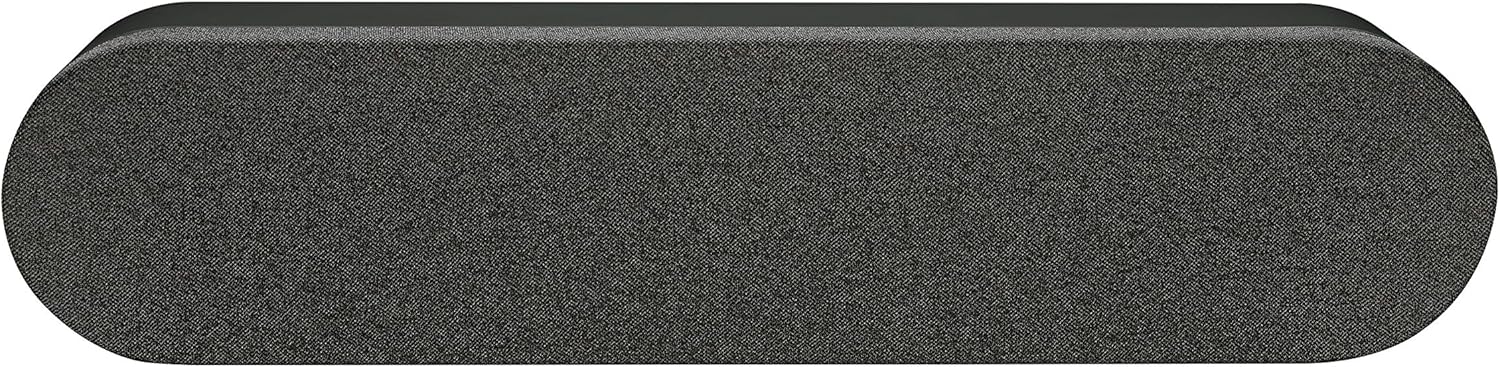
Immagine: dall'alto verso il basso view dell'altoparlante Logitech Rally, mostratoasing its sleek design and the fabric grille covering the speaker components.
Manutenzione
Una corretta manutenzione garantisce la longevità e le prestazioni ottimali del tuo altoparlante.
- Pulizia: Use a soft, dry cloth to clean the exterior of the speaker. Do not use liquid cleaners or abrasive materials, as they may damage the finish.
- Magazzinaggio: Quando non viene utilizzato per lunghi periodi, conservare l'altoparlante in un luogo fresco e asciutto, lontano dalla luce solare diretta e da temperature estreme.
- Condizioni ambientali: The speaker is not waterproof. Avoid exposing it to moisture or liquids.
Risoluzione dei problemi
If you encounter issues with your Logitech Rally Speaker, refer to the following common troubleshooting steps:
| Problema | Possibile causa | Soluzione |
|---|---|---|
| Nessun suono |
|
|
| Audio distorto |
|
|
Specifiche
| Caratteristica | Dettaglio |
|---|---|
| Nome del modello | Rally Speaker V-U0048 |
| Tipo di altoparlante | Scaffale per libri |
| Tecnologia di connettività | Ausiliario |
| Modalità di uscita audio | Stereo |
| Configurazione del canale audio surround | 2.0 |
| Potenza massima in uscita dell'altoparlante | 25 Watt |
| Fonte di alimentazione | Elettrico con cavo |
| Metodo di controllo | Tocco |
| Colore | Nero |
| Tipo di montaggio | Supporto da tavolo |
| Dimensioni del prodotto | 176.77 x 40.55 x 31.5 inches (Note: These dimensions may refer to packaging or a larger system component. The speaker itself is a compact soundbar-like unit.) |
| Peso dell'articolo | 4.22 libbre |
| Produttore | Logitech |
Informazioni sulla garanzia
The Logitech Rally Speaker V-U0048 comes with a Garanzia limitata. For detailed terms and conditions of the warranty, please refer to the official Logitech website or the warranty card included with your original purchase. This product is renewed, and specific warranty terms for renewed products may apply as per Amazon Renewed Guarantee.
Supporto
Per ulteriore assistenza, supporto tecnico o per accedere a risorse aggiuntive, visitare il supporto ufficiale Logitech websito. Lì puoi trovare anche FAQ e forum della community.
Logitech Ufficiale Websito: www.logitech.com


