1. Introduzione
This manual provides essential information for the proper setup, operation, and maintenance of your HP Wireless Mouse S1500. Please read these instructions carefully before using the product to ensure optimal performance and longevity.

Image 1.1: The HP Wireless Mouse S1500, showcasing its ergonomic and lightweight design.
2. Impostazione
2.1 Contenuto della confezione
Assicurati che il tuo pacco contenga i seguenti articoli:
- HP Wireless Mouse S1500
- Ricevitore USB 2.4GHz
- Batteria AA (preinstallata o inclusa separatamente)
2.2 Installazione della batteria
- Individuare il coperchio del vano batteria sul lato inferiore del mouse.
- Per aprire il vano, far scorrere o sollevare il coperchio.
- Inserire una batteria AA, assicurandosi che i terminali positivo (+) e negativo (-) siano allineati correttamente con gli indicatori all'interno del vano.
- Riposizionare il coperchio del vano batterie.
2.3 Collegamento del ricevitore USB

Image 2.1: The HP Wireless Mouse S1500 and its accompanying 2.4GHz USB receiver.
- Remove the USB 2.4GHz receiver from its storage slot, usually located within the battery compartment or on the underside of the mouse.
- Collega il ricevitore USB a una porta USB disponibile sul tuo computer.
- Il computer dovrebbe rilevare e installare automaticamente i driver necessari. Questo processo potrebbe richiedere alcuni istanti.

Image 2.2: The mouse utilizes 2.4GHz wireless technology for a stable connection up to approximately 10 meters.
3. Istruzioni per l'uso
3.1 Funzioni di base
The HP Wireless Mouse S1500 features three standard buttons and a scroll wheel:
- Pulsante sinistro: Funzione di clic primaria, utilizzata per selezionare gli elementi, aprire filee interagire con il software.
- Pulsante destro: Funzione di clic secondario, solitamente utilizzata per aprire i menu contestuali.
- Rotella di scorrimento: Utilizzato per scorrere i documenti e web pagine. Può anche funzionare come pulsante centrale quando viene premuto.

Image 3.1: The HP Wireless Mouse S1500 in use, demonstrating its comfortable fit for daily tasks.
3.2 Ergonomia e portabilità
The S1500 mouse is designed for comfort and ease of use. Its ergonomic shape fits naturally in the hand, and its lightweight construction makes it suitable for extended use and portability.
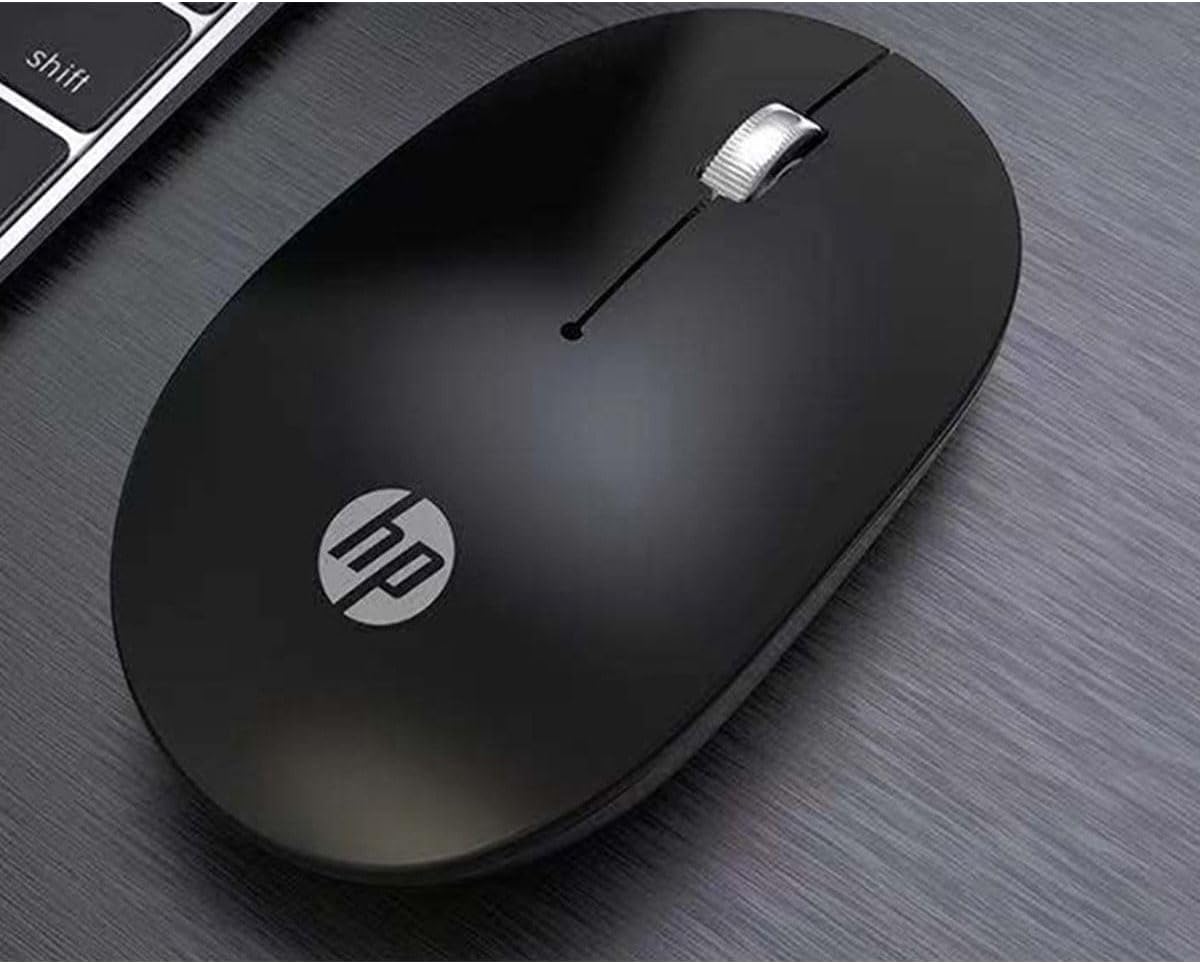
Image 3.2: The HP Wireless Mouse S1500 positioned for use on a typical workspace.
3.3 Gestione dell'alimentazione
The mouse features a smart sleep function combined with energy-saving optimization to extend battery life. If the mouse is inactive for a period, it will enter a low-power sleep mode. To wake it up, simply move the mouse or click any button.

Image 3.3: The HP Wireless Mouse S1500's power management features contribute to long battery life.
4. Manutenzione
4.1 Pulizia
Per pulire il mouse, utilizzare un panno morbido, asciutto e privo di lanugine. Per lo sporco ostinato, utilizzare un panno leggermenteampen the cloth with water. Avoid using harsh chemicals, solvents, or abrasive cleaners, as these can damage the mouse's surface.
4.2 Sostituzione della batteria
When the mouse's performance degrades or it stops responding, it may be time to replace the battery. Follow the steps in Section 2.2 to replace the AA battery.
5. Risoluzione Dei Problemi
5.1 Il mouse non risponde
- Controllare la batteria: Assicurarsi che la batteria AA sia installata correttamente e abbia una carica sufficiente. Sostituirla se necessario.
- Controllare il ricevitore USB: Assicurati che il ricevitore USB sia collegato saldamente a una porta USB funzionante del computer. Prova una porta USB diversa.
- Distanza: Ensure the mouse is within the effective operating range (approximately 10 meters) of the USB receiver.
- Interferenza: Allontanare il mouse e il ricevitore da altri dispositivi wireless o da grandi oggetti metallici che potrebbero causare interferenze.
- Ristabilire la connessione: Some mice have a connect button on the underside. If available, press it and then press the connect button on the receiver (if applicable) to re-establish the connection.
5.2 Movimento irregolare del cursore
- Sensore pulito: Ensure the optical sensor on the underside of the mouse is clean and free from dust or debris.
- Superficie: Use the mouse on a clean, non-reflective, and uniform surface. Avoid highly reflective or transparent surfaces like glass. A mouse pad is recommended.
6. Specifiche
| Caratteristica | Dettaglio |
|---|---|
| Nome del modello | S1500 |
| Marca | HP |
| Tecnologia di connettività | Wireless a 2.4 GHz (ricevitore USB) |
| Rilevamento del movimento | Ottico |
| Quantità del pulsante | 3 (Sinistra, Destra, Rotellina di scorrimento/Centro) |
| Orientamento della mano | Giusto |
| Caratteristiche speciali | Ergonomic Design, Lightweight, Portable, Soundless, Wireless |
| Fonte di alimentazione | 1 batteria AA |
| Dispositivi compatibili | Personal computer |
| Dimensioni del pacco | Dimensioni: 12 x 8.2 x 4.6 cm |
| Peso | 250 g (imballaggio incluso) |
7. Garanzia e supporto
7.1 Informazioni sulla garanzia
This HP product is covered by a limited warranty. For specific warranty terms and conditions, please refer to the warranty card included with your product or visit the official HP support websito. Conservare la prova d'acquisto per eventuali reclami in garanzia.
7.2 Supporto tecnico
Per assistenza tecnica, download di driver o ulteriori informazioni, visitare il sito ufficiale del supporto HP website or contact HP customer service. Contact details can typically be found on the HP websito o nella confezione del prodotto.
HP Ufficiale Websito: www.hp.com