1. Introduzione
Thank you for choosing the ddpai Mini 5 Dash Cam. This manual provides essential information for the proper installation, operation, and maintenance of your device. Please read it carefully before use and retain it for future reference.
Contenuto della confezione
Ensure all items listed below are present in your package. If any item is missing or damaged, please contact customer support.
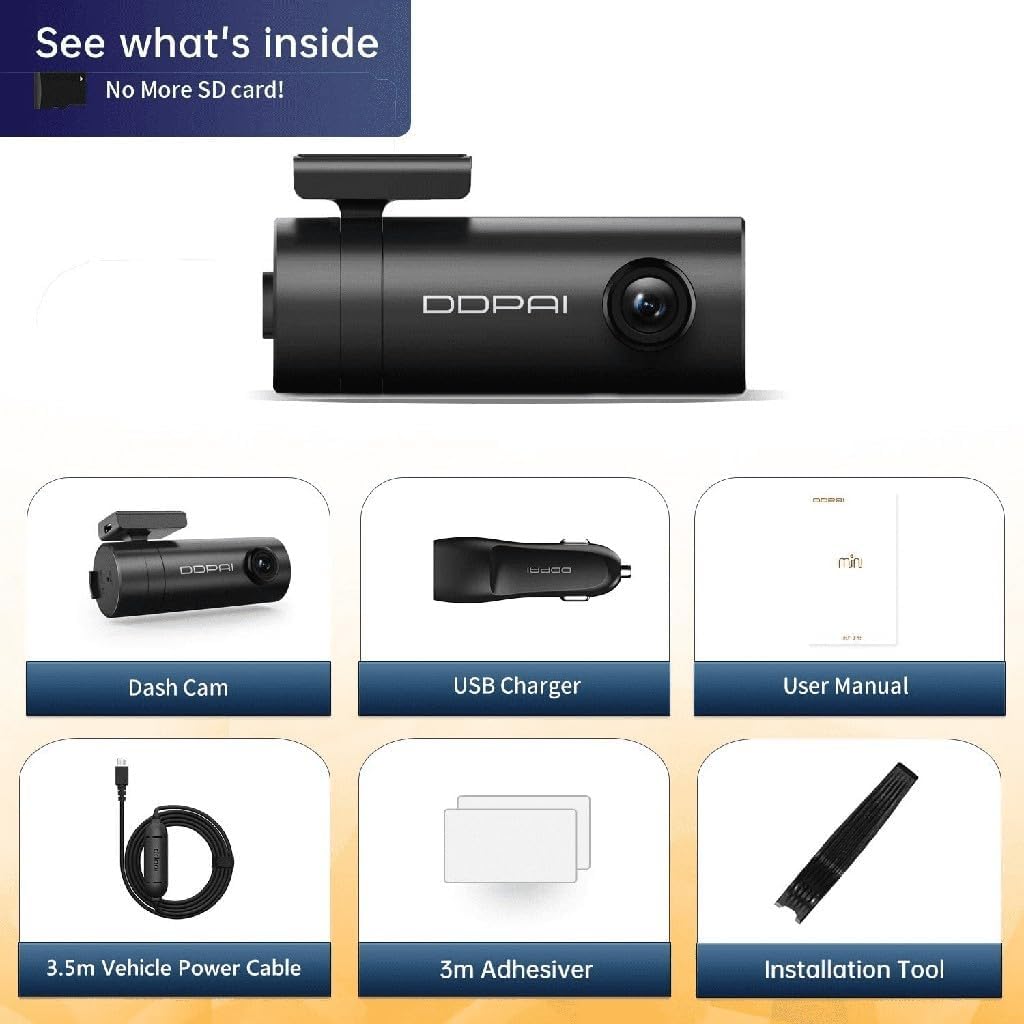
Immagine 1.1: Package Contents. This image displays the ddpai Mini 5 Dash Cam, a USB charger, the user manual, a 3.5m vehicle power cable, 3m adhesive pads, and an installation tool.
- ddpai Mini 5 Dash Cam
- USB Car Charger
- Manuale dell'utente (questo documento)
- Cavo di alimentazione per veicoli da 3.5 m
- 3m Adhesive Pads
- Strumento di installazione
2. Informazioni sulla sicurezza
Per evitare danni al dispositivo o lesioni personali, attenersi alle seguenti norme di sicurezza:
- Non tentare di smontare, riparare o modificare il dispositivo. Ciò potrebbe invalidare la garanzia e comportare rischi per la sicurezza.
- Assicurarsi che il dispositivo sia montato saldamente e non ostruisca la visuale del conducente view o interferire con i comandi del veicolo.
- Use only the provided power cable and charger. Using incompatible accessories may cause damage or fire.
- Avoid exposing the device to extreme temperatures, direct sunlight for prolonged periods, or excessive moisture. The operating temperature range is -20°C to 70°C.
- Mantenere l'obiettivo pulito per garantire registrazioni nitide.
- Non utilizzare il dispositivo durante la guida. Regolare le impostazioni solo quando il veicolo è parcheggiato in sicurezza.
3. Prodotto finitoview
The ddpai Mini 5 is a compact and intelligent dash camera designed to record your journeys in high definition and provide enhanced vehicle security features.
Caratteristiche principali
- Registrazione Full HD 1080p: Cattura video nitidi a 30 fotogrammi al secondo.
- Lente girevole a 330°: Allows for flexible adjustment of the recording angle.
- 140° Largo View Angolo: Covers multiple lanes of traffic.
- Wi-Fi incorporato: Connects to your smartphone for easy video management and settings adjustment via the ddpai app.
- Sensore G (rilevamento collisioni): Automatically detects impacts and locks the current recording to prevent overwriting.
- Modalità parcheggio 24 ore su XNUMX: Monitors your vehicle even when parked, with motion and collision detection (requires optional hardwire kit).
- Visione notturna eccellente: Enhanced low-light performance for clear nighttime recordings.
- Registrazione in loop: Registra continuamente, sovrascrivendo il foo più vecchiotage quando la scheda di memoria è piena.
- Built-in Super Capacitor: Provides reliable power in extreme temperatures and offers a longer lifespan compared to traditional batteries.
- Design discreto: Compact form factor allows for unobtrusive installation behind the rearview specchio.
- Supports up to 128GB Storage: Ample storage for extended recording.
Caratteristiche visive

Immagine 3.1: Caratteristiche principali finiteview. This image highlights the 1080p resolution, 330° rotatable lens, emergency lock function, support for up to 128GB storage, 140° view angle, and super capacitor for reliable power.
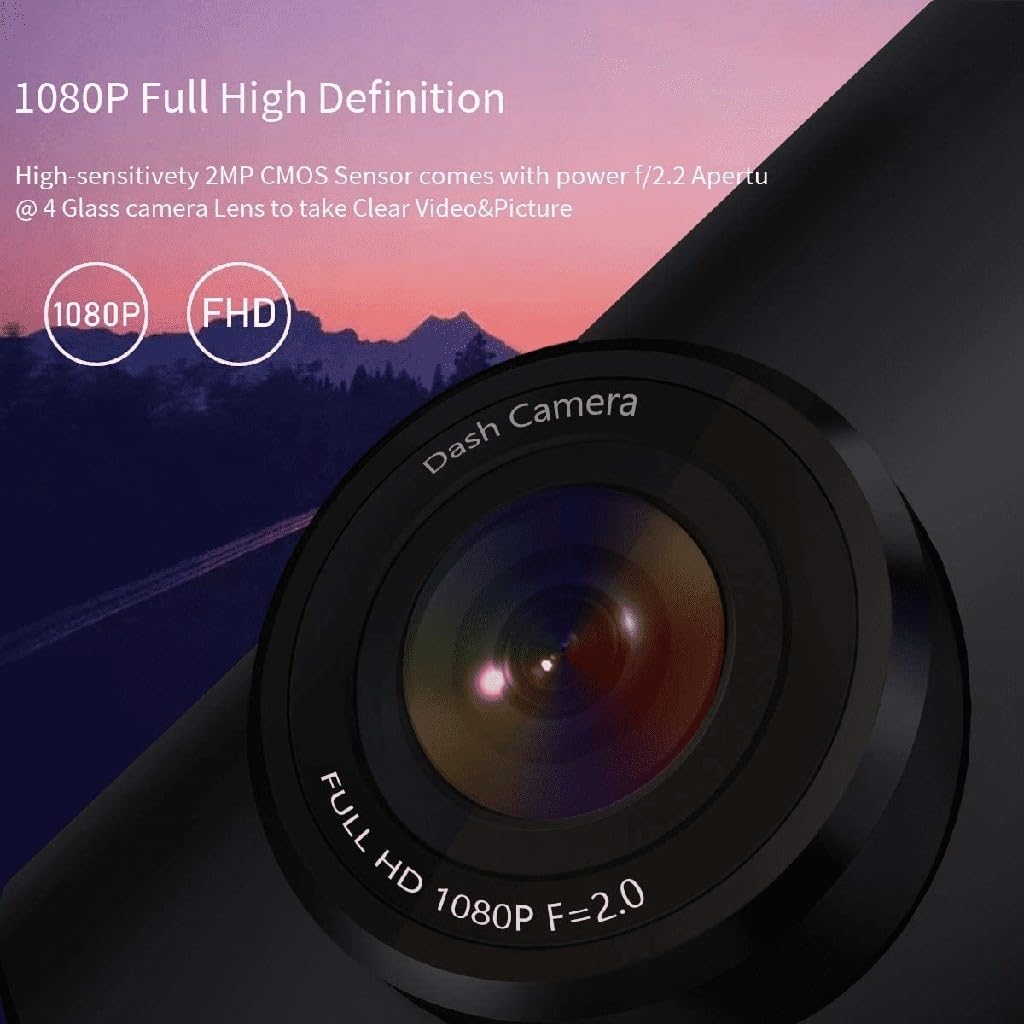
Immagine 3.2: 1080p Full High Definition. This image shows a close-up of the dash cam lens, emphasizing its 1080p Full HD recording capability with an f/2.0 aperture for clear video and pictures.
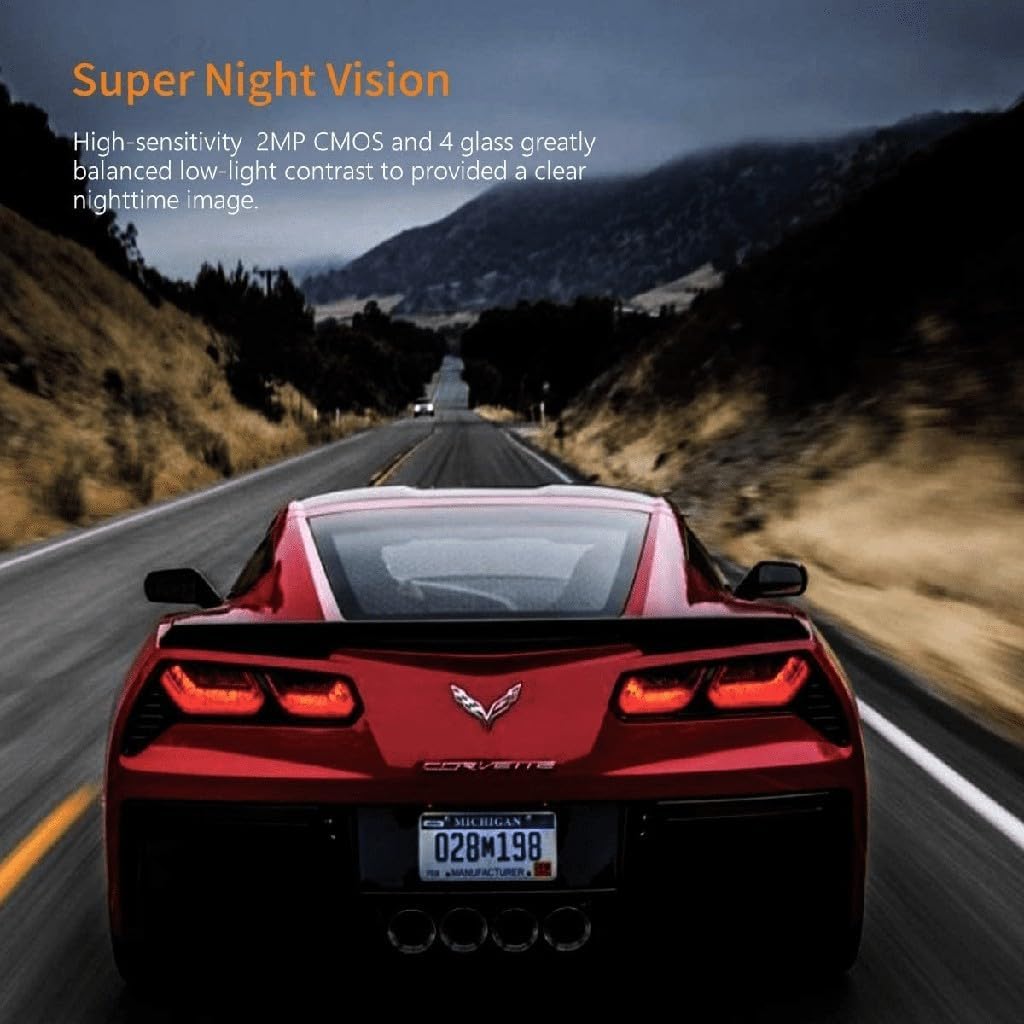
Immagine 3.3: Super Night Vision. This image demonstrates the dash cam's ability to capture clear images in low-light conditions, thanks to its high-sensitivity 2MP CMOS sensor and 4-glass lens.
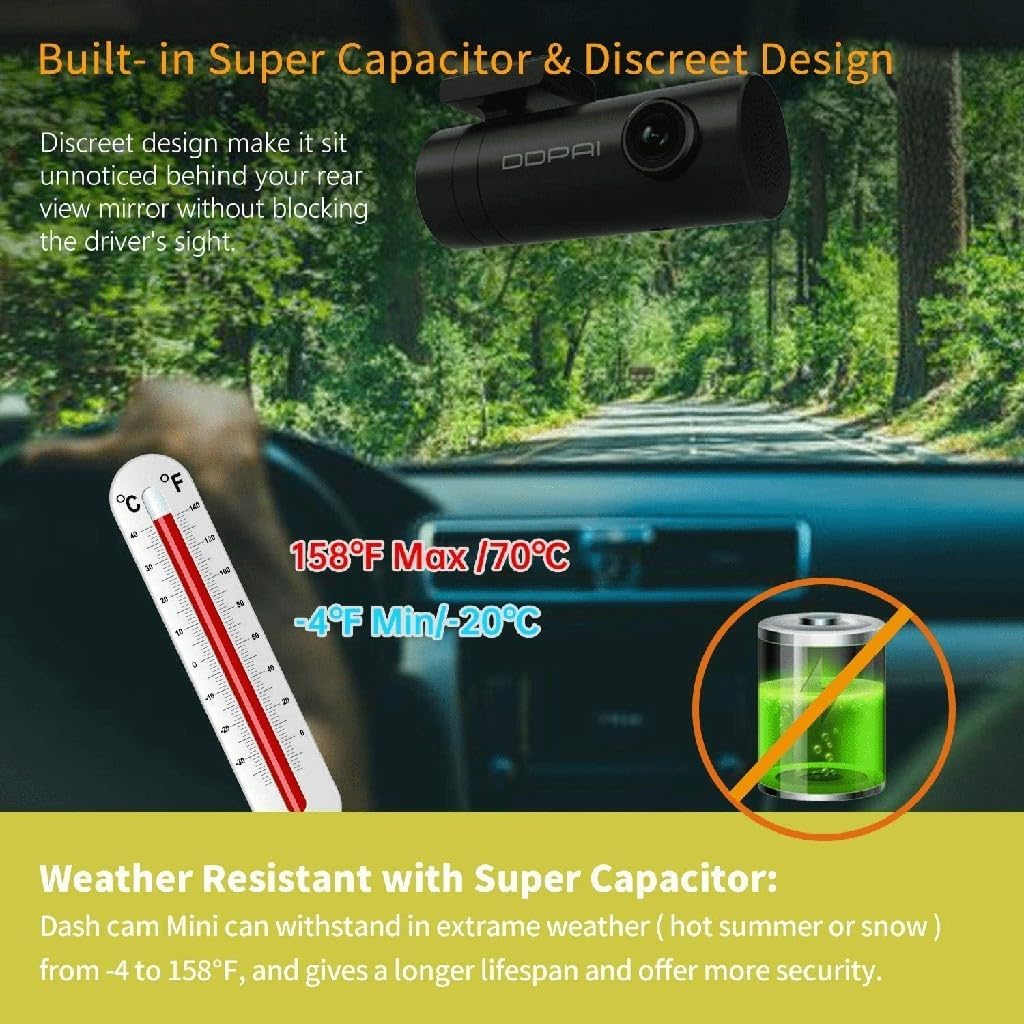
Immagine 3.4: Built-in Super Capacitor & Discreet Design. This image illustrates the compact design of the dash cam, allowing it to be mounted unobtrusively. It also highlights the weather resistance provided by the super capacitor, capable of operating from -20°C to 70°C.
4. Impostazione
4.1 Installazione
- Scegli una posizione: Select a position on your windshield, preferably behind the rearview specchio, che non ostruisca il tuo view or interfere with airbags. The discreet design of the Mini 5 allows for minimal visibility.
- Pulisci il parabrezza: Assicurarsi che la zona scelta sul parabrezza sia pulita e asciutta.
- Attach the Adhesive Mount: Peel off the protective film from one side of the 3m adhesive pad and apply it to the dash cam mount. Then, peel off the other side and firmly press the mount onto the windshield for at least 30 seconds.
- Regola l'angolazione dell'obiettivo: Once mounted, rotate the camera body to achieve the desired recording angle. The 330° rotatable lens allows for flexible positioning.
4.2 Collegamento di alimentazione
- Connect the 3.5m vehicle power cable to the dash cam's power input port.
- Route the power cable along the edge of the windshield and dashboard to the vehicle's 12V power outlet (cigarette lighter socket). Use the included installation tool to tuck the cable neatly.
- Plug the USB car charger into the 12V power outlet and connect the power cable to the charger.
- The dash cam will power on automatically when the vehicle's ignition is turned on.
4.3 Initial Configuration (via ddpai App)
- Download the 'ddpai' app from your smartphone's app store (iOS or Android).
- Turn on the dash cam. The Wi-Fi indicator light will illuminate.
- On your smartphone, go to Wi-Fi settings and connect to the ddpai dash cam's Wi-Fi network (e.g., 'ddpai_Mini5_XXXX'). The default password is '1234567890'.
- Open the ddpai app. The app will automatically connect to the dash cam.
- Follow the on-screen prompts to set the date, time, and other preferences.
5. Istruzioni per l'uso
5.1 Registrazione di base
Once powered on, the ddpai Mini 5 will automatically begin continuous loop recording. Video files are saved in segments (e.g., 1, 3, or 5 minutes) to the internal storage. When the storage is full, the oldest unprotected fileverranno sovrascritti dalle nuove registrazioni.
5.2 G-Sensor (Emergency Accident Lock)
The built-in G-sensor detects sudden impacts or collisions. When an event is detected, the current video segment is automatically locked and saved to a separate folder, preventing it from being overwritten by loop recording. This ensures critical evidence is preserved.

Immagine 5.1: Emergency Accident Lock. This image illustrates how the 3-axis Gravity Sensor detects collisions and automatically protects important video clips from being overwritten, securing crucial evidence.
5.3 Modalità di parcheggio 24 ore su 24
For continuous surveillance when your vehicle is parked, the ddpai Mini 5 offers a 24-hour parking mode. This feature requires a separate hardwire kit (ASIN: B074KDXCX1) to be installed, providing constant power to the dash cam.
- Rilevamento del movimento: The camera will automatically wake up and record if it detects movement around your vehicle.
- Rilevamento delle collisioni: If an impact is detected while parked, the camera will automatically record the event.

Immagine 5.2: 24 Hours Parking Mode & G Sensor. This image explains the 24-hour parking mode, which includes motion detection (auto wake up and record movement) and collision detection (auto detect impact and record even when the dash cam is off). Note that this mode requires an external hardwire kit, sold separately.
5.4 Gestione delle registrazioni tramite app
Connect your smartphone to the dash cam's Wi-Fi network and use the ddpai app to:
- View cibo vivotage dalla fotocamera.
- Sfoglia e riproduci i video registrati.
- Scarica i videoclip importanti sul tuo telefono.
- Adjust camera settings (e.g., resolution, G-sensor sensitivity, parking mode settings).
6. Manutenzione
6.1 Pulizia della lente
Regularly clean the camera lens with a soft, lint-free cloth to ensure clear video quality. Avoid using abrasive cleaners or solvents.
6.2 Aggiornamenti firmware
Check the ddpai app periodically for available firmware updates. Keeping your dash cam's firmware up-to-date ensures optimal performance and access to new features.
6.3 Gestione dell'archiviazione
While loop recording manages storage automatically, it is recommended to periodically review ed elimina i blocchi non necessari files from the app to free up space, especially if you have many emergency recordings.
7. Risoluzione Dei Problemi
If you encounter issues with your ddpai Mini 5 Dash Cam, refer to the following common problems and solutions:
| Problema | Possibile causa/soluzione |
|---|---|
| La dash cam non si accende. |
|
| Impossibile connettersi al Wi-Fi. |
|
| Video pippotage è sfocato o poco chiaro. |
|
| Recordings are not saving or loop recording is not working. |
|
| La modalità parcheggio non funziona. |
|
8. Specifiche
| Caratteristica | Dettaglio |
|---|---|
| Marca | ddpai |
| Nome del modello | Mini 5 |
| Risoluzione | 1080p Full HD (1920 x 1080) @ 30fps |
| Lente | f/2.2 Aperture, 4-Glass Lens, 330° Rotatable |
| View Angolo | 140° |
| Connettività | Wi-Fi, USB |
| Caratteristiche speciali | Built-in Display, Built-in WiFi, App Control, G-Sensor (Accelerometer), Loop Recording, 24-Hour Parking Mode (requires hardwire kit), Super Night Vision, Super Capacitor |
| Supporto di archiviazione | Up to 128GB (internal storage) |
| Temperatura di esercizio | -20°C a 70°C (-4°F a 158°F) |
| Tipo di servizio del veicolo | Auto |
9. Garanzia e supporto
The ddpai Mini 5 Dash Cam comes with a standard manufacturer's warranty. Please refer to the warranty card included in your package or visit the official ddpai websito per termini e condizioni di garanzia dettagliati.
For technical support, troubleshooting assistance, or warranty claims, please contact ddpai customer service through their official websito o le informazioni di contatto fornite nella confezione del prodotto.


