1. Introduzione
Thank you for choosing the MOVSSOU E7 Active Noise Cancelling Headphones. These headphones are designed to provide a superior audio experience with advanced noise cancellation, deep bass, and comfortable wear. This manual will guide you through the setup, operation, and maintenance of your new headphones.
2. Cosa c'è nella scatola
- 1 x MOVSSOU E7 Active Noise Cancelling Headphones
- 1 x Power Cable (USB charging cable)
- 1 x Audio Cable (3.5mm AUX cable)
- 1 x Manuale utente
3. Prodotto finitoview
Familiarize yourself with the various parts and controls of your MOVSSOU E7 headphones.

Image: MOVSSOU E7 Active Noise Cancelling Headphones in purple. This image displays the overall design of the headphones.

Image: Key features of the MOVSSOU E7 headphones, highlighting Active Noise Cancelling, 30 hours of battery life, and a built-in microphone.
Controlli e porte
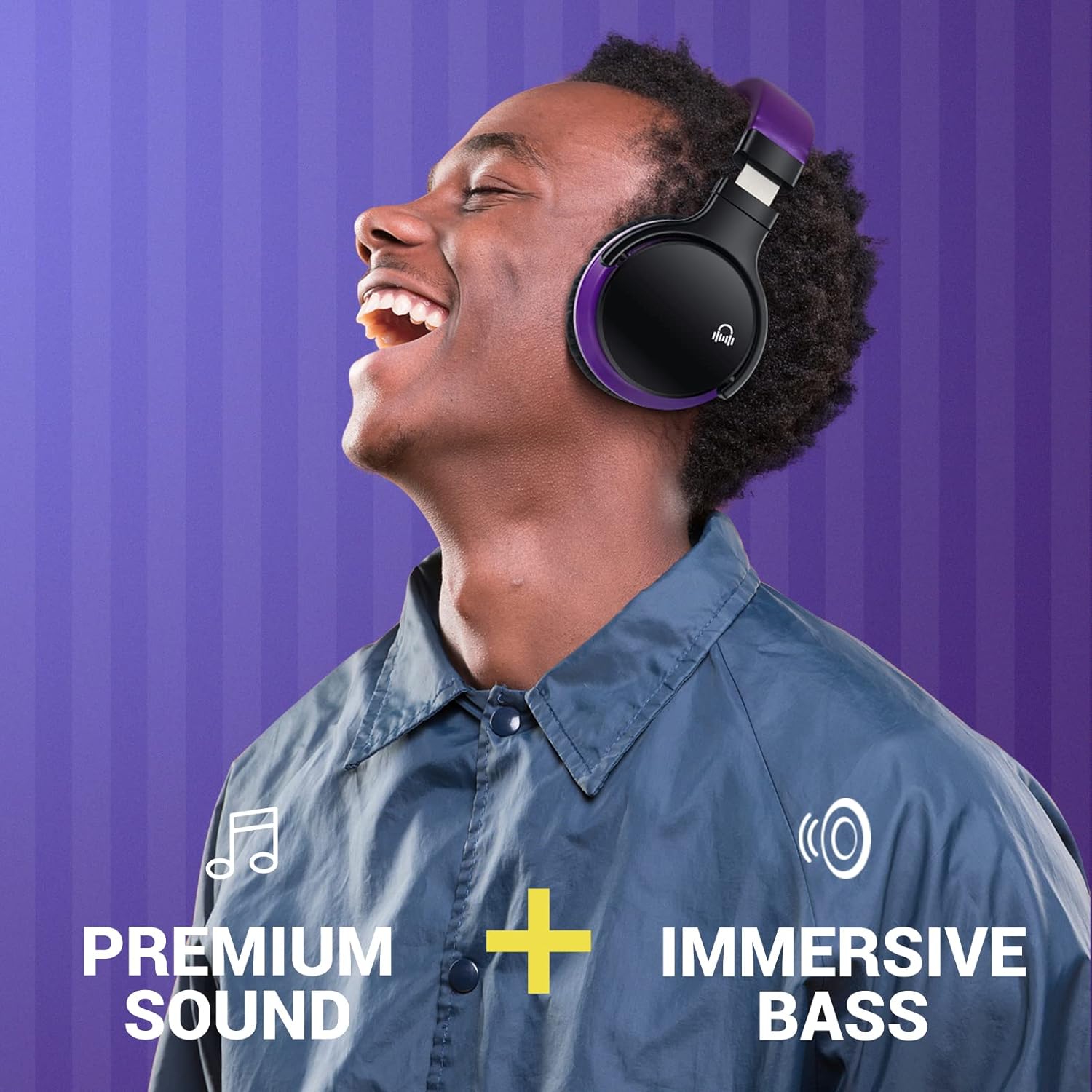
Image: A close-up of the right earcup, illustrating the control buttons for power, volume, and ANC, along with the charging port and 3.5mm audio jack.
- Pulsante di accensione: Tenere premuto per accendere/spegnere.
- Pulsante ANC: Attiva o disattiva la cancellazione attiva del rumore.
- Volume su (+): Aumenta il volume.
- Volume basso (-): Diminuisce il volume.
- Pulsante multifunzione (MFB): Riproduci/metti in pausa la musica, rispondi/termina le chiamate.
- Microfono: Per chiamate in vivavoce.
- Porta di ricarica USB: Per caricare le cuffie.
- Jack audio da 3.5 mm: Per connessione cablata.
4. Impostazione
4.1 Ricarica delle cuffie
- Collegare il cavo di ricarica USB in dotazione alla porta di ricarica delle cuffie.
- Collegare l'altra estremità del cavo USB a un adattatore di alimentazione USB (non incluso) o alla porta USB di un computer.
- L'indicatore LED diventerà rosso durante la ricarica e si spegnerà quando la carica sarà completa.
- Una carica completa richiede in genere circa 2-3 ore.

Image: The MOVSSOU E7 headphones with an overlay indicating 30 hours of playtime, emphasizing battery endurance.
4.2 Associazione Bluetooth
- Assicurarsi che le cuffie siano completamente cariche.
- Premere e tenere premuto il tasto Pulsante di accensione for 3-5 seconds until the LED indicator flashes blue and red alternately. This indicates pairing mode.
- Sul tuo dispositivo (smartphone, tablet, computer), attiva il Bluetooth.
- Cercare available Bluetooth devices and select "MOVSSOU E7" from the list.
- Una volta connesso, l'indicatore LED lampeggerà lentamente in blu.
- Se viene richiesta una password, immettere "0000".

Image: An illustration showing the MOVSSOU E7 headphones connecting to various devices like phones, tablets, laptops, desktops, and TVs, highlighting Bluetooth 5.0 connectivity.
4.3 Connessione cablata (modalità AUX)
You can use the headphones with the provided 3.5mm audio cable when the battery is low or with non-Bluetooth devices.
- Collegare un'estremità del cavo audio da 3.5 mm al jack audio delle cuffie.
- Collegare l'altra estremità all'uscita audio da 3.5 mm del dispositivo.
- In wired mode, Bluetooth and ANC functions may operate differently or be unavailable depending on the headphone's power status.
5. Istruzioni per l'uso
5.1 Accensione/spegnimento
- Accensione: Premere e tenere premuto il tasto Pulsante di accensione for 3 seconds. The LED indicator will flash blue.
- Spegni: Premere e tenere premuto il tasto Pulsante di accensione for 3 seconds. The LED indicator will flash red and then turn off.
5.2 Cancellazione attiva del rumore (ANC)
- Premere il tasto Pulsante ANC to activate Active Noise Cancelling. The ANC indicator light will turn green.
- Premere il tasto Pulsante ANC again to deactivate Active Noise Cancelling. The ANC indicator light will turn off.
Video: An official product video demonstrating the features of the MOVSSOU E7 Active Noise Cancelling Headphones, including sound quality and noise cancellation capabilities.
5.3 Riproduzione di musica
- Riproduci/Pausa: Premere il tasto MFB una volta.
- Traccia successiva: Premere e tenere premuto il tasto Volume su (+) pulsante.
- Traccia precedente: Premere e tenere premuto il tasto Volume basso (-) pulsante.
5.4 Gestione delle chiamate
- Rispondi/Termina chiamata: Premere il tasto MFB una volta.
- Rifiuta chiamata: Premere e tenere premuto il tasto MFB per 2 secondi.
- Ricomponi l'ultimo numero: Premere due volte il tasto MFB.

Image: A person wearing the MOVSSOU E7 headphones, demonstrating the clear hands-free calling feature with the built-in microphone.
5.5 Controllo del volume
- Aumenta volume: Premere il tasto Volume su (+) pulsante.
- Diminuisci volume: Premere il tasto Volume basso (-) pulsante.
6. Manutenzione
To ensure the longevity and optimal performance of your MOVSSOU E7 headphones, follow these maintenance guidelines:
- Mantieni le cuffie pulite asciugandole con un panno morbido e asciutto.
- Evitare di esporre le cuffie a temperature estreme, umidità o luce solare diretta.
- Do not immerse the headphones in water or any liquids. They are not water-resistant.
- Conservare le cuffie in un luogo fresco e asciutto quando non in uso.
- Evitare di far cadere le cuffie o di sottoporle a forti urti.
- Per preservare la salute della batteria, caricare regolarmente le cuffie, anche se non vengono utilizzate frequentemente.
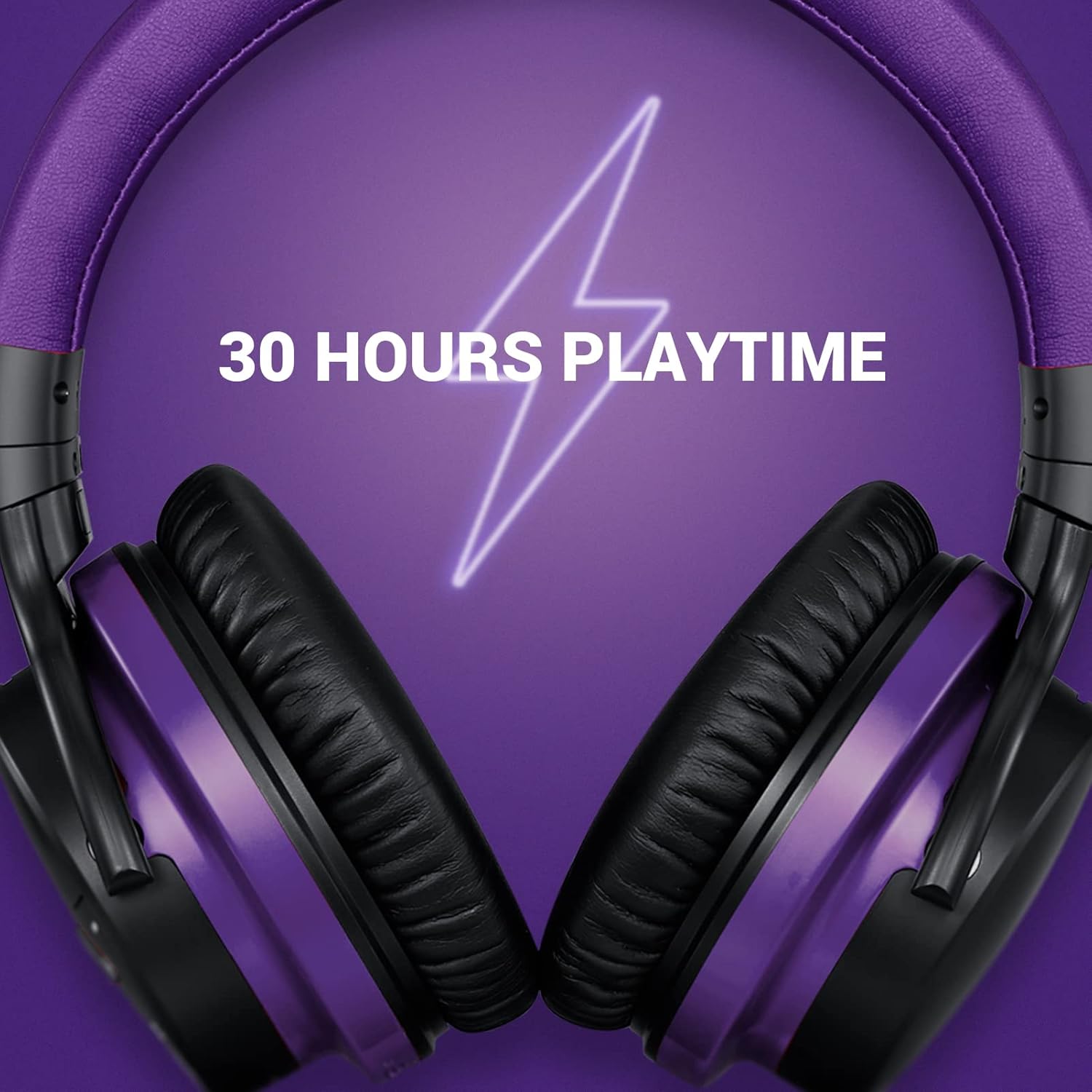
Immagine: Un dettaglio view of the soft, pressure-relieving earpads of the MOVSSOU E7 headphones, designed for extended comfort.
7. Risoluzione Dei Problemi
Se riscontri problemi con le cuffie, fai riferimento ai seguenti problemi comuni e alle relative soluzioni:
| Problema | Possibile causa | Soluzione |
|---|---|---|
| Le cuffie non si accendono. | Batteria scarica. | Caricare completamente le cuffie. |
| Impossibile associare il dispositivo. | Cuffie non in modalità di associazione; Bluetooth disattivato sul dispositivo; dispositivo troppo lontano. | Assicurati che le cuffie siano in modalità di associazione (lampeggianti in rosso/blu). Attiva il Bluetooth sul tuo dispositivo. Avvicina il dispositivo alle cuffie (entro 10 metri). |
| Nessun suono o volume basso. | Volume troppo basso; sorgente audio errata; cavo allentato (modalità cablata). | Aumenta il volume delle cuffie e del dispositivo. Verifica che sia selezionata l'uscita audio corretta sul dispositivo. Assicurati che il cavo da 3.5 mm sia collegato saldamente. |
| L'ANC non funziona in modo efficace. | ANC not activated; type of noise. | Press the ANC button to activate (green light). ANC is most effective for low and mid-frequency constant noises. |
| Scarsa qualità delle chiamate. | Microphone obstruction; weak Bluetooth connection. | Ensure microphone is not covered. Move closer to your device for a stronger connection. |
8. Specifiche
| Nome del modello | Cuffie wireless E7 con cancellazione del rumore |
| Marca | MOVSSOU |
| Tecnologia di connettività | Bluetooth 5.0, senza fili |
| Tecnologia di comunicazione wireless | Bluetooth |
| Posizionamento dell'orecchio | Sopra l'orecchio |
| Controllo del rumore | Cancellazione attiva del rumore |
| Durata della batteria | Fino a 30 ore |
| Risposta in frequenza | 20 Hz - 20 kHz |
| Tipo di controllo | Noise Control, Voice Control, Call Control, Volume Control |
| Dispositivi compatibili | Windows, Mobile, Android, iOS |
| Peso dell'articolo | 1.05 libbre (circa 476 g) |
| Livello di resistenza all'acqua | Non resistente all'acqua |
9. Informazioni sulla sicurezza
Si prega di leggere e seguire queste linee guida di sicurezza per prevenire lesioni o danni:
- Parti piccole. Non adatto ai bambini di età inferiore ai 3 anni.
- Do not use the headphones at high volume for extended periods to avoid hearing damage.
- Non utilizzare le cuffie in situazioni in cui l'impossibilità di udire i suoni ambientali potrebbe essere pericolosa (ad esempio, mentre si guida, si va in bicicletta, si cammina nel traffico).
- Avoid disassembling, repairing, or modifying the product yourself. This may cause fire, electric shock, or complete damage to the product.
- Dispose of batteries according to local regulations. Do not dispose of them in household waste.
10. Garanzia e supporto
MOVSSOU products are designed and manufactured to the highest quality standards. For warranty information, technical support, or customer service inquiries, please refer to the contact information provided with your purchase or visit the official MOVSSOU websito.


