Introduzione
This manual provides essential information for the safe and efficient use of your LG 50-Inch Class UQ9000 Series 4K Smart TV. Please read it thoroughly before operating the television and retain it for future reference.
Informazioni sulla sicurezza
Always follow basic safety precautions when using this television to reduce the risk of fire, electric shock, or injury. Do not expose the TV to rain or moisture. Do not open the cabinet; refer all servicing to qualified personnel. Ensure proper ventilation and avoid blocking ventilation openings. Keep the TV away from heat sources and direct sunlight. Use only attachments/accessories specified by the manufacturer.
Cosa c'è nella scatola
Verificare che tutti i componenti siano presenti quando si disimballa il televisore.
- LG 50-Inch Class UQ9000 Series 4K Smart TV
- Telecomando magico
- Batterie per telecomando
- Componenti del supporto
- Cavo di alimentazione
- Guida rapida

Figure 1: Package Contents and TV Dimensions (44.1"W x 27.9"H x 9.1"D with stand)
Impostare
Installazione fisica
Your LG TV can be installed on a tabletop using the included stand or mounted on a wall (wall mount sold separately). Ensure the TV is placed on a stable, level surface or securely mounted to a wall according to the wall mount manufacturer's instructions.

Figure 2: TV with Stand

Figure 3: Slim Design for Wall Mounting
Collegamento dei dispositivi
Connect your external devices such as cable boxes, gaming consoles, or Blu-ray players to the available ports on the rear and side of the TV.
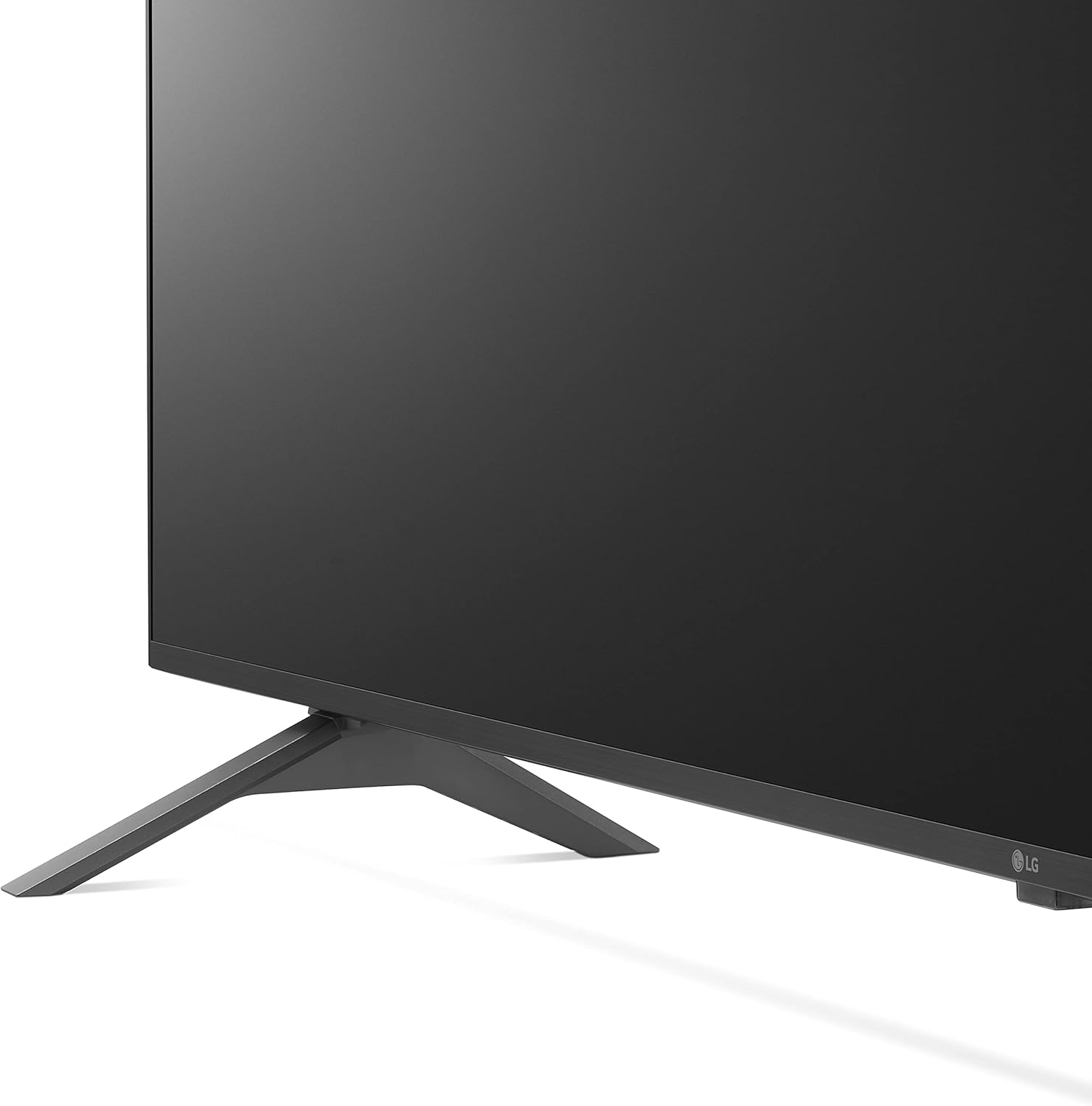
Figura 4: Porte di ingresso posteriori

Figure 5: Detailed Rear Ports

Figura 6: Porte di ingresso laterali
- Porte HDMI: Connect high-definition devices. This model includes multiple HDMI inputs, with HDMI 1 supporting ARC (Audio Return Channel).
- Porte USB: Per collegare dispositivi di archiviazione USB per riprodurre contenuti multimediali files.
- Porta LAN: Per la connessione internet cablata.
- Uscita audio digitale ottica: Per il collegamento a sistemi audio esterni.
- Ingresso antenna/cavo: Per collegare un'antenna o una TV via cavo.
Accensione iniziale
After connecting all necessary cables, plug the power cord into an electrical outlet. Press the power button on the remote control or the TV to turn it on. Follow the on-screen instructions for initial setup, including network connection and channel scanning.
Funzionamento del televisore
Telecomando magico
The LG Magic Remote offers intuitive control with point, click, scroll, and voice recognition features. It includes dedicated buttons for popular streaming services and AI functions.

Figura 7: LG Magic Remote

Figure 8: Magic Remote Features
Funzionalità Smart TV (webSistema operativo)
La tua TV LG funziona con webOS platform, providing access to a wide range of streaming applications and smart functionalities. Navigate through the home screen to find your favorite content.

Figura 9: webOS Home Screen

Figure 10: Ultimate Streaming Hub
Video 1: LG UHD webSistema operativo finitoview
Qualità dell'immagine
Experience stunning visuals with 4K resolution and advanced picture technologies.
- Processore AI α5 Gen 5 4K: Enhances picture and sound quality.
- Upscaling 4K: Transforms regular content into 4K for sharper definition.
- Active HDR (HDR10 Pro): Adjusts picture scene-by-scene for enhanced quality.
- Modalità Filmmaker™: Preserves original colors, settings, and frame rates for a cinematic experience.
- Controllo della luminosità AI: Automatically adjusts screen brightness to match room lighting.

Figure 11: Real 4K UHD TV Visuals

Figure 12: α5 Gen 5 AI Processor

Figure 13: 4K Upscaling

Figure 14: Active HDR (HDR10 Pro)

Figure 15: FILMMAKER MODE™

Figure 16: AI Brightness Control
Qualità del suono
The TV features AI Sound Pro for an immersive audio experience.
- AI Sound Pro: Automatically up-mixes 2-channel audio into virtual 5.1.2 channel surround sound.

Figura 17: AI Sound Pro
Caratteristiche di gioco
Migliora la tua esperienza di gioco con funzionalità dedicate.
- Ottimizzatore di gioco e dashboard: Quickly adjust game settings in one location.
- Gioco su cloud: Seamless access to cloud gaming services like GeForce Now (subscription and compatible controller required).
- HGIG: For realistic HDR gaming.

Figure 18: Game Optimizer & Dashboard

Figure 19: Cloud Gaming with GeForce Now

Figure 20: HGIG for Enhanced Gaming
Caratteristiche aggiuntive
- Alexa integrato: Utilizzare i comandi vocali per varie funzioni.
- Ciao Google: Compatibile con Google Assistant per il controllo vocale.
- Apple AirPlay e HomeKit: Seamless integration with Apple devices.
- Avviso sportivo: Receive real-time updates for your favorite teams and matches.

Figure 21: Sports Alert Feature
Video 2: LG UHD Features Overview
Manutenzione
Pulizia dello schermo
To clean the screen, first unplug the TV. Gently wipe the screen with a soft, dry microfiber cloth. For stubborn smudges, lightly dampen the cloth with water or a specialized screen cleaner (avoid harsh chemicals or abrasive materials). Do not spray liquid directly onto the screen.
Assistenza generale
Keep the TV in a well-ventilated area. Avoid placing heavy objects on the TV. Do not expose the TV to extreme temperatures or humidity. Regularly check cables for any damage and ensure they are securely connected.
Risoluzione dei problemi
Se riscontri problemi con la tua TV, fai riferimento alle seguenti soluzioni comuni prima di contattare l'assistenza.
- Nessun potere: Assicurati che il cavo di alimentazione sia collegato saldamente sia al televisore che a una presa elettrica funzionante. Prova una presa diversa.
- Nessuna immagine/suono: Controllare tutti i collegamenti dei cavi (HDMI, antenna, ecc.). Assicurarsi che sul televisore sia selezionata la sorgente di ingresso corretta.
- Il telecomando non funziona: Sostituisci le batterie. Assicurati che non ci siano ostacoli tra il telecomando e il sensore IR del televisore.
- Problemi di connessione di rete: Verify your Wi-Fi password. Restart your router and modem. Try a wired LAN connection if available.
- Problemi di qualità dell'immagine: Check picture settings (e.g., brightness, contrast, color). Ensure the content source is high quality (e.g., 4K content for 4K display).
Specifiche
| Caratteristica | Specificazione |
|---|---|
| Marca | LG |
| Numero di modello | 50UQ9000PUD |
| Dimensioni dello schermo | 50-Inch Class (49.5" Diagonal) |
| Risoluzione | Risoluzione 3840 x 2160 (4K UHD) |
| Frequenza di aggiornamento | 60 Hz |
| Processore | Processore AI di quarta generazione α5 5K |
| Sistema operativo | webOS |
| Caratteristiche speciali | Alexa Built-in, AI-Powered, Cloud Gaming, Screen Mirroring |
| Dimensioni del prodotto (con supporto) | 44.1"L x 27.9"A x 9.1"P |
| Peso dell'articolo | 34.4 libbre |
| Componenti inclusi | Stand, Power cable |
Garanzia e supporto
Your LG TV comes with a limited manufacturer's warranty. For detailed warranty information, product support, or service requests, please visit the official LG Electronics website or contact LG customer service. Keep your proof of purchase for warranty claims.