Introduzione
This manual provides comprehensive instructions for the Dioche Smart Glass Door Lock. It covers product features, installation procedures, operational guidelines, maintenance tips, and troubleshooting steps. Please read this manual thoroughly before installation and use to ensure proper function and safety.
Prodotto finitoview
The Dioche Smart Glass Door Lock offers advanced security and convenience with multiple unlocking methods. It is designed for glass doors with a thickness of 10-12mm, suitable for home, office, and shared spaces.
Caratteristiche principali:
- Molteplici modalità di sblocco: Fingerprint, Password, IC Card, Remote Control, and Bluetooth App.
- Sicurezza avanzata: Automatic system lock for 3 minutes after 5 incorrect password attempts. Virtual password support for added security.
- Potenza di emergenza: Type-C interface for 5V DC emergency charging.
- Smart Attendance System: Bluetooth-enabled attendance record export via mobile app.
- Campanello integrato: Built-in doorbell function for visitor notification.
- Costruzione durevole: High-strength aluminum body, acrylic panel, and thickened dustproof, waterproof, anti-slip pad.
- Istruzioni vocali: Human voice instructions and alarm functions.

Image: The smart lock interface displaying icons for remote control, app, fingerprint, card, and password unlock methods.
Configurazione e installazione
Before installation, ensure your glass door thickness is between 10-12mm. The package includes the lock host, installation screws, two 304 stainless steel side strips, two IC cards, one remote control, and this user manual.
Contenuto della confezione:
- 1 x Fingerprint Lock Host (batteries not included)
- 1 x Installation Screw Pack
- 2 x 304 Stainless Steel Side Strips
- 2 x schede IC
- 1 x telecomando (batteria inclusa)
- 1 x Manuale utente
Installazione della batteria:
The lock requires 4 AA 1.5V alkaline batteries (not included). Open the battery compartment on the indoor unit and insert the batteries, ensuring correct polarity.
Installazione fisica:
Follow the detailed instructions provided in the included installation screw pack. Ensure the lock is securely mounted on the glass door using the provided stainless steel side strips and screws. The double hook lock tongue design provides robust security.

Immagine: Esploso view of the lock components, highlighting the aluminum body, LED light, acrylic panel, and protective pad.
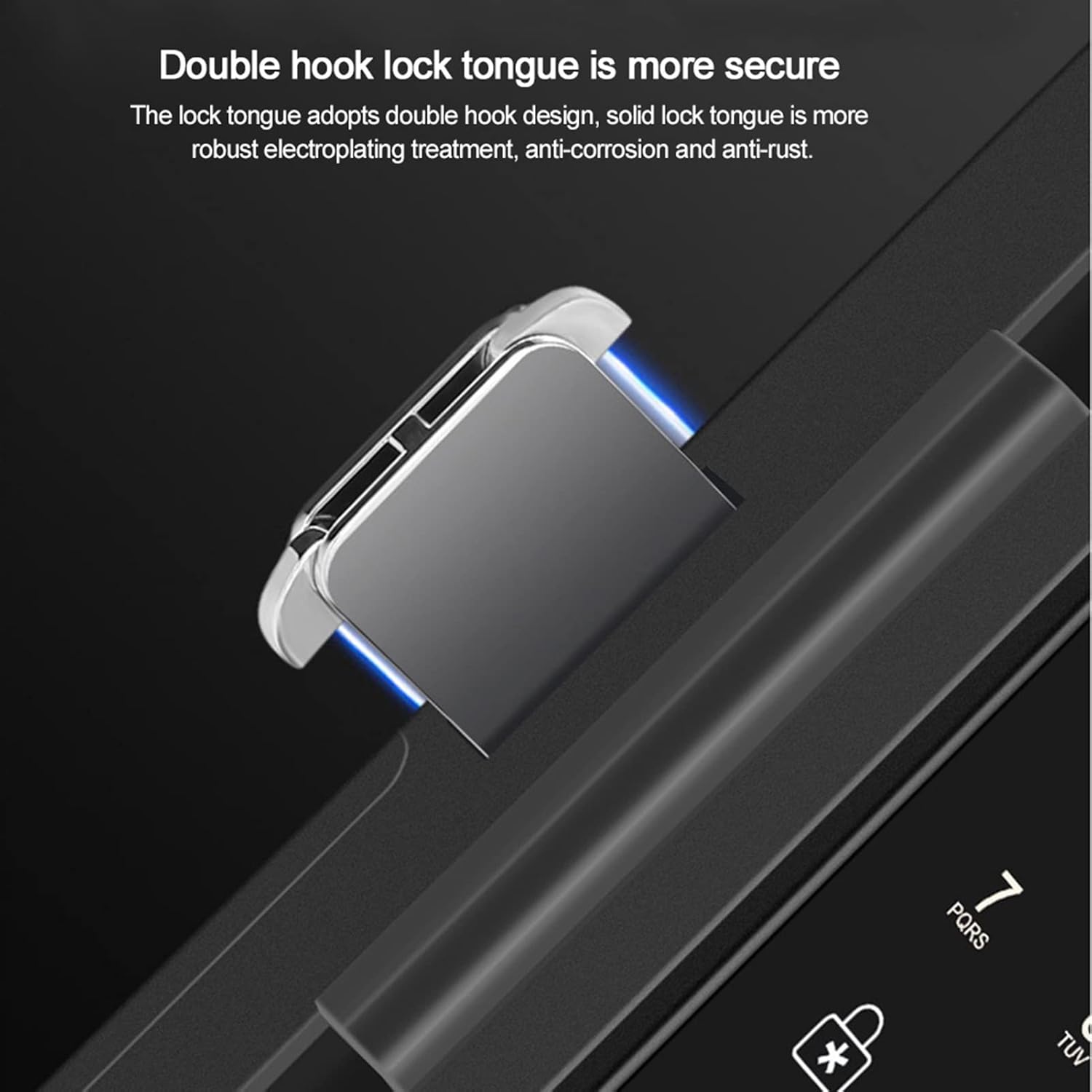
Image: Detail of the double hook lock tongue, emphasizing its secure design.
Istruzioni per l'uso
Gestione del sistema:
To enter the system management interface from the main menu, press "0" seguito da "#".
Metodi di sblocco:
- Impronta digitale: Posiziona l'impronta digitale registrata sul sensore.
- Password: Enter your registered password followed by "#". The virtual password feature allows you to enter up to 24 digits, camouflaging your actual password for increased security.
- Scheda IC: Present a registered IC card to the card reader. The lock supports CPU, MF, and IC card types, including second-generation ID cards.
- Telecomando: Use the provided remote control to unlock the door from an effective distance of up to 10 meters (32.8 feet).
- Applicazione Bluetooth: Use the dedicated mobile application to unlock the door via Bluetooth. The app also allows for attendance record queries and data export.

Image: Remote control unlocking the smart door lock.
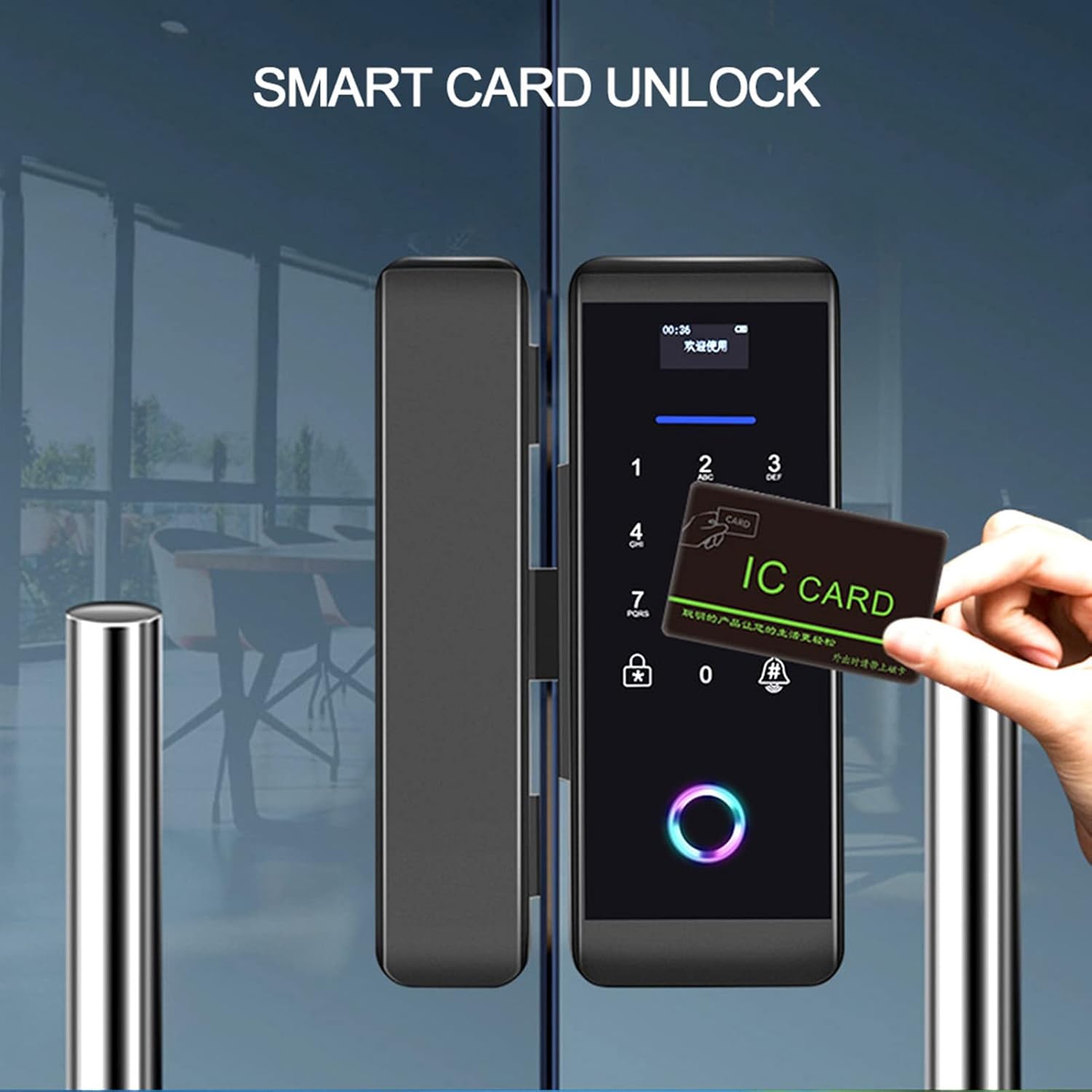
Image: Unlocking the smart door lock using an IC card.
Normally Open Setting:
To set the lock to a normally open state, an administrator must first unlock the door, then press "2" seguito da "8".
Funzione campanello:
Press the doorbell button on the lock to activate the integrated doorbell chime.
Potenza di emergenza:
In case of battery depletion, connect a 5V DC power source via the Type-C interface for emergency charging.
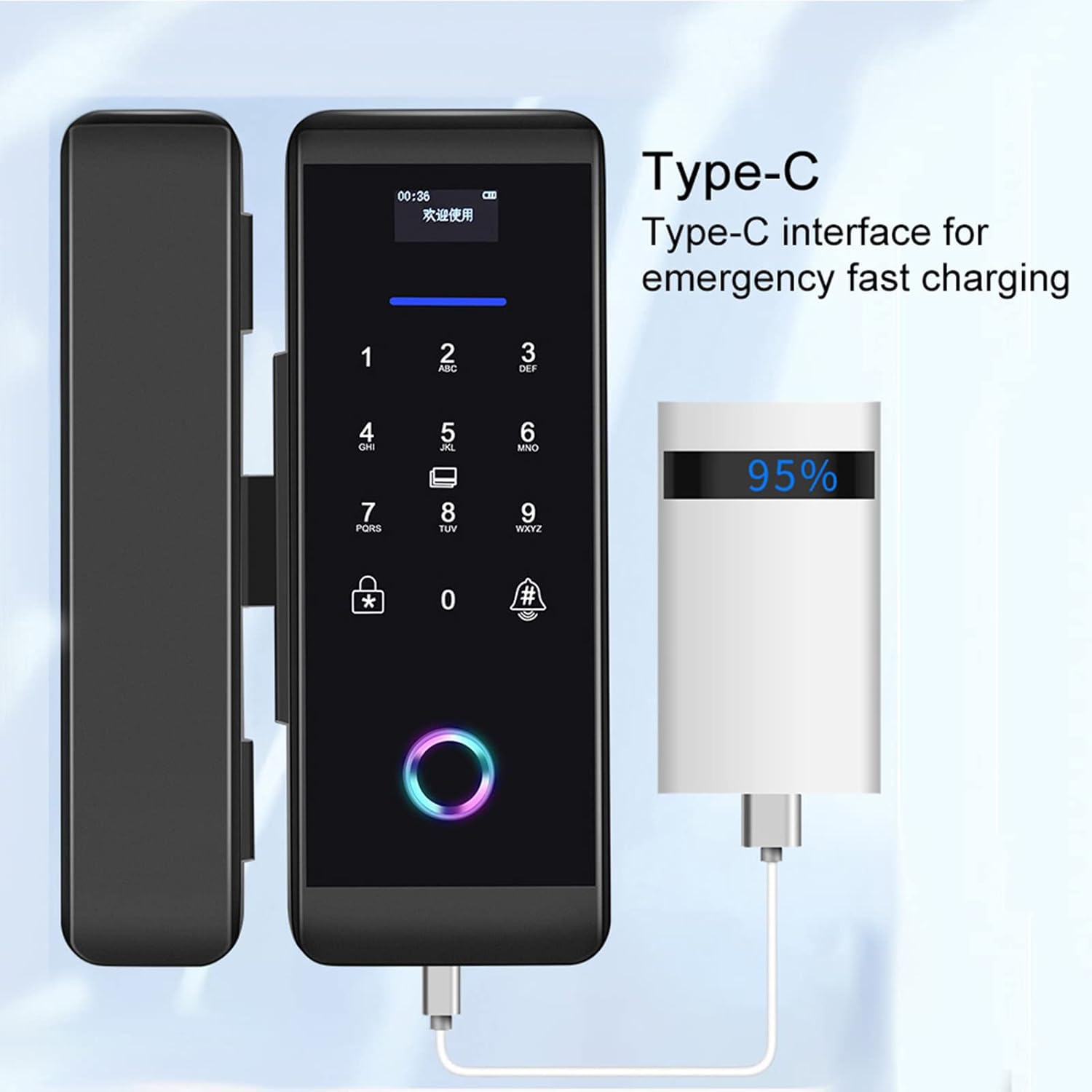
Image: Emergency charging the smart lock via its Type-C port.
Smart APP Attendance:
The mobile application allows you to connect to the lock and export attendance data, providing insights into access trends.

Image: Smart app displaying attendance system data.
Manutenzione
- Sostituzione della batteria: Replace all four AA batteries when the low battery indicator appears or when performance degrades. Use only alkaline batteries.
- Pulizia: Pulisci la superficie della serratura con un panno morbido e asciutto. Evita di utilizzare detergenti abrasivi o solventi che potrebbero danneggiare la finitura o i componenti elettronici.
- Sensore di impronte digitali: Per prestazioni ottimali, mantenere il sensore delle impronte digitali pulito e asciutto.
- Condizioni ambientali: Ensure the lock operates within the specified temperature (-25 to 65 °C) and humidity (5 to 95% RH, non-condensing) ranges to prevent damage.
Risoluzione dei problemi
- Il lucchetto non risponde: Check battery levels. If batteries are low, use the Type-C emergency power interface or replace the batteries.
- Impronta digitale non riconosciuta: Assicurati che il dito sia pulito e asciutto. Registra nuovamente l'impronta digitale se il problema persiste.
- Incorrect password alarm: If 5 incorrect passwords are entered consecutively, the system will lock for 3 minutes. Wait for the lockout period to expire before trying again.
- Telecomando non funzionante: Check the remote control's battery. Ensure you are within the effective range (10 meters/32.8 feet) and there are no obstructions.
- Problemi di connettività dell'app: Ensure Bluetooth is enabled on your mobile device and the lock. Restart the app or re-pair the lock if necessary.
- Meccanismo di blocco bloccato: Do not force the lock. Check for any physical obstructions or debris. If the issue persists, contact customer support.
Specifiche
| Caratteristica | Specificazione |
|---|---|
| Numero di modello | 14261027031 |
| Colore | Nero |
| Dimensioni (L x H) | Dimensioni: 6.8 x 18.3 cm |
| Materiale | Acciaio inossidabile, acrilico |
| Spessore porta applicabile | 10-12 millimetri |
| Metodi di sblocco | Fingerprint, Password, IC Card, Remote Control, Bluetooth App |
| Capacità dell'utente | 1000 |
| Capacità dell'impronta digitale | 200 |
| Capacità password | 1000 |
| Capacità della carta | 1000 set |
| Capacità di controllo remoto | 30 |
| Alimentazione elettrica | 4 batterie alcaline AA da 1.5 V (non incluse) |
| Alimentazione di emergenza | DC 5V Type-C Interface |
| Corrente di esercizio | Dynamic <200mA, Static <55 microamps |
| Temperatura di esercizio | -25 a 65 °C |
| Umidità di esercizio | 5-95% RH (senza condensa) |
| Display | Schermo OLED 0.96 |
| Collettore | Semiconductor Acquisition Module |
Garanzia e supporto
Le informazioni relative ai termini di garanzia specifici e ai recapiti dell'assistenza clienti non sono disponibili nei dati di prodotto forniti. Fare riferimento alla confezione del prodotto o al venditore. websito per informazioni sulla garanzia e contatti di supporto.
Per ulteriore assistenza, puoi visitare il Dioche Store su Amazon.