Introduzione
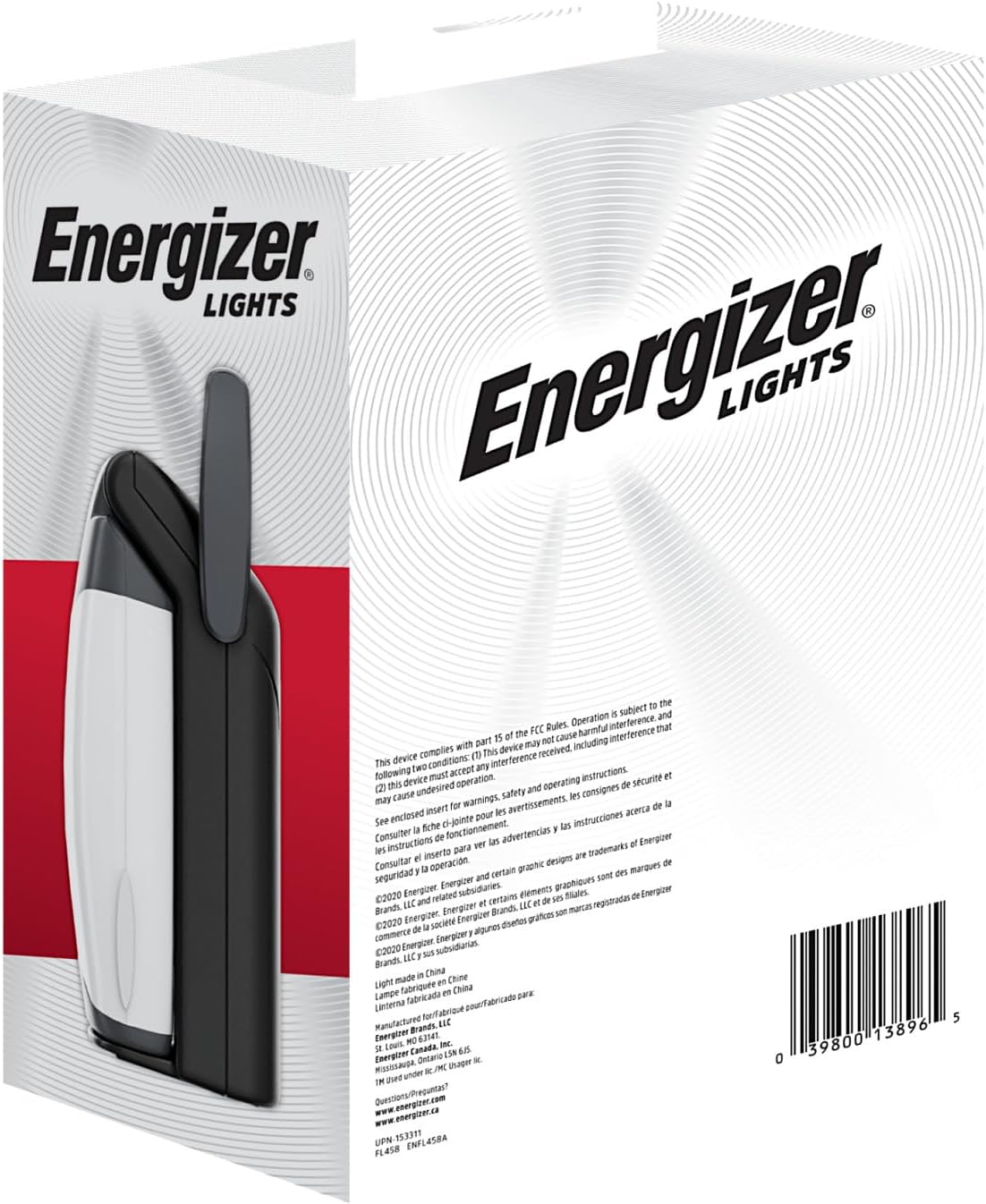
The Energizer Weatheready Folding LED Portable Lantern is designed to provide versatile and reliable illumination for various situations, including camping, emergencies, and general outdoor or indoor use. Its patented pivoting function allows for 360-degree area lighting when unfolded and a compact, portable form factor when folded. This lantern features multiple light modes, water resistance, and a USB port for charging devices.
Informazioni sulla sicurezza
- Always use the correct size and type of batteries as specified.
- Non mischiare batterie vecchie e nuove o diversi tipi di batterie.
- Rimuovere le batterie se la lanterna non verrà utilizzata per un periodo prolungato.
- Tenere fuori dalla portata dei bambini.
- Non guardare direttamente la sorgente luminosa a LED per evitare lesioni agli occhi.
- Ensure the USB port cover is securely closed when not in use, especially in wet conditions, to maintain water resistance.
Contenuto della confezione
- 1 x Energizer Weatheready Folding LED Portable Lantern (Model: 039800138965)
- Note: 4 D batteries are required and not included. USB charging cable not included.
Impostare
Installazione della batteria
- Individuare il vano batterie sulla base della lanterna.
- Aprire il coperchio del vano batterie.
- Insert 4 D-size alkaline batteries, ensuring correct polarity (+/-) as indicated inside the compartment.
- Chiudere saldamente il coperchio del vano batterie.

Istruzioni per l'uso
Modalità di accensione/spegnimento e luce
The lantern features a power button and a mode selector to cycle through different brightness settings and a night light mode.
- To turn on the lantern, press the power button. It will typically start in High mode.
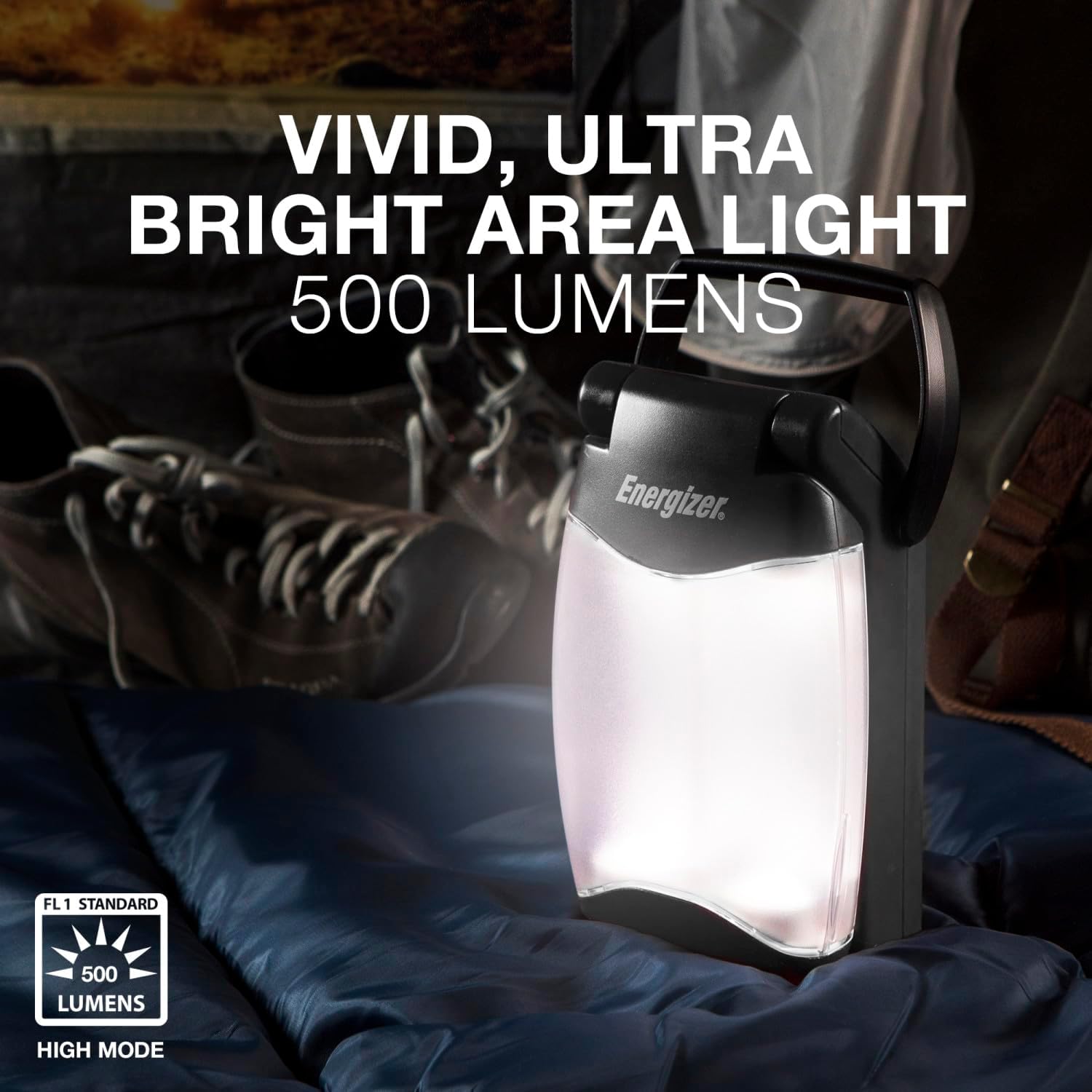
- Press the power button repeatedly to cycle through the light modes: Alto (500 lumens), Basso, E Luce notturna (amber illumination).
- To turn off the lantern, press the power button after cycling through all modes, or hold the button down for a few seconds.


Folding and Unfolding for 360-Degree Light
The lantern features a patented pivoting design for versatile lighting options:
- To achieve 360-degree area lighting, gently pull the two light panels apart until they are fully extended and locked into an upright position.
- To return to a compact form, push the light panels back together until they click into place.

Using the USB Port for Device Charging
The lantern includes a USB-A output port to charge small electronic devices. This feature is active when the lantern is powered on.
- Locate the USB output port on the side of the lantern.
- Open the protective cover of the USB port.
- Connect your device's USB charging cable (not included) to the lantern's USB port.
- Ensure the lantern is powered on for charging to begin.
- When finished charging, disconnect your device and securely close the USB port cover to maintain water resistance.
Manutenzione
- Pulisci l'esterno della lanterna con un panno morbido eamp panno. Non usare detergenti abrasivi o solventi.
- Regularly check the battery compartment for any signs of corrosion. Clean contacts if necessary.
- Store the lantern in a cool, dry place when not in use. Remove batteries for long-term storage.
Risoluzione dei problemi
Lanterna che non si accende
- Controllare se le batterie sono inserite correttamente con la giusta polarità.
- Replace old or depleted batteries with fresh D-size alkaline batteries.
- Assicurarsi che il coperchio del vano batteria sia chiuso saldamente.
Dispositivo non in carica tramite USB
- Confirm the lantern is powered on.
- Ensure your device's charging cable is fully inserted into both the lantern and your device.
- Verifica se il tuo dispositivo è compatibile con la ricarica USB-A.
- Verify that the lantern's batteries have sufficient charge.
Specifiche
| Numero di modello | 039800138965 |
| Potenza luminosa (max) | 500 lumen |
| Tipo di batteria | 4 x D Alkaline Batteries (not included) |
| Battery Life (High Mode) | Fino a 15 ore |
| Livello di resistenza all'acqua | IPX4 (resistente all'acqua) |
| Dimensioni del prodotto | 3.39 cm L x 4.96 cm P x 9.25 cm A |
| Peso dell'articolo | 1.19 libbre (0.54 chilogrammi) |
| Materiale | Plastica |

Informazioni sulla garanzia
The manufacturer's warranty information is not explicitly provided in the product details. Please refer to the product packaging or contact Energizer customer support for specific warranty terms and conditions.
Supporto
For further assistance or inquiries, please visit the official Energizer websito o contattare il servizio clienti. Puoi trovare maggiori informazioni su the Energizer Store on Amazon.


