Prodotto finitoview
The PDP Wired Xbox Gaming Controller is designed for an enhanced gaming experience across multiple platforms. This controller features a durable wired connection, customizable controls, and integrated audio features, making it a versatile choice for serious gamers.
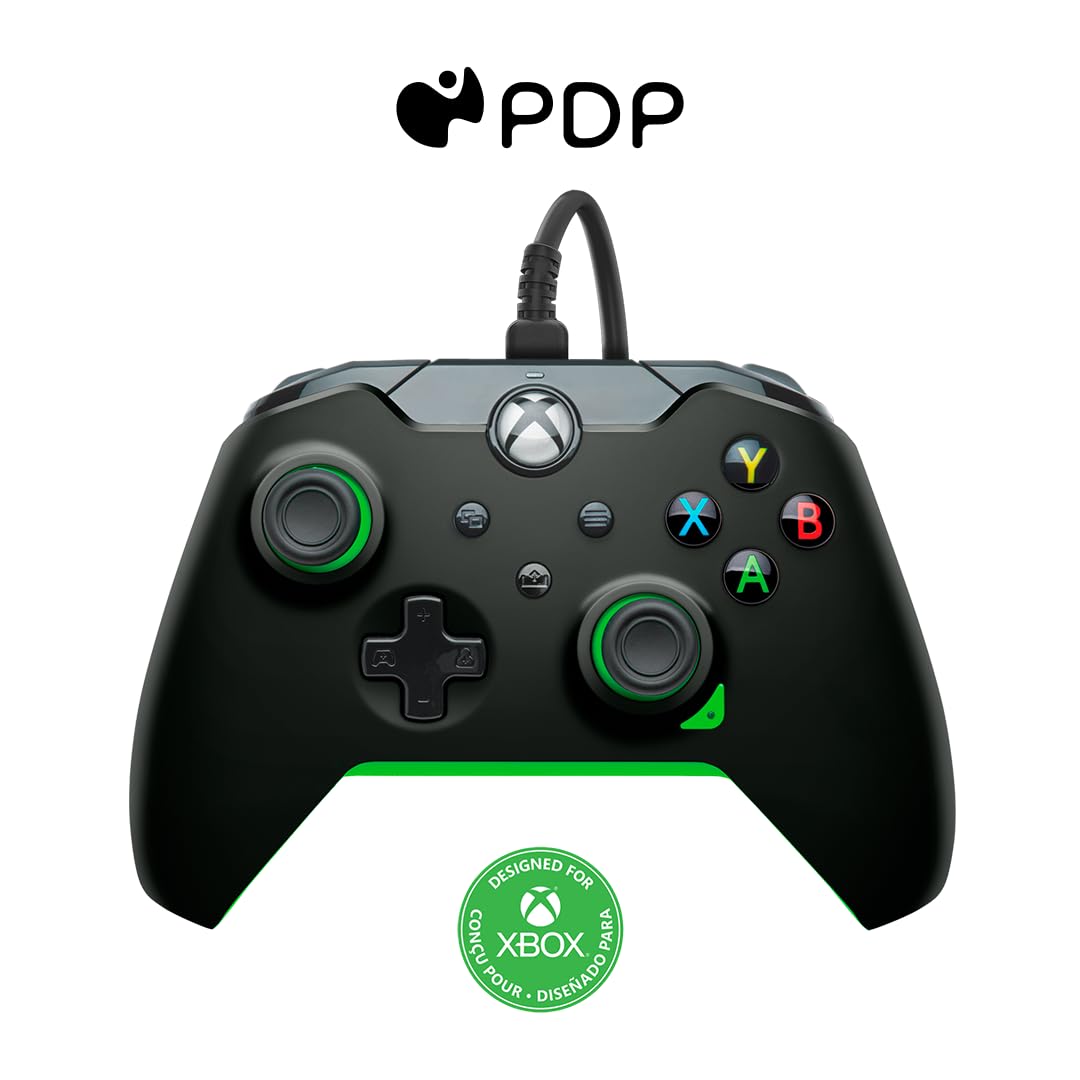
Immagine: Frontale view of the PDP Wired Xbox Gaming Controller in Neon Black.
This controller is officially licensed for Xbox Series X|S, Xbox One, and is also compatible with Windows 10/11 PCs. Its wired design ensures a stable connection without the need for batteries, providing uninterrupted gameplay.
Caratteristiche principali
- Controlli personalizzabili: Utilize the free PDP Control Hub App to remap buttons, reconfigure triggers, and adjust dead zones to personalize your gameplay.

Image: Screenshot showing the PDP Control Hub App interface for controller customization.
- Integrated Audio Controls: Adjust game and chat audio volume directly using the controls located on the D-pad. The built-in 3.5mm audio jack allows for communication with teammates, and the mic can be muted by double-tapping the "Function" button.
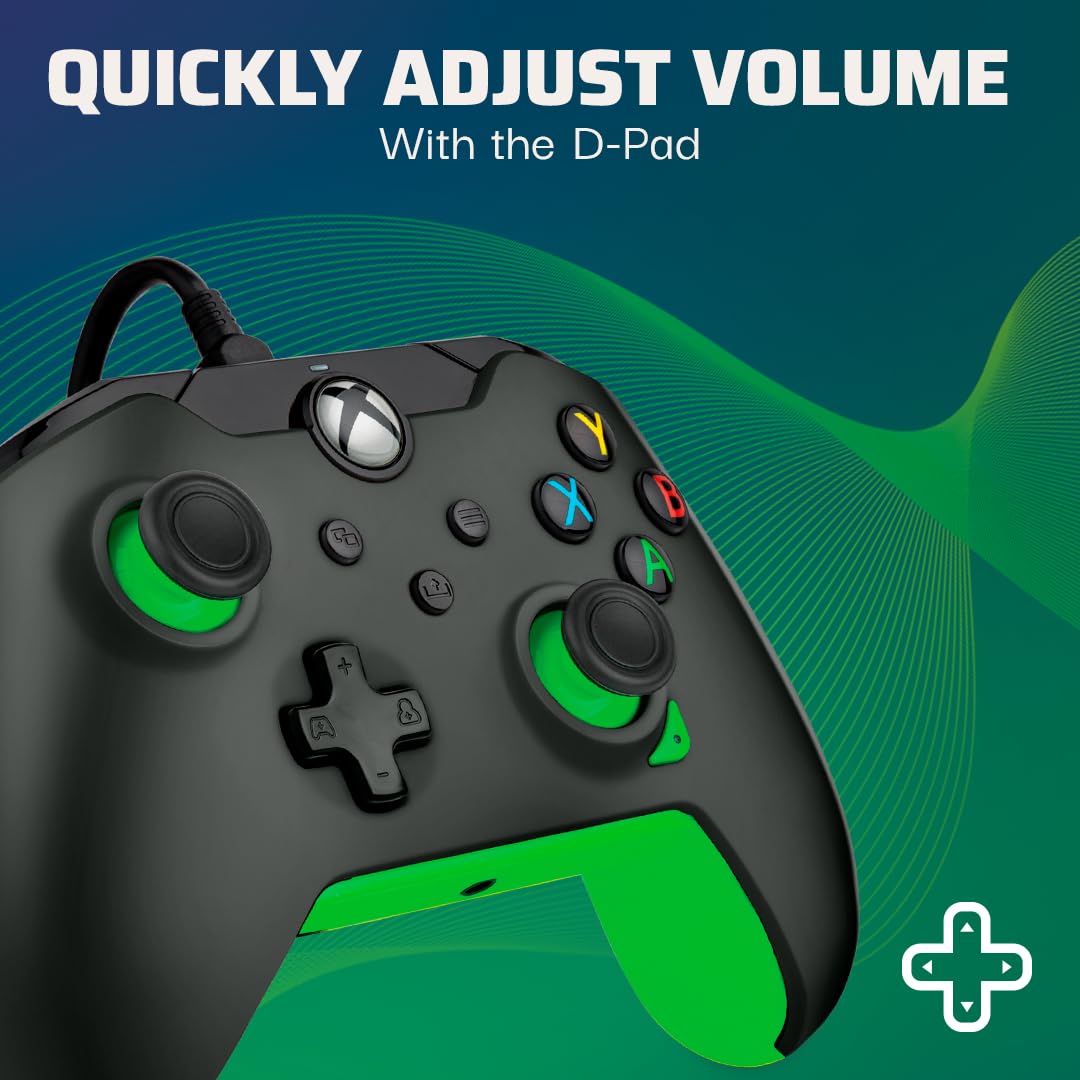
Image: Close-up of the controller's D-pad, highlighting the integrated audio controls.
- Pulsante di condivisione dedicato: Easily capture and share your in-game images and videos with a dedicated share button.

Immagine: Dettaglio view of the controller, showing the dedicated share button for capturing content.
- 8-Foot Detachable Cable: Fornisce ample room for comfortable gameplay and easy storage.
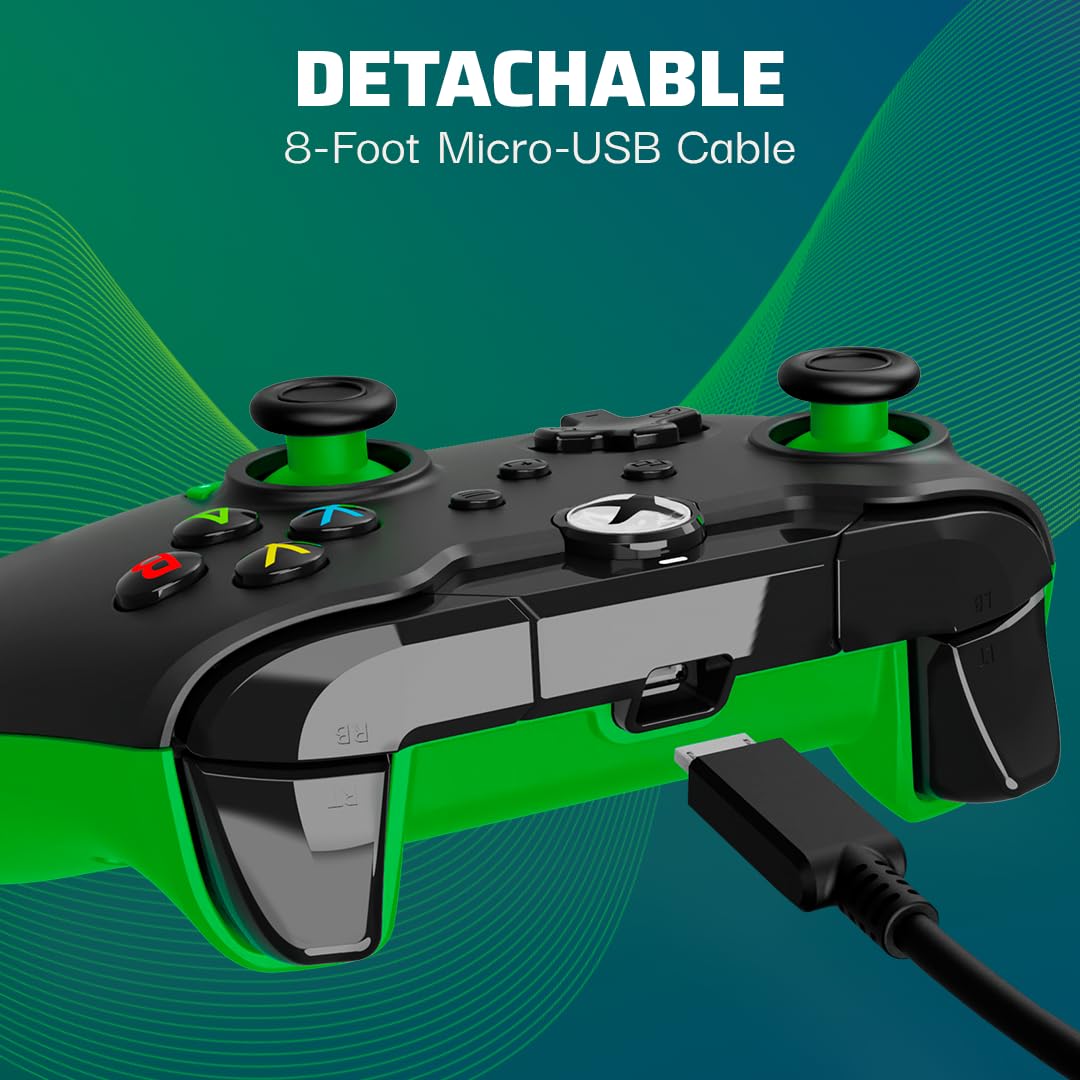
Image: The controller with its detachable 8-foot USB cable connected.
- Licenza ufficiale: Guaranteed compatibility and quality as an officially licensed Xbox product.

Image: The controller prominently displaying the "Officially Licensed by Xbox" branding.
Guida all'installazione
- Collegare il cavo: Insert the detachable 8-foot USB cable into the port on the top of the controller.
- Connettiti alla console/PC: Plug the other end of the USB cable into an available USB port on your Xbox console (Xbox Series X|S, Xbox One) or Windows 10/11 PC.
- Accensione: Il controller si accenderà automaticamente e si connetterà al tuo dispositivo. Il pulsante Xbox sul controller si illuminerà per indicare l'avvenuta connessione.
- Install PDP Control Hub App (Optional): For advanced customization, download and install the free PDP Control Hub App from the Microsoft Store on your Xbox or PC.
Istruzioni per l'uso
Controlli di base:
- Pulsante Xbox: Powers on the console/PC, opens the guide, and indicates connection status.
- Pulsanti A, B, X, Y: Pulsanti di azione standard per i comandi di gioco.
- Tasto direzionale: Directional input, also used for audio controls (see below).
- Stick analogici sinistro/destro: Per il controllo del movimento e della telecamera.
- Grilletti sinistro/destro (LT/RT): Analog input for actions like acceleration or firing.
- Paraurti sinistro/destro (LB/RB): Digital input for various actions.
- View Pulsante: Apre il view menu or displays additional information.
- Pulsante Menu: Opens the menu or pauses the game.
- Pulsante Condividi: Captures screenshots or records game clips.
Controlli audio:
The D-pad on the controller features integrated audio controls for quick adjustments:
- Volume su/giù: Press the Function button (located below the Xbox button) and then press Up/Down on the D-pad to adjust game volume.
- Chat Mix: Press the Function button and then press Left/Right on the D-pad to adjust the balance between game audio and chat audio.
- Disattiva microfono: Double-tap the Function button to mute or unmute your microphone. The LED indicator on the controller will change to show mic status.
Using the PDP Control Hub App:
The PDP Control Hub App allows for advanced customization of your controller. Connect your controller to your Xbox or PC and launch the app to:
- Remap any button to a different function.
- Adjust trigger dead zones for precise input.
- Calibrate analog sticks and triggers.
- Imposta l'intensità della vibrazione.
- Crea e salva pro personalizzatofiles per diversi giochi.
Manutenzione
- Pulizia: Utilizzare un panno morbido e asciutto per pulire il controller. Per lo sporco ostinato, leggermente dampLavare il panno con acqua. Evitare l'uso di prodotti chimici aggressivi o materiali abrasivi.
- Magazzinaggio: When not in use, store the controller in a clean, dry place away from direct sunlight and extreme temperatures. The detachable cable can be removed for easier storage.
- Cura del cavo: Avoid sharp bends or kinks in the cable. Do not pull on the cable to disconnect it from the controller or console/PC; always grasp the connector.
Risoluzione dei problemi
| Problema | Soluzione |
|---|---|
| Il controller non risponde/non si connette. |
|
| Audio issues (no sound, mic not working). |
|
| Buttons/sticks not working correctly. |
|
Specifiche
| Caratteristica | Dettaglio |
|---|---|
| Numero di modello | 049-012-GG |
| Compatibilità | Xbox Series X|S, Xbox One, PC Windows 10/11 |
| Tipo di connessione | Cablato (cavo USB staccabile) |
| Lunghezza del cavo | 8 piedi (circa 2.4 metri) |
| Presa audio | 3.5mm |
| Dimensioni (L x P x A) | 3.23 x 6.89 x 6.89 pollici |
| Peso | 12.17 once (circa 345 grammi) |
| Produttore | PDP |
| Paese di origine | Cina |
Garanzia e supporto
Per informazioni sulla garanzia e supporto tecnico, fare riferimento al PDP ufficiale webo contattare direttamente il servizio clienti. Conservare la prova d'acquisto per eventuali reclami in garanzia.
Risorse online:
- Visit the Official PDP Store on Amazon
- For the latest drivers and the PDP Control Hub App, visit the Microsoft Store or the official PDP support page.
Nota: le specifiche e le caratteristiche del prodotto sono soggette a modifiche senza preavviso.


