1. Introduzione
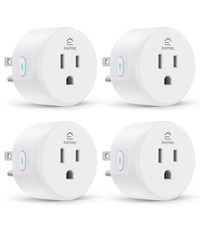
The EIGHTREE Smart Plug is designed to transform your traditional home appliances into smart devices, allowing for convenient control from anywhere. This manual provides detailed instructions for setting up, operating, and maintaining your smart plugs, ensuring seamless integration with your smart home ecosystem.

Sopraview of EIGHTREE Smart Plug features and compatibility.

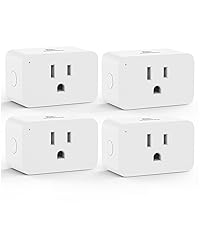
Compact design ensures the second outlet remains accessible.
2. Contenuto della confezione
Aprendo la confezione dovreste trovare i seguenti elementi:
- EIGHTREE Smart Plug (4-pack)
- Manuale dell'utente (questo documento)

Four EIGHTREE Smart Plugs included in the package.
3. Informazioni sulla sicurezza
For safe and optimal use of your EIGHTREE Smart Plug, please adhere to the following guidelines:
- Non superare la corrente massima nominale di 10 Amps.
- Garantire il volume di eserciziotage è 120 Volt.
- Use in dry indoor locations only.
- Tenere lontano dall'acqua e da elevata umidità.
- Non smontare o tentare di riparare il dispositivo.
- The smart plug is constructed with fireproof material for enhanced safety.
- Features over-current protection to prevent damage to connected devices.

Safety features of the EIGHTREE Smart Plug.
4. Specifiche
| Attributo | Dettaglio |
|---|---|
| Numero di modello | ET01 |
| Dimensioni del prodotto | 1.96 x 1.96 x 2.03 pollici |
| Peso dell'articolo | 1.92 once |
| Modalità di funzionamento | Automatico |
| Valutazione attuale | 10 Amps |
| Volume di eserciziotage | 120 Volt |
| Tipo di connettore | Collegare |
| Connettività wireless | Solo Wi-Fi a 2.4 GHz |
| Certificazioni | ETL, FCC |
| Paese di origine | Cina |
5. Guida all'installazione
Follow these steps to set up your EIGHTREE Smart Plug and connect it to your smart home system.
5.1. Installazione dell'app e associazione del dispositivo
- Scarica l'app Smart Life: Cercare "Smart Life" nell'app store del tuo smartphone (iOS o Android) e scaricala.
- Registrati/Accedi: Open the Smart Life App and register for a new account or log in if you already have one.
- Collega la presa intelligente: Insert the EIGHTREE Smart Plug into a standard wall outlet.
- Rilevamento automatico: Ensure your phone's Bluetooth is enabled. The Smart Life App should automatically detect the new device. Tap "Add" to proceed.
- Connessione Wi-Fi a 2.4 GHz: Seleziona la tua rete Wi-Fi a 2.4 GHz e inserisci la password. La presa intelligente supporta solo Wi-Fi a 2.4 GHz.
- Conferma associazione: Once connected, the app will confirm successful pairing. You can then name your device (e.g., "Living Room Lamp").

Easy setup process with 2.4GHz WiFi and Bluetooth detection.

Step-by-step guide for initial device pairing via the Smart Life App.
5.2. Connecting to Voice Assistants
After successfully adding your smart plug to the Smart Life App, you can link it with voice assistants like Alexa, Google Home, or SmartThings.

EIGHTREE Smart Plugs are compatible with major smart home platforms.
5.2.1. Alexa di Amazon
- Open the Smart Life App, go to the "Me" tab, and select "Third-Party Services".
- Choose "Alexa" and follow the on-screen instructions to link your Smart Life account with Alexa.
- Once linked, discover devices in the Alexa app.

Steps to link your Smart Life account with Amazon Alexa.
5.2.2. Casa di Google
- Open the Smart Life App, go to the "Me" tab, and select "Third-Party Services".
- Choose "Google Assistant" and follow the instructions to link your Smart Life account.
- Select the devices you wish to connect.
Steps to link your Smart Life account with Google Home.
5.2.3. Cose intelligenti
- Launch the SmartThings App and tap "Add device".
- Tap "Partner devices" and then search for "Smart Life".
- Follow the instructions to link your Smart Life account to SmartThings.
Steps to link your Smart Life account with SmartThings.
6. Istruzioni per l'uso
6.1. Controllo remoto tramite app
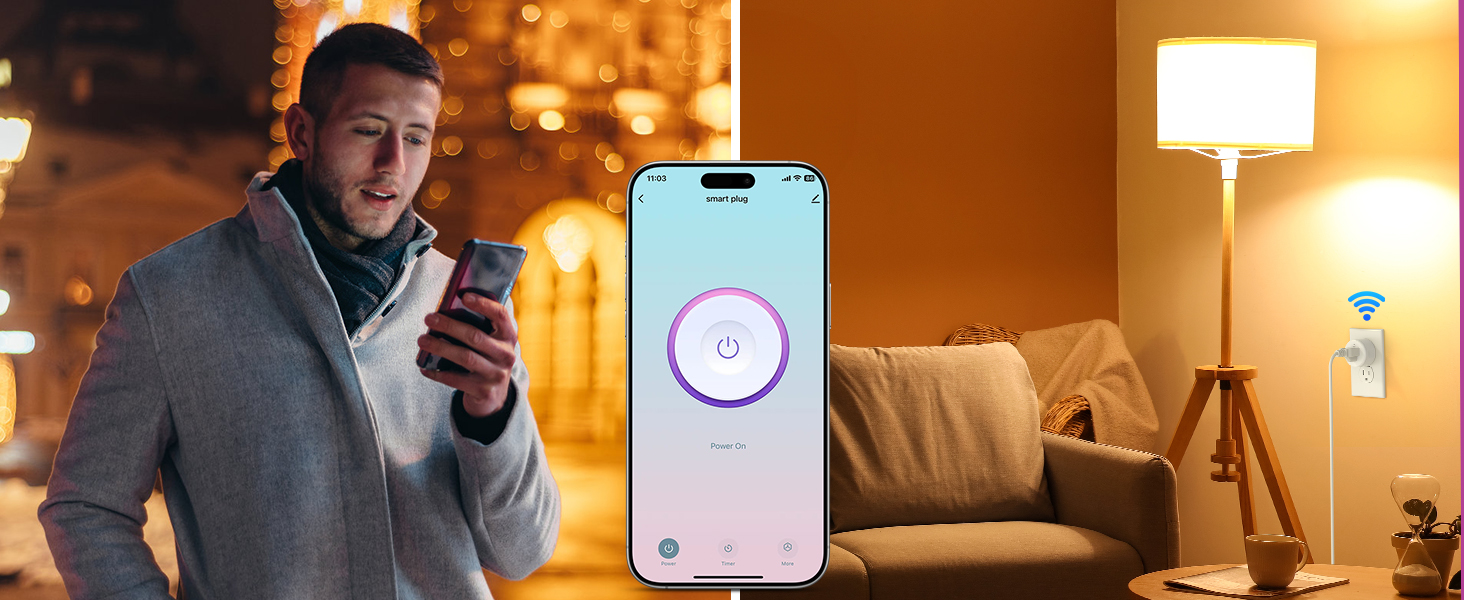
Control your home devices from anywhere using the Smart Life App on your smartphone.
- Open the Smart Life App.
- Tap on the desired smart plug to toggle its power on/off.
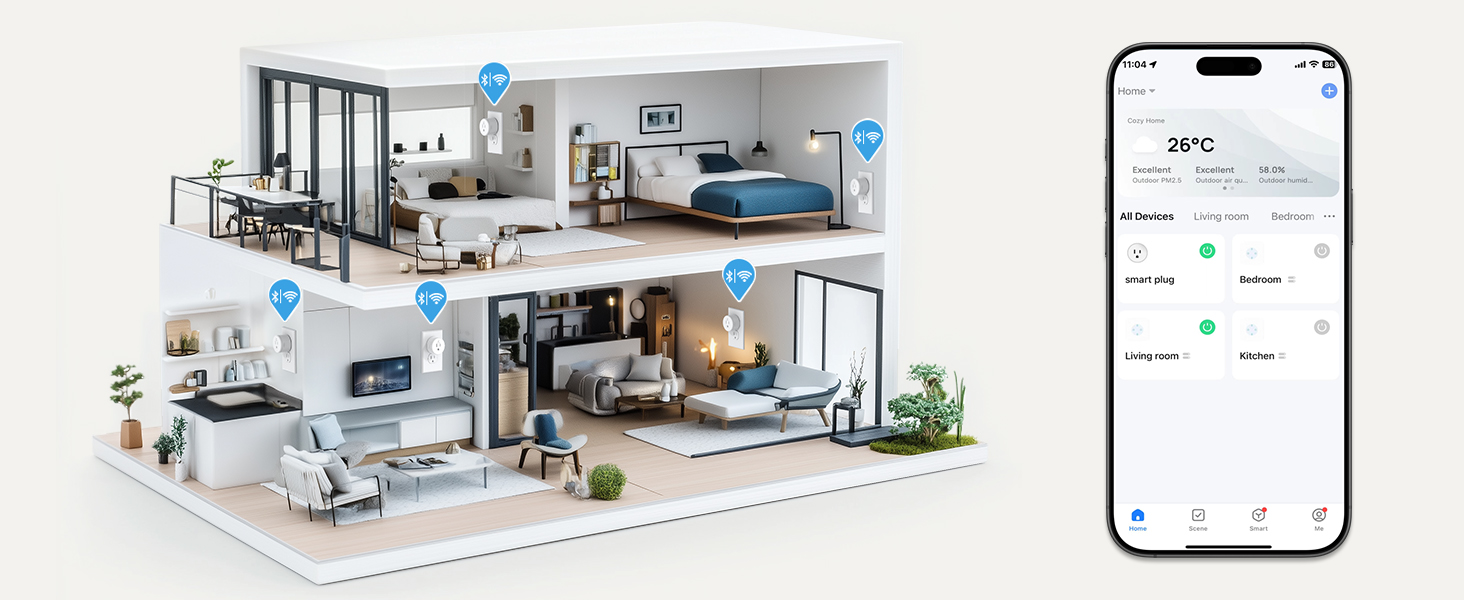
- Group multiple plugs for simultaneous control.
Control your devices remotely using the Smart Life App.

Manage your home appliances from anywhere, anytime.
Visualize and control all your smart devices across different rooms.
6.2. Controllo vocale
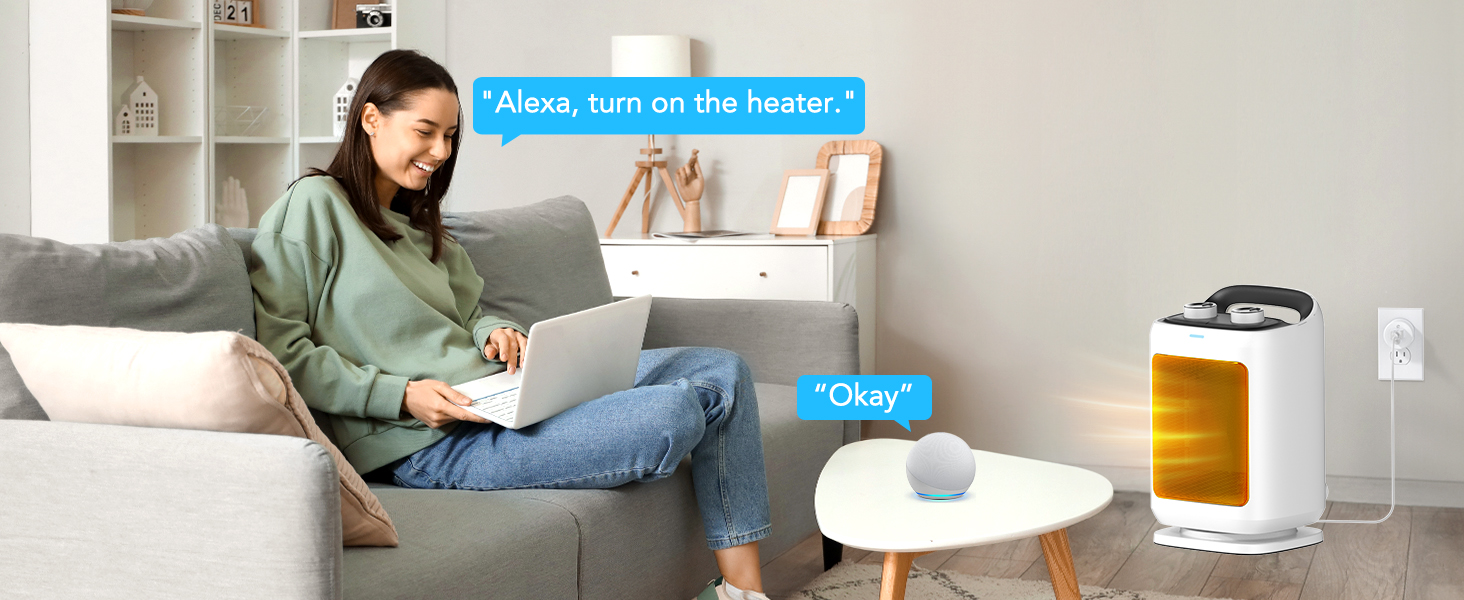
Use simple voice commands with Alexa or Google Home Assistant to operate your smart plugs.
- Example: "Alexa, turn on the fan."
- Example: "Hey Google, turn off the coffee maker."

Control your appliances hands-free using voice commands.
Conveniently activate devices with voice commands.
6.3. Schedule & Timer Function
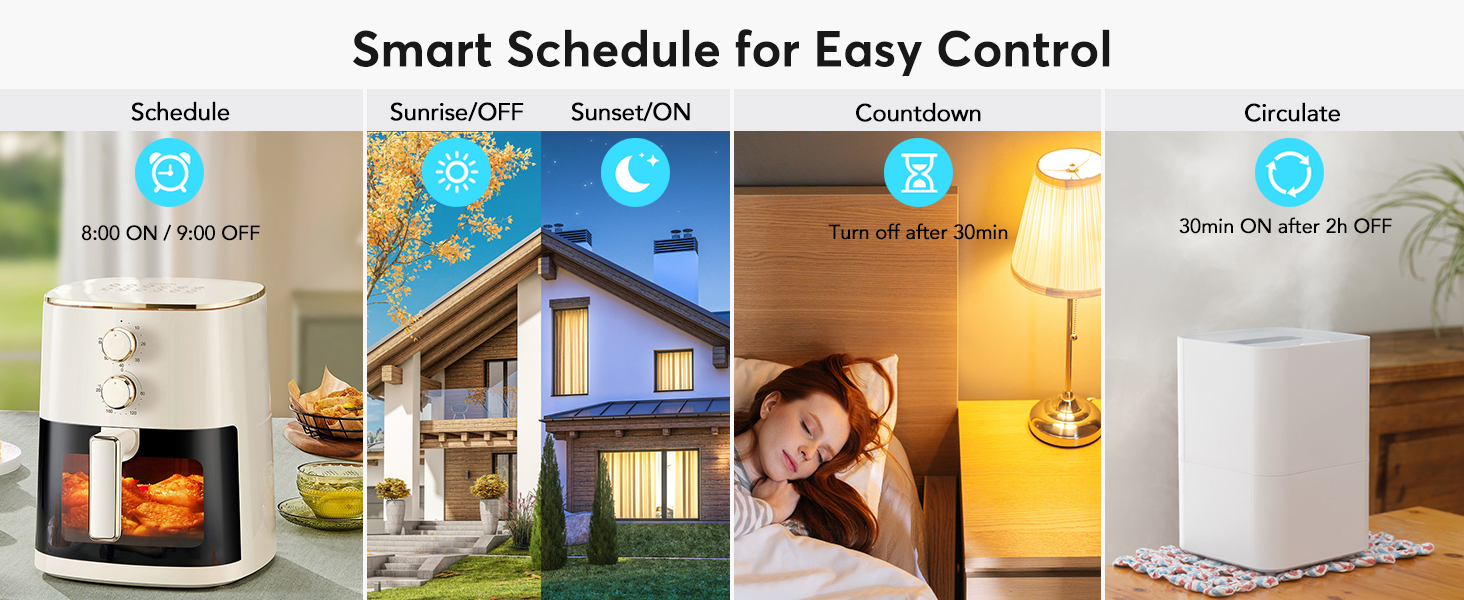
Automate your devices by setting schedules, countdowns, cycles, or random schedules through the Smart Life App.
- Programma: Set specific on/off times (e.g., turn on coffee maker at 8 AM, turn off lights at 10 PM).
- Conto alla rovescia: Imposta un timer affinché un dispositivo si spenga dopo un intervallo di tempo specificato.
- Circolare: Program devices to cycle on and off at regular intervals.
- Alba tramonto: Automate lights based on local sunrise and sunset times.

Set your appliances to turn on/off according to your needs.
Various smart schedule options for automated control.
6.4. Condivisione del dispositivo
Share control of your smart plugs with family members through the Smart Life App.
- Nell'app Smart Life, vai alle impostazioni del dispositivo.
- Select "Share Device" and invite family members to access and configure the smart plug.

Condividi facilmente il controllo delle tue prese intelligenti con i membri della famiglia.
7. Manutenzione
The EIGHTREE Smart Plug requires minimal maintenance. To ensure its longevity and proper function:
- Wipe the exterior with a soft, dry cloth as needed.
- Non utilizzare prodotti chimici aggressivi o detergenti abrasivi.
- Prima di procedere alla pulizia, assicurarsi che la spina sia scollegata dalla corrente.
8. Risoluzione Dei Problemi
If you encounter issues with your EIGHTREE Smart Plug, try the following solutions:
8.1. Connection Failure or Timeout
- Controlla il Wi-Fi: Assicurati che la tua rete Wi-Fi sia a 2.4 GHz. La presa intelligente non supporta la rete Wi-Fi a 5 GHz.
- Stabilità della rete: Verify your Wi-Fi signal is strong and stable where the plug is located.
- Reimpostare la spina: If connection fails, power off the smart plug for over 10 seconds, then power it on again. Press and hold the power button on the side of the plug for 5 seconds until the indicator light blinks slowly. Then retry the pairing process in the app.
- AP Mode Connection: If standard pairing fails, try connecting using AP (Access Point) mode. This method involves connecting your phone directly to the plug's Wi-Fi hotspot during setup.
AP Mode Connection Guide:
This video demonstrates how to connect your EIGHTREE Smart Plug using AP Mode, which can be helpful if standard connection methods fail.
8.2. Voice Control Issues
- Collegamento dell'account: Double-check that your Smart Life account is correctly linked to your Alexa or Google Home account.
- Denominazione del dispositivo: Ensure the device name in the Smart Life App is simple and easily recognizable by your voice assistant.
- Scopri i dispositivi: Try asking your voice assistant to "Discover devices" again.
9. Garanzia e supporto
EIGHTREE is committed to providing high-quality smart home solutions. Your EIGHTREE Smart Plug comes with a standard warranty covering manufacturing defects.
- All products are certified by FCC & ETL.
For any assistance, technical support, or warranty inquiries, please contact EIGHTREE Customer Service. We offer 7*24 customer service to ensure your peace of mind.
Informazioni sui contatti:
- E-mail: support.us@eighttree.club

EIGHTREE: Your partner for smart living.


