Introduzione
The Cellularline Touch Mag Air Vents is a magnetic car phone holder specifically designed for iPhones with MagSafe technology. This holder provides a secure, simple, and stable solution for mounting your smartphone in your vehicle. Its powerful magnets ensure your device remains firmly in place without interfering with its functions. The innovative hook attachment system allows for versatile installation on various car air vent types, including both standard and round designs.
This manual will guide you through the installation, operation, and maintenance of your Touch Mag Air Vents holder, ensuring optimal performance and safety.
Contenuto della confezione
- Cellularline Touch Mag Air Vents Car Phone Holder
- Manuale di istruzioni
Configurazione e installazione
Follow these steps to correctly install your Cellularline Touch Mag Air Vents holder in your vehicle.

Image: The Touch Mag Air Vents holder securely mounted on a car's air vent, demonstrating its adaptability to different vent designs.
- Choose an Air Vent: Select a suitable air vent in your car that provides a clear view of your phone without obstructing your driving. The holder is compatible with both standard horizontal/vertical and round air vents.
- Attaccare il gancio: Extend the hook mechanism on the back of the holder. Carefully insert the hook into one of the slats of your chosen air vent.
- Fissare il supporto: Once the hook is in place, push the holder firmly towards the vent until it is securely fastened. The unique hook design and arc-shaped support structure ensure a stable grip.
- Regola l'angolazione: The holder features a ball joint that allows for 360-degree rotation. Adjust the holder to your preferred viewangolo di ing.
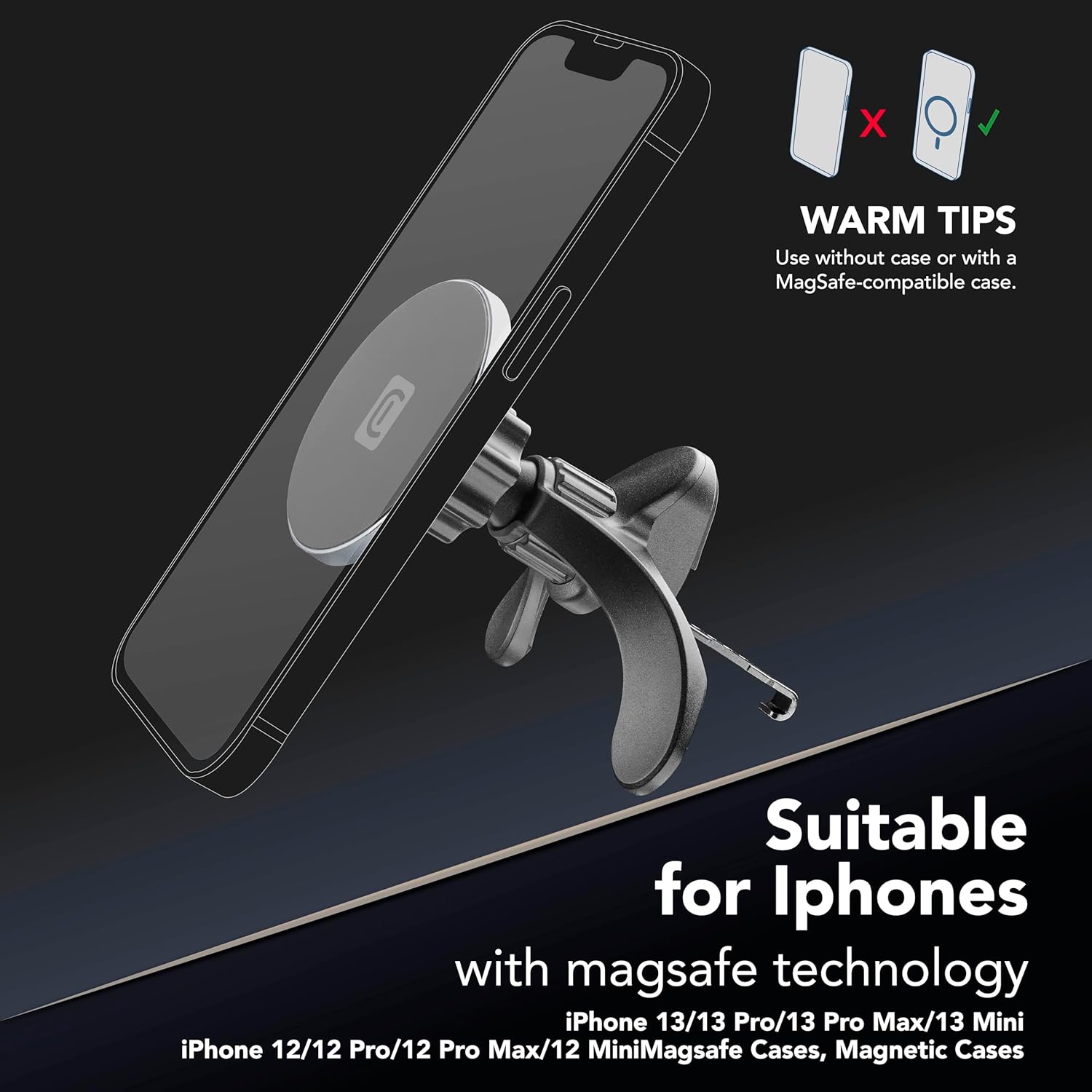
Immagine: dettagliata view of the holder's robust hook and arc-shaped support structure, designed for secure attachment.
Istruzioni per l'uso
Using your Cellularline Touch Mag Air Vents holder is straightforward.

Image: An iPhone magnetically attaching to the holder, highlighting MagSafe compatibility.
- Prepara il tuo dispositivo: Ensure your iPhone is MagSafe compatible (iPhone 12 series or newer) or is equipped with a MagSafe-compatible case. Using a non-MagSafe case may reduce magnetic strength.
- Collega il tuo telefono: Simply bring your MagSafe-compatible iPhone or case close to the magnetic surface of the holder. The magnets will automatically align and secure your phone.
- Regolare Viewangolo di ing: Rotate your phone to either portrait or landscape orientation as needed. The 360-degree rotatable ball joint allows for precise angle adjustments for optimal visibility.
- Rimuovi il tuo telefono: Gently pull your phone away from the magnetic surface to detach it.

Image: The holder's 360-degree rotation feature, allowing for flexible viewapportare modifiche.
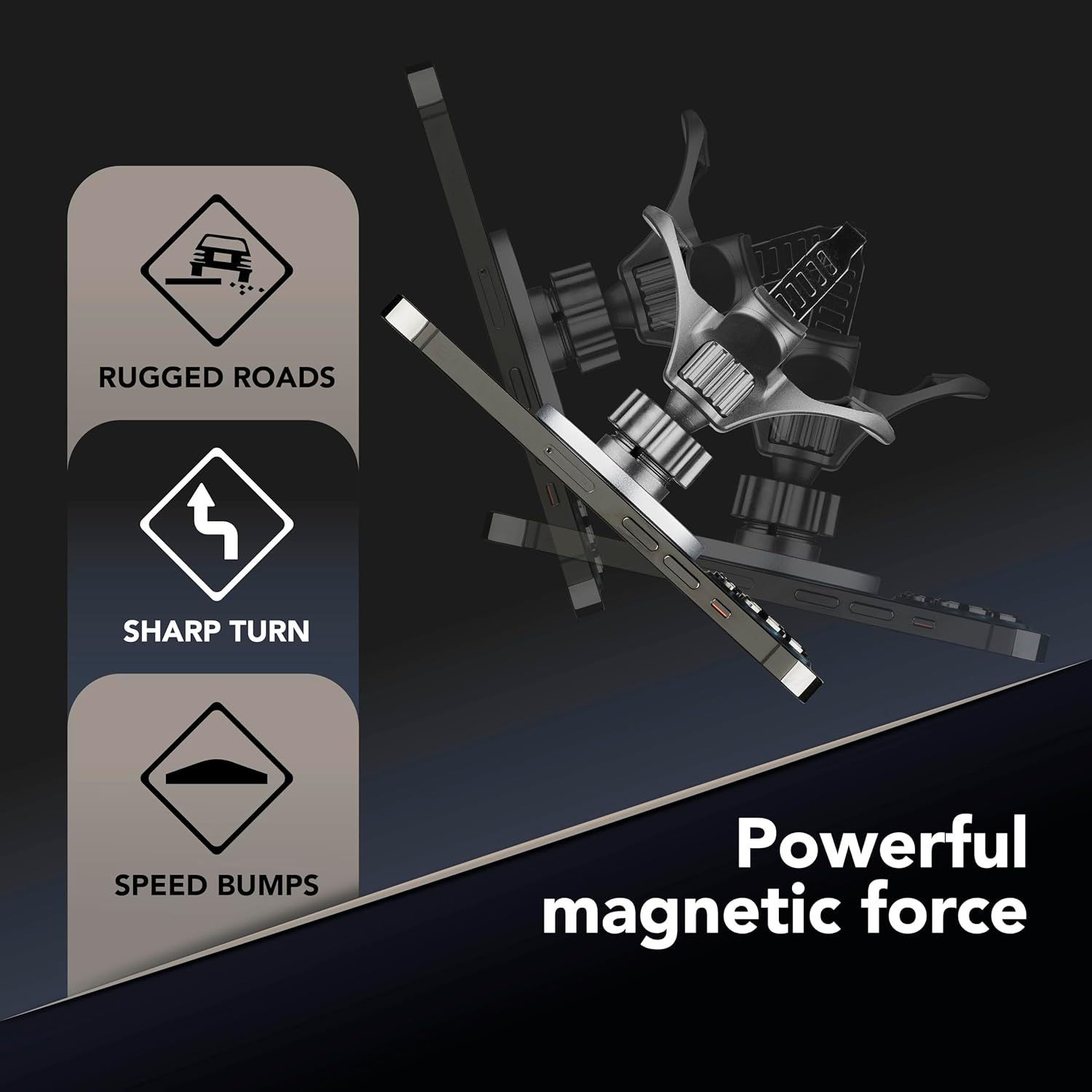
Image: The powerful magnetic hold ensures stability even on challenging road conditions.
Manutenzione
To ensure the longevity and optimal performance of your car phone holder, follow these simple maintenance guidelines:
- Pulizia: Utilizzare un morbido, asciutto o leggermente damp cloth to wipe the surface of the holder. Avoid using abrasive cleaners, solvents, or harsh chemicals, as these can damage the material.
- Ispezione: Periodically check the air vent attachment hook and the ball joint for any signs of wear or damage. Ensure all parts are securely in place.
- Magazzinaggio: If you need to remove the holder for an extended period, store it in a clean, dry place away from direct sunlight and extreme temperatures.
Risoluzione dei problemi
If you encounter any issues with your Cellularline Touch Mag Air Vents holder, refer to the following common solutions:
- Phone does not attach securely:
- Assicurati che il tuo telefono sia compatibile con MagSafe o che abbia una custodia compatibile con MagSafe.
- Remove any thick, non-MagSafe cases that might interfere with the magnetic connection.
- Check for any debris on the magnetic surface of the holder or your phone/case.
- Holder feels loose on the air vent:
- Verify that the hook is fully inserted and securely gripping an air vent slat.
- Ensure the holder is pushed firmly against the vent.
- Some air vent designs may offer a more secure fit than others. Try a different vent if available.
- Difficulty adjusting the viewangolo di inclinazione:
- The ball joint should allow for smooth rotation. If it feels stiff, gently apply pressure while rotating.
- Ensure no foreign objects are obstructing the ball joint mechanism.
If these solutions do not resolve the issue, please contact CellularLine customer support.
Specifiche
| Nome del modello | MAGSFHOLDERVENT2K |
| Marca | Linea Cellulare |
| Peso dell'articolo | 120 grammi |
| Dimensioni del prodotto (L x P x A) | Dimensioni: 9 x 17.5 x 5.5 cm |
| Caratteristiche speciali | Ruotabile |
| Colore | Nero |
| Tipo di montaggio | Condotto dell'aria |
| Materiale | Plastica |
| Modelli di telefono compatibili | iPhone 12, iPhone 12 Pro, iPhone 12 Pro Max, iPhone 13, iPhone 13 Pro, iPhone 13 Pro Max, iPhone SE (3rd generation) and newer MagSafe compatible iPhones. |
| Dispositivi compatibili | Smartphones with MagSafe technology or MagSafe-compatible cases. |
Garanzia e supporto
CellularLine products are designed and manufactured to the highest quality standards. For information regarding warranty coverage, terms, and conditions, please refer to the warranty card included with your purchase or visit the official CellularLine websito.
For technical support, troubleshooting assistance beyond what is provided in this manual, or to inquire about replacement parts, please contact CellularLine customer service through their official websito o le informazioni di contatto fornite nella confezione del prodotto.
Ufficiale Websito: www.cellularline.com


