1. Introduzione
This manual provides detailed instructions for the setup, operation, and maintenance of your PINKCAT Wireless Keyboard and Mouse Combo. This 2.4G wireless peripheral set is designed for use with various operating systems, offering a full-sized keyboard with a palm rest and a silent optical mouse for enhanced productivity and comfort.
2. Contenuto della confezione
Si prega di verificare che tutti gli articoli siano presenti nel pacco:
- Tastiera senza fili
- Mouse senza fili
- Ricevitore USB (solitamente conservato all'interno del vano batteria del mouse)
- Manuale d'uso
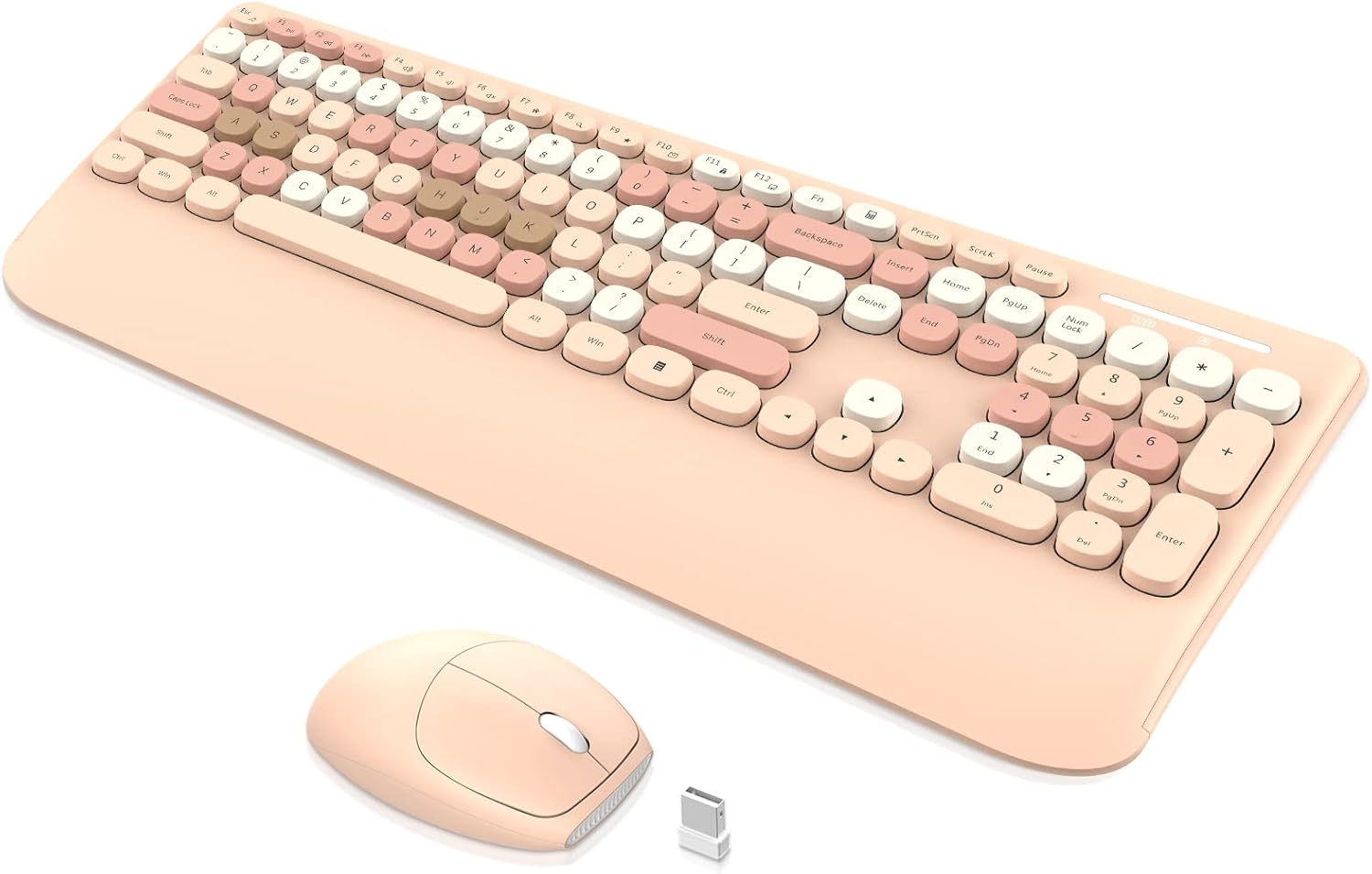
Image: The PINKCAT wireless keyboard, mouse, and USB receiver. The keyboard features a full layout with a wrist rest, and the mouse is compact with a smooth finish.
3. Istruzioni per l'installazione
3.1. Installazione della batteria
- Per il topo: Open the battery compartment cover located on the underside of the mouse. Insert one (1) AA battery (not included), ensuring correct polarity. Close the cover. The USB receiver is typically stored in this compartment.
- Per la tastiera: Open the battery compartment cover on the underside of the keyboard. Insert one (1) AAA battery (not included), ensuring correct polarity. Close the cover.

Image: The underside of the wireless mouse, illustrating the battery compartment, power switch, and the slot for the USB receiver.
3.2. Connessione al dispositivo
- Locate the USB receiver. It is usually stored in the battery compartment of the mouse.
- Plug the USB receiver into an available USB port on your computer (Laptop, PC, Mac, etc.).
- Accendere l'interruttore di alimentazione posto nella parte inferiore del mouse.
- La tastiera e il mouse dovrebbero connettersi automaticamente al dispositivo. In genere, per la maggior parte dei sistemi operativi non sono necessari driver aggiuntivi.
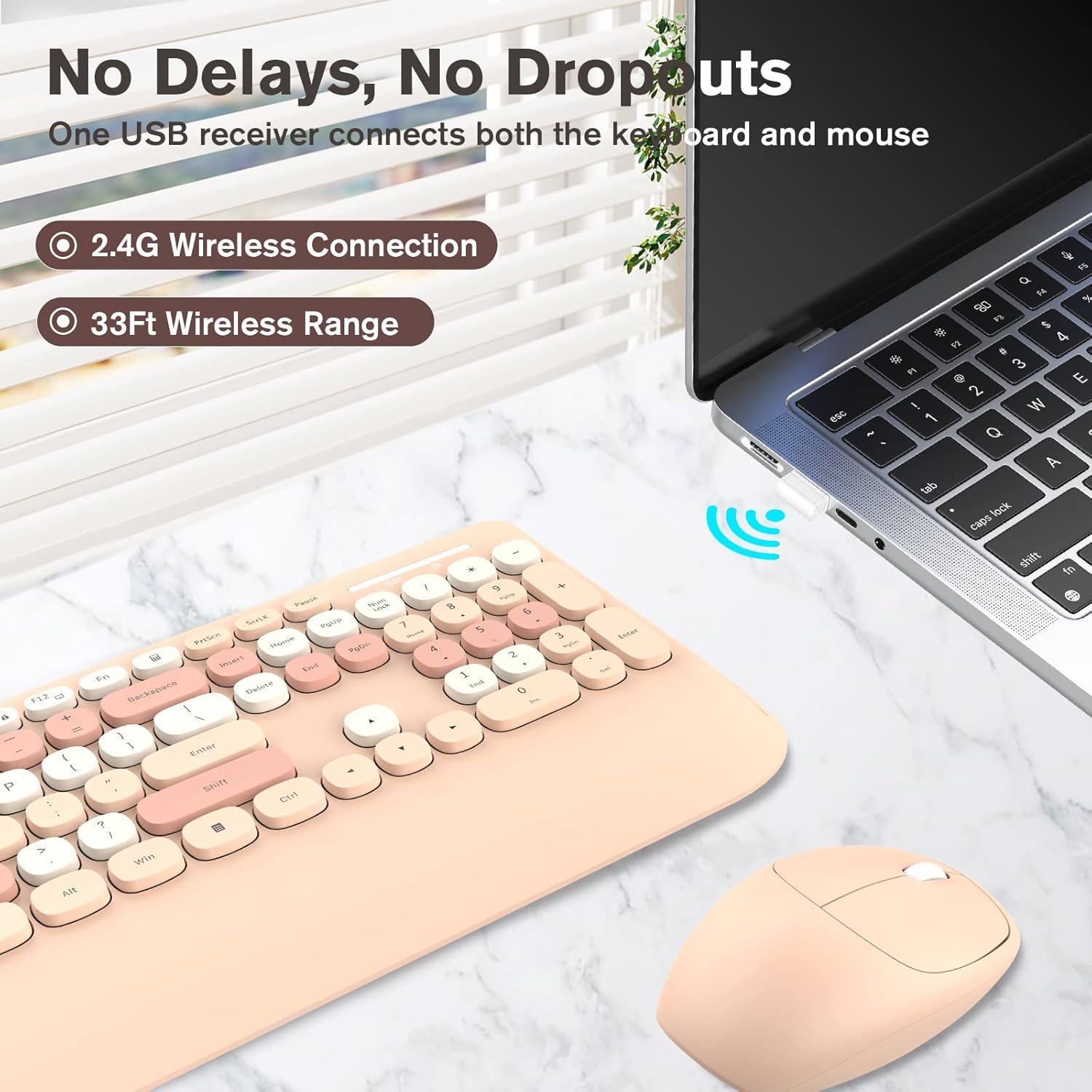
Image: A visual representation of the 2.4G wireless connection, showing the USB receiver plugged into a laptop, enabling the keyboard and mouse to operate wirelessly within a 33ft range.
4. Istruzioni per l'uso
4.1. Utilizzo della tastiera
- Layout a grandezza naturale: The keyboard features a standard full-sized layout, including a numeric keypad for efficient data entry.
- Tasti multimediali: Utilize the function (Fn) key in combination with specific F-keys for quick access to multimedia controls and other shortcuts. Refer to the keycap legends for specific functions.
- Design ergonomico: The keyboard includes a comfortable wrist rest and a foldable stand to adjust the typing angle, reducing wrist fatigue during extended use.

Image: An illustration highlighting the ergonomic features of the keyboard, including its foldable stand for adjustable tilt and the integrated non-slip wrist rest designed to reduce pressure.
4.2. Utilizzo del mouse
- Tracciamento ottico: The mouse uses optical tracking for precise cursor control.
- Clic silenziosi: Designed for quiet operation, minimizing click noise.
- 3-Button & Roller: Funzionalità standard di clic sinistro, clic destro e rotellina di scorrimento.
4.3. Funzione Smart Sleep
To conserve battery life, both the keyboard and mouse feature an automatic sleep mode:
- Tastiera: Enters sleep mode after approximately 8 minutes of inactivity. Press any key to reactivate.
- Topo: Enters sleep mode after approximately 5 minutes of inactivity. Click any button to reactivate.

Image: A graphic detailing the auto power-saving function for both the keyboard and mouse, including their respective battery life estimates and automatic sleep timings.
5. Manutenzione
5.1. Pulizia
- Tastiera: Use a soft, dry cloth to wipe the surface. For deeper cleaning, the rounded keycaps are removable. A small brush can be used to clean debris from underneath the keycaps.
- Topo: Wipe with a soft, dry cloth. Avoid using harsh chemicals or abrasive materials.

Immagine: La tastiera mostraasing its cute retro rounded keys, removable keycaps made of ABS material, and an included brush for deep cleaning.
5.2. Sostituzione della batteria
When the keyboard or mouse performance degrades (e.g., lag, unresponsiveness), it may be time to replace the batteries. Follow the battery installation steps in Section 3.1.
- Keyboard requires one (1) AAA battery.
- Mouse requires one (1) AA battery.
6. Risoluzione Dei Problemi
| Problema | Soluzione |
|---|---|
| Tastiera/mouse non rispondono |
|
| I tasti sono bloccati o non rispondono |
|
| Mouse cursor jumps or is erratic |
|
| Automatic sleep mode activates too quickly |
|
7. Specifiche
| Caratteristica | Dettaglio |
|---|---|
| Marca | GATTO ROSA |
| Modello | B0B97627CD |
| Tecnologia di connettività | 2.4G Radio Frequency (USB Receiver) |
| wireless Range | Fino a 10 metri (33 piedi) |
| Tipo di tastiera | Full-sized with Numeric Keypad, Wrist Rest |
| Potenza della tastiera | 1 batteria AAA (non inclusa) |
| Tipo di topo | Optical, Silent Click, 3-Button with Scroll Roller |
| Potenza del mouse | 1 batterie AA (non incluse) |
| Sistemi operativi compatibili | Windows, MacOS, Linux, iOS, Android |
| Caratteristiche speciali | Ergonomic design, Smart Sleep Mode, Removable Keycaps |
| Dimensioni della tastiera | Circa 436.0 mm x 182.3 mm (17.2 pollici x 7.2 pollice) |
| Dimensioni del mouse | Circa 104.7 mm x 69.2 mm x 36.0 mm (4.1 pollici x 2.7 pollici x 1.4 pollici) |

Image: The full-size keyboard with its dimensions (436.0mm / 17.2in length, 182.3mm / 7.2in width), highlighting its number pad and 13 combined multimedia keys.
Image: The wireless mouse with its dimensions (104.7mm / 4.1in length, 69.2mm / 2.7in width, 36.0mm / 1.4in height), showing its 3-button and roller design.
8. Garanzia e supporto
PINKCAT products are designed for reliability and performance. For specific warranty details, please refer to the warranty card included with your product or visit the official PINKCAT website. If you encounter any issues or require assistance, please contact PINKCAT customer service via Amazon email for support. We aim to provide a satisfactory solution within 24 hours.
Informazioni sui contatti:
- Assistenza clienti: Contact via Amazon email (as mentioned in product description).
- Websito: Refer to product packaging or online listings for official webdettagli del sito.