1. Introduzione
The Sonic Blast Digital Alarm Clock with Projection is designed to provide a reliable and effective wake-up experience, especially for heavy sleepers. It combines an extra-loud alarm with a bright strobe light, time projection, Bluetooth audio, and a USB charging port. This manual will guide you through the setup, operation, and maintenance of your device.

Image 1.1: The Sonic Blast Digital Alarm Clock with Projection, showing its display, time projection, and USB charging capability.
2. Informazioni sulla sicurezza
- Leggere tutte le istruzioni prima di utilizzare il dispositivo.
- Tenere il dispositivo lontano dall'acqua o da umidità eccessiva.
- Non esporre il dispositivo a temperature estreme o alla luce solare diretta.
- Utilizzare esclusivamente l'adattatore di alimentazione fornito.
- Non tentare di smontare o riparare il dispositivo da soli. Per qualsiasi intervento di assistenza, rivolgersi a personale qualificato.
- Garantire un'adeguata ventilazione intorno al dispositivo.
3. Contenuto della confezione
- Sonic Blast Digital Alarm Clock with Projection (Model SB775B)
- Adattatore di alimentazione
- Manuale d'uso
4. Prodotto finitoview: Comandi e indicatori
Familiarize yourself with the various buttons, ports, and indicators on your Sonic Blast alarm clock.

Immagine 4.1: anteriore view of the Sonic Blast alarm clock highlighting display and feature icons.
Pannello frontale
- Display a LED: Shows current time, alarm status (AL1, AL2), PM indicator, and Bluetooth (BT) status.
- Luce stroboscopica: Flashes during alarm.
Pannello superiore

Image 4.2: Top panel controls, including the SNOOZE/DIMMER button.
- Pulsante di accensione: Accende/spegne l'unità.
- Pulsanti VOL- / VOL+: Regola il volume.
- AL.SET Button: Used to set alarms.
- Pulsante DIMMER: Regola la luminosità del display (5 livelli).
- HOUR / MIN Buttons: Regola le impostazioni dell'ora e della sveglia.
- Pulsante SNOOZE: Attiva la funzione snooze.
- BUZZER/TONE Switch: Selects alarm sound type.
- ALM1 / ALM2 / VIB Switch: Selects alarm mode (Alarm 1, Alarm 2, or Vibration).
- PROJECTION IMAGE ON/OFF / ROTATE Button: Controls the projection feature.
- FOCUSING Wheel: Adjusts the clarity of the projected time.
Pannello posteriore

Immagine 4.3: posteriore view of the Sonic Blast alarm clock, showing USB and AUX ports.
- Presa DC IN: Per collegare l'adattatore di alimentazione.
- Porta di ricarica USB: Per caricare dispositivi esterni.
- Presa AUX IN: Per collegare sorgenti audio esterne.
- VIBRATOR Jack: For connecting an optional bed shaker (sold separately).
5. Impostazione
5.1 Collegamento di alimentazione
- Plug the power adapter into the DC IN jack on the rear of the alarm clock.
- Collegare l'altra estremità dell'adattatore a una presa a muro standard.
- Il display dell'orologio si illuminerà.
5.2 Installazione della batteria di backup
A CR2032 lithium battery (not included) can be installed to maintain time and alarm settings during a power outage.

Image 5.1: Illustration of the CR2032 battery for backup power.
- Individuare il vano batterie nella parte inferiore dell'unità.
- Aprire il coperchio del vano batterie.
- Inserire una batteria al litio CR2032, assicurandosi della corretta polarità (+/-).
- Chiudere saldamente il coperchio del vano batterie.
5.3 Impostazione dell'ora
- Premere e tenere premuto il tasto TEMPO finché il display non lampeggia.
- Utilizzare il ORA E MINIMO buttons to set the current hour and minute.
- Premere il tasto TEMPO nuovamente per confermare l'impostazione.
6. Istruzioni per l'uso
6.1 Impostazione degli allarmi (Allarme 1 e Allarme 2)
L'orologio supporta due sveglie indipendenti.

Image 6.1: The Sonic Blast alarm clock supporting dual alarms.
- Premere e tenere premuto il tasto AL.SET button. AL1 will flash on the display.
- Utilizzare il ORA E MINIMO buttons to set the desired alarm time for Alarm 1.
- Premere AL.SET again to set Alarm 2, repeating the process.
- After setting both alarms, press AL.SET ancora una volta per uscire dalla modalità di impostazione della sveglia.
- To activate an alarm, slide the ALM1 / ALM2 / VIB switch to the desired alarm (AL1 or AL2). The corresponding indicator will light up.
- To select the alarm sound, slide the BUZZER/TONE switch to BUZZER or TONE.
6.2 Funzione posticipa
Quando suona la sveglia, premere il tasto POSTICIPARE pulsante per silenziare temporaneamente l'allarme per una durata preimpostata.

Image 6.2: Adjustable snooze feature for customized wake-up delays.
- The snooze duration is adjustable. Refer to the full manual for specific steps to adjust snooze time.
6.3 Regolazione del volume e del tono
Customize your alarm sound to your preference.

Image 6.3: Graphic illustrating the adjustable volume feature.
- Utilizzare il vol- E Volume+ pulsanti per regolare il volume della sveglia.
- Fai scorrere il BUZZER/TONE switch to select between a standard buzzer or an adjustable tone.

Image 6.4: Close-up of the tone adjustment controls.
6.4 Funzione di proiezione
Project the time onto your ceiling or wall for easy viewing.
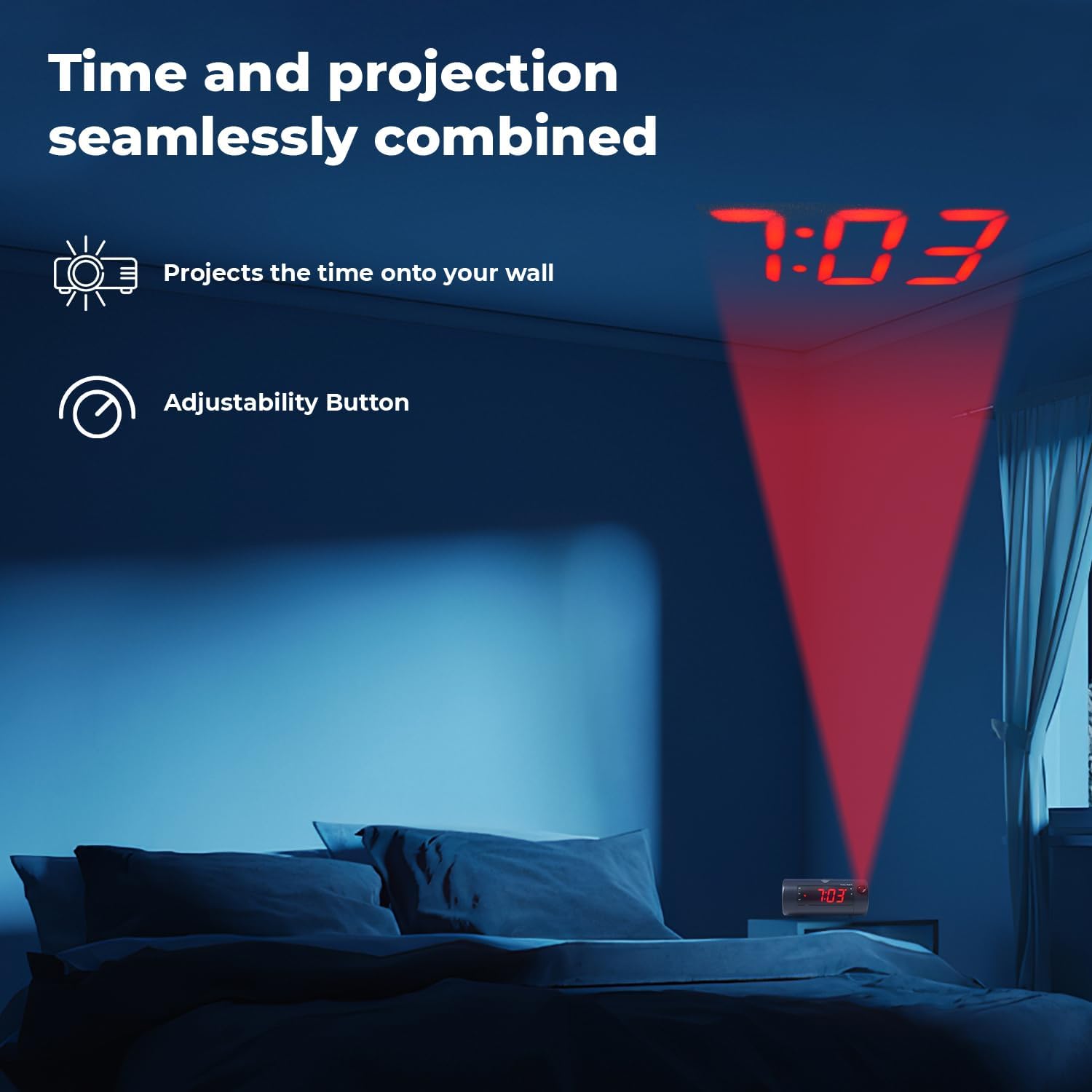
Image 6.5: Time projected onto a bedroom wall.
- Premere il tasto PROJECTION IMAGE ON/OFF pulsante per accendere o spegnere la proiezione.
- Utilizzare il MESSA A FUOCO wheel to adjust the clarity of the projected image.
- Premere e tenere premuto il tasto PROJECTION IMAGE ROTATE button to rotate the projected time to the desired orientation.

Image 6.6: Close-up of the projection focus, on/off, and rotation controls.
6.5 Accoppiamento degli altoparlanti Bluetooth
Connect your smartphone or tablet to play audio through the alarm clock's speaker.
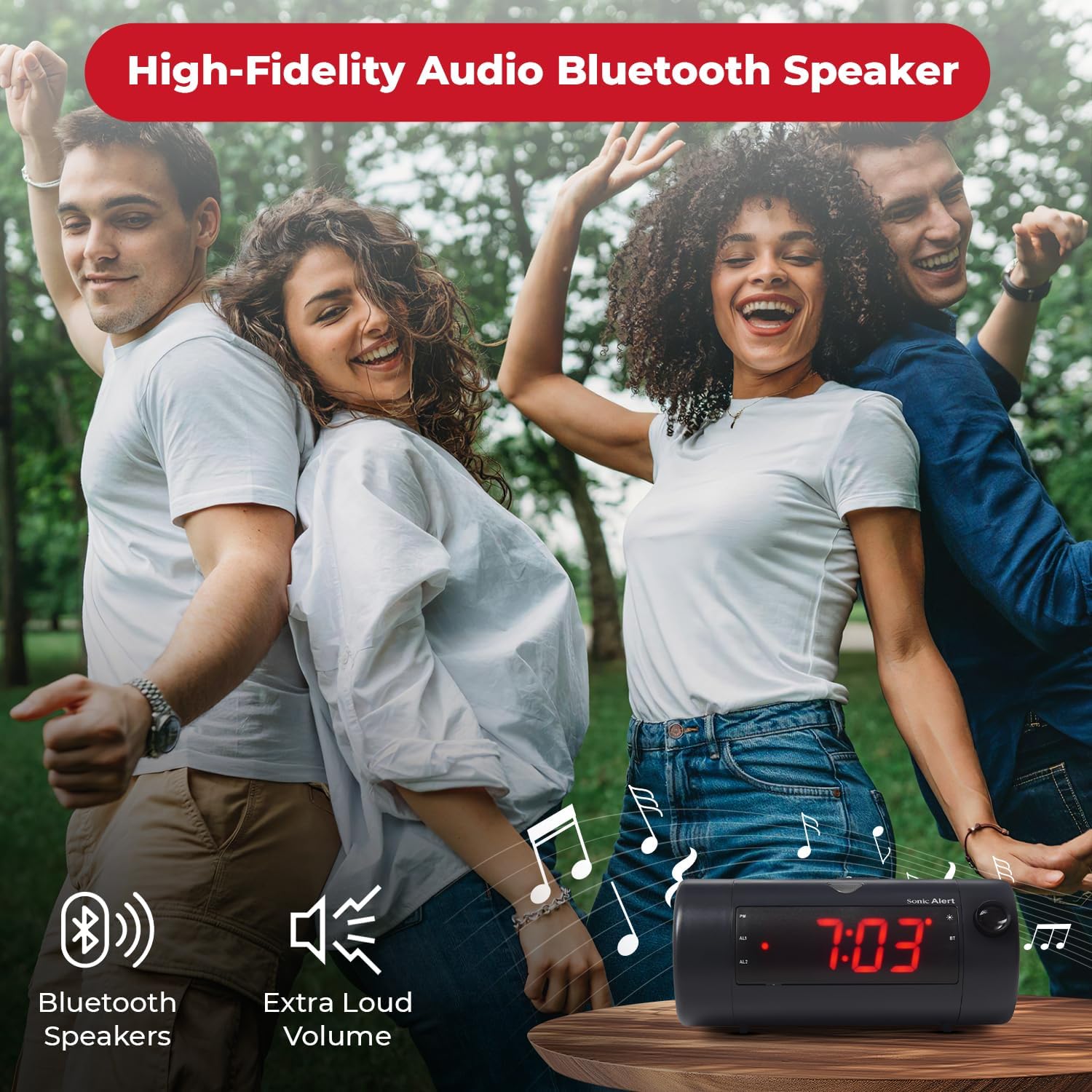
Image 6.7: The Sonic Blast alarm clock functioning as a Bluetooth speaker.
- Assicurarsi che la sveglia sia accesa.
- Attiva il Bluetooth sul tuo dispositivo mobile.
- Cercare "Sonic Blast" in your device's Bluetooth settings and select it to pair.
- The "BT" indicator on the clock display will illuminate when successfully paired.
6.6 USB Charging Port Usage
Use the built-in USB port to charge your compatible devices.

Image 6.8: Smartphone charging via the alarm clock's USB port.
- Collega il cavo di ricarica USB del tuo dispositivo alla porta USB sul retro della sveglia.
- The alarm clock must be connected to power for the USB charging port to function.
6.7 Recordable Alarm
The Sonic Blast allows you to record a custom alarm message.

Image 6.9: The recordable alarm feature in use.
- Refer to the detailed instructions in the full manual for recording and setting your custom alarm message.
6.8 12/24 Hour Display
- Per passare dal formato orario a 12 ore a quello a 24 ore, premere il tasto TEMPO button briefly while the time is displayed.
7. Manutenzione
- Pulire il dispositivo con un panno morbido e asciutto. Non utilizzare detergenti liquidi o materiali abrasivi.
- Mantenere il dispositivo libero da polvere e detriti.
- If the battery backup is used, replace the CR2032 battery annually or when the low battery indicator appears.
8. Risoluzione Dei Problemi
| Problema | Soluzione |
|---|---|
| Il display dell'orologio è spento. | Ensure the power adapter is securely connected. Check the wall outlet. Press the POWER button to turn the unit on. |
| L'allarme non suona. | Verify that the alarm is activated (AL1 or AL2 indicator is on). Check alarm volume. Ensure the correct alarm mode (BUZZER/TONE) is selected. |
| La proiezione è sfocata o non visibile. | Regolare il MESSA A FUOCO wheel. Ensure the projection is turned on. Check the distance to the projection surface. |
| Il dispositivo Bluetooth non riesce ad associarsi. | Ensure Bluetooth is enabled on your device and the alarm clock. Move devices closer. Try restarting both devices. |
| La ricarica USB non funziona. | Ensure the alarm clock is connected to a power source. Check the USB cable and the device being charged. |
9. Specifiche
| Caratteristica | Dettaglio |
|---|---|
| Numero di modello | SB775B |
| Marca | Allarme sonoro |
| Volume dell'allarme | Fino a 113 dB |
| Tipo di visualizzazione | Digital LED with 5-level dimmer |
| Caratteristiche speciali | Adjustable Projection Clock, Bluetooth Wireless Audio, USB Charging Port, Dual Alarm, Bright Flashing Light, Adjustable Volume & Tone, Adjustable Snooze, Recordable Alarm, Vibrating Bed Shaker Port (for optional SS5V shaker) |
| Fonte di alimentazione | Elettrico con cavo |
| Batteria di backup | 1 x CR2032 Lithium Cell (not included) |
| Dimensioni del prodotto | Approximately 1"W x 1"H (Note: This dimension seems incorrect based on typical alarm clock sizes and product images. Please refer to product packaging for accurate dimensions.) |
| Peso dell'articolo | 1.39 libbre (0.63 chilogrammi) |
10. Garanzia e supporto
For warranty information and customer support, please refer to the official Sonic Alert webo contattare il servizio clienti. Conservare la ricevuta d'acquisto per eventuali reclami in garanzia.
Informazioni sui contatti: Please visit the Sonic Alert websito per i dettagli di contatto più aggiornati.