1. Introduzione
Thank you for choosing the Soundcore by Anker Space Q45 Adaptive Active Noise Cancelling Headphones. These headphones are designed to provide an immersive audio experience with advanced noise cancellation, high-resolution sound, and extended battery life. This manual will guide you through the setup, operation, and maintenance of your new headphones.
2. Cosa c'è nella scatola
- Soundcore Space Q45 Noise Cancelling Headphones
- Cavo USB-C
- Cavo AUX da 3.5 mm
- Custodia da viaggio

3. Prodotto finitoview
The Soundcore Space Q45 headphones feature a foldable design for portability and intuitive controls for ease of use. Key components include:
- Pulsante di accensione: Located on the right earcup, used for turning the headphones on/off.
- Pulsante NC: Located on the left earcup, cycles through Noise Cancellation, Normal, and Transparency modes.
- Pulsanti volume su / giù: Regola il volume audio.
- Pulsante Play/Pausa: Controlla la riproduzione multimediale e la gestione delle chiamate.
- Porta di ricarica USB-C: Per caricare le cuffie.
- Porta AUX da 3.5 mm: Per la connessione audio cablata.

Video demonstrating the operation and functions of the Soundcore Space Q45 headphones, including button usage and features.
4. Impostazione
4.1. Accensione/Spegnimento
- Per accendere: Tenere premuto il pulsante di accensione per 3 secondi. L'indicatore LED si illuminerà.
- Per spegnere: Tenere premuto il pulsante di accensione per 3 secondi. L'indicatore LED si spegnerà.
4.2. Accoppiamento Bluetooth
- With the headphones powered off, press and hold the Power button for 5 seconds until the LED indicator flashes blue. This indicates pairing mode.
- On your device (smartphone, tablet, laptop), enable Bluetooth and search for "Soundcore Space Q45".
- Seleziona le cuffie dall'elenco per connetterle. Una volta connesse, l'indicatore LED diventerà blu fisso.
- The headphones support multipoint connection, allowing simultaneous connection to two devices. To connect a second device, repeat the pairing process.

4.3. Installazione dell'app Soundcore
Download the Soundcore app from your device's app store to unlock full features, customize settings, and update firmware.
- Cercare "Soundcore" nell'App Store (iOS) o nel Google Play Store (Android).
- Install the app and follow the on-screen instructions to connect your Space Q45 headphones.
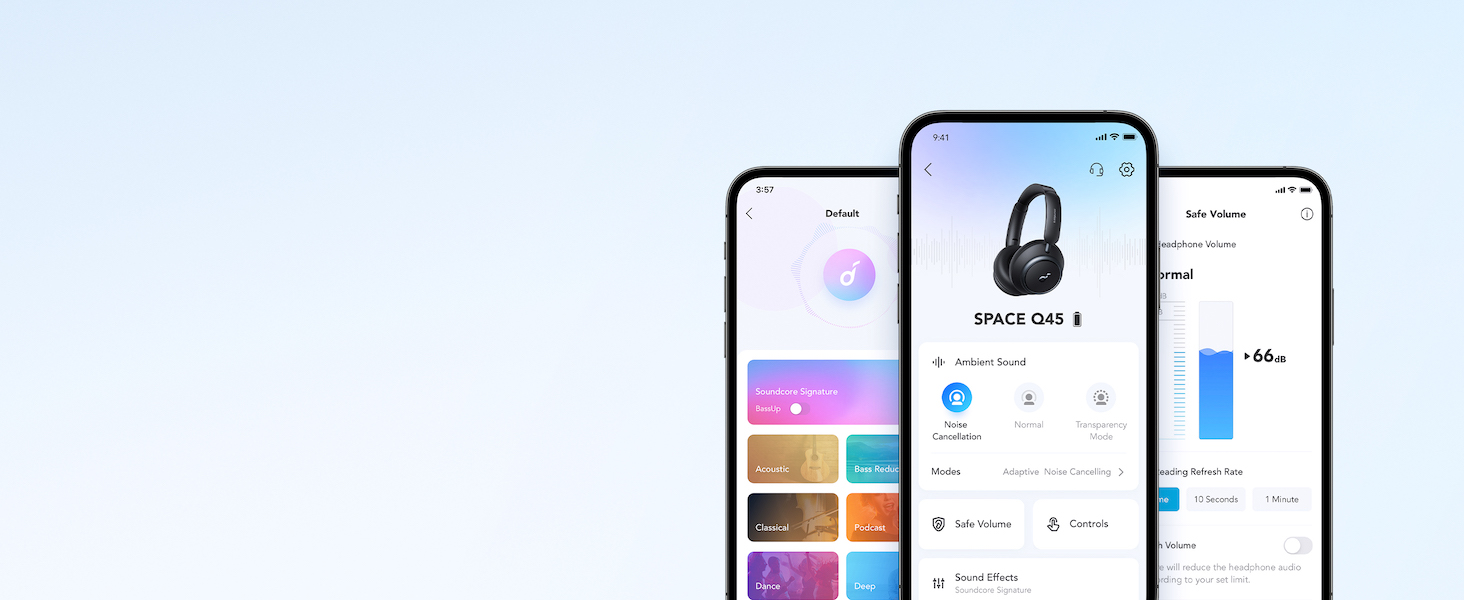
Video mostraasing the features and listening controls available through the Soundcore app for the Space Q45 headphones.
5. Istruzioni per l'uso
5.1. Controlli di base
- Volume su/giù: Premere i pulsanti '+' o '-'.
- Riproduci/Pausa: Premi una volta il pulsante Riproduci/Pausa.
- Traccia successiva: Tenere premuto il pulsante '+' per 2 secondi.
- Traccia precedente: Tenere premuto il pulsante '-' per 2 secondi.
5.2. Gestione delle chiamate
- Rispondi/Termina chiamata: Premi una volta il pulsante Riproduci/Pausa.
- Rifiuta chiamata: Tieni premuto il pulsante Riproduci/Pausa per 2 secondi.
5.3. Switching Noise Cancellation Modes
Press the NC button on the left earcup to cycle through the following modes:
- Cancellazione del rumore: Blocca il rumore ambientale.
- Normale: Riproduzione audio standard senza cancellazione attiva del rumore o trasparenza.
- Trasparenza: Ti consente di sentire l'ambiente circostante mentre ascolti l'audio.
6. Adaptive Noise Cancellation
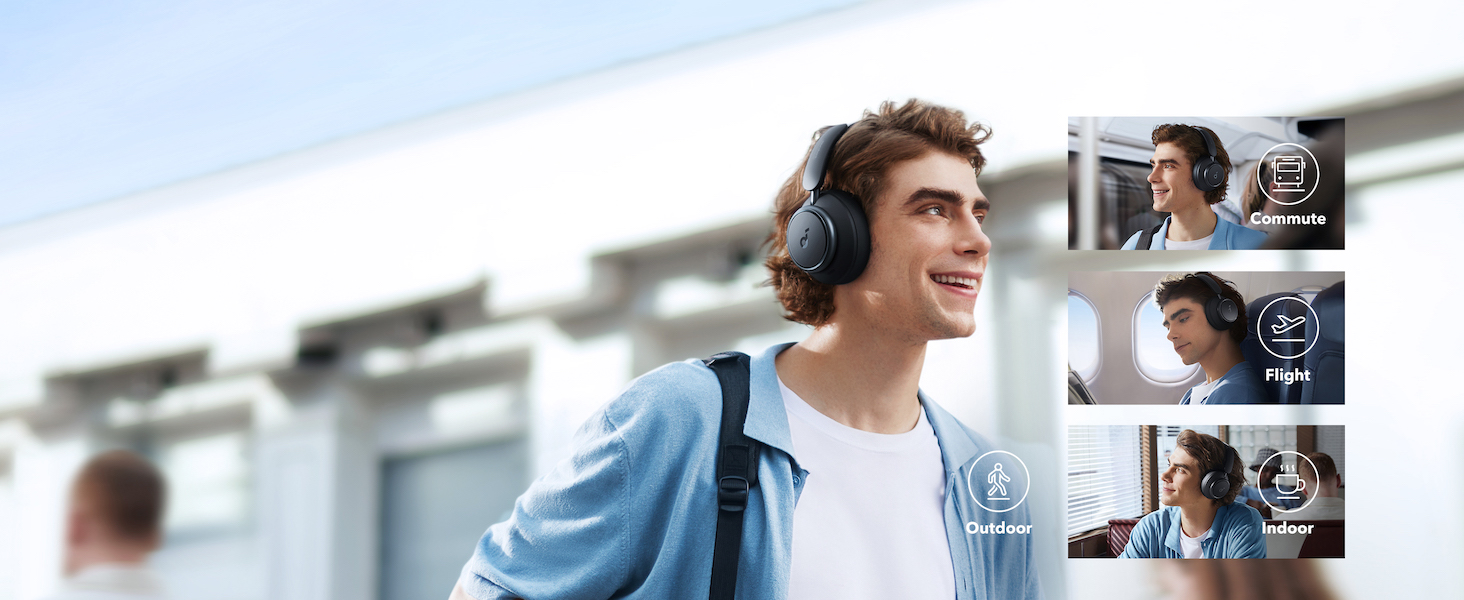
The Space Q45 headphones feature an advanced noise-cancelling system that reduces up to 98% of ambient noise. The adaptive noise cancellation automatically selects a suitable level based on your environment, whether you are indoors, outdoors, commuting, or on a flight. You can also manually select from 5 noise-cancelling levels via the Soundcore app.
7. Qualità audio
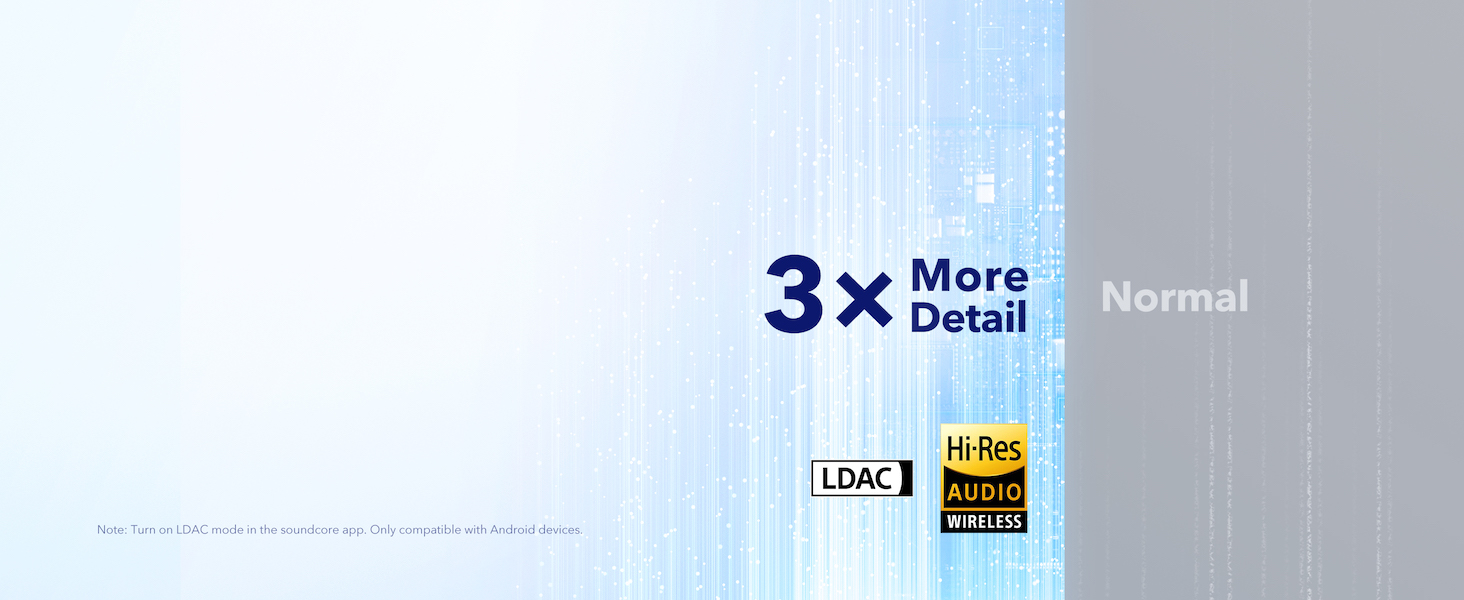
The Space Q45 headphones are equipped with 40mm double-layer diaphragm drivers, crafted from silk and ceramic materials. This innovative design produces sound with intense bass and crisp treble, ensuring every detail of your audio is heard. The headphones also support LDAC for Hi-Res Audio Wireless sound, delivering 3 times more detail than standard Bluetooth codecs.

8. Durata della batteria e ricarica
The Space Q45 headphones offer impressive battery performance:
- Up to 50 hours of playtime with Noise Cancellation mode activated.
- Up to 65 hours of playtime in Normal mode.
- Ricarica rapida: Una ricarica di 5 minuti garantisce circa 4 ore di riproduzione.
- Tempo di carica completa: Circa 2 ore.

9. Manutenzione
9.1. Pulizia
- Use a soft, dry cloth to clean the earcups and headband.
- Evitare l'uso di prodotti chimici aggressivi o materiali abrasivi.
- Non immergere le cuffie in acqua.
9.2. Conservazione
- Quando non le utilizzi, conservale nella loro custodia protettiva da viaggio per evitare danni.
- Evitare di conservare in luoghi con temperature estreme o elevata umidità.
10. Risoluzione Dei Problemi
If you encounter any issues with your Soundcore Space Q45 headphones, please refer to the following common solutions:
- Nessun potere: Assicurati che le cuffie siano completamente cariche. Collegale a una fonte di alimentazione tramite il cavo USB-C.
- Nessun suono: Check the volume levels on both the headphones and your connected device. Ensure the headphones are properly paired via Bluetooth or the 3.5mm AUX cable is securely connected.
- Problemi di accoppiamento: Turn off Bluetooth on all other devices, then try re-pairing the headphones with your desired device. If issues persist, reset the headphones (refer to the Soundcore app or online support for specific reset instructions).
- Cancellazione del rumore non funzionante: Ensure the Noise Cancellation mode is activated. Adjust the noise cancellation levels via the Soundcore app.
For further assistance, consult the Soundcore app or visit the official Soundcore support websito.
11. Specifiche
| Nome del modello | A3040 |
| Controllo del rumore | Cancellazione attiva del rumore adattiva |
| Tecnologia di connettività | Senza fili (Bluetooth 5.3) |
| Portata Bluetooth | 10 metri |
| Dimensioni del driver audio | 40 millimetri |
| Durata della batteria (ANC attivato) | 50 ore |
| Durata della batteria (modalità normale) | 65 ore |
| Tempo di ricarica | 2 ore |
| Peso dell'articolo | 295 grammi (10.4 once) |
| Dimensioni del prodotto | 6.34 x 3.46 x 7.44 pollici |
| Presa per cuffie | 3.5 mm Jack |
| Metodo di controllo | App, pulsanti di controllo multimediale |
12. Garanzia e supporto
Soundcore products are backed by a limited warranty. For detailed warranty information, frequently asked questions, and customer support, please visit the official Soundcore website or contact their customer service team. You can also find support resources within the Soundcore app.
Websito: www.soundcore.com
E-mail: servizio@soundcore.com


