1. Introduzione
The ULTRALOQ Smart Lock U-Bolt Pro offers advanced security and convenience for your home. This 7-in-1 keyless entry deadbolt integrates multiple access methods, smart home compatibility, and robust construction to provide reliable protection and ease of use. This manual provides detailed instructions for installation, operation, maintenance, and troubleshooting to ensure optimal performance of your smart lock.

Figure 1: ULTRALOQ Smart Lock U-Bolt Pro Overview
2. Cosa è incluso
Prima di iniziare l'installazione, verificare che tutti i componenti siano presenti nella confezione.
- ULTRALOQ U-Bolt Pro Smart Lock (Exterior Assembly with Fingerprint ID and Keypad)
- Montaggio interno
- Piastra di montaggio
- Bolt/Deadbolt Latch
- Piastra d'urto
- 2 tasti meccanici
- 4 batterie alcaline AA
- Sensore porta
- Installation Screws (various sizes)
- User Guide & Drill Template
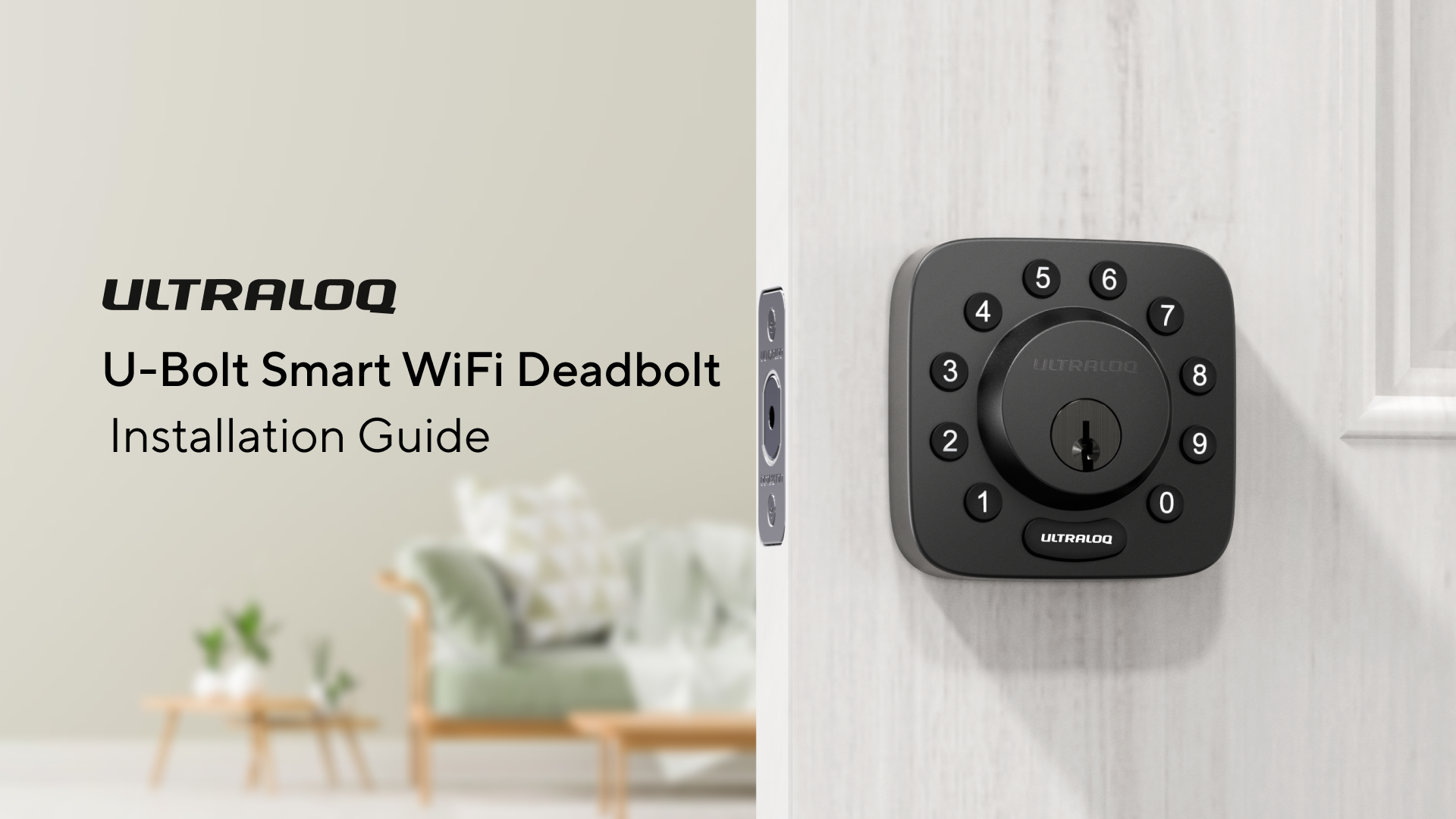
Figura 2: Componenti inclusi
3. Configurazione e installazione
The ULTRALOQ U-Bolt Pro is designed for easy DIY installation, typically taking about 10 minutes with just a screwdriver. It fits most US standard left or right-handed doors.
3.1 Preparazione della porta
Assicurati che la tua porta soddisfi le seguenti specifiche:
- Spessore della porta: 1-3/8" to 1-3/4" (35mm-45mm). For thicker doors up to 2-1/4" (57mm), a thick door kit is requested.
- Entrata: 2-3/8" o 2-3/4" (60 mm o 70 mm).
- Diametro del foro: 2-1/8" (54mm) for the main bore, 1" (25mm) for the latch bore.

Figure 3: Door Measurement Guide
3.2 Passaggi di installazione
Follow the detailed instructions provided in the installation videos for a smooth setup process. Do not install batteries until instructed by the app during setup.
Video 1: Bolt Series Installation Guide. This video provides a step-by-step guide for installing the smart lock.
Video 2: ULTRALOQ U-Bolt WiFi Installation Guide. This video offers comprehensive instructions for installing the U-Bolt WiFi model.
4. Istruzioni per l'uso
The ULTRALOQ U-Bolt Pro offers multiple ways to unlock your door, providing flexibility and convenience.
4.1 Metodi di accesso senza chiave
- 360° Fingerprint ID: One-touch access. Stores up to 100 fingerprints.
- Tastiera anti-spia: Enter your code with random digits before or after your actual passcode to prevent others from guessing your entry code. Up to 50 customizable codes.
- App per smartphone: Lock, unlock, manage access, and view logs remotely via the ULTRALOQ app (Bluetooth connection). With the ULTRALOQ Bridge (sold separately), remote access is available from anywhere with 2.4GHz WiFi.
- Sblocco automatico: The lock automatically unlocks when you approach your door with your smartphone in your pocket.
- Applicazione Guarda: Unlock using your smartwatch.
- Chiavi meccaniche: Two traditional keys are included for backup access.

Figure 4: Multiple Keyless Entry Options
4.2 Funzionalità di controllo delle app
The ULTRALOQ app provides comprehensive control over your smart lock:
- Blocca/Sblocca: Remotely lock or unlock your door.
- Gestisci accesso: Authorize family members, guests, or tenants with permanent, scheduled, or one-time access codes.
- View Registri: Track who entered and when.
- Notifica intelligente: Receive real-time alerts for lock activity.

Figure 5: ULTRALOQ App Interface
4.3 Auto Lock and Auto Unlock
- Chiusura automatica: The smart lock automatically locks after a preset timer (configurable via app).
- Sblocco automatico: The door unlocks automatically when you approach with your smartphone.

Figure 6: Auto Unlock Feature
4.4 Integrazione della casa intelligente
The ULTRALOQ U-Bolt Pro can integrate with various smart home ecosystems for enhanced control and automation (ULTRALOQ Bridge sold separately for some features).
- Amazon Alexa
- Assistente Google
- IFTTT
- Cose intelligenti
- iOS
Video 3: How to connect with Google Assistant. This video demonstrates the process of integrating your smart lock with Google Assistant.
Video 4: How to Connect ULTRALOQ Smart Lock with Smartthings. This video guides you through connecting your smart lock to the Smartthings platform.
5. Manutenzione
Proper maintenance ensures the longevity and optimal performance of your ULTRALOQ Smart Lock U-Bolt Pro.
5.1 Gestione della batteria
- The lock requires 4 AA batteries (included).
- Expect approximately 1 year of battery life.
- Receive low battery alerts via the ULTRALOQ app.
- In case of complete battery depletion, use the external USB-C port for temporary power to unlock the door.

Figura 7: Avviso di batteria scarica

Figure 8: USB-C Port for Emergency Power
6. Risoluzione Dei Problemi
Address common issues with your smart lock.
- Tampehm Allarme: The lock features a tamper alarm that triggers upon unusual attempts to open it.
- Wrong-Try Protection: If an incorrect passcode or fingerprint is entered too many times, the lock will enter a lockdown period (configurable via app).
- Problemi di connettività: Ensure your home WiFi network is 2.4GHz for optimal connectivity with the ULTRALOQ Bridge (if used).
7. Specifiche
| Caratteristica | Dettaglio |
|---|---|
| Marca | ULTRALOQ |
| Nome del modello | Bullone a U Pro |
| Tipo di blocco | Combination Lock, Deadbolt |
| Materiale | Zinco |
| Colore | Black with Satin Nickel |
| Dimensioni dell'articolo L x P x A | 1.19 x 2.95 x 2.95 pollici |
| Peso dell'articolo | 3 libbre |
| Protocollo di connettività | Bluetooth, Wi-Fi (2.4 GHz) |
| Tipo di controllore | Amazon Alexa, Google Assistant, IFTTT, SmartThings, iOS |
| Batterie | 4 batterie AA (incluse) |
| Certificazione | Grado ANSI 1 |
| Caratteristiche speciali | AI-powered Fingerprint ID, App Control, Auto Lock/Unlock, Anti-peep Keypad, Easy DIY Installation, 2 Keys |
8. Garanzia e supporto
ULTRALOQ provides comprehensive support for its products.
- Garanzia: 18 months electronic and lifetime mechanical warranty.
- Supporto telefonico: Available Monday–Friday, 7 AM–6 PM PST.
- Assistenza via e-mail: 24/7 email support.
For further assistance, please refer to the contact information provided with your product or visit the official ULTRALOQ websito.


