Prodotto finitoview
The VOYEE Wireless Pro Controller S03 is designed for enhanced gaming experiences across multiple platforms. It features advanced functionalities such as programmable buttons, motion control, adjustable vibration, and turbo functions, ensuring precise and responsive gameplay. This controller is compatible with Nintendo Switch, Switch Lite, Switch OLED, and PC (wired mode).

Figure 1: VOYEE Wireless Pro Controller S03
Impostazione e connessione
Connecting to Nintendo Switch/Lite/OLED (Wireless)
- Assicurati che la tua console Nintendo Switch sia accesa e aggiornata all'ultima versione del sistema.
- Dal menu HOME, seleziona Controllori, Poi Cambia impugnatura/ordine.
- On the VOYEE Pro Controller, press and hold the Pulsante Home (house icon) for a few seconds until the LED indicators begin to flash rapidly. This indicates pairing mode.
- Once the controller is detected by the Switch, the LED indicators will stop flashing and remain solid, indicating a successful connection.
- Il controller è ora pronto per l'uso.
Connecting to PC (Wired Mode)
- Connect the VOYEE Pro Controller to your PC using the provided USB-C cable.
- The controller will be recognized as a gamepad. Ensure your PC's operating system (Windows) is updated and has the necessary drivers.
- For optimal performance, some games or platforms may require specific controller configurations.
Istruzioni per l'uso
Programmable Custom Buttons (M1/M2)
The controller features two mappable buttons, M1 and M2, located on the underside. These buttons can be programmed to replicate up to 16 key inputs, allowing for complex actions with a single press. This feature is designed to enhance gameplay efficiency and extend the lifespan of frequently used buttons.

Figura 2: Pulsanti M1/M2 programmabili
Rumble Control and Gyro Sensor
Experience immersive gameplay with the 4-level adjustable vibration feedback provided by enhanced dual motors. The integrated 6-axis gyro sensor allows for precise motion control, enabling quick and responsive actions in games that support this feature.
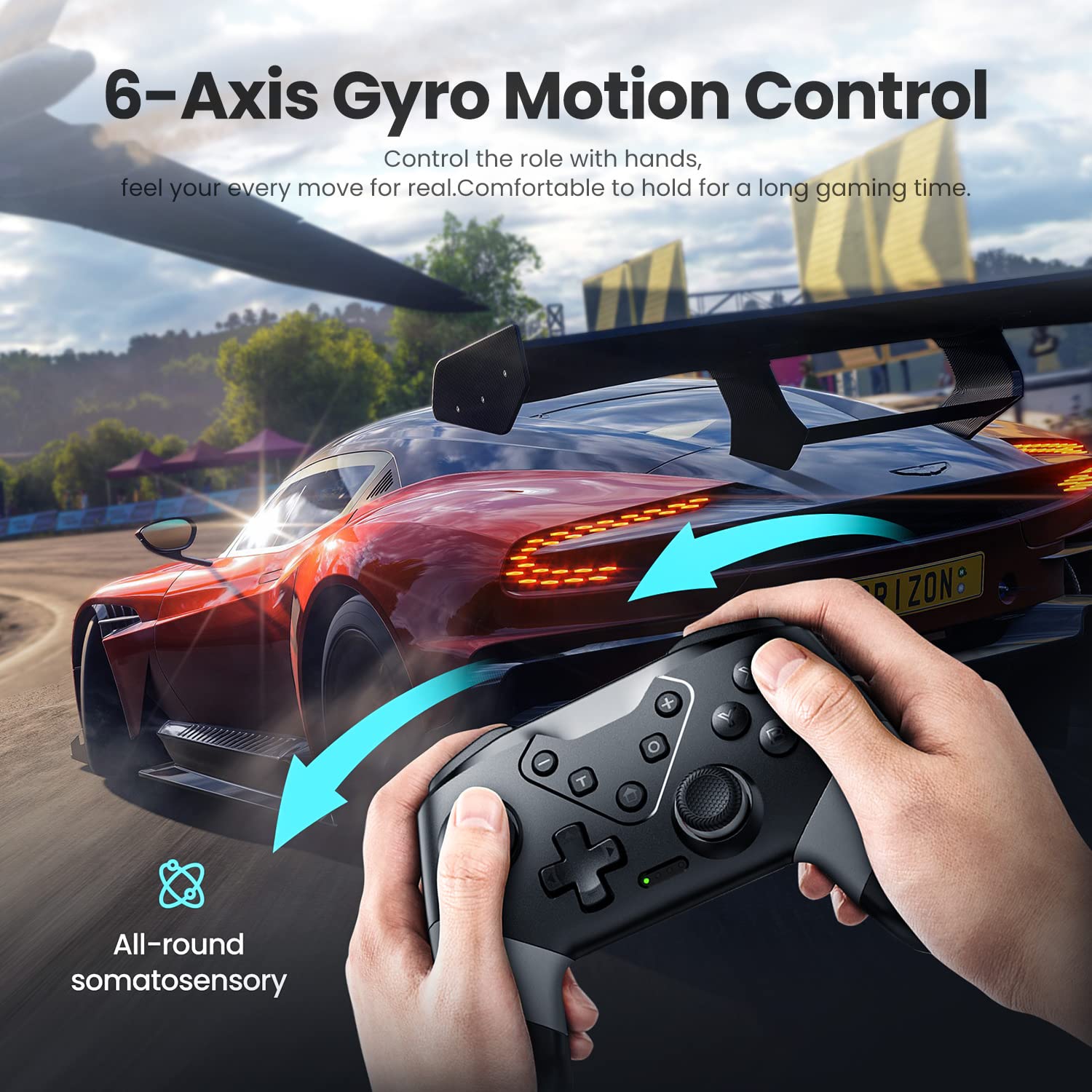
Figure 3: 6-Axis Gyro Motion Control

Figure 4: 3-Level Vibration
Turbo Speed Function
The controller supports three levels of turbo speed, allowing for continuous rapid input of a button. This feature is particularly useful in action and arcade games where quick, repeated presses are advantageus.
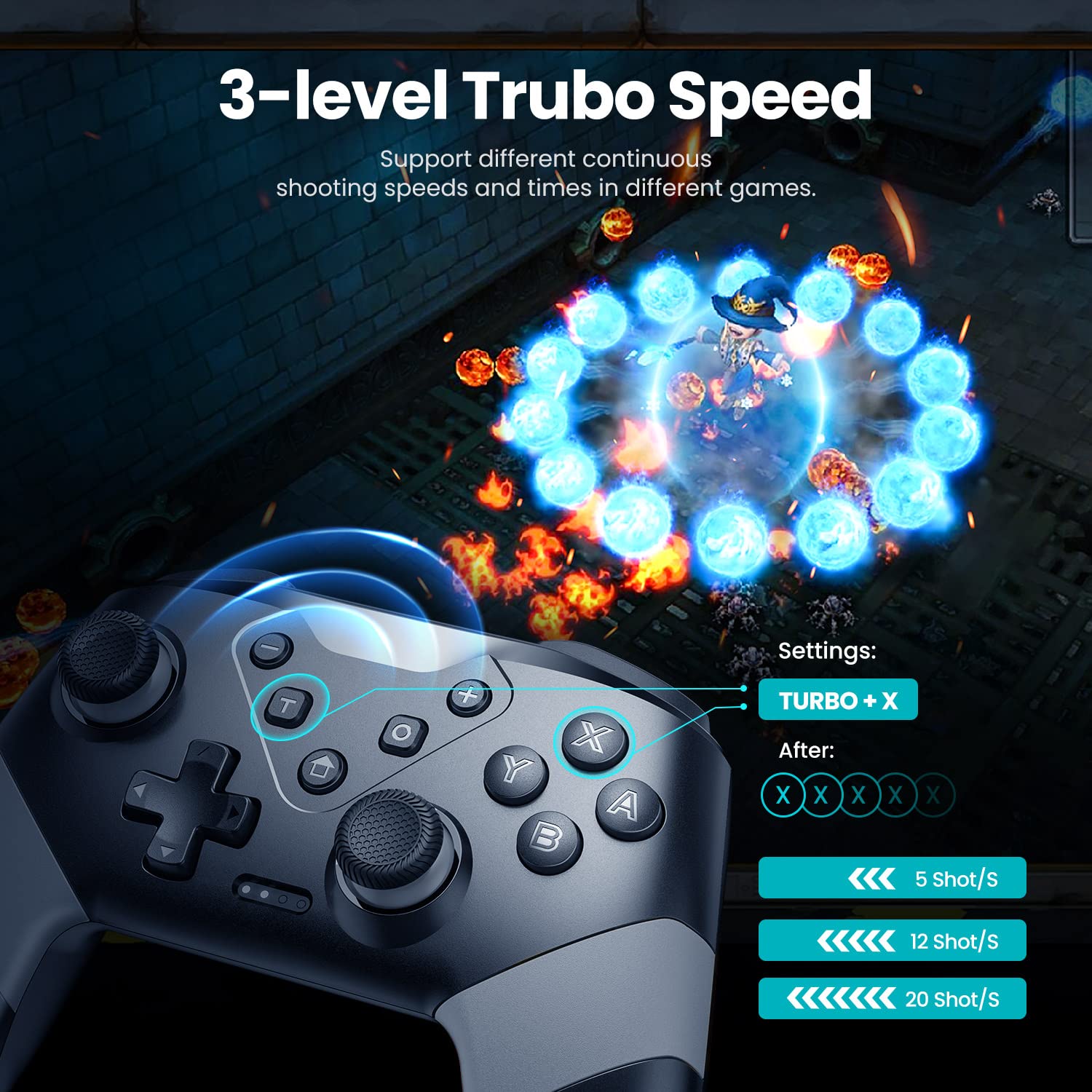
Figure 5: 3-Level Turbo Speed
Wake-up and Screenshot Functions
The controller supports a wake-up function for compatible devices. A dedicated screenshot button allows for instant capture of in-game moments.
Gamma di controllo wireless
Enjoy flexible gameplay with a wireless control range of up to 33 feet (approximately 10 meters), providing freedom of movement during gaming sessions.
Manutenzione
Caricamento del controller
The VOYEE Pro Controller is equipped with a 600mAh Lithium Ion battery. To charge, connect the controller to a power source using the provided USB-C cable. A full charge typically takes 2-3 hours and provides approximately 10-13 hours of uninterrupted gaming.

Figura 6: Ricarica e durata della batteria
Pulizia e conservazione
- Utilizzare un panno morbido e asciutto per pulire il controller. Evitare l'uso di prodotti chimici aggressivi o materiali abrasivi.
- Conservare il controller in un luogo fresco e asciutto, lontano dalla luce solare diretta e da temperature estreme.
- When not in use for extended periods, ensure the controller is fully charged before storage to maintain battery health.
Risoluzione dei problemi
| Problema | Possibile causa | Soluzione |
|---|---|---|
| Controller does not connect wirelessly to Switch. | Controller not in pairing mode, Switch not detecting. | Ensure controller is fully charged. Press and hold the Home button until LEDs flash rapidly. On Switch, go to Controllers > Change Grip/Order. If issues persist, restart both controller and Switch. |
| Controller does not connect to PC (wired). | Driver error, cable issue, or PC compatibility. | Ensure USB-C cable is securely connected. Check PC device manager for driver issues. Try a different USB port. Ensure PC operating system is updated. |
| Controller automatically powers off. | Idle for too long. | This is a power-saving feature. The controller is designed to power off after a period of inactivity to conserve battery. |
| Buttons are noisy/clacky. | Normal operational sound. | This is a characteristic of the controller's button mechanism and is not indicative of a defect. |
| Turbo function does not work on M1/M2 buttons. | Limitazione delle funzionalità. | The turbo function is designed for standard face buttons and not for the programmable M1/M2 buttons. |
Specifiche
- Numero modello: S03
- Dimensioni del prodotto: 5.9 x 2.59 x 4.17 pollici
- Peso dell'articolo: 6.9 once
- Batteria: 1 batteria agli ioni di litio (inclusa), 600 mAh
- Tempo di ricarica: 2-3 ore
- Durata: 10-13 ore
- Connettività: Wireless (Bluetooth), Cablato (USB-C)
- Compatibilità: Nintendo Switch, Switch Lite, Switch OLED, PC (Windows)
- Caratteristiche: 6-Axis Gyro Motion Control, 4-Level Vibration, 2 Programmable Buttons (M1/M2), 3-Level Turbo Speed, Wake-up Function, Screenshot Button.
- Portata wireless: Fino a 33 piedi (10 metri)
- Produttore: Dongguan Chenhao Electronic Technology Co.,LTD. VOYEE
Garanzia e supporto
For specific warranty information and customer support, please refer to the documentation included with your product or contact VOYEE customer service directly. Details regarding warranty periods and support channels are typically provided at the point of purchase or on the manufacturer's official websito.


