Introduzione
The Belkin SoundForm Bolt True Wireless Earbuds provide a high-quality audio experience with convenient features designed for everyday use. These earbuds feature 6mm dynamic drivers for clear sound, intuitive touch controls, and a comfortable, ergonomic fit. They are built with IPX4-rated sweat and water-resistant materials, making them suitable for various activities. Enjoy extended listening with up to 28 hours of combined battery life.
Cosa c'è nella scatola
- 1 x SoundForm Bolt True Wireless Earbuds
- 1 x Custodia di ricarica
- 1 cavo da USB-A a USB-C
Impostare
Ricarica degli auricolari e della custodia
Before first use, fully charge the earbuds and charging case. Connect the provided USB-A to USB-C cable to the charging case and a power source. The LED indicators on the case will show the charging status. A full charge provides up to 9 hours of playtime for the earbuds and an additional 19 hours from the charging case, totaling 28 hours.

Immagine: auricolari nella custodia di ricarica, che illustra la durata della batteria.
Accoppiamento con un dispositivo
- Aprire la custodia di ricarica. Gli auricolari entreranno automaticamente in modalità di associazione.
- Sul tuo dispositivo (smartphone, tablet, ecc.), vai alle impostazioni Bluetooth.
- Select "SoundForm Bolt" from the list of available devices.
- Una volta effettuata la connessione, sentirai un segnale acustico di conferma e gli auricolari saranno pronti per l'uso.
The earbuds utilize Bluetooth 5.2 for a stable connection up to 10 meters (33 feet).
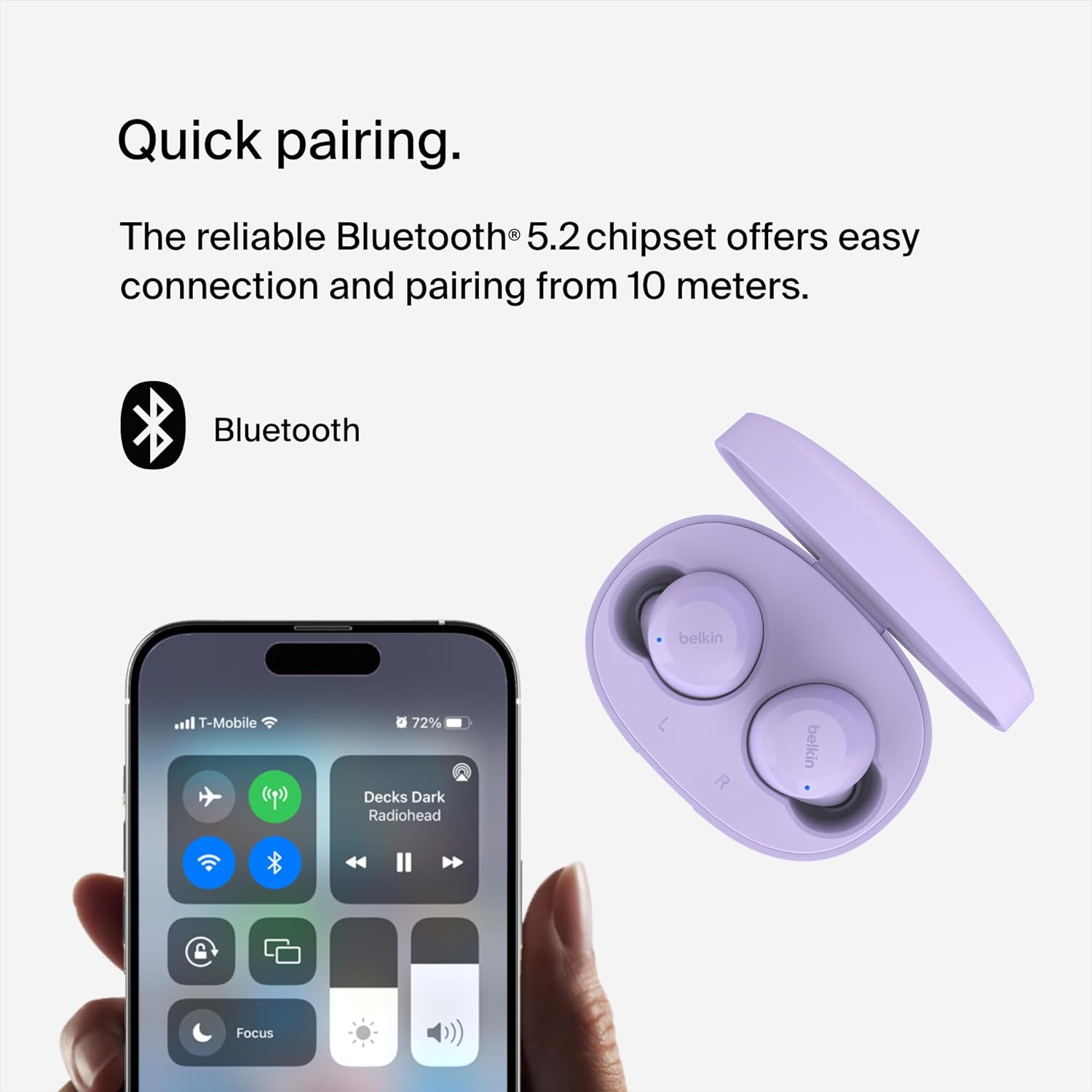
Image: Earbuds and phone screen showing Bluetooth pairing.
Istruzioni per l'uso
Controlli touch
The SoundForm Bolt earbuds feature intuitive touch controls on each earbud for easy management of audio and calls:
- Riproduci/Pausa: Tocca una volta su uno degli auricolari.
- Salta la traccia in avanti: Tocca due volte sull'auricolare destro.
- Salta traccia indietro: Tocca due volte sull'auricolare sinistro.
- Rispondi/Termina chiamata: Tocca una volta su uno degli auricolari.
- Rifiuta chiamata: Tieni premuto uno dei due auricolari.
- Regolazione del volume: Specific gestures may vary; refer to the full product guide for detailed volume control instructions.

Image: Earbud with touch control indicator.
Modalità Mono
You can use a single earbud independently in Mono Mode. This feature allows you to extend battery life and remain aware of your surroundings while still enjoying calls or music. Simply remove one earbud from the case and leave the other in the case, or place one back in the case during use.
Vestibilità comoda
The earbuds are designed to be light and ergonomic, ensuring a comfortable and secure fit in your ears for extended listening periods.

Image: Earbud in ear, demonstrating comfortable fit.
Qualità audio
Equipped with 6mm dynamic drivers, these earbuds deliver consistently smooth and crisp audio, providing a balanced sound profile per musica e chiamate.

Immagine: Esploso view of an earbud, showing internal components.
Manutenzione
Resistenza all'acqua
The SoundForm Bolt True Wireless Earbuds are IPX4-rated for sweat and water resistance. This means they are protected against splashing water from any direction, making them suitable for workouts and light rain. Do not submerge the earbuds in water.
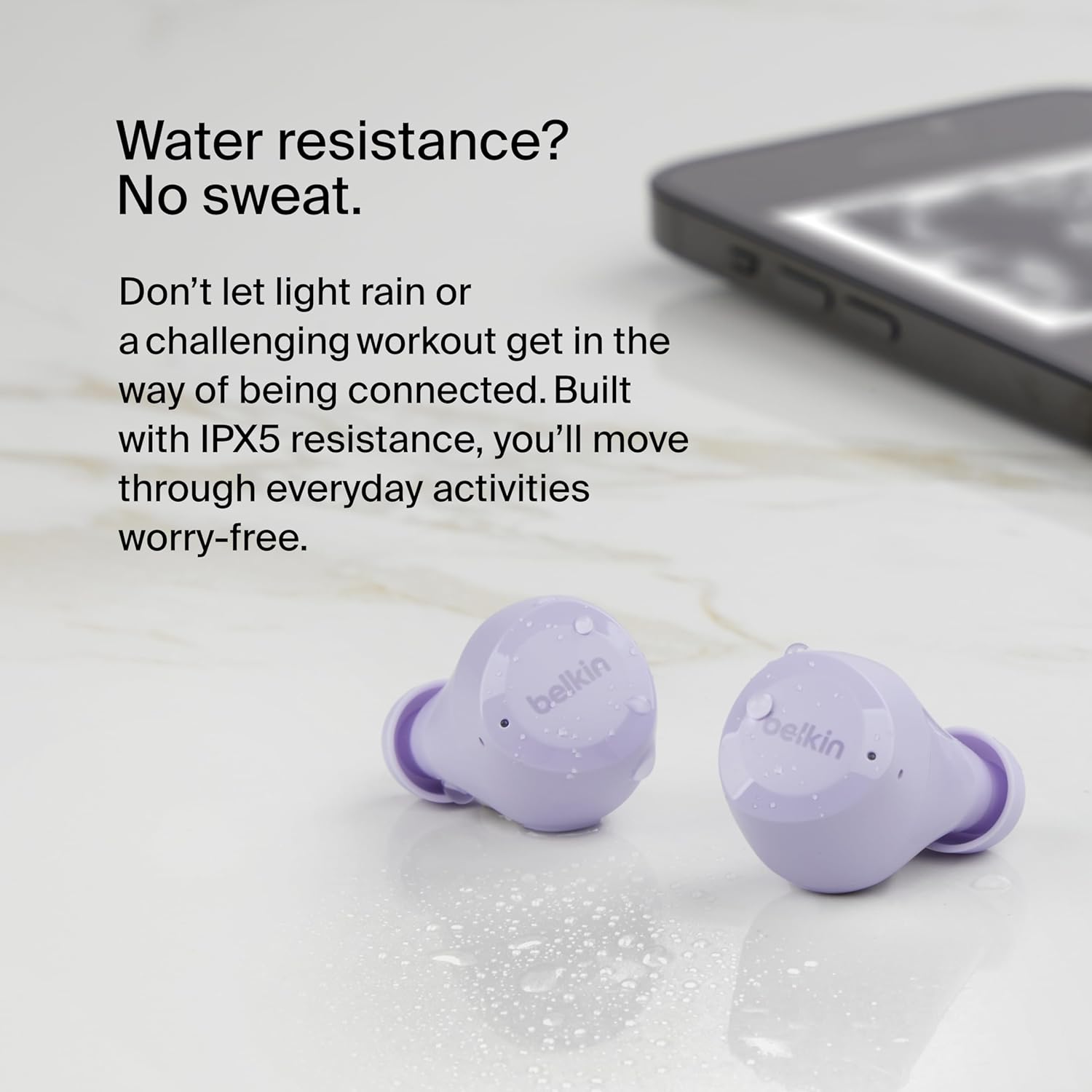
Image: Earbuds with water droplets, demonstrating water resistance.
Pulizia
To maintain optimal performance and hygiene, regularly clean your earbuds and charging case. Use a soft, dry, lint-free cloth. Avoid using abrasive materials or harsh chemicals. Ensure the charging contacts on both the earbuds and the case are clean and dry.
Risoluzione dei problemi
- Gli auricolari non si associano: Ensure both earbuds are charged and in the case. Open the case to initiate pairing mode. If issues persist, try forgetting the device in your phone's Bluetooth settings and re-pairing.
- Nessun suono da un auricolare: Riposiziona entrambi gli auricolari nella custodia di ricarica, chiudi il coperchio, attendi qualche secondo, quindi riaprilo. Questo potrebbe ripristinare la connessione.
- Problemi di ricarica: Verify that the USB-C cable is securely connected to both the case and the power source. Ensure the charging contacts on the earbuds and inside the case are clean.
- Volume basso: Adjust the volume on both your connected device and via the earbud touch controls. Ensure the earbuds are properly seated in your ears for optimal sound delivery.
Specifiche
| Caratteristica | Dettaglio |
|---|---|
| Nome del modello | SoundForm Bolt True Wireless Earbuds |
| Numero di modello | AUC009btLV |
| Tecnologia di connettività | Senza fili (Bluetooth 5.2) |
| Tipo di driver audio | Driver dinamico da 6 mm |
| Durata della batteria (auricolari) | Fino a 9 ore |
| Durata della batteria (con custodia) | Fino a 28 ore |
| Porta di ricarica | USB-C |
| Resistenza all'acqua | IPX4 (Sweat and Water-Resistant) |
| Metodo di controllo | Tocco |
| Peso degli auricolari | 5 g per auricolare |
| Peso della cassa | 33.8g |
Garanzia e supporto
Informazioni sulla garanzia
The Belkin SoundForm Bolt True Wireless Earbuds come with a 2-year limited warranty. Please retain your proof of purchase for warranty claims.

Image: Belkin 2-year product coverage.
Assistenza clienti
Per ulteriore assistenza, supporto tecnico o per view the full product manual, please visit the official Belkin support websito o fare riferimento alle informazioni di contatto fornite sulla confezione del prodotto.
Puoi anche visitare il Negozio Belkin su Amazon per maggiori informazioni sui prodotti e sugli accessori.


