1. Prodotto finitoview
The Timex Expedition Rugged Digital Watch, model TW4B27000, is designed for durability and functionality. It features a clear digital display, a robust case, and a comfortable leather strap, making it suitable for various activities. This manual provides essential information to help you set up, operate, and maintain your watch.

Image 1.1: Front angle view of the Timex Expedition Rugged Digital Watch. This image highlights the watch's digital display, the sturdy green watch case, and the black leather strap with a green textile accent.
2. Configurazione iniziale
2.1. Installazione/sostituzione della batteria
Your watch comes with a pre-installed battery (CR2032). If the display is dim or blank, the battery may need replacement. It is recommended to have battery replacement performed by a qualified watch technician to ensure water resistance is maintained.
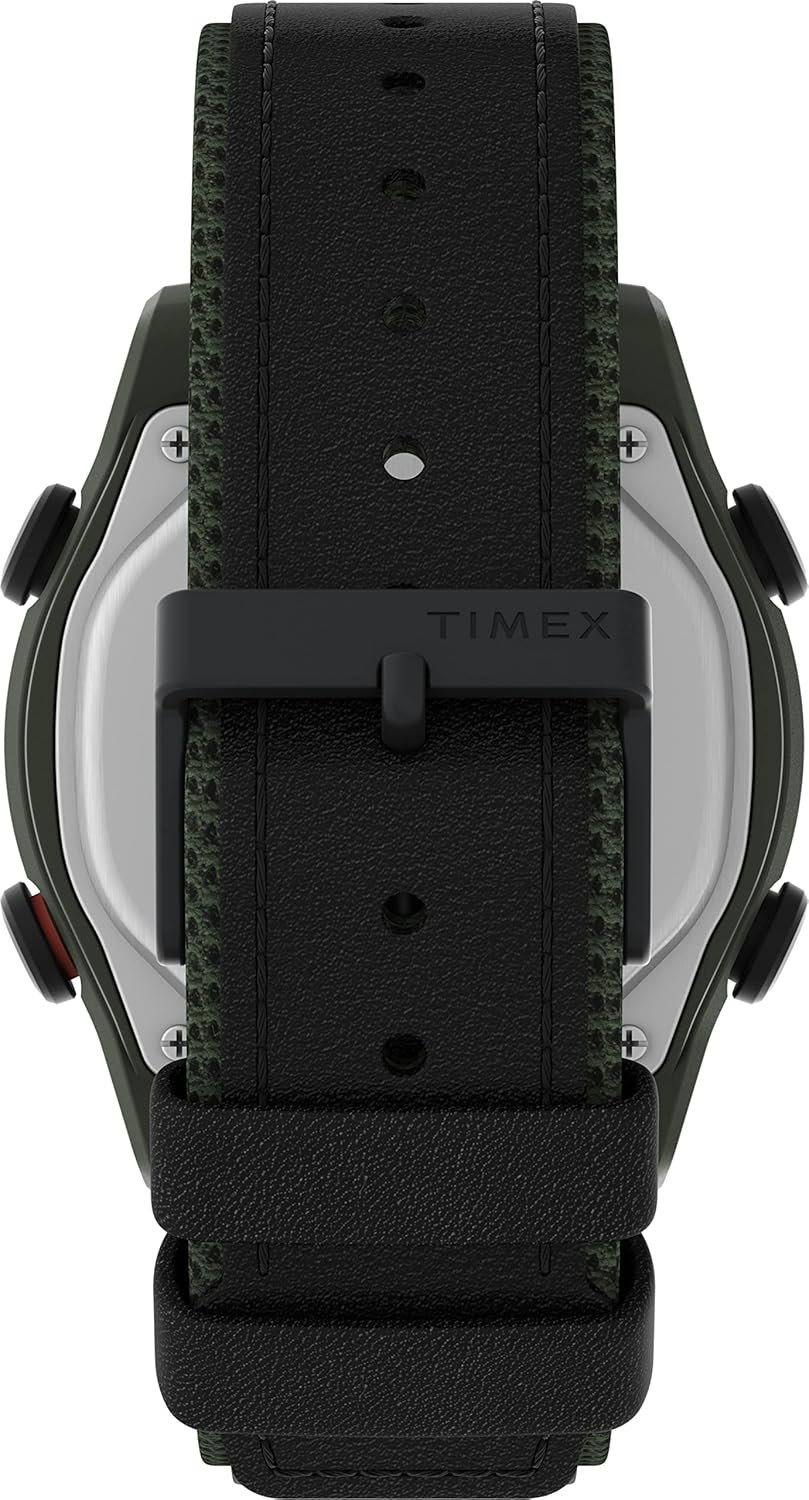
Immagine 2.1: posteriore view of the Timex Expedition Rugged Digital Watch. This image clearly shows the stainless steel case back, marked with "OPEN" and "CLOSE" arrows for the battery compartment, and indicates the use of a "CR2032 BATTERY".
2.2. Impostazione di ora e data
- Identifica i pulsanti: Locate the buttons on the sides of your watch. Typically, there are buttons for MODE, SET, START/STOP, and RESET/INDIGLO.
- Entra in modalità di impostazione: Premere e tenere premuto il tasto IMPOSTATO button (or similar, refer to specific watch markings) until the time display flashes.
- Regola il tempo: Utilizzare il AVVIO/ARRESTO E RESET buttons to adjust the flashing digits (hours, then minutes). Press MODALITÀ to cycle through hours, minutes, 12/24-hour format, year, month, and day.
- Salva impostazioni: Una volta che tutte le impostazioni sono corrette, premere il tasto IMPOSTATO button again to exit the set mode.
3. Utilizzo dell'orologio
3.1. Funzioni dei pulsanti
- Pulsante MODE: Cycles through different display modes (Time, Chronograph, Timer, Alarm).
- Pulsante IMPOSTA: Used to enter and exit setting modes for time, date, and alarm.
- Pulsante AVVIO/ARRESTO: Starts and stops the chronograph or timer; adjusts values in setting mode.
- RESET/INDIGLO Button: Resets the chronograph or timer; activates the INDIGLO backlight when pressed briefly.

Immagine 3.1: Lato view of the Timex Expedition Rugged Digital Watch. This image provides a clear view of the watch's profile, highlighting the robust case design and the functional buttons located on the side, which are used for various operations.
3.2. Utilizzo del cronografo
- Premere MODALITÀ until "CHRONO" or "STOPW" appears.
- Premere AVVIO/ARRESTO per iniziare a cronometrare.
- Premere AVVIO/ARRESTO di nuovo per mettere in pausa.
- Premere RESET per azzerare il tempo.
3.3. Utilizzo dell'allarme
- Premere MODALITÀ finché non appare "ALARM".
- Premere e tenere premuto IMPOSTATO per accedere alla modalità di impostazione della sveglia.
- Utilizzo AVVIO/ARRESTO E RESET per regolare l'ora della sveglia.
- Premere IMPOSTATO to save and activate/deactivate the alarm.
3.4. Luce notturna INDIGLO
Premere il tasto INDIGLIO button (often shared with RESET) to illuminate the watch face for easy viewin condizioni di scarsa illuminazione.
3.5. Resistenza all'acqua
This watch is designed with a certain level of water resistance. Refer to the markings on the watch case back or product packaging for specific depth ratings. Avoid pressing buttons underwater to prevent water ingress. Water resistance is not a permanent condition and may eventually be compromised by wear and tear or shock to the watch.
4. Cura e manutenzione
- Pulizia: Pulisci la cassa e il cinturino dell'orologio con un panno morbido eamp cloth. For leather straps, avoid excessive moisture and harsh chemicals.
- Batteria: Replace the battery (CR2032) when the display becomes dim. It is recommended to have this done by a professional to maintain water resistance.
- Magazzinaggio: Conserva l'orologio in un luogo fresco e asciutto, lontano dalla luce solare diretta e da temperature estreme.
- Evitare i prodotti chimici: Do not expose your watch to solvents, detergents, perfumes, or cosmetics, as these can damage the case, strap, or seals.
5. Risoluzione Dei Problemi
| Problema | Possibile causa | Soluzione |
|---|---|---|
| Il display dell'orologio è vuoto o poco luminoso. | Batteria scarica o scarica. | Replace the CR2032 battery. Seek professional assistance to ensure water resistance. |
| L'ora non è corretta. | Ora non impostata correttamente o pressione accidentale del pulsante. | Per reimpostare l'ora, fare riferimento alla Sezione 2.2 "Impostazione di ora e data". |
| I pulsanti non rispondono. | L'orologio potrebbe essere bloccato o avere un malfunzionamento interno. | Try removing and reinserting the battery (if comfortable doing so, otherwise seek professional service). If issue persists, contact support. |
| Acqua all'interno dell'orologio. | Water resistance compromised due to damage, improper battery change, or button presses underwater. | Portare immediatamente l'orologio presso un centro di assistenza qualificato. Non tentare di asciugarlo da soli. |
6. Specifiche
- Modello: TW4B27000
- Tipo di visualizzazione: Digitale
- Dimensioni della cassa: 43mm
- Materiale del cinturino: Leather with textile accent
- Tipo di batteria: CR2032
- Resistenza all'acqua: Refer to product packaging or case back for specific rating (e.g., 50m/100m). Not suitable for deep diving.
- Caratteristiche: Time, Date, Chronograph, Timer, Alarm, INDIGLO Night-Light
7. Garanzia e supporto
Your Timex watch is covered by a limited warranty against manufacturing defects. Please refer to the warranty card included with your purchase for specific terms and conditions, including the warranty period and coverage details.
For technical support, service, or to inquire about replacement parts, please visit the official Timex websito o contattare il loro servizio clienti.
- Ufficiale Websito: www.timex.com
- Assistenza clienti: Fare riferimento al Timex websito per informazioni di contatto regionali.


