1. Introduzione
Thank you for choosing the MARKLIFE P50 Thermal Label Maker. This compact and versatile device is designed for efficient and convenient label printing for various applications, including home organization, small business, and office use. Utilizing thermal printing technology, it requires no ink or toner, offering a cost-effective and clean printing solution. This manual provides detailed instructions on setting up, operating, maintaining, and troubleshooting your P50 label maker to ensure optimal performance.
2. Contenuto della confezione
Si prega di verificare che tutti gli articoli siano presenti nel pacco:
- MARKLIFE P50 Thermal Label Maker
- 1 x Roll of 40mm x 30mm White Labels
- Cavo di ricarica USB
- Manuale di istruzioni
3. Impostazione
3.1 Ricarica del dispositivo
The P50 label maker is equipped with a built-in 1200mAh battery. Before first use, fully charge the device using the provided USB Type-C cable. Connect the cable to the charging port on the label maker and a compatible USB power source. The charging indicator light will provide status updates (refer to LED indicator section in the manual for details).
3.2 Caricamento delle etichette
- Aprire il coperchio dello scomparto delle etichette.
- Insert the label roll into the compartment, ensuring the labels feed out correctly. The P50 supports label widths from 12mm to 50mm.
- Adjust the paper holder to fit the width of your label roll, preventing misalignments.
- Chiudere bene il coperchio.

Image: The MARKLIFE P50 Label Maker shown with a roll of labels and a smartphone displaying its app interface, illustrating the device's compact design and digital connectivity.
3.3 App Installation and Connectivity
The MARKLIFE P50 label maker can be controlled via a mobile application (for Android and iOS devices) or PC software (for Windows). For mobile devices, download the official 'Marklife' app from your device's app store. For PC, scan the QR code provided in the quick start guide or contact customer service to obtain the driver and software.
- Connessione Bluetooth (cellulare): Ensure Bluetooth is enabled on your smartphone. Open the 'Marklife' app and follow the on-screen prompts to connect to your P50 label maker via Bluetooth 4.0. The connection should be established within seconds.
- Connessione USB (PC): Connect the label maker to your PC using the provided USB cable. Install the necessary drivers and software as instructed.

Image: The P50 label printer is shown connected to both a laptop and a smartphone, highlighting its compatibility with mobile smart devices and PC devices for versatile use.

Image: The compact MARKLIFE P50 label maker is being placed into a small handbag, illustrating its portable design and the convenience of its long battery life for on-the-go use.
4. Istruzioni per l'uso
4.1 Stampa di base
The P50 uses thermal printing technology, producing clear black and white prints without the need for ink or toner. Ensure your label design is ready in the app or software before printing.
4.2 Using the Marklife App/Software
The dedicated application offers a wide range of features to create custom labels:
- Text and Image Insertion: Add custom text, choose fonts, and insert images or logos onto your labels.
- Generazione di codici a barre/codici QR: Easily create and print barcodes or QR codes for inventory management or product information.
- OCR (riconoscimento ottico dei caratteri): Use your phone's camera to scan text and convert it into editable content within the app.
- Riconoscimento vocale: Input text using voice commands for quick label creation.
- Stampa in batch: Print multiple labels efficiently, ideal for large quantities.
- Stampa PDF: Stampa etichette direttamente dai documenti PDF.
- Modelli: Access a variety of pre-designed templates for different label types (e.g., clothing, price, cable, address, ingredient labels).

Image: A person in a bakery setting is shown using the MARKLIFE P50 label maker, demonstrating its versatility for creating ingredient labels, DIY labels for packaging, and labels with photo logos.
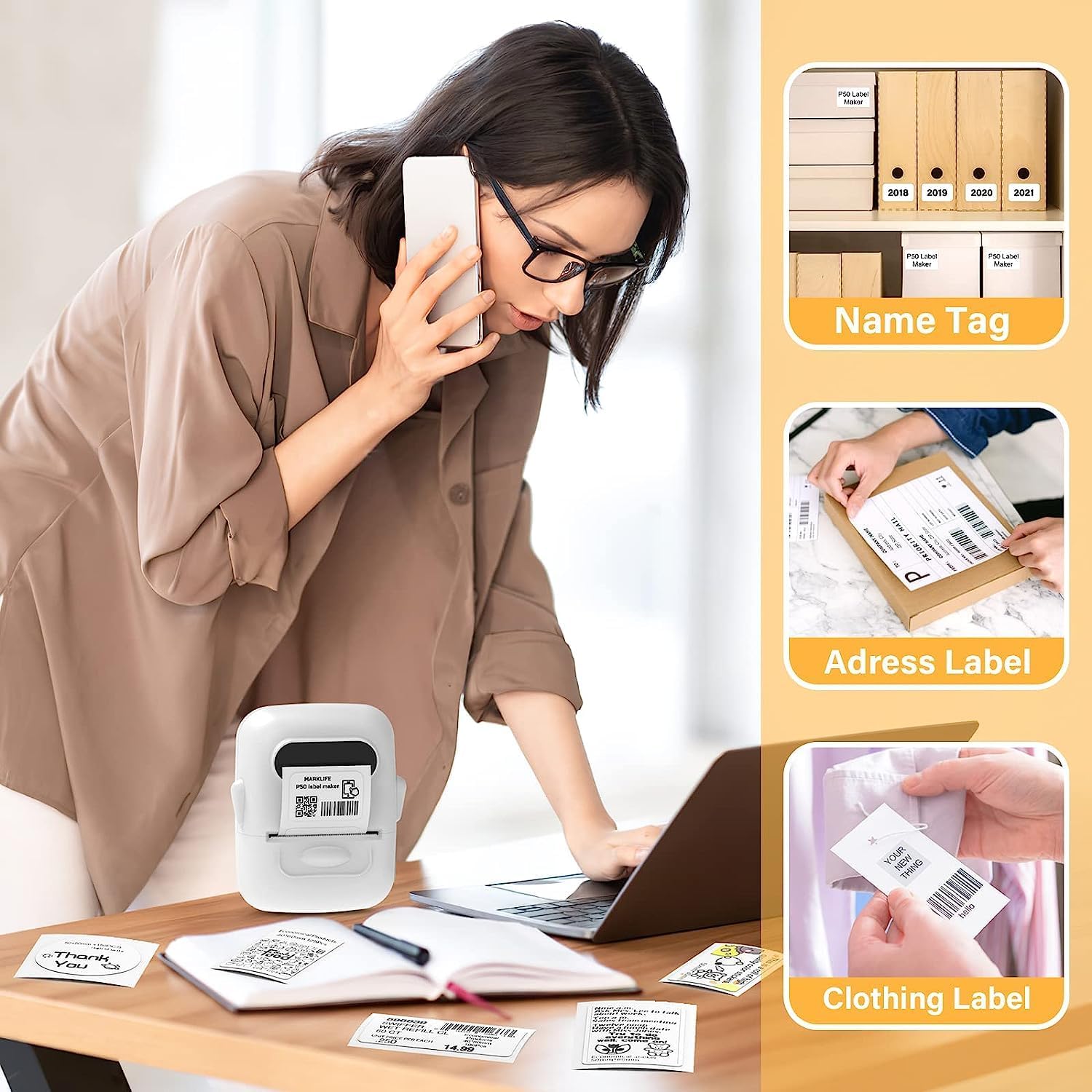
Image: An individual in an office environment is depicted using the MARKLIFE P50 label maker to produce name tags, address labels, and clothing labels, showcasing its utility for organizational purposes.
4.3 Compatible Label Types and Sizes
The P50 label maker supports a wide variety of label types and sizes, with widths ranging from 12mm to 50mm. This includes round, clear, square, cable, and patterned labels. The adjustable paper holder ensures compatibility and smooth feeding for different label dimensions.

Image: The MARKLIFE P50 label maker is shown alongside examples of different compatible label types, including round, clear, rectangle, and cable labels, demonstrating its versatility.
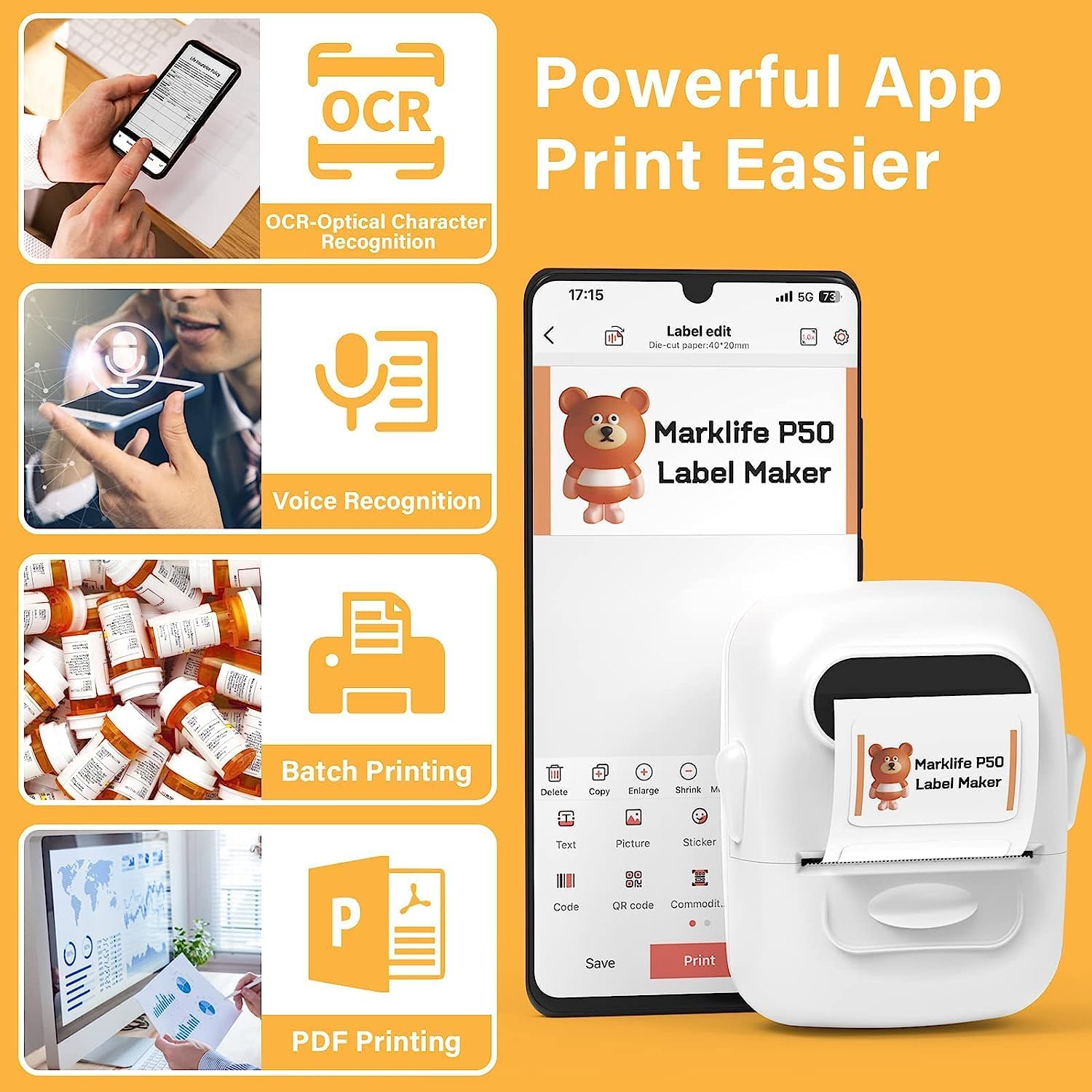
Image: A collection of sample labels featuring diverse sizes and designs, such as a to-do list, barcode, and clothing tag, are displayed next to a laptop and the P50 label maker, illustrating various printing possibilities.
5. Manutenzione
5.1 Pulizia della testina di stampa
To maintain print quality, regularly clean the thermal print head. Use a soft, lint-free cloth lightly dampened with isopropyl alcohol. Gently wipe the print head surface. Ensure the device is turned off and disconnected from power before cleaning.
5.2 Conservazione delle etichette
Store label rolls in a cool, dry place away from direct sunlight and excessive heat to preserve their adhesive properties and print quality.
5.3 Cura della batteria
To prolong battery life, avoid fully discharging the device frequently. If storing the label maker for an extended period, charge it to approximately 50% and recharge every few months.
6. Risoluzione Dei Problemi
6.1 Problemi di stampa comuni
- Blank Prints: Ensure the label roll is inserted correctly with the printable side facing the print head.
- Faint Prints: Check if the label roll is thermal paper. Ensure the battery is sufficiently charged.
- Paper Jams/Misalignments: Verify the label roll is properly seated and the adjustable paper holder is set to the correct width. Clear any jammed labels carefully.
6.2 Problemi di connettività
- Disconnessione Bluetooth: Ensure the label maker is within the 33-foot Bluetooth range. Restart both the label maker and your mobile device. Re-pair the device in the app settings.
- Problemi di connessione al PC: Verify the USB cable is securely connected. Reinstall the PC driver if necessary.
6.3 App Related Issues
If you experience issues with the Marklife app, ensure you have downloaded the official version from a trusted app store. Check for app updates regularly. If problems persist, try clearing the app's cache or reinstalling it.
7. Specifiche
| Caratteristica | Specificazione |
|---|---|
| Numero di modello | P50 |
| Tecnologia di stampa | Termico |
| Uscita della stampante | Monocromatico (bianco e nero) |
| Dimensione massima del supporto | 40 mm (larghezza) |
| Compatible Label Widths | 12 millimetri - 50 millimetri |
| Risoluzione di stampa massima | 1181 (DPI, assumed) |
| Velocità massima di stampa monocromatica | 30 Pages per minute (approx.) |
| Connettività | Bluetooth 4.0, USB |
| Dispositivi compatibili | Smartphones (Android, iOS), PCs (Windows) |
| Batteria | 1200 mAh integrati (ricarica di tipo C) |
| Dimensioni (L x P x A) | Dimensioni: 15 cm x 5 cm x 10 cm |
| Caratteristica speciale | Portatile |
8. Garanzia
The MARKLIFE P50 Thermal Label Maker comes with a 1-year limited manufacturer's warranty. This warranty covers defects in materials and workmanship under normal use. Please retain your proof of purchase for warranty claims. For detailed warranty terms and conditions, refer to the warranty card included in your package or contact customer support.
9. Supporto
For any questions, technical assistance, or support needs, please do not hesitate to contact our customer service team. We offer 24/7 customer support to ensure your satisfaction. You can find contact information on our official website or through the Marklife app.
Supporto online: Visit the official MARKLIFE websito per FAQ, driver e download di software.
Supporto via e-mail: [Insert Manufacturer's Support Email Address Here, if available]
Supporto telefonico: [Insert Manufacturer's Support Phone Number Here, if available]


