1. Introduzione
Grazie per l'acquistoasing the FunFlix RD-882 Portable Projector. This manual provides essential information for setting up, operating, and maintaining your projector to ensure optimal performance and longevity. Please read this manual thoroughly before use and retain it for future reference.
2. Istruzioni di sicurezza
- Non guardare direttamente nell'obiettivo del proiettore quando lamp è acceso. La luce intensa può causare danni agli occhi.
- Assicurare una ventilazione adeguata attorno al proiettore. Non ostruire le aperture di ventilazione.
- Tenere il proiettore lontano da acqua, umidità e temperature estreme.
- Utilizzare solo l'adattatore di alimentazione fornito con il proiettore.
- Non tentare di riparare il proiettore da soli. Per qualsiasi intervento di assistenza, rivolgersi a personale qualificato.
- Scollegare il proiettore durante i temporali o quando non viene utilizzato per lunghi periodi.
3. Contenuto della confezione
Verifica che tutti gli articoli siano presenti nel tuo pacco:
- FunFlix RD-882 Portable Projector
- Telecomando (batterie non incluse)
- Cavo di alimentazione
- Cavo HDMI
- cavo AV
- Manuale d'uso

Figura 3.1: Accessori inclusi
4. Prodotto finitoview
4.1 Front View
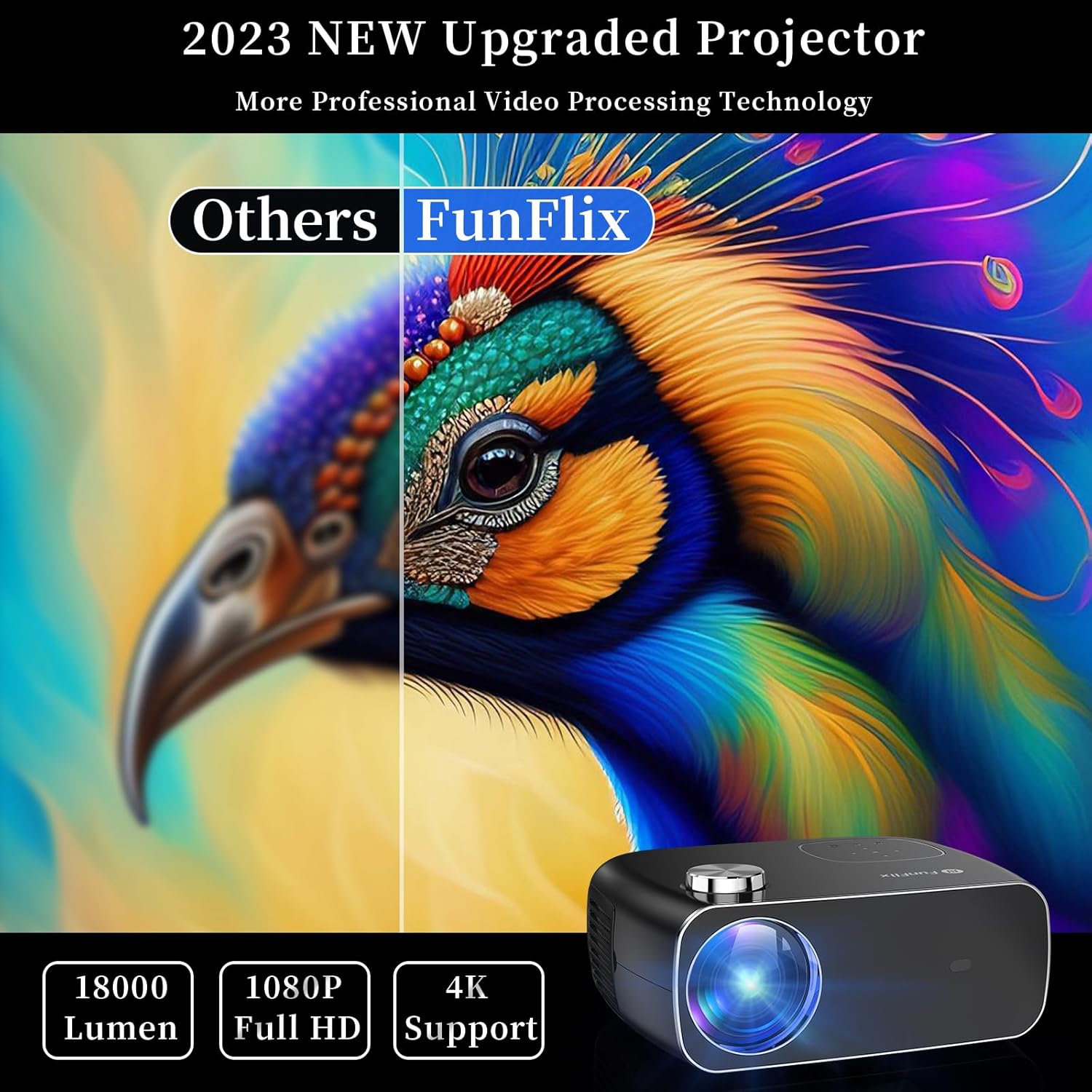
Figura 4.1: Fronte View del proiettore
The front of the projector features the projection lens and an infrared receiver for the remote control.
4.2 Posteriore View e porti

Figura 4.2: Posteriore View con porte di ingresso
Il pannello posteriore offre opzioni di connettività:
- Porte HDMI (x2): Connect to devices like laptops, gaming consoles, or streaming sticks.
- Porte USB (x2): Collega unità USB per la riproduzione di contenuti multimediali o per alimentare dispositivi esterni.
- Porta AV: Connect to older devices using the included AV cable.
- Uscita audio: Collegare altoparlanti esterni o cuffie.
- Potenza in ingresso: Collegare l'adattatore di alimentazione.
5. Impostazione
5.1 Posizionamento
Place the projector on a stable, flat surface. Ensure there is enough space around the projector for proper ventilation. The projection distance and screen size can vary. The projector supports projection sizes from 50 to 300 inches.

Figure 5.1: Projector Placement and Projection
5.2 Collegamento di alimentazione
Connect the power cable to the projector's power input port and then plug it into a power outlet.
5.3 Correzione della messa a fuoco e della distorsione trapezoidale
After powering on the projector, adjust the focus ring on the top of the projector until the image is clear. Use the keystone correction feature to adjust the image shape if it appears trapezoidal. The projector supports both manual focus and digital keystone correction.

Figure 5.2: Keystone Correction and Zoom Function
Video 5.1: Demonstrates projector features including power-on, bulb life, display sizes, precise intelligent focusing, native 1080P resolution, zoom function, 5G WiFi support, wireless projection for iOS/Android, wired HDMI connection, built-in speaker, 15-degree gradient correction, Bluetooth connection, and high color reproduction.
6. Operativo
6.1 Accensione/spegnimento
Premere il pulsante di accensione sul proiettore o sul telecomando per accendere o spegnere il proiettore.
6.2 Sorgenti di input
Select the desired input source from the main menu using the remote control or the buttons on the projector.
- HDMI: Connect your device via an HDMI cable.
- USB: Inserisci un'unità USB per riprodurre contenuti multimediali files.
- AV: Collegare i dispositivi più vecchi tramite il cavo AV.
6.3 Connettività wireless
The FunFlix RD-882 supports 5G WiFi and Bluetooth 5.2 for enhanced connectivity.
6.3.1 5G WiFi Connection
To connect to a 5G WiFi network:
- Accedere al menu "Impostazioni" del proiettore.
- Select 'Network Settings' or 'WiFi'.
- Choose your 5G WiFi network from the list and enter the password.

Figure 6.1: 5G WiFi Wireless Connection
Connessione Bluetooth 5.2 6.3.2
To connect to Bluetooth audio devices:
- Vai al menu "Impostazioni".
- Selezionare "Impostazioni Bluetooth".
- Abilita il Bluetooth e cerca i dispositivi disponibili.
- Seleziona l'altoparlante o le cuffie Bluetooth da associare.

Figura 6.2: Connessione Bluetooth 5.2
6.4 Mirroring dello schermo
The projector supports screen mirroring from iOS and Android devices. Ensure your device and the projector are connected to the same WiFi network.
- Per dispositivi iOS: Use the 'Screen Mirroring' or 'AirPlay' function on your iPhone/iPad and select the projector from the list of available devices.
- Per dispositivi Android: Use the 'Cast', 'Smart View', or 'Wireless Display' function on your Android phone/tablet and select the projector.
6.5 Regolazione delle impostazioni
Access the projector's menu to adjust various settings:
- Impostazioni immagine: Regola luminosità, contrasto, colore e nitidezza.
- Impostazioni audio: Adjust volume, sound mode, and balance.
- Modalità di proiezione: Selezionare la proiezione frontale, posteriore, frontale a soffitto o posteriore a soffitto.
7. Manutenzione
7.1 Pulizia della lente
Use a soft, lint-free cloth or lens cleaning paper to gently wipe the lens. Avoid using abrasive cleaners or excessive force, which can scratch the lens.
7.2 Cleaning Air Filters/Vents
Regularly check and clean the air filters and vents to prevent dust buildup, which can affect cooling and performance. Use a soft brush or a vacuum cleaner with a brush attachment to remove dust.
7.3 Conservazione
When not in use, store the projector in a cool, dry place, away from direct sunlight and extreme temperatures. Use the original packaging or a protective case to prevent dust and damage.
8. Risoluzione Dei Problemi
| Problema | Possibile causa | Soluzione |
|---|---|---|
| Nessuna immagine sullo schermo | Power not connected, incorrect input source, device not connected. | Check power cable, select correct input source, ensure source device is on and connected. |
| L'immagine è sfocata | Focus not adjusted, projector too far/close. | Regolare la ghiera di messa a fuoco. Assicurarsi che il proiettore si trovi alla distanza di proiezione ottimale. |
| L'immagine è trapezoidale | Keystone non corretto. | Adjust keystone correction in the settings menu. |
| Nessun suono | Volume too low, incorrect audio output, source device muted. | Increase projector volume, check audio output settings, unmute source device. |
| Il telecomando non funziona | Batteries low/dead, IR sensor blocked. | Sostituire le batterie, assicurarsi che non vi siano ostacoli tra il telecomando e il proiettore. |
9. Specifiche
- Marca: Funflix
- Numero modello: RD-882
- Peso dell'articolo: 4.75 libbre
- Dimensioni del prodotto: 9.57 x 7.87 x 3.98 pollici
- Risoluzione massima dello schermo: 1920 x 1080 (1080P nativo)
- Connettività: 5G WiFi, Bluetooth 5.2, HDMI (x2), USB (x2), AV
- Utilizzi consigliati: Gaming, Home Theater, Outdoor Projection
- Fattore di forma: Portatile
- Tipo di montaggio: Supporto da tavolo
10. Garanzia e supporto
For warranty information and technical support, please refer to the contact details provided on the FunFlix official website or your purchase documentation. Do not attempt to open or repair the device yourself, as this may void your warranty.


