
Introduzione
This manual provides comprehensive instructions for the Creative Outlier Free Pro+ Wireless Waterproof Bone Conduction Headphones. Please read this manual thoroughly before using your device to ensure proper operation and to maximize its features. Keep this manual for future reference.
Prodotto finitoview
The Creative Outlier Free Pro+ headphones utilize bone conduction technology to deliver audio through vibrations, allowing for open-ear listening and situational awareness. They feature an IPX8 waterproof rating, a built-in 8GB MP3 player, Bluetooth 5.3 connectivity with multipoint support, and up to 10 hours of battery life. The design incorporates lightweight silicone and titanium memory alloy for comfort and a secure fit, along with adjustable transducers for optimized sound.

Image: Creative Outlier Free Pro+ Bone Conduction Headphones, showcasinil loro design ergonomico.
Contenuto della confezione
- Creative Outlier Free Pro+ Headphones
- Cavo di ricarica magnetico
- Earplugs (for swimming)
- Manuale d'uso
Impostare
1. Ricarica iniziale
Before first use, fully charge the headphones. Connect the magnetic charging cable to the charging port on the headphones and plug the USB end into a power source. The LED indicator will show charging status. A full charge typically takes approximately 2 hours.

Image: Close-up of the magnetic charging port on the Creative Outlier Free Pro+ headphones.
2. Accensione/spegnimento
- Accensione: Tenere premuto il pulsante di accensione/multifunzione finché l'indicatore LED non lampeggia in blu.
- Spegni: Tenere premuto il pulsante di accensione/multifunzione finché l'indicatore LED non lampeggia in rosso e poi si spegne.
3. Accoppiamento Bluetooth
- Assicurati che le cuffie siano spente.
- Press and hold the Power/Multi-function button for approximately 5 seconds until the LED indicator flashes red and blue alternately, indicating pairing mode.
- Sul tuo dispositivo (smartphone, tablet, ecc.), attiva il Bluetooth e cerca i dispositivi disponibili.
- Select "Outlier Free Pro+" from the list.
- Una volta connesso, l'indicatore LED lampeggerà lentamente in blu.
4. Connettività multipunto
The headphones support connecting to two Bluetooth devices simultaneously. After pairing with the first device, disable Bluetooth on that device. Then, put the headphones back into pairing mode and connect to the second device. Re-enable Bluetooth on the first device, and the headphones should automatically connect to both.
5. Caricamento MP3 Files
To use the built-in 8GB MP3 player, connect the headphones to a computer using the magnetic charging cable. The headphones will appear as a removable storage device. Drag and drop your MP3, FLAC, WAV, or APE audio files into the designated music folder. WMA formats are not supported.
6. Adjusting Transducers
The transducers are designed to be adjustable for optimal sound conduction and comfort. Gently adjust the position of the transducers on your cheekbones until you find the most comfortable fit and clearest audio experience.

Image: Diagram illustrating bone conduction technology and the adjustable transducers for optimal fit and sound.
Operativo
1. Controlli di base
- Pulsante di accensione/multifunzione: Press and hold to power on/off. Single press to play/pause music or answer/end calls. Double press to activate voice assistant.
- Volume su (+): Increase volume. Press and hold for next track (in MP3 mode).
- Volume basso (-): Decrease volume. Press and hold for previous track (in MP3 mode).
2. Switching Between Bluetooth and MP3 Mode
To switch between Bluetooth and MP3 playback, press the Mode button (if available, or refer to specific button functions in your quick start guide). The headphones will indicate the current mode via voice prompt.
3. Utilizzo impermeabile (IPX8)
The Creative Outlier Free Pro+ headphones are IPX8 waterproof, suitable for submersion in freshwater up to 1.5 meters for up to 40 minutes. For swimming, it is recommended to use the built-in MP3 player mode as Bluetooth connectivity may be interrupted underwater. Insert the provided earplugs for an enhanced audio experience while swimming.

Image: A person swimming while wearing the Creative Outlier Free Pro+ headphones, highlighting their waterproof design and built-in MP3 player.
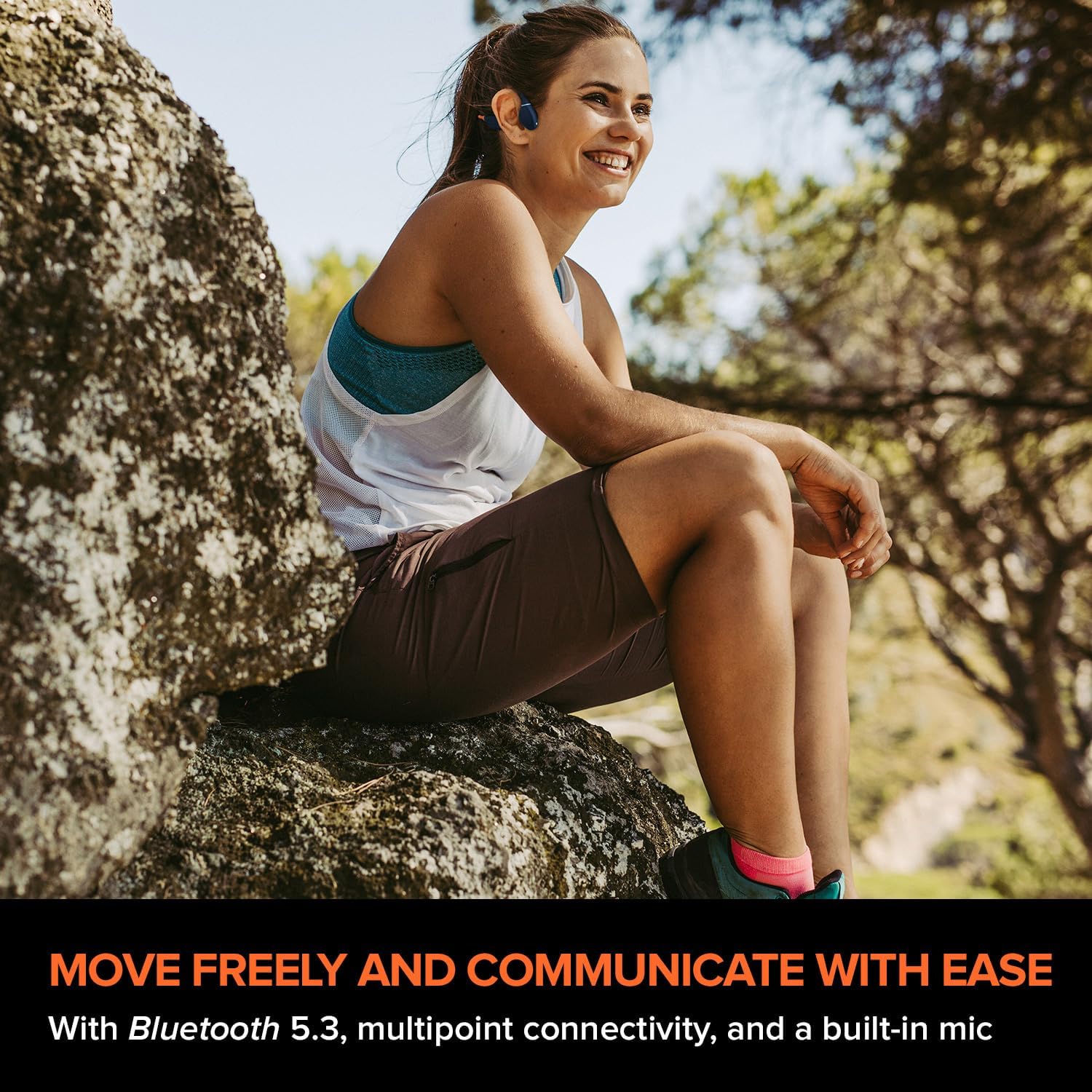
Image: A person relaxing in a pool while wearing the Creative Outlier Free Pro+ headphones, demonstrating their suitability for water activities.
4. Gestione delle chiamate
- Rispondi/Termina chiamata: Single press the Power/Multi-function button.
- Rifiuta chiamata: Tenere premuto il pulsante di accensione/multifunzione per 2 secondi.
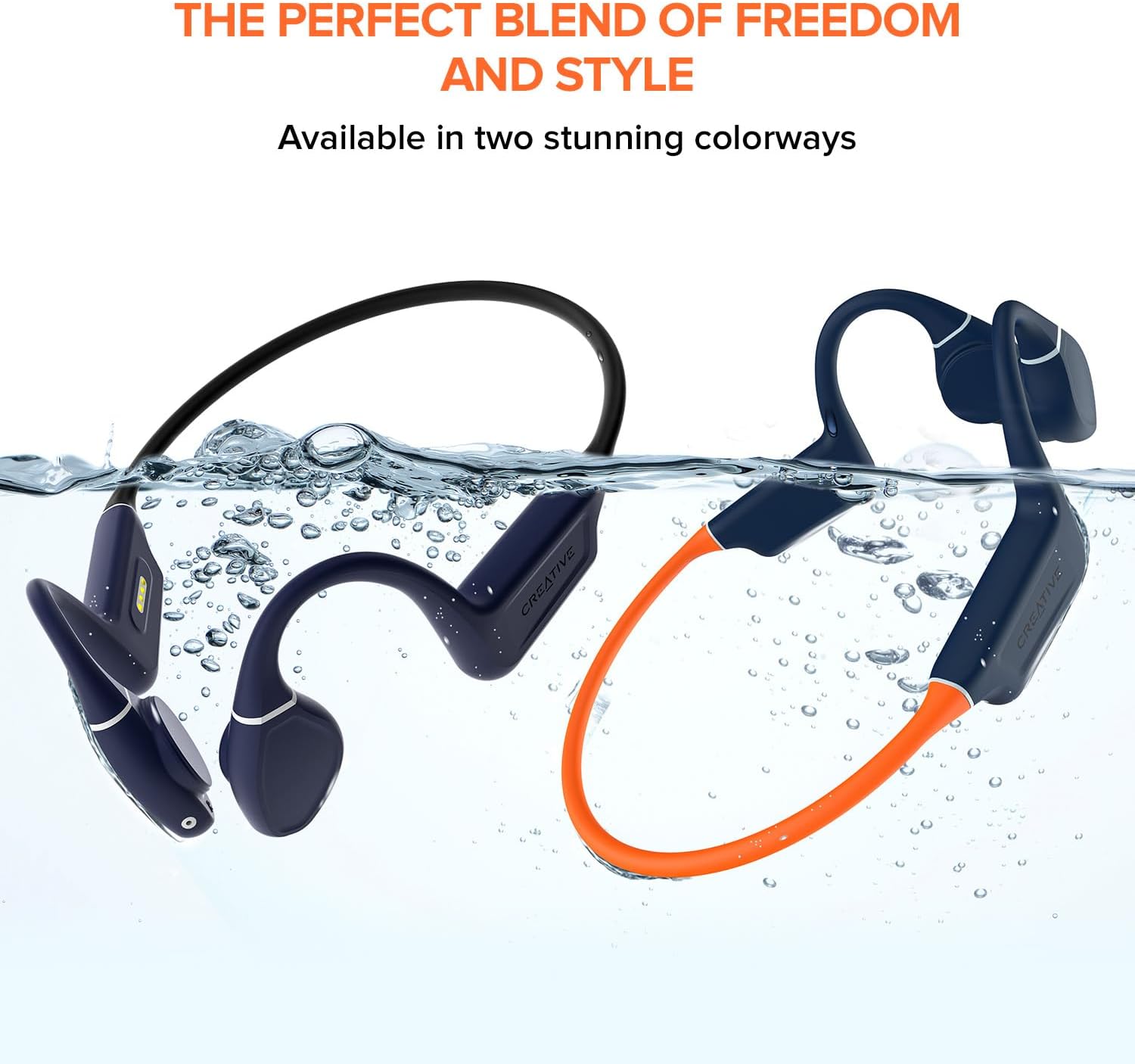
Image: A person wearing the Creative Outlier Free Pro+ headphones while sitting outdoors, illustrating their use for communication and music during activities.
Manutenzione
1. Pulizia
Pulisci le cuffie con un panno morbido, damp panno. Evitare l'uso di prodotti chimici aggressivi o materiali abrasivi. Assicurarsi che la porta di ricarica sia asciutta prima di caricare.
2. Conservazione
Conservare le cuffie in un luogo fresco e asciutto, lontano dalla luce solare diretta e da temperature estreme. Evitare di appoggiarvi sopra oggetti pesanti.
3. Cura della batteria
Per prolungare la durata della batteria, evitare di scaricare completamente le cuffie frequentemente. Ricaricarle regolarmente, anche se non vengono utilizzate per periodi prolungati.

Image: Hands demonstrating the flexibility of the Creative Outlier Free Pro+ headphones, highlighting their durable and comfortable design.
Risoluzione dei problemi
- Nessun potere: Assicurati che le cuffie siano completamente cariche. Collegale al caricabatterie e controlla l'indicatore LED.
- Nessun suono: Check the volume level on both the headphones and the connected device. Ensure the headphones are correctly paired via Bluetooth or in MP3 mode.
- Problemi di accoppiamento: Ensure the headphones are in pairing mode (flashing red and blue). Turn off and on Bluetooth on your device. Try unpairing and re-pairing.
- Problemi di riproduzione MP3: Verificare che l'audio files are in a supported format (MP3, FLAC, WAV, APE) and correctly transferred to the headphones' internal storage.
- Scarsa qualità del suono: Adjust the transducers for optimal placement on your cheekbones. Ensure there is no obstruction.
- Ripristino del dispositivo: If experiencing persistent issues, consult the Creative support website for instructions on how to perform a factory reset.
Specifiche
| Caratteristica | Dettaglio |
|---|---|
| Nome del modello | Outlier Free Pro+ |
| Tecnologia di connettività | Bluetooth 5.3, senza fili |
| Tecnologia di comunicazione wireless | Bluetooth |
| Materiale | Silicone |
| Peso dell'articolo | 1.12 once |
| Livello di resistenza all'acqua | Impermeabile (IPX8) |
| Gamma di frequenza | 20 Hz - 18,000 Hz |
| Durata della batteria | Fino a 10 ore |
| Tipo di driver audio | Driver a conduzione ossea |
| Portata Bluetooth | 10 metri |
| Archiviazione integrata | 8 GB MP3 Player |
| Tipo di controllo | Controllo multimediale, App |
| Produttore | Laboratori creativi |
| Dimensioni del prodotto | 4.17 x 5.39 x 1.73 pollici |
| Numero modello articolo | EF1081 |
Garanzia e supporto
Creative products are covered by a limited hardware warranty. For detailed warranty information, product registration, technical support, and frequently asked questions, please visit the official Creative support website. You can find the most up-to-date information and contact options there.
Per ulteriore assistenza, visitare: Supporto creativo


