Introduzione
This manual provides instructions for the proper use and maintenance of your Casio DS-2B-GD-W-DP 12-Digit Practical Calculator. Please read this manual thoroughly before using the calculator to ensure optimal performance and longevity.

Figura 1: Fronte view of the Casio DS-2B-GD-W-DP calculator, showing the display and key layout.
Impostare
Fonte di alimentazione
The Casio DS-2B-GD-W-DP calculator operates using a dual power system: solar power and battery power. It automatically switches between these sources based on ambient light conditions.
- Energia solare: The calculator is powered by solar cells when sufficient light is available. Ensure the solar panel, located above the display, is exposed to light for operation.
- Potenza della batteria: When light is insufficient, the calculator automatically switches to battery power. No user intervention is required for this transition.
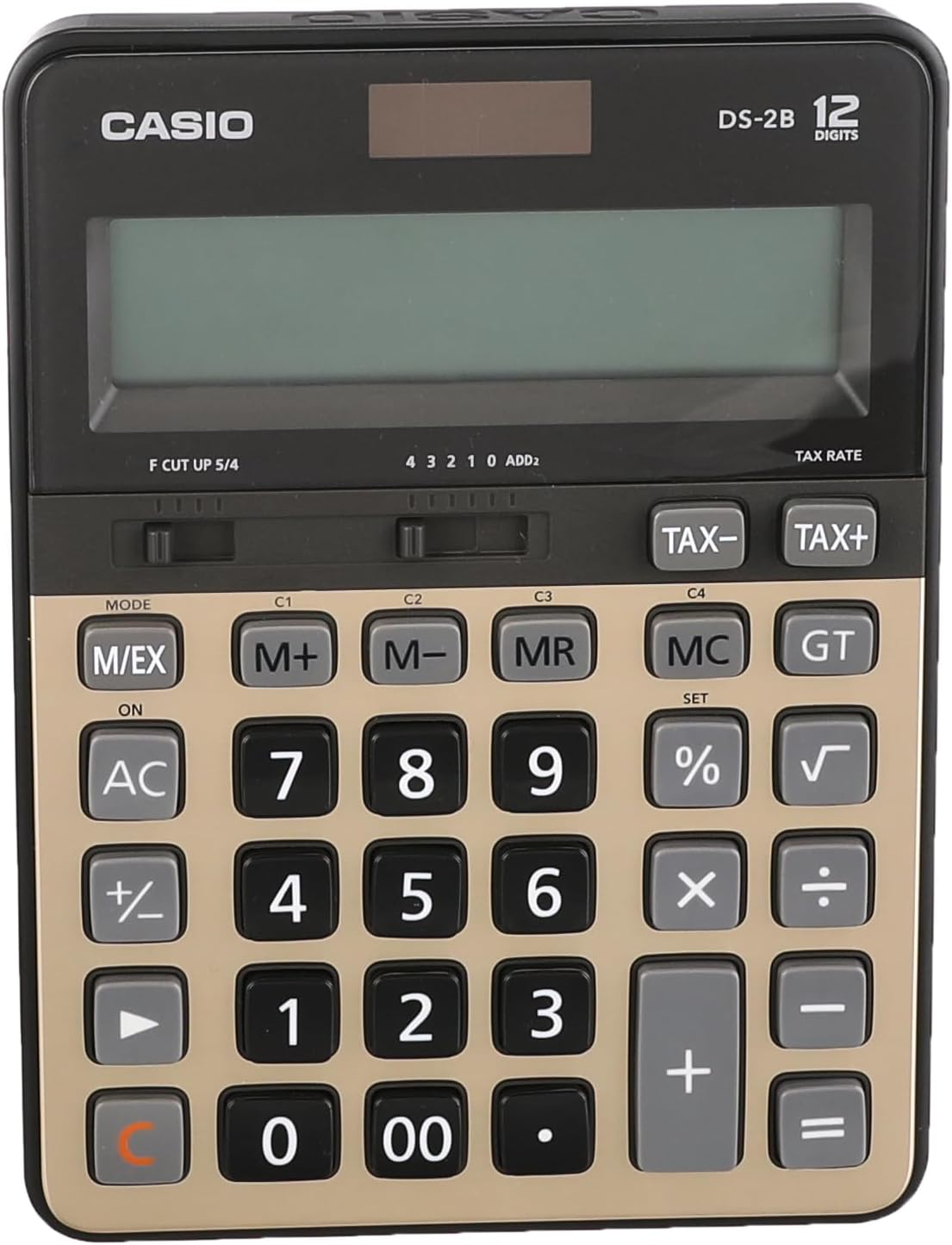
Figura 2: in alto view of the calculator, highlighting the solar panel and large display area.
Utilizzo iniziale
- Place the calculator in a well-lit area.
- Premere il tasto ACCESO/CA button to turn on the calculator and clear any previous calculations.
- The display should show "0". If the display is blank, ensure adequate light is available or that the battery is functional.
Istruzioni per l'uso
Calcoli di base
- Aggiunta: Inserisci il primo numero, premi +, inserisci il secondo numero, premi =.
- Sottrazione: Inserisci il primo numero, premi -, inserisci il secondo numero, premi =.
- Moltiplicazione: Inserisci il primo numero, premi ×, inserisci il secondo numero, premi =.
- Divisione: Inserisci il primo numero, premi ÷, inserisci il secondo numero, premi =.
- Clear Entry: Premere CE (spesso combinato con AC) to clear the last entered number.
- All Clear: Premere AC to clear all calculations and reset the display to zero.
Funzioni di memoria
The calculator includes independent memory functions for storing and recalling values.
- M+: Aggiunge il valore visualizzato alla memoria.
- M-: Sottrae il valore visualizzato dalla memoria.
- SIG: Recalls the value stored in memory to the display.
- Italiano: Clears the memory.
Calcolo delle imposte
The calculator features dedicated keys for tax calculations.
- TAX+: Adds tax to the displayed value.
- TAX-: Subtracts tax from the displayed value.
Note: The tax rate must be set prior to using these functions. Refer to the full Casio manual for detailed instructions on setting the tax rate.

Figure 3: Close-up of the calculator's key layout, showing function keys like M+, M-, MR, MC, TAX+, and TAX-.
Manutenzione
Pulizia
- Pulire la calcolatrice con un panno morbido e asciutto.
- Per sporco ostinato, leggermente dampInumidire il panno con acqua e un detergente delicato, quindi asciugarlo immediatamente.
- Do not use strong solvents, abrasive cleaners, or spray cleaners directly onto the calculator.
Magazzinaggio
- Conservare la calcolatrice in un luogo fresco e asciutto, lontano dalla luce solare diretta e da temperature estreme.
- Avoid exposing the calculator to excessive moisture or dust.
Sostituzione della batteria
The calculator uses a button-cell battery as a backup power source. If the display becomes dim or unresponsive in sufficient light, the battery may need replacement. Battery replacement should ideally be performed by a qualified technician or according to the detailed instructions in the comprehensive Casio manual to avoid damaging the device.
Risoluzione dei problemi
| Problema | Possibile causa | Soluzione |
|---|---|---|
| Il display è vuoto o poco luminoso. | Insufficient light for solar power. / Battery is low or depleted. | Move the calculator to a brighter area. / Replace the battery (refer to Maintenance section). |
| La calcolatrice non risponde alla pressione dei tasti. | Calculator is off. / Temporary malfunction. | Premere ACCESO/CA. / Remove the calculator from light for a few minutes, then re-expose to light and press ACCESO/CA. |
| Risultati di calcolo errati. | Incorrect input. / Incorrect mode setting. | Verify input numbers and operations. / Press AC to clear and restart. Check mode settings if applicable (e.g., decimal point selector). |
Specifiche
- Modello: Casio DS-2B-GD-W-DP
- Cifre: 12
- Fonte di energia: Solar & Battery (Dual Power)
- Tipo di visualizzazione: Extra Large LCD
- Tipo chiave: Durable anti-fade plastic keys
- Dimensioni (L x P x A): Circa 18.95 x 14 x 0.25 cm
- Peso: Circa 305 g
- Materiale: Plastica
- Funzioni: Basic arithmetic, Memory (M+, M-, MR, MC), Tax calculation (TAX+, TAX-), Percentage (%), Square Root (√), Grand Total (GT), Mark-up (MU), Decimal Selector (F, CUT, UP, 5/4), Rounding Selector (4, 3, 2, 1, 0, ADD2).
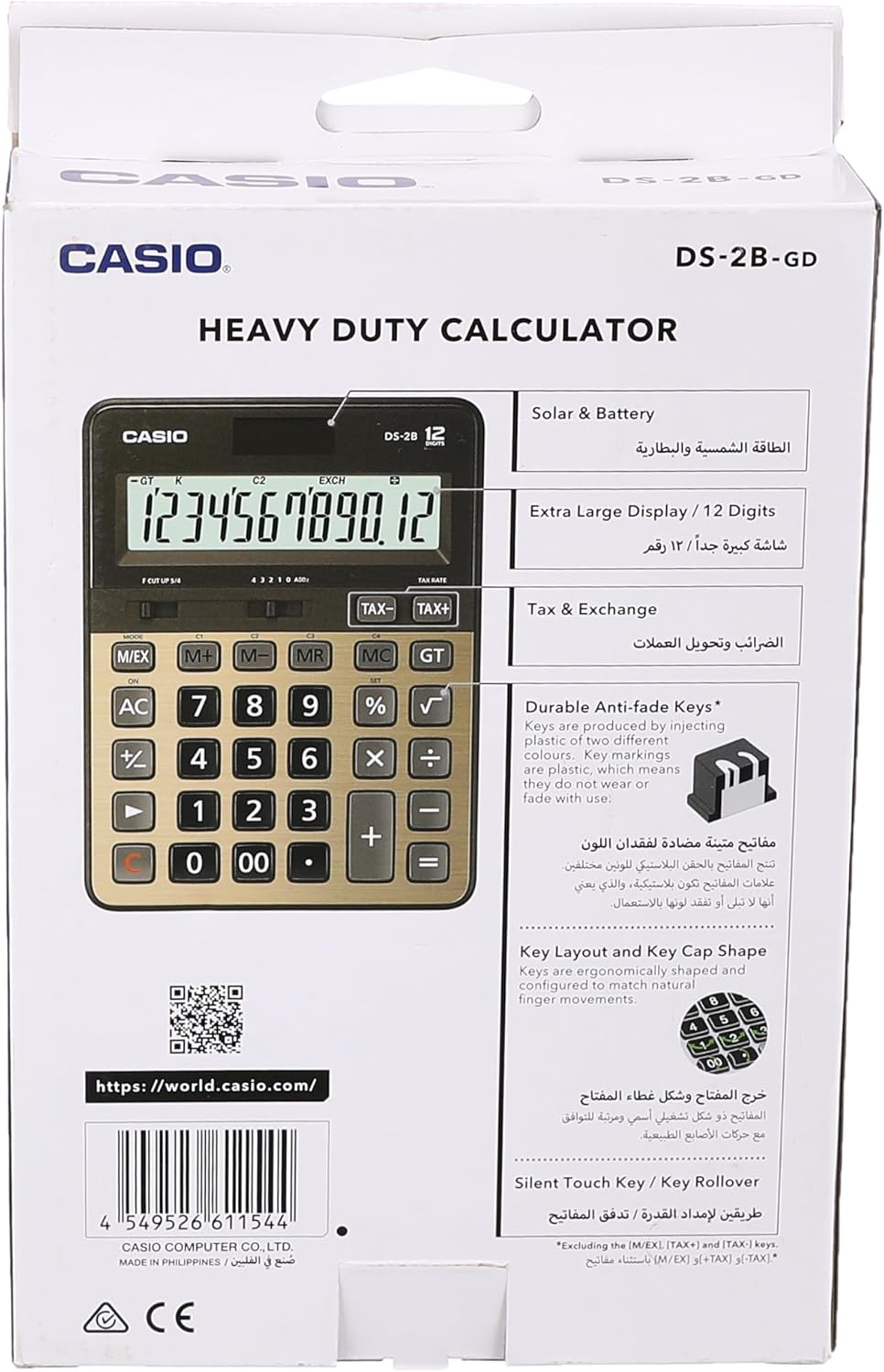
Figure 4: Product packaging highlighting key features such as solar & battery power, extra large display, and durable keys.
Garanzia e supporto
For detailed warranty information and customer support, please refer to the documentation included with your purchase or visit the official Casio websito.
- Casio ufficiale Websito: https://world.casio.com
- Produttore: Casio Computer Co., Ltd.
- Numero modello: DS-2B-GD-W-DP
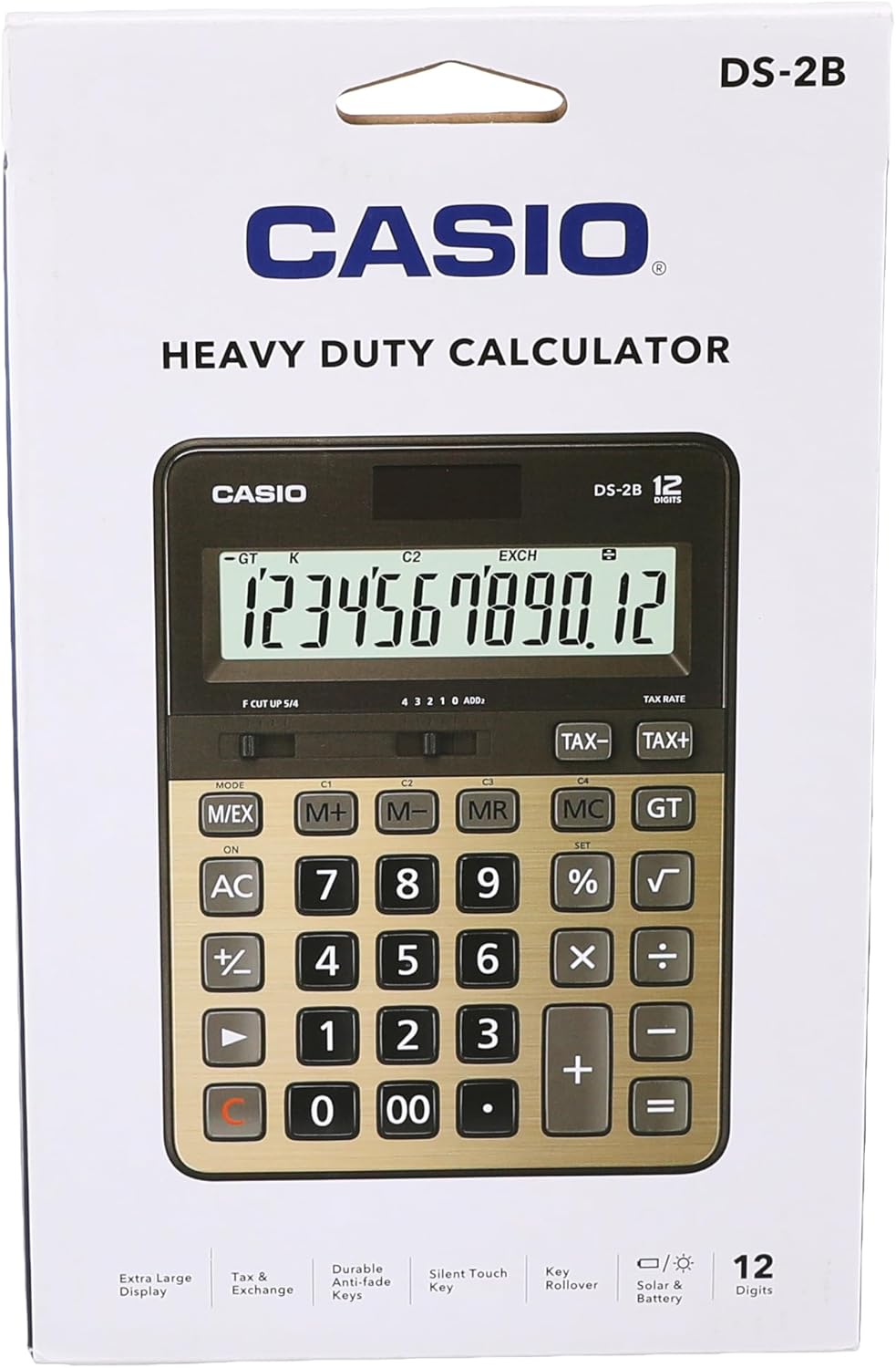
Figura 5: Posteriore view of the product packaging, displaying the barcode and official websito per ulteriori informazioni.


