1. Introduzione
The TCL S642W is a 2.1 channel soundbar system designed to significantly enhance your home audio experience. This system includes a main soundbar unit and a wireless subwoofer, delivering powerful sound with deep, resonant bass. With advanced connectivity options like Bluetooth 5.3 and HDMI ARC, and support for Dolby Audio, the S642W provides an immersive and high-quality audio environment for movies, music, and games.
2. Contenuto della confezione
Si prega di controllare la confezione per verificare la presenza dei seguenti elementi:
- TCL S642W Soundbar Unit
- Subwoofer senza fili
- Telecomando con batterie
- Cavo di alimentazione per soundbar
- Cavo di alimentazione per subwoofer
- Cavo HDMI
- Kit di montaggio a parete
- Manuale dell'utente (questo documento)
3. Impostazione
3.1 Posizionamento
Proper placement of the soundbar and subwoofer is crucial for optimal sound performance and an immersive audio experience.
- Barra audio: Position the soundbar centrally below your television. Ensure there are no obstructions in front of the soundbar that could block the sound.
- Subwoofer senza fili: The wireless subwoofer can be placed anywhere in the room, ideally near the soundbar, for enhanced bass. Avoid placing it in enclosed spaces that might muffle the sound.

Figure 1: Recommended placement of the soundbar and subwoofer in a living room environment.

Figure 2: Dimensions of the TCL S642W Soundbar (560mm x 62mm x 96.7mm) and Wireless Subwoofer (195mm x 320.4mm x 195mm).
3.2 Connessioni
Follow these steps to connect your soundbar system:
- Collegamento elettrico: Connect the power cables to the soundbar and the wireless subwoofer, then plug them into a wall outlet. The subwoofer will automatically pair with the soundbar when both are powered on.
- Connessione HDMI ARC (consigliata): For the best audio quality and control, connect one end of the provided HDMI cable to the HDMI ARC port on your soundbar and the other end to the HDMI ARC/eARC port on your television. This allows your TV remote to control the soundbar's volume.
- Connessione Bluetooth: To stream audio wirelessly from your smart device, ensure the soundbar is powered on. Press the Bluetooth button on the remote control or the soundbar unit. The Bluetooth indicator light will flash. On your smart device, search for Bluetooth devices and select 'TCL S642W' to pair.
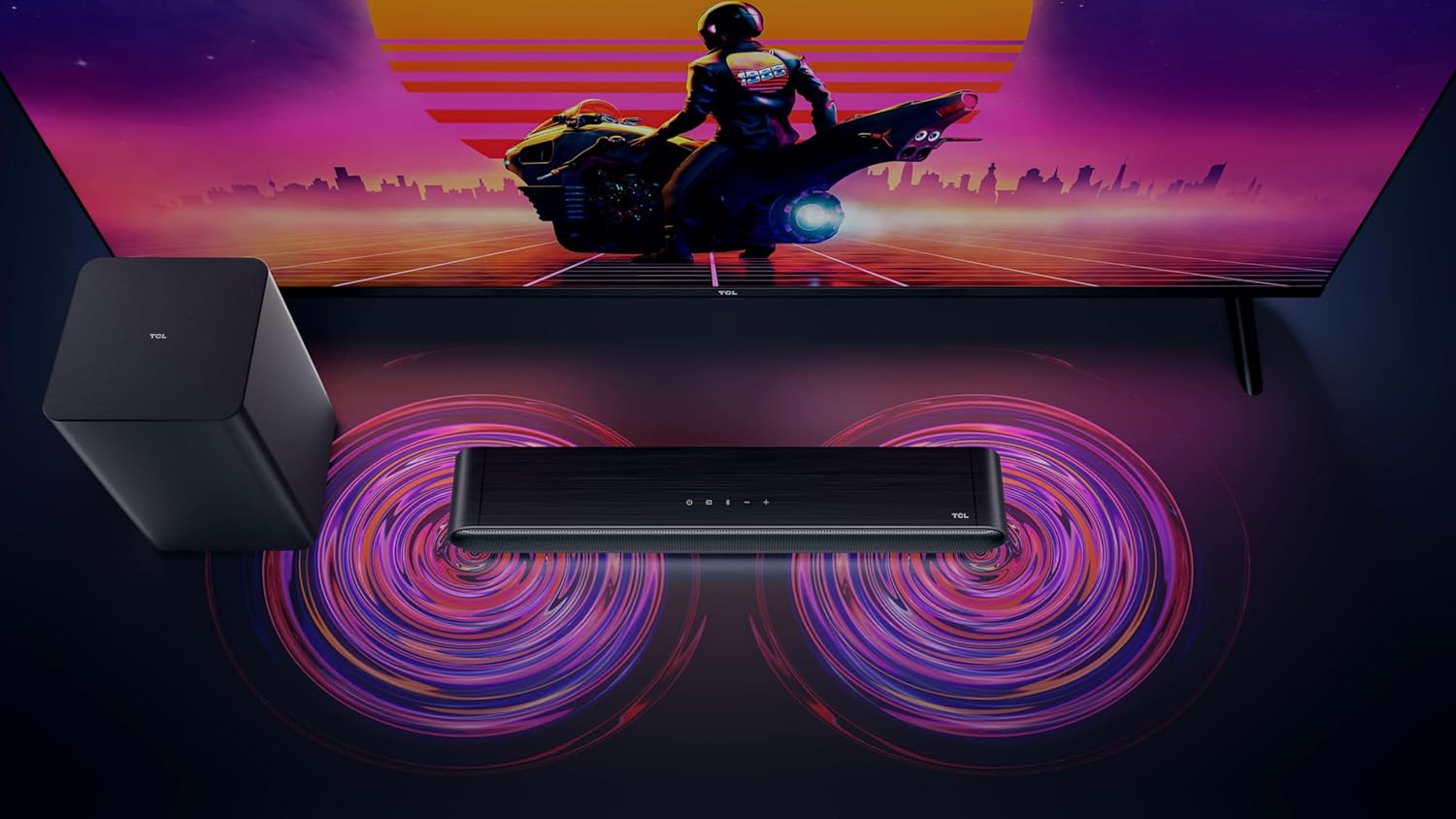
Figure 3: Connectivity options for the TCL S642W Soundbar, including Bluetooth 5.3 and HDMI.
4. Istruzioni per l'uso
4.1 Accensione/spegnimento
Premere il tasto Energia button on the remote control or the soundbar unit to turn the system on or off.
4.2 Selezione dell'ingresso
Premere il tasto Fonte or Ingresso button on the remote control to cycle through available input sources: HDMI ARC, Bluetooth.
4.3 Controllo del volume
Utilizzare il Volume su (+) E Volume basso (-) buttons on the remote control or the soundbar unit to adjust the volume. If connected via HDMI ARC, your TV remote may also control the soundbar volume.
4.4 Associazione Bluetooth
Per associare un nuovo dispositivo Bluetooth:
- Ensure the soundbar is in Bluetooth mode (press the Bluetooth button).
- Sul tuo dispositivo smart, attiva il Bluetooth e cerca i dispositivi disponibili.
- Select 'TCL S642W' from the list to connect. The Bluetooth indicator on the soundbar will stop flashing and remain solid once connected.
Figure 4: The included remote control for convenient operation of the soundbar.
5. Manutenzione
To ensure the longevity and optimal performance of your TCL S642W Soundbar system, follow these maintenance guidelines:
- Pulizia: Use a soft, dry, lint-free cloth to clean the surfaces of the soundbar and subwoofer. Do not use liquid cleaners, sprays, or abrasive materials, as these can damage the finish or internal components.
- Ventilazione: Ensure that the soundbar and subwoofer have adequate ventilation. Do not block any ventilation openings. Avoid placing the units in enclosed cabinets without proper airflow.
- Ambiente: Tenere il sistema lontano dalla luce solare diretta, da fonti di calore, da polvere eccessiva, umidità e da forti campi magnetici.
- Energia: Unplug the power cables from the wall outlet if the system will not be used for an extended period.
6. Risoluzione Dei Problemi
If you encounter issues with your soundbar, refer to the following troubleshooting guide:
| Problema | Possibile causa | Soluzione |
|---|---|---|
| Nessun suono dalla soundbar |
|
|
| Il subwoofer non produce bassi |
|
|
| Problemi di connessione Bluetooth |
|
|
7. Specifiche
Key technical specifications for the TCL S642W Soundbar system:
- Marca: TCL
- Nome modello: S642W (2.1 Channel Soundbar with Wireless Subwoofer and HDMI ARC with Bluetooth 5.3 – Wall Mountable)
- Tipo di altoparlante: Barra audio
- Potenza massima in uscita dell'altoparlante: 200 Watt
- Risposta in frequenza: 10KHz
- Tecnologia di connettività: HDMI, Bluetooth 5.3
- Modalità di uscita audio: Dolby Audio, DTS Virtual X
- Tipo di montaggio: Montabile a parete
- Materiale: Plastica
- Caratteristiche speciali: Bluetooth, USB Port, Portable
8. Informazioni sulla sicurezza
Please read and follow these safety precautions to prevent damage and ensure safe operation:
- Non esporre l'unità a pioggia, umidità, gocciolamenti o schizzi.
- Non collocare sull'apparecchio oggetti contenenti liquidi, come vasi.
- Non ostruire le aperture di ventilazione. Installare secondo le istruzioni del produttore.
- Non installare vicino a fonti di calore come radiatori, bocchette di riscaldamento, stufe o altri apparecchi (inclusi amplificatori) che producono calore.
- Proteggere il cavo di alimentazione per evitare che venga calpestato o schiacciato, in particolare in corrispondenza delle spine, delle prese di corrente e del punto in cui esce dall'apparecchio.
- Utilizzare solo accessori/componenti specificati dal produttore.
- Scollegare l'apparecchio durante i temporali o quando non viene utilizzato per lunghi periodi di tempo.
9. Garanzia e supporto
For detailed warranty information, terms, and conditions, please refer to the warranty card included with your product package. For technical support, product registration, or to find answers to frequently asked questions, please visit the official TCL support website or contact your local TCL customer service representative.
You can often find additional resources and contact information on the official TCL websito: www.tcl.com


