Introduzione
Thank you for choosing the Radley Series 20 Smart Calling Watch. This manual provides essential information for setting up, operating, and maintaining your new smartwatch. The Series 20 is designed to enhance your daily life with advanced calling capabilities, comprehensive wellness tracking, and versatile fitness features.

Image: The Radley Series 20 Smart Calling Watch, featuring a gold-plated case and a light green silicone strap, displayed alongside an interchangeable black silicone strap. The watch face shows the time and a Radley dog logo.
Contenuto della confezione
Upon opening your Radley Series 20 Smart Calling Watch package, please ensure all the following items are present:
- Radley Series 20 Smart Calling Watch (with Eucalyptus Leather Strap attached)
- Interchangeable Black Silicone Strap
- Cavo di ricarica USB
- Manuale di istruzioni
- Radley London Presentation Gift Box
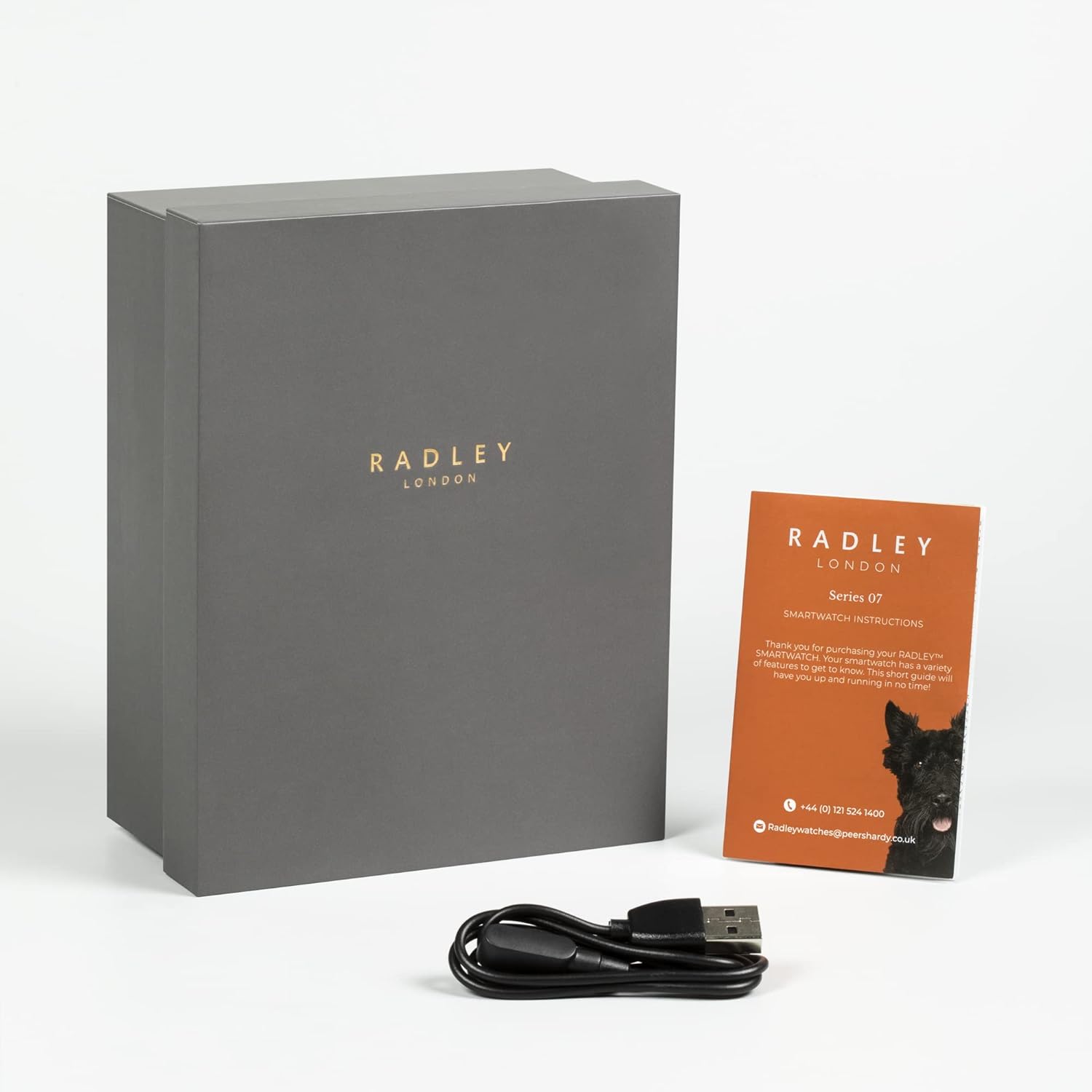
Image: The Radley Series 20 Smart Calling Watch presentation box, an instruction manual, and a USB charging cable, indicating the complete package contents.
Guida all'installazione
1. Ricarica iniziale
Before first use, fully charge your smartwatch. Connect the provided USB charging cable to the charging port on the back of the watch and plug the other end into a USB power source (e.g., computer USB port, wall adapter). A full charge typically takes approximately 2 hours.
2. Download the Radley Active App
The Radley Series 20 Smart Calling Watch requires the companion Radley Active App for full functionality. Download the free app from your device's app store:
- For iOS devices: Search "Radley Active" in the Apple App Store.
- For Android devices: Search "Radley Active" in the Google Play Store.
3. Associazione dell'orologio
- Assicurati che il Bluetooth sia abilitato sul tuo smartphone.
- Open the Radley Active App and follow the on-screen instructions to create an account or log in.
- Seleziona "Aggiungi dispositivo" o un'opzione simile all'interno dell'app.
- The app will search for your Radley Series 20 watch. Select your watch from the list of discovered devices.
- Conferma la richiesta di associazione sia sull'orologio che sullo smartphone.
- Una volta effettuata l'associazione, l'app sincronizzerà i dati con l'orologio.
4. Sostituzione delle cinghie
Your Radley Series 20 watch comes with interchangeable Eucalyptus leather and Black silicone straps. To change a strap:
- Individuare i perni a sgancio rapido sul lato inferiore del cinturino, nel punto in cui si collega alla cassa dell'orologio.
- Gently pull the pin inwards to detach the strap from the watch.
- Align the new strap with the watch case, insert one end of the pin into the lug hole, then pull the quick-release pin inwards to slide the other end into the opposite lug hole.
- Release the pin to secure the strap. Tug gently to ensure it is firmly attached.
Utilizzo dello smartwatch
Navigazione di base
- Schermo tattile: Scorri verso sinistra/destra, verso l'alto/verso il basso per navigare nei menu e nelle schermate. Tocca per selezionare.
- Pulsante laterale: Premere per riattivare lo schermo, tornare alla schermata iniziale o accedere al menu dell'app.
Caratteristiche principali
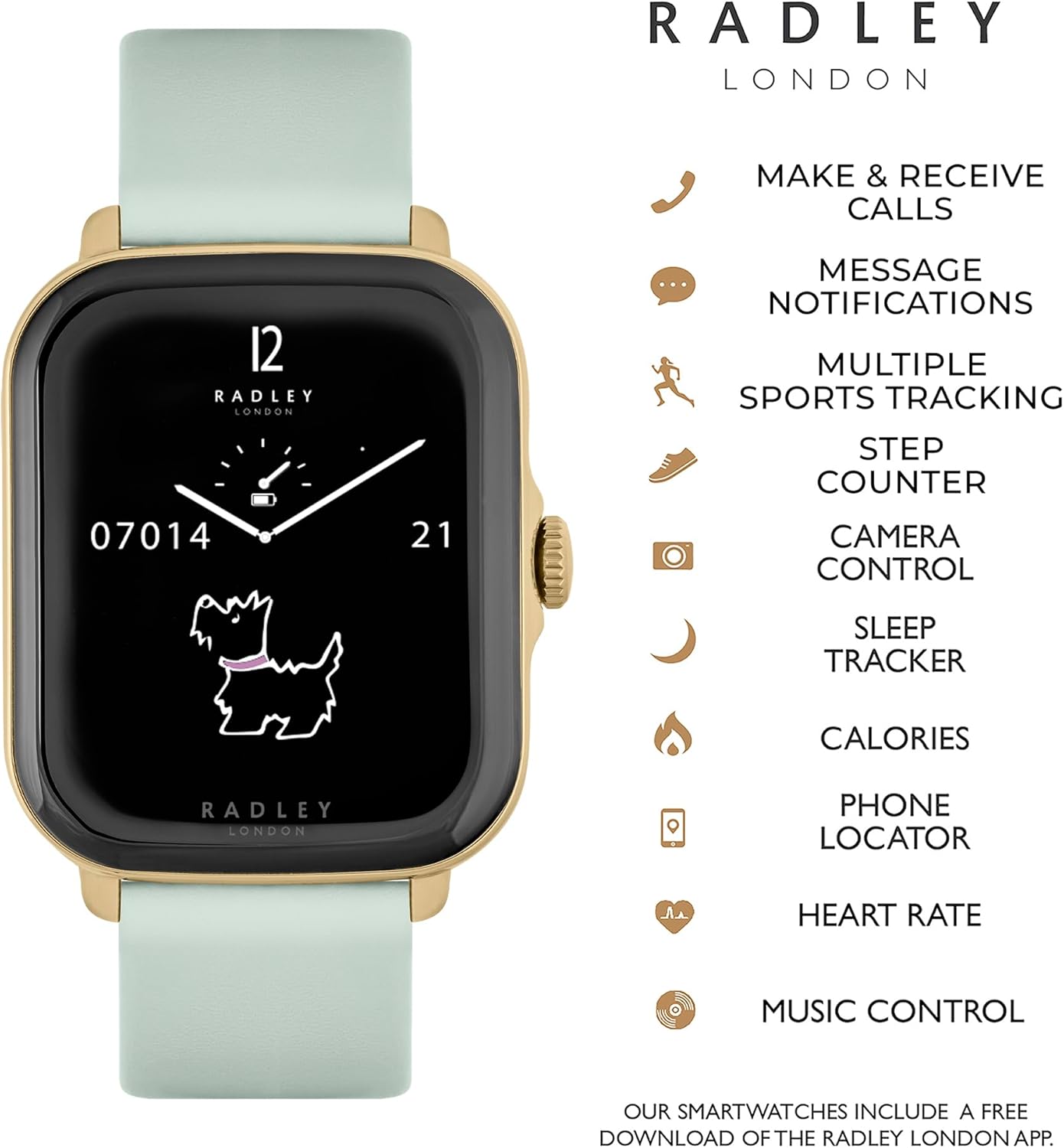
Image: The Radley Series 20 Smart Calling Watch displaying its key functionalities, including make & receive calls, message notifications, multiple sports tracking, step counter, camera control, sleep tracker, calories, phone locator, heart rate, and music control.
- Smart Calling: Make and receive calls directly from your watch. Ensure your watch is connected to your phone via Bluetooth and the calling feature is enabled in the app.
- Notifiche dei messaggi: Receive alerts for incoming calls, texts, and app notifications. Manage notification settings via the Radley Active App.
- Wellness Tracking:
- Analisi del sonno: Monitora i tuoi ritmi e la qualità del sonno.
- Promemoria per l'idratazione: Imposta promemoria per bere acqua durante il giorno.
- Esercizi di respirazione: Sessioni di respirazione guidata per il rilassamento.
- Monitoraggio fitness:
- Cardiofrequenzimetro: Tieni traccia della tua frequenza cardiaca in tempo reale.
- Multiple Sports Tracking: Record various activities like running, walking, cycling, etc.
- Contapassi: Monitor your daily steps.
- Monitoraggio delle calorie: Estimate calories burned based on activity.
- Controllo della musica: Controlla la riproduzione musicale sul tuo smartphone direttamente dall'orologio.
- Controllo della telecamera: Utilizza il tuo orologio come otturatore remoto per la fotocamera del tuo smartphone.
- Localizzatore telefonico: Find your misplaced phone by triggering an alert sound from your watch.
Personalizzazione
Personalizza la tua esperienza con l'orologio:
- Cambia quadranti: Select from a variety of pre-installed watch faces.
- Sfondi personalizzati: Upload your own photos to use as watch face backgrounds via the Radley Active App.
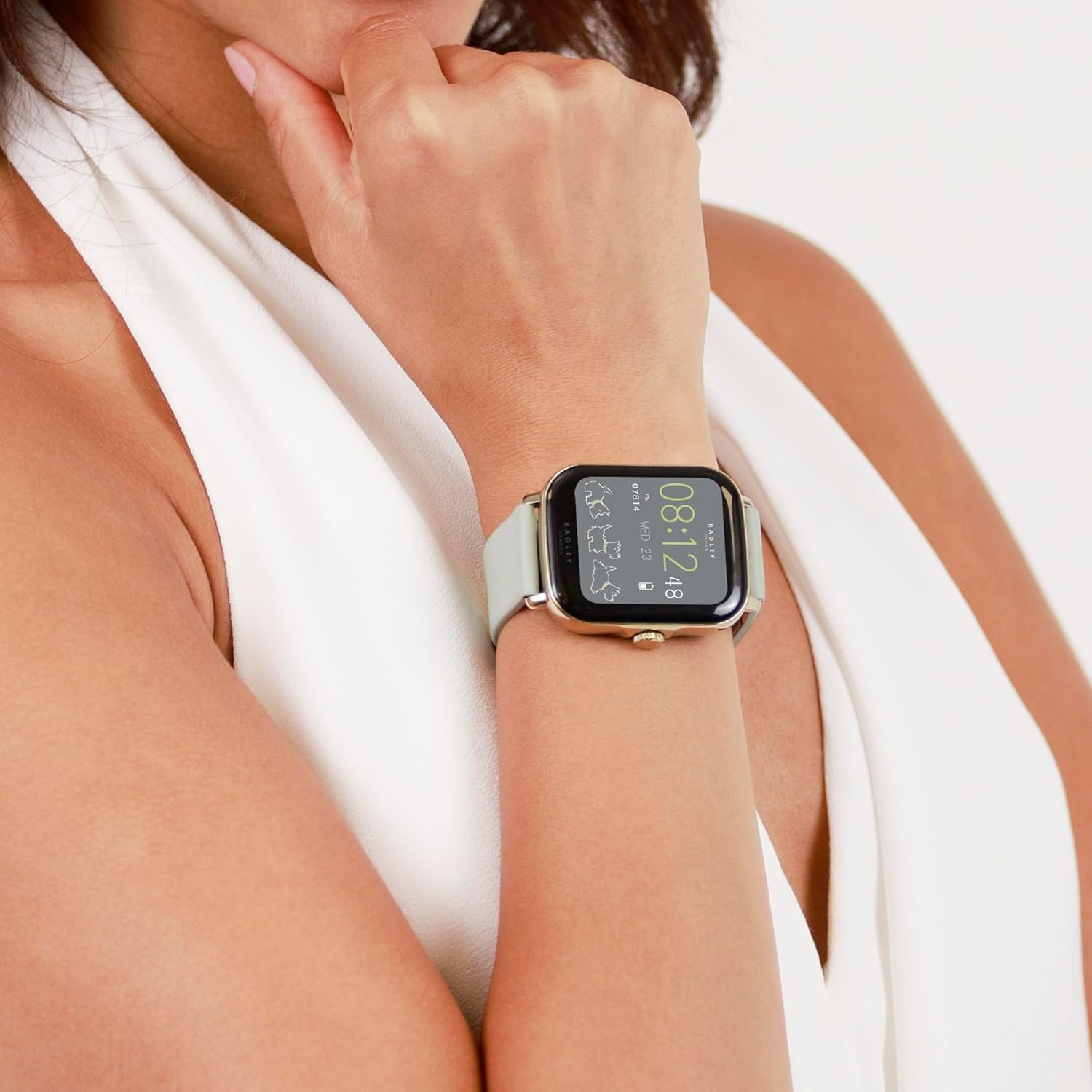
Image: A close-up of the Radley Series 20 Smart Calling Watch with the Eucalyptus leather strap, worn on a wrist, showing the watch face displaying time and activity data.
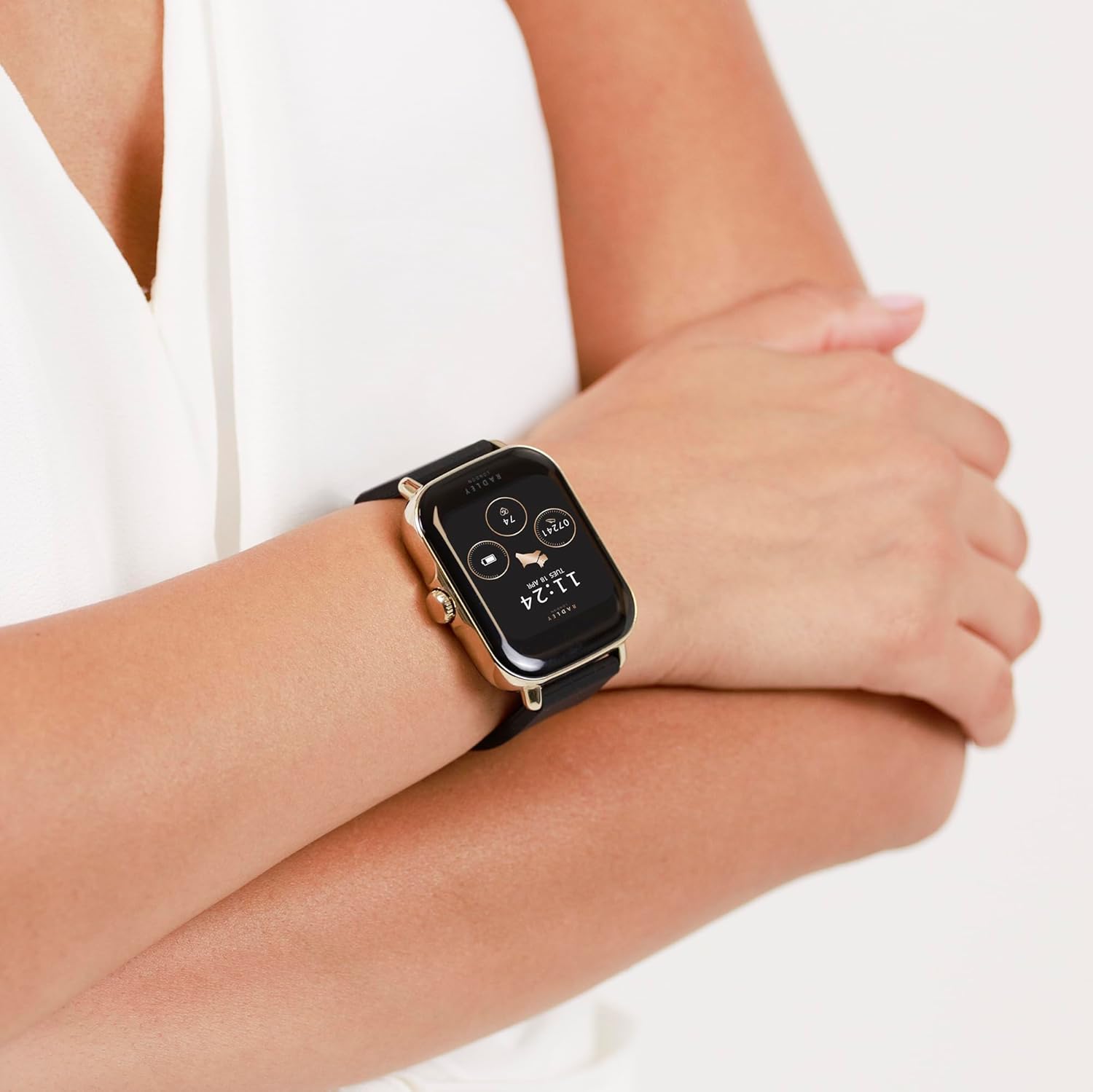
Image: A close-up of the Radley Series 20 Smart Calling Watch with the black silicone strap, worn on a wrist, showing the watch face displaying time and activity data.
Manutenzione
Pulizia dell'orologio
- Wipe the watch screen and case with a soft, lint-free cloth.
- For silicone straps, use mild soap and water, then rinse thoroughly and dry.
- For leather straps, wipe with a dry or slightly damp cloth. Avoid excessive moisture and harsh chemicals.
- Non utilizzare detergenti abrasivi o solventi.
Cura della batteria
- The watch contains a sealed rechargeable Lithium Ion battery. Do not attempt to replace it.
- Caricare regolarmente l'orologio per preservare la salute della batteria.
- Evitare di esporre l'orologio a temperature estreme (calde o fredde) poiché ciò potrebbe compromettere la durata della batteria.
Risoluzione dei problemi
If you encounter issues with your Radley Series 20 Smart Calling Watch, please refer to the following common solutions:
| Problema | Soluzione |
|---|---|
| L'orologio non si accende/non si carica | Ensure the USB charging cable is correctly connected to the watch and a working power source. Try a different USB port or adapter. Allow the watch to charge for at least 30 minutes before attempting to turn it on. |
| Impossibile associare allo smartphone | Ensure Bluetooth is enabled on your phone. Make sure the watch is charged and within range. Close and reopen the Radley Active App. Restart both your phone and watch. Forget the device in your phone's Bluetooth settings and try pairing again. |
| Monitoraggio impreciso delle attività | Ensure the watch is worn snugly on your wrist, about one finger's width above your wrist bone. Calibrate the watch through the Radley Active App if available. Ensure your personal information (height, weight) is accurate in the app. |
| Le notifiche non vengono visualizzate | Check notification settings within the Radley Active App. Ensure your phone's notification permissions are granted to the app. Verify that your phone's Bluetooth is connected to the watch. |
| Calling feature not working | Confirm that the watch is properly connected for calls via Bluetooth (often a separate Bluetooth connection for audio). Check call permissions in the Radley Active App and your phone's settings. |
For further assistance, consult the help section within the Radley Active App or contact customer support.
Specifiche
| Caratteristica | Dettaglio |
|---|---|
| Numero di modello | RYS20-2126-SET |
| Tipo di batteria | 1 batteria agli ioni di litio (inclusa, ricaricabile sigillata) |
| Dimensioni del pacco | Dimensioni: 17.1 x 12.4 x 2.9 cm |
| Peso dell'articolo | 45.6 grammi |
| Produttore | Pari Hardy |
| Paese di origine | Cina |
| Compatibilità | Compatibile con iOS e Android |
Garanzia e supporto
Your Radley Series 20 Smart Calling Watch is covered by a Garanzia del produttore di 2 anni dalla data di acquisto. La presente garanzia copre i difetti di fabbricazione in condizioni di normale utilizzo.
For warranty claims or technical support, please:
- Refer to the Radley Active App for FAQs and troubleshooting guides.
- Contact Radley customer support directly via email: radleywatches@peershardy.co.uk
- Conservare la prova d'acquisto per la convalida della garanzia.
Si prega di notare che la garanzia non copre i danni causati da uso improprio, incidenti, riparazioni non autorizzate o normale usura.


