Introduzione
This manual provides detailed instructions for the setup, operation, maintenance, and troubleshooting of your AGPTEK W1S 16GB MP3 Player. Please read this manual thoroughly before using the device to ensure proper functionality and to maximize your user experience.
Informazioni sulla sicurezza
- Non esporre il dispositivo a temperature estreme, alla luce solare diretta o a elevata umidità.
- Evitare di far cadere o sottoporre il dispositivo a forti impatti.
- Non tentare di smontare o riparare da soli il dispositivo. Contatta l'assistenza clienti per assistenza.
- Utilizzare solo il cavo di ricarica fornito e un adattatore di alimentazione compatibile.
- Tenere il dispositivo lontano dall'acqua e da altri liquidi.
Dispositivo suview
The AGPTEK W1S features a 3.5-inch high-resolution touchscreen and an intuitive interface for easy navigation.

Immagine: Davanti e dietro view of the AGPTEK W1S MP3 Player, showcasing its sleek design and physical buttons.
Caratteristiche principali:
- Touchscreen HD da 3.5 pollici: Provides a clear display and responsive touch control.
- Sistema operativo Android 8.1: Ensures faster and smoother operation.
- 2GB RAM, 16GB ROM: Ample memory for system performance and internal storage.
- Archiviazione espandibile: Supporta schede microSD fino a 128 GB.
- Bluetooth 4.0: For wireless audio connections.
- Connettività Wi-Fi: For online music streaming and browsing.
- App preinstallate: Includes Spotify, Deezer, Amazon Music, Audible, YouTube, Pandora, TikTok, Google Chrome, and more.
- Formati audio: Supports MP3, WAV, WMA, OGG, APE, FLAC, ACC-LC, etc.
Impostare
1. Carica del dispositivo
Before first use, fully charge your AGPTEK W1S MP3 player. Connect the device to a power source using the provided USB cable. A full charge typically takes 2 to 2.5 hours.

Immagine: The AGPTEK W1S MP3 Player connected to a laptop via USB-C for charging, displaying a 90% battery level and indicating a 2-2.5 hour charging time.
2. Accensione/spegnimento
- Per accendere: Tieni premuto il pulsante di accensione finché lo schermo non si accende.
- Per spegnere: Tenere premuto il pulsante di accensione, quindi selezionare "Spegni" dalle opzioni sullo schermo.
3. Configurazione iniziale
Upon first power-on, follow the on-screen prompts to select your language, connect to a Wi-Fi network, and set up basic preferences.
4. Installing a MicroSD Card (Optional)
The device supports microSD cards up to 128GB for expanded storage. Locate the microSD card slot on the side of the player. Gently insert the card until it clicks into place. To remove, push the card in slightly until it springs out.
5. Trasferimento di musica e Files
- Collega il lettore MP3 al computer tramite il cavo USB.
- Il dispositivo apparirà come un'unità di archiviazione rimovibile.
- Trascina e rilascia la tua musica, il tuo video o il tuo e-book files into the appropriate folders on the device or inserted microSD card.
- Prima di scollegare il cavo, espellere in modo sicuro il dispositivo dal computer.
Istruzioni per l'uso
1. Navigazione di base
The AGPTEK W1S features a responsive touchscreen. Swipe left/right to navigate between screens, tap icons to open applications, and use the physical buttons for volume control and power.
2. Riproduzione di musica
Access your music library through the pre-installed music player app. The device supports various audio formats including MP3, WAV, WMA, OGG, APE, FLAC, and ACC-LC.

Immagine: The AGPTEK W1S MP3 Player displaying a music playback screen with album art and controls, held by a person dancing in a group, illustrating high-fidelity lossless sound quality.
3. Connettività Bluetooth
Per connettersi a cuffie o altoparlanti Bluetooth:
- Vai a Impostazioni > Bluetooth.
- Attiva il Bluetooth On.
- Assicurati che il tuo dispositivo Bluetooth sia in modalità di associazione.
- Seleziona il tuo dispositivo dall'elenco dei dispositivi disponibili per l'associazione.
Immagine: The AGPTEK W1S MP3 Player shown alongside a white Bluetooth speaker, black over-ear headphones, and white wireless earbuds, demonstrating its Bluetooth 4.0 connectivity for wireless audio enjoyment.
4. Wi-Fi and Pre-installed Applications
Connettiti a una rete Wi-Fi tramite Impostazioni > Wifi to access online streaming services and browse the internet. The device comes with pre-installed apps like Spotify, Deezer, Amazon Music, Audible, YouTube, Pandora, TikTok, and Google Chrome.

Immagine: The AGPTEK W1S MP3 Player screen displaying icons for various pre-installed mainstream music and media applications such as Spotify, Pandora, Amazon Music, Deezer, Audible, YouTube, FM Radio, Sound Recorder, Gallery, and Google Chrome.
Nota: Wi-Fi is primarily for browsing websites, listening to music, and watching videos online. It is not suitable for downloading and installing other applications beyond those pre-installed.
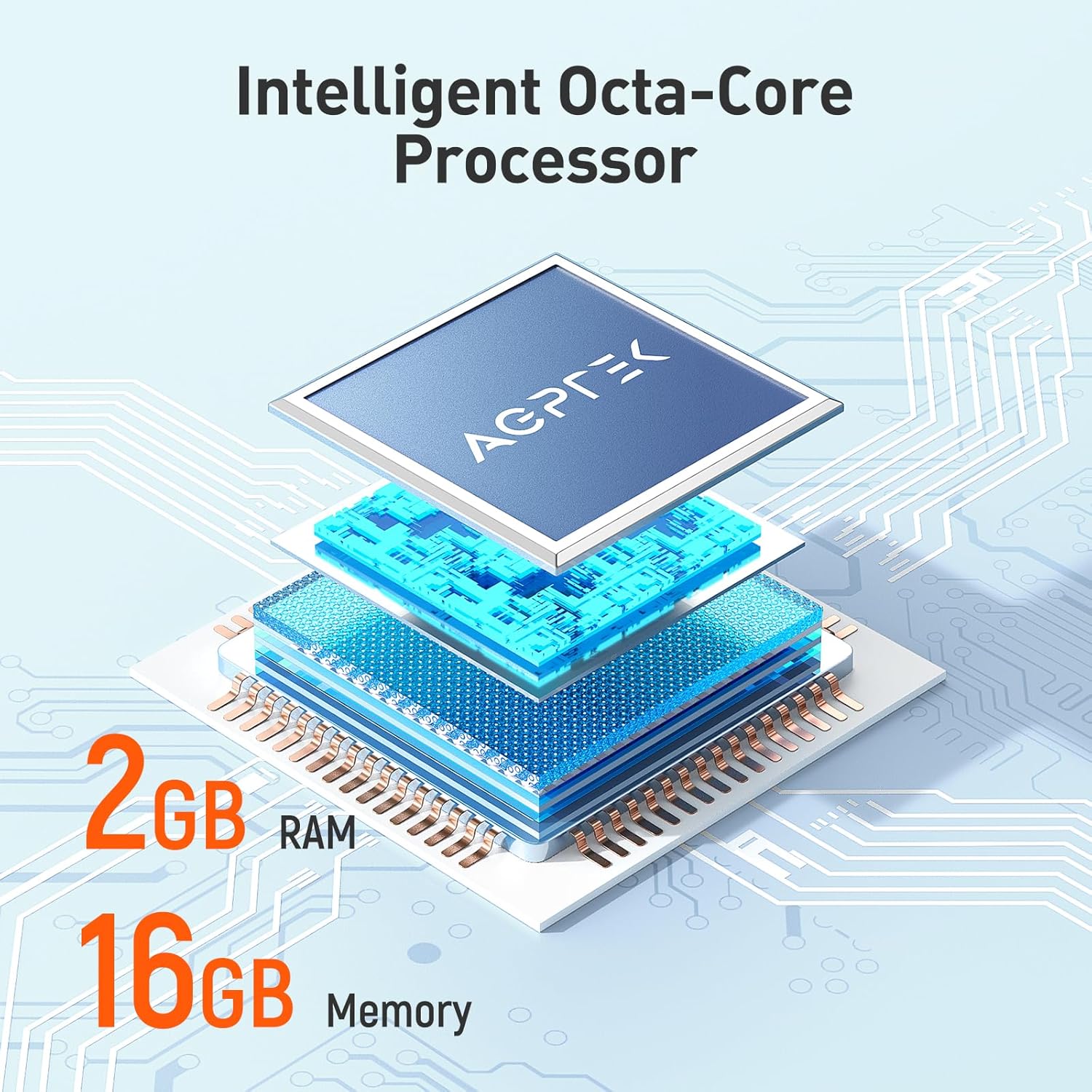
Immagine: The AGPTEK W1S MP3 Player screen showing a music streaming interface with album art and playback controls, demonstrating the ability to enjoy music online and download songs using Wi-Fi.
5. Audible and E-books
The pre-installed Audible app allows you to enjoy audiobooks. You can also transfer and read e-books on the device's 3.5-inch HD screen.
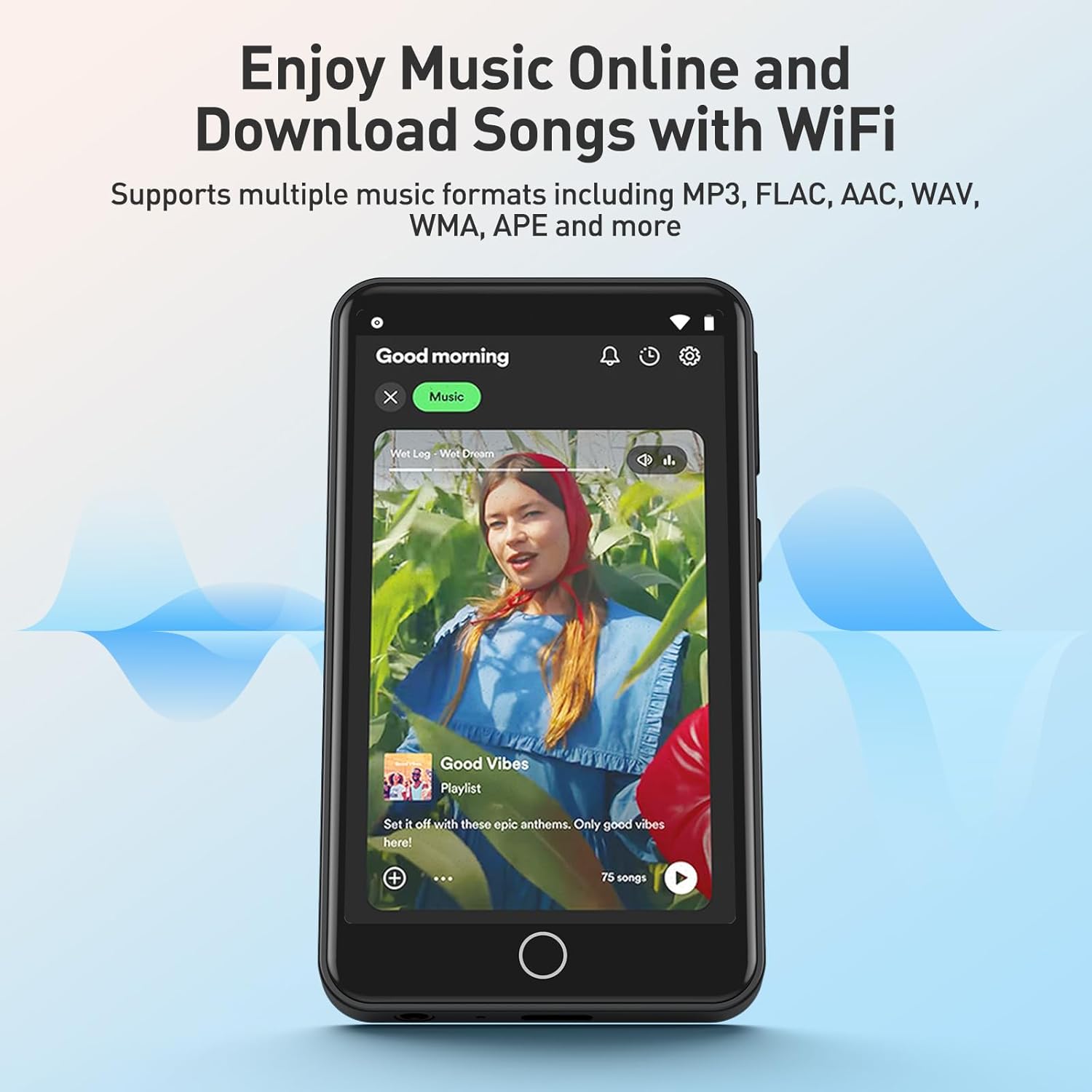
Immagine: The AGPTEK W1S MP3 Player's 3.5-inch HD screen displaying a high-definition video scene, emphasizing its capability to play video without lag.
Manutenzione
- Pulizia: Per pulire il dispositivo, utilizzare un panno morbido e asciutto. Evitare detergenti liquidi.
- Aggiornamenti software: Controllare periodicamente la presenza di aggiornamenti software nelle impostazioni del dispositivo per garantire prestazioni ottimali e l'accesso a nuove funzionalità.
- Gestione della memoria: Gestisci regolarmente il tuo files to free up storage space. Delete unnecessary fileo trasferirli su un computer.
Risoluzione dei problemi
| Problema | Soluzione |
|---|---|
| Il dispositivo non si accende. | Ensure the device is fully charged. If the battery is depleted, connect it to a charger for at least 15 minutes before attempting to power on again. |
| Impossibile connettersi al Wi-Fi. | Check if Wi-Fi is enabled in settings. Ensure you are within range of a known Wi-Fi network and have entered the correct password. Try restarting the device and your Wi-Fi router. |
| Il dispositivo Bluetooth non si associa. | Ensure Bluetooth is enabled on both the player and the accessory. Place devices close to each other and ensure the accessory is in pairing mode. Try restarting both devices. |
| Scheda MicroSD non riconosciuta. | Ensure the card is inserted correctly. Try reinserting it. Format the card on a computer if it's new or if issues persist (this will erase all data on the card). Ensure the card is not larger than 128GB. |
| Il dispositivo è lento o non risponde. | Close unused applications. Clear cache if possible. Restart the device. If issues persist, consider a factory reset (backup your data first). |
Specifiche
| Caratteristica | Dettaglio |
|---|---|
| Marca | AGPTEK |
| Nome del modello | W1S |
| Numero di modello | APMPW1SB-CA |
| Colore | Nero |
| Dimensioni dello schermo | 3.5 pollici |
| Sistema operativo | Androide 8.1 |
| Memoria RAM | 2 GB |
| Memoria interna (ROM) | 16 GB |
| Archiviazione espandibile | Supports MicroSD up to 128GB |
| Connettività | Bluetooth 4.0, Wi-Fi |
| Tipo di batteria | Litio-polimero |
| Formati audio compatibili | MP3, WAV, WMA, OGG, APE, FLAC, ACC-LC |
| Dispositivi compatibili | Cuffie |

Immagine: An exploded diagram illustrating the internal components of the AGPTEK W1S, highlighting the intelligent octa-core processor, 2GB RAM, and 16GB internal memory for fast and smooth performance.
Garanzia e supporto
AGPTEK is committed to providing reliable products and excellent customer service.
- Garanzia: Garanzia di 2 anno
- Assistenza tecnica: Supporto tecnico a vita
- Servizio online: Supporto online 24 ore su 7, XNUMX giorni su XNUMX
For further assistance, please refer to the official AGPTEK websito o contattare direttamente il servizio clienti.

Immagine: An infographic detailing AGPTEK's customer service offerings, including a 2-year warranty, lifetime technical assistance, and 24/7 online service.


