1. Introduzione
Thank you for choosing the UrbanX M190 Bluetooth Speaker. This manual provides essential information for the proper setup, operation, and maintenance of your device. The UrbanX M190 is designed to deliver powerful stereo sound with features like IPX7 waterproofing, True Wireless Stereo (TWS) pairing, and a portable design, making it suitable for various environments.
2. Contenuto della confezione
Si prega di verificare che tutti gli articoli siano presenti nel pacco:
- UrbanX M190 Bluetooth Speaker
- Cavo di ricarica USB di tipo C.
- Manuale dell'utente (questo documento)
3. Impostazione
3.1 Ricarica dell'altoparlante
Before initial use, fully charge the speaker. Connect the provided USB Type-C charging cable to the speaker's charging port and a compatible USB power adapter (not included). The charging indicator will illuminate during charging and turn off when fully charged. A full charge typically takes 3-4 hours.
3.2 Accensione/Spegnimento
- To power on: Press and hold the power button for approximately 3 seconds.
- Per spegnere: tenere premuto il pulsante di accensione per circa 3 secondi.
3.3 Associazione Bluetooth
- Assicurarsi che l'altoparlante sia acceso e in modalità di associazione Bluetooth (indicata da un LED lampeggiante).
- Sul tuo dispositivo (smartphone, tablet, ecc.), attiva il Bluetooth e cerca i dispositivi disponibili.
- Select "UrbanX M190" from the list of devices.
- Once connected, the speaker will emit an audible confirmation, and the LED indicator will stop flashing.
3.4 Accoppiamento True Wireless Stereo (TWS)
To achieve surround sound, you can pair two UrbanX M190 speakers together:
- Ensure both UrbanX M190 speakers are powered on and not connected to any other Bluetooth device.
- On one speaker, press and hold the TWS pairing button (refer to button layout in Section 4.1) for 2-3 seconds. It will enter TWS pairing mode.
- The two speakers will automatically connect to each other. An audible tone will confirm successful TWS pairing.
- Once TWS paired, connect your device to one of the speakers via Bluetooth as described in Section 3.3. Both speakers will now play audio simultaneously.
4. Funzionamento dell'altoparlante
4.1 Funzioni dei pulsanti
The UrbanX M190 features intuitive controls for easy operation:
- Pulsante di accensione: Tenere premuto per accendere/spegnere. Premere brevemente per riprodurre/mettere in pausa la musica.
- Volume su (+): Premere brevemente per aumentare il volume. Premere a lungo per passare alla traccia successiva.
- Volume basso (-): Premere brevemente per diminuire il volume. Premere a lungo per tornare alla traccia precedente.
- Call Button (if applicable): Short press to answer/end calls. Long press to reject calls.
- Pulsante TWS: Press and hold to initiate TWS pairing (refer to Section 3.4).
4.2 Riproduzione multimediale
- Riproduzione Bluetooth: Dopo aver completato correttamente l'associazione Bluetooth, l'audio del dispositivo connesso verrà riprodotto tramite l'altoparlante.
- SD/TF Card Playback: Insert a microSD (TF) card (up to 32GB) with audio files into the designated slot. The speaker will automatically switch to card playback.
- Ingresso AUX: Collega un dispositivo audio alla porta AUX tramite un cavo AUX da 3.5 mm (non incluso). L'altoparlante passerà automaticamente alla modalità AUX.
4.3 Chiamate in vivavoce
When connected via Bluetooth, the built-in microphone allows for hands-free calls. Use the call button to manage incoming calls.
5. Caratteristiche principali
- IPX7 impermeabile: The speaker is designed to withstand immersion in water up to 1 meter for 30 minutes, making it suitable for outdoor and wet environments.
- Stereo senza fili (TWS): Connect two UrbanX M190 speakers for an enhanced stereo sound experience.
- Audio potente: Features a 1.69-inch driver and BASSBOOST technology for clear and robust sound.
- Batteria a lunga durata: Up to 20 hours of continuous playback on a single charge with its 1800mAh rechargeable lithium-ion battery.
- Molteplici modalità di riproduzione: Supports Bluetooth V5.2, SD/TF card, and AUX input.
- Design portatile: Compact and lightweight with a fixed loop for easy carrying.
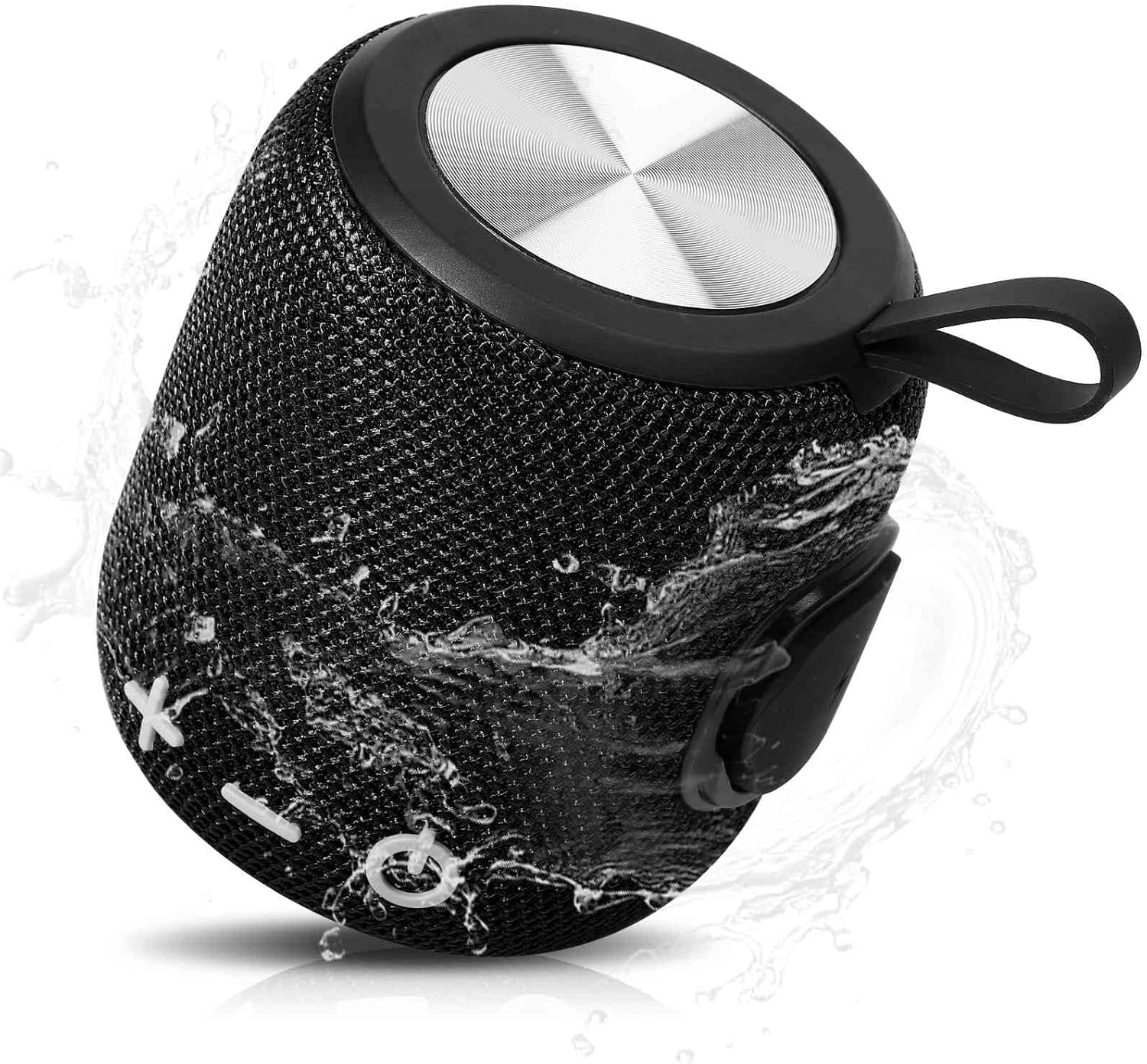
Image: The UrbanX M190 Bluetooth Speaker, showcasing its compact design and water-resistant capabilities with water splashing across its mesh exterior.

Image: An illustration highlighting the speaker's internal driver and bass boost technology, emphasizing its powerful audio output.

Image: The UrbanX M190 Bluetooth Speaker partially submerged in water, demonstrating its IPX7 waterproof rating in a natural outdoor setting.

Image: Two UrbanX M190 speakers, one black and one blue, wirelessly paired and emitting sound waves, illustrating the True Wireless Stereo (TWS) feature for a surround sound experience.

Image: A person riding a scooter with the UrbanX M190 speaker attached, highlighting its ultra-compact and lightweight design for portability during outdoor activities.

Image: The UrbanX M190 speaker attached to a bicycle, demonstrating its slim and light design for convenient transport while on the go.
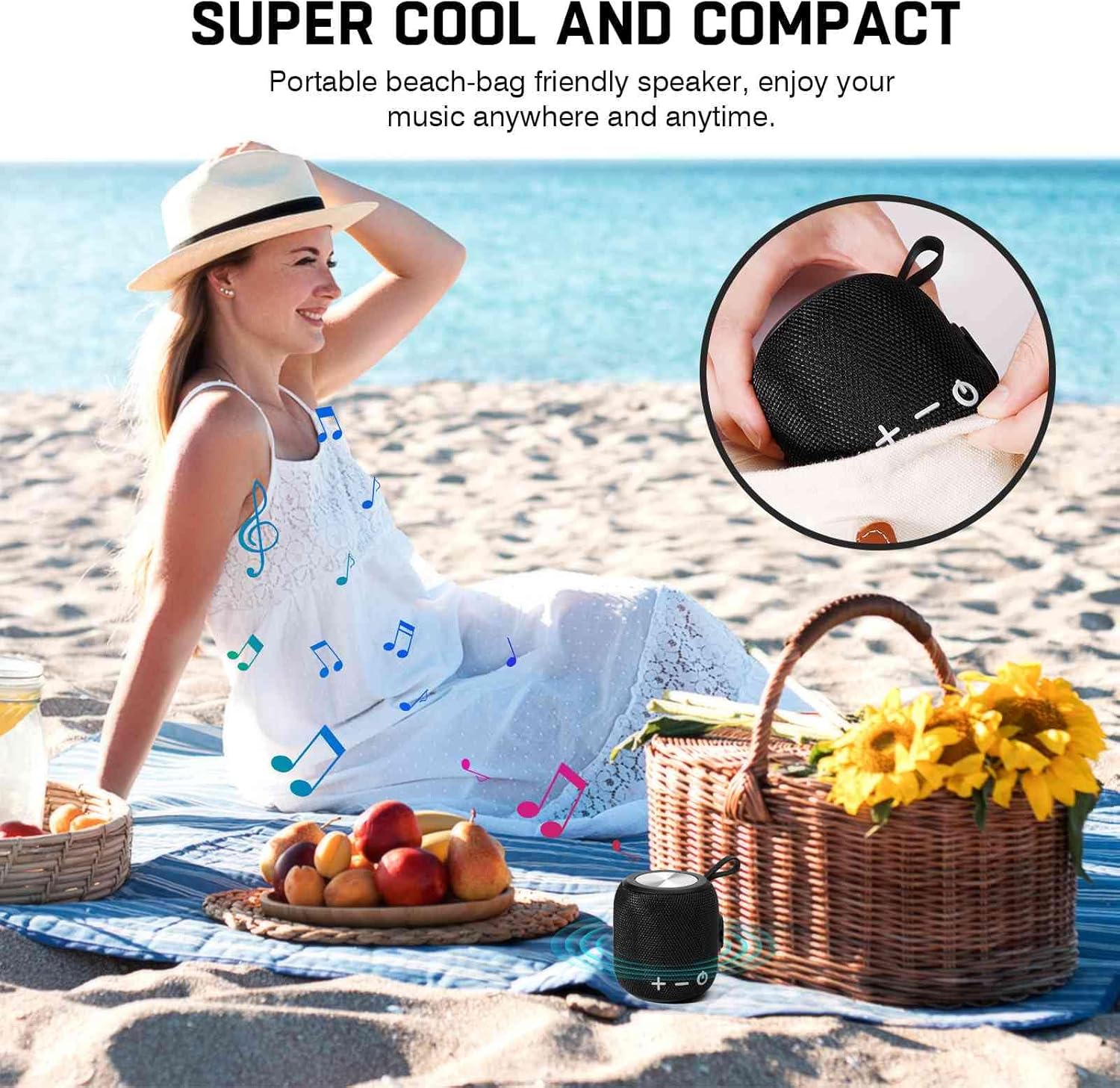
Image: The UrbanX M190 speaker placed on a beach blanket next to a picnic basket, illustrating its compact size and suitability for beach outings.
6. Manutenzione
6.1 Pulizia
Pulisci l'altoparlante con un morbido, damp panno. Non utilizzare prodotti chimici aggressivi o detergenti abrasivi. Assicurarsi che il coperchio della porta di ricarica sia ben chiuso prima di pulirlo o esporlo all'acqua.
6.2 Conservazione
Conservare l'altoparlante in un luogo fresco e asciutto, lontano dalla luce solare diretta e da temperature estreme. Se non lo si utilizza per un periodo prolungato, caricare la batteria a circa il 50% ogni pochi mesi per mantenerla in buone condizioni.
6.3 Cura della batteria
To prolong battery life, avoid fully discharging the speaker frequently. Charge the speaker regularly, even if not in use.
7. Risoluzione Dei Problemi
- L'altoparlante non si accende: Assicurarsi che la batteria sia carica. Collegare a una fonte di alimentazione e riprovare.
- Impossibile effettuare l'associazione tramite Bluetooth:
- Assicurarsi che l'altoparlante sia in modalità di associazione (LED lampeggiante).
- Assicurati che il Bluetooth sia abilitato sul tuo dispositivo.
- Avvicinare l'altoparlante al dispositivo (entro 10 metri).
- Elimina l'altoparlante dall'elenco Bluetooth del tuo dispositivo e riprova ad associarlo.
- Riavvia sia l'altoparlante che il dispositivo.
- Nessun suono:
- Controlla il livello del volume sia sull'altoparlante che sul dispositivo collegato.
- Ensure the speaker is correctly paired via Bluetooth or the correct input mode (SD/TF, AUX) is selected.
- If using TWS, ensure both speakers are properly paired to each other and then to your device.
- Scarsa qualità del suono:
- Avvicinare l'altoparlante al dispositivo per evitare interferenze.
- Assicurati che non ci siano ostacoli tra l'altoparlante e il dispositivo.
- Controllare la qualità della sorgente audio.
8. Specifiche
| Nome del modello | Altoparlante Bluetooth impermeabile |
| Numero modello articolo | FM0190 |
| Marca | Urban X |
| Tecnologia di connettività | Versione Bluetooth 5.2 |
| Tipo di altoparlante | Circondare |
| Caratteristiche speciali | Bass Boost, Shockproof, USB Port, Waterproof (IPX7), TWS Pairing |
| Usi consigliati | Interno/Esterno |
| Capacità della batteria | 1800mAh Ioni di litio |
| Tempo di riproduzione | Fino a 20 ore |
| Tempo di ricarica | 3-4 ore |
| Dimensioni del prodotto | 5.4"P x 3.76"L x 3.82"A (140 mm x 95.5 mm x 97 mm) |
| Peso dell'articolo | 15 once (circa 425 g) |
| Metodo di controllo | Tocco/Pulsante |
| Materiale | ABS, Nylon Fabric, Rubber Oil, Metal |
| Codice UPC | 788951086303 |
9. Garanzia e supporto
UrbanX products are manufactured to high-quality standards. For warranty information or technical support, please refer to the contact details provided with your purchase or visit the official UrbanX websito. Conservare la prova d'acquisto per eventuali reclami in garanzia.
