1. Introduzione
Grazie per l'acquistoasing the WiMiUS K9 Projector. This manual provides essential information for setting up, operating, and maintaining your projector. Please read it thoroughly before use to ensure proper functionality and to maximize your viewesperienza di acquisizione.
The WiMiUS K9 is a high-performance projector featuring native Full HD 1080P resolution with 4K support, AI auto-focus and keystone correction, WiFi 6, Bluetooth 5.2, and integrated Netflix certification with Dolby Audio support.
2. Informazioni sulla sicurezza
- Non guardare direttamente nell'obiettivo del proiettore quando lamp è acceso.
- Garantire un'adeguata ventilazione attorno al proiettore per evitare il surriscaldamento.
- Avoid placing the projector in dusty, humid, or extremely hot/cold environments.
- Utilizzare solo l'adattatore di alimentazione fornito con il proiettore.
- Tenere il proiettore lontano dall'acqua o da altri liquidi.
- Non tentare di smontare o riparare il proiettore da soli. Contattare l'assistenza clienti per ricevere assistenza.
3. Contenuto della confezione
Verificare che tutti gli articoli siano presenti nel pacco:
- Proiettore WiMiUS K9
- Cavo HDMI
- Telecomando
- Cavo di alimentazione
- Panno per la pulizia
- Copriobiettivo
- Manuale dell'utente (questo documento)
4. Prodotto finitoview
Familiarizzare con i componenti del proiettore e le porte di connessione.
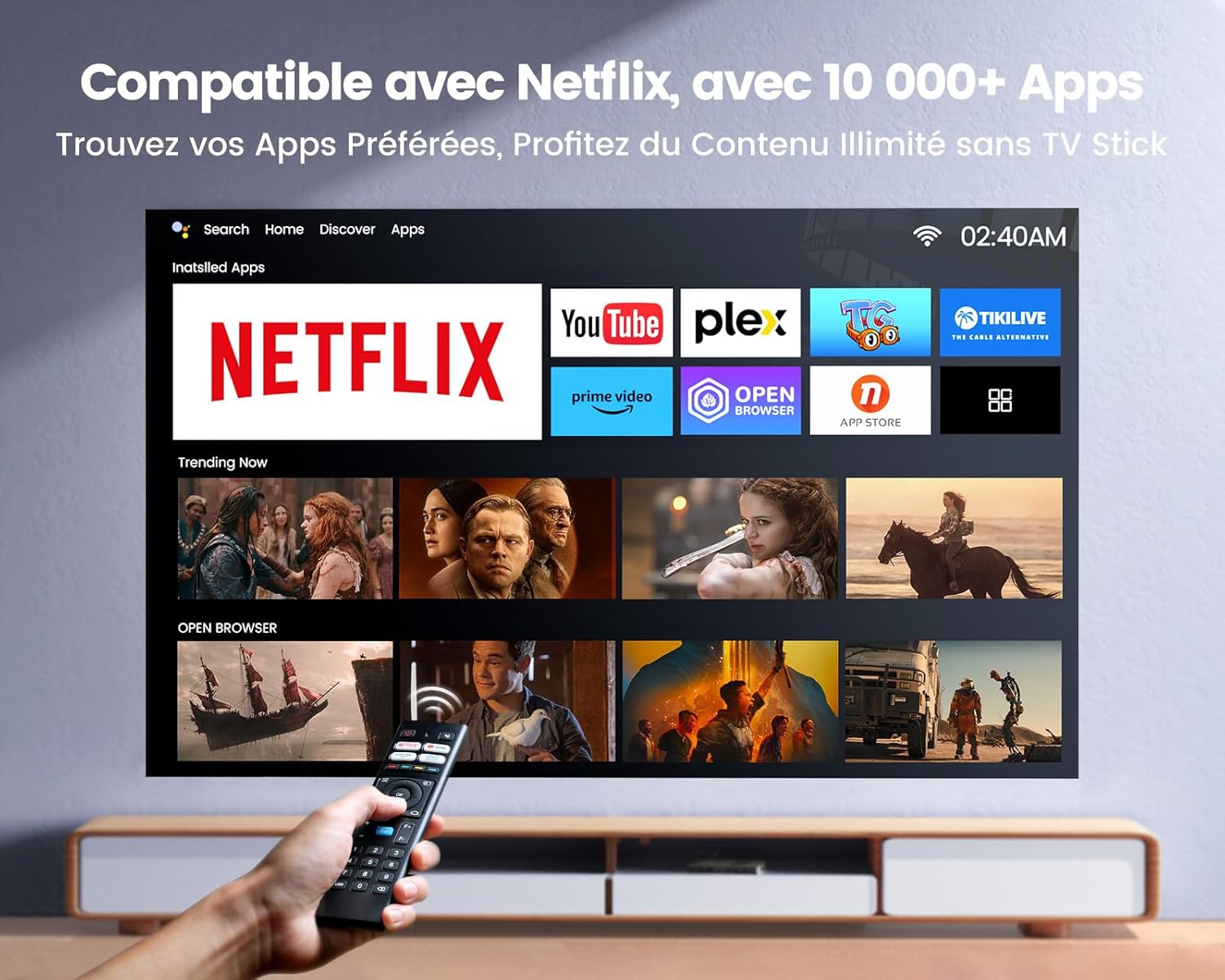
Immagine: frontale e laterale view of the WiMiUS K9 Projector, showing the lens and ventilation.
4.1. Porte e connessioni
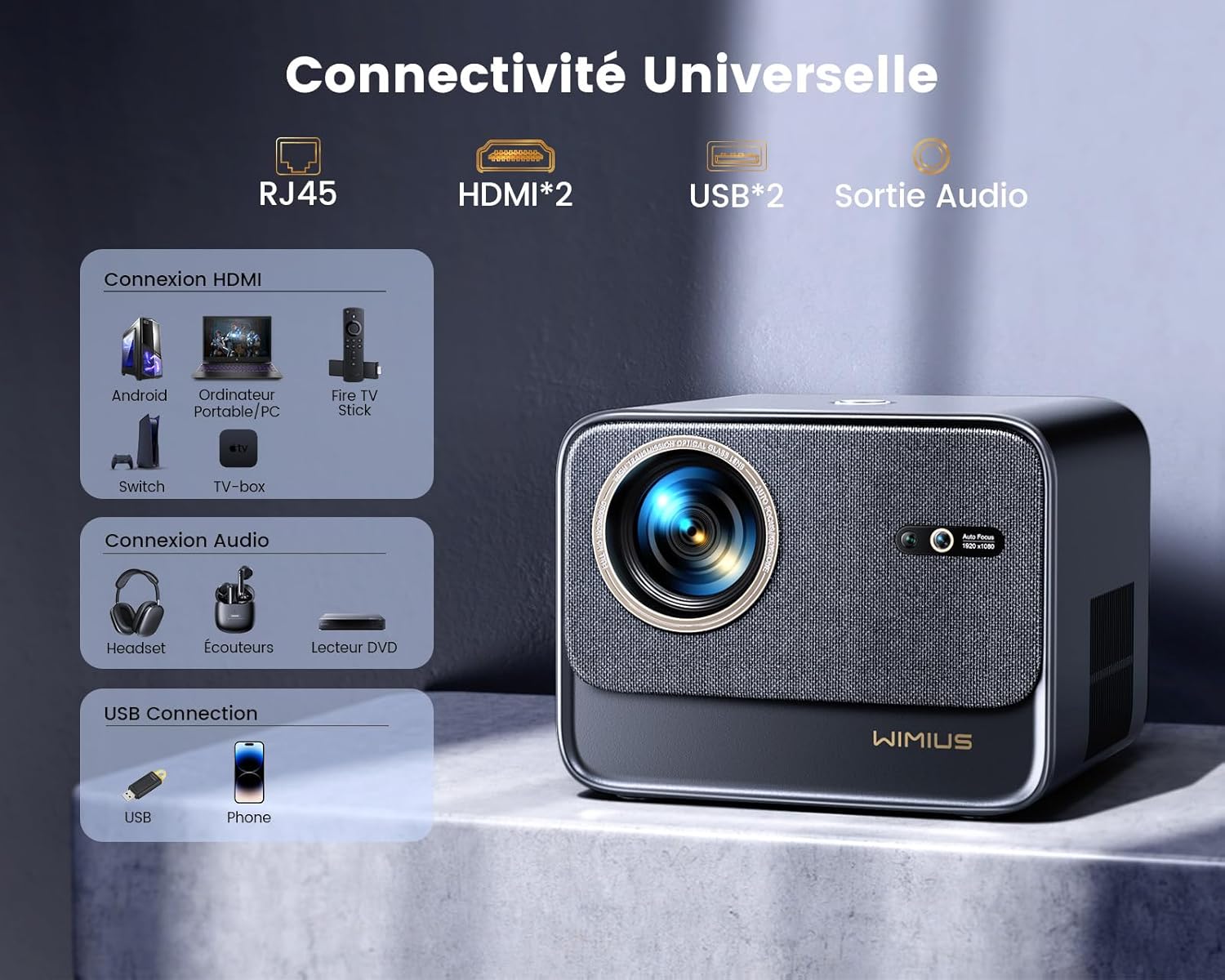
Immagine: Posteriore view of the WiMiUS K9 Projector, highlighting the Ethernet (RJ45), HDMI (x2), USB (x2), and Audio Out ports.
- RJ45 (Ethernet): Per la connessione internet cablata.
- HDMI (x2): Connect to devices like TV sticks, game consoles (PS5), laptops, or TV boxes. Supports HDMI ARC.
- USB (x2): Connect USB drives for media playback or charge compatible devices.
- Uscita audio (jack da 3.5 mm): Collegare altoparlanti esterni o cuffie.
5. Impostazione
5.1. Posizionamento
Place the projector on a stable, flat surface or mount it according to your preference. Ensure the lens is unobstructed. The projector supports a screen size of 50-300 inches with a projection ratio of 1.33:1.
5.2. Collegamento elettrico
- Collegare il cavo di alimentazione all'ingresso di alimentazione del proiettore.
- Collegare l'altra estremità del cavo di alimentazione a una presa di corrente.
- Premere il pulsante di accensione sul proiettore o sul telecomando per accenderlo.
5.3. Messa a fuoco automatica e correzione trapezoidale
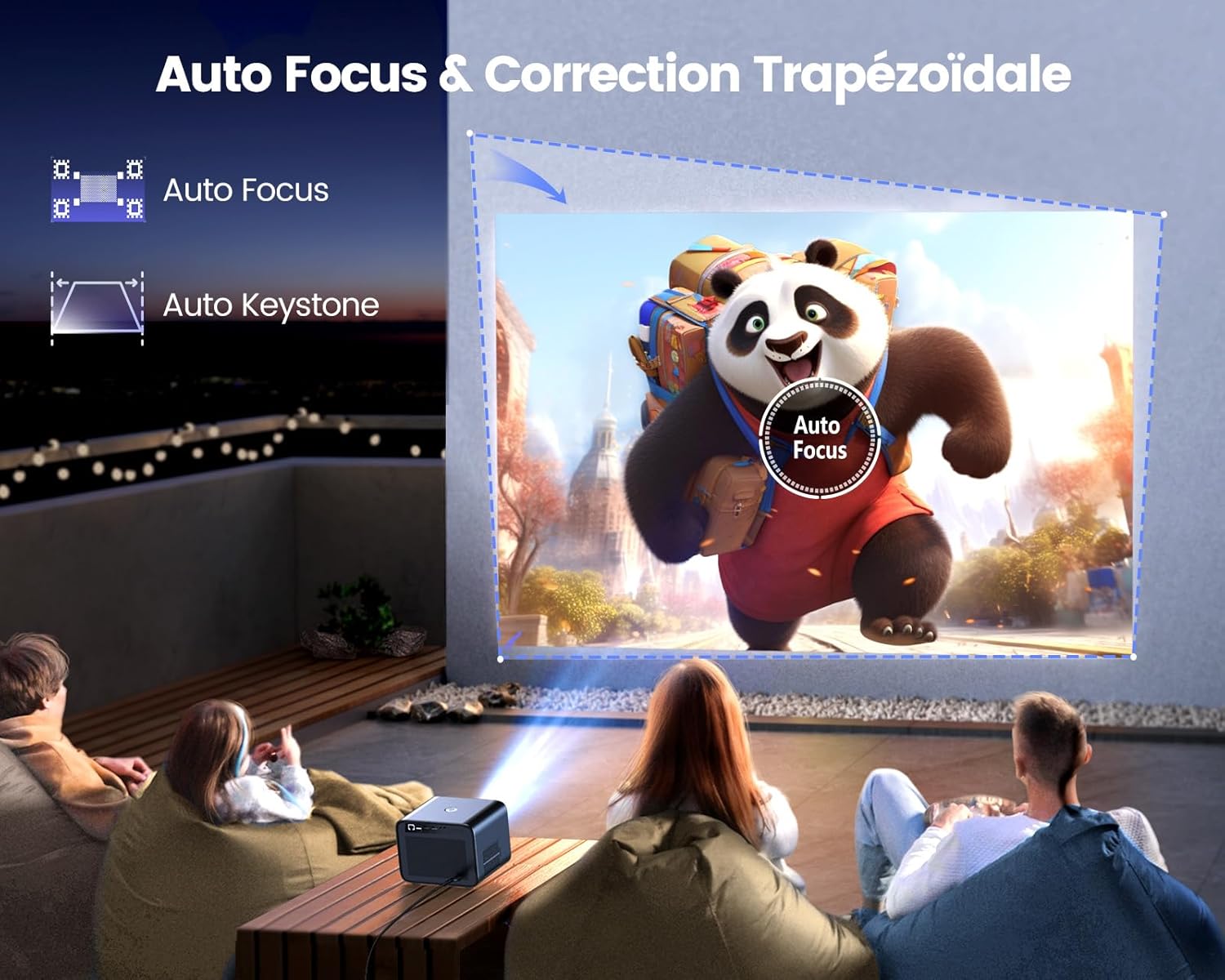
Image: Illustration of the projector automatically adjusting focus and keystone to achieve a rectangular image.
The WiMiUS K9 features AI-powered auto-focus and auto-keystone correction. Upon startup or movement, the projector will automatically adjust the image to be clear and rectangular within approximately 3 seconds. If manual adjustment is needed, use the remote control to fine-tune focus or keystone settings.
5.4. Funzione Zoom
The projector includes a 50%-100% zoom function, allowing you to adjust the image size without physically moving the projector. Access this feature through the projector's menu or dedicated remote control buttons.
6. Istruzioni per l'uso
6.1. Navigazione e interfaccia utente

Image: The projector's home screen displaying various streaming applications like Netflix, YouTube, and Prime Video, controlled by a remote.
Use the provided remote control to navigate the projector's Linux-based operating system. The interface provides access to certified applications such as Netflix, Amazon Prime Video, and YouTube, along with other streaming services.
6.2. Collegamento di dispositivi esterni
Il proiettore K9 offre molteplici opzioni di connettività:
- HDMI: Connect your TV stick, game console (e.g., PS5), laptop, or TV box using an HDMI cable. Select the corresponding HDMI input from the projector's source menu.
- USB: Inserire un'unità flash USB in una porta USB per riprodurre contenuti multimediali filedirettamente.
- Ethernet (RJ45): For a stable wired internet connection, plug an Ethernet cable into the RJ45 port.
6.3. Connettività wireless (WiFi 6 e Bluetooth 5.2)

Image: A person enjoying a video game projected by the WiMiUS K9, illustrating the fast WiFi 6 connection.
- Wi-Fi 6: Connect to your wireless network for internet access and streaming. Navigate to the network settings in the projector's menu to connect to a WiFi 6 network. This enables seamless streaming and screen mirroring from iOS/Android phones and tablets.
- Bluetooth 5.2: Pair with Bluetooth headphones, speakers, or soundbars for enhanced audio. Go to Bluetooth settings in the menu, enable Bluetooth, and select your device to pair. The projector supports Dolby Audio output to connected Bluetooth devices.
6.4. Impostazioni audio (Dolby Audio)
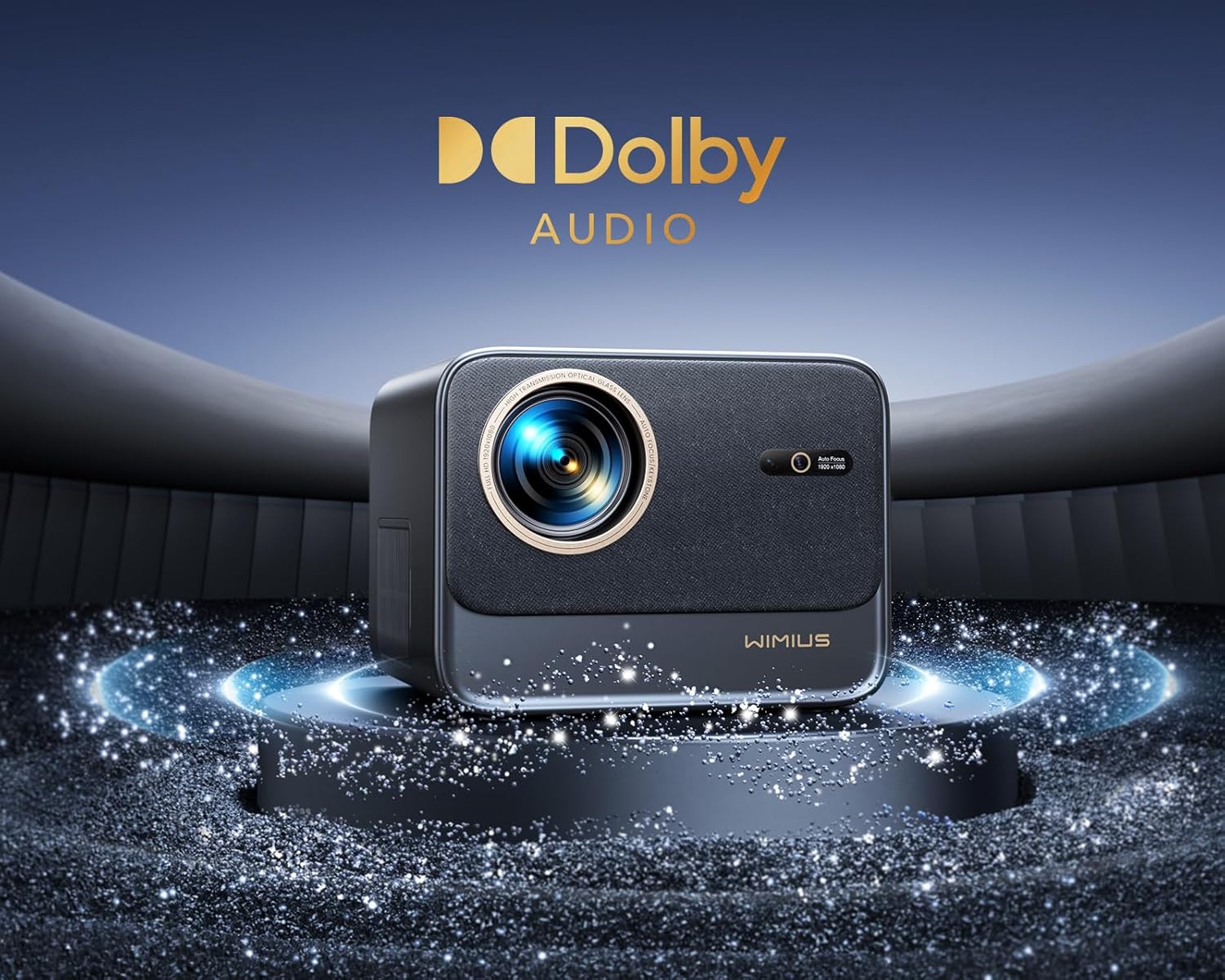
Image: The WiMiUS K9 Projector prominently displaying the Dolby Audio logo, indicating its audio capabilities.
The K9 projector supports Dolby Audio, providing a cinematic sound experience. You can output audio through the built-in speakers, the 3.5mm audio jack, or wirelessly via Bluetooth 5.2 to compatible audio devices.
7. Manutenzione
7.1. Pulizia dell'obiettivo
Gently wipe the projector lens with the provided cleaning cloth or a soft, lint-free cloth. Avoid using abrasive cleaners or excessive pressure, which can damage the lens coating.
7.2. Prevenzione della polvere
The WiMiUS K9 features a fully sealed optical machine design to effectively block dust and reduce black spots on the projection. Periodically clean the projector's exterior with a soft cloth. Ensure ventilation openings are clear of obstructions.
7.3. Conservazione
When not in use for extended periods, store the projector in a cool, dry place, protected from dust and extreme temperatures. Use the lens cap to protect the lens.
8. Risoluzione Dei Problemi
If you encounter issues with your WiMiUS K9 Projector, refer to the following common problems and solutions:
- Nessuna immagine:
- Assicurarsi che il cavo di alimentazione sia collegato saldamente e che il proiettore sia acceso.
- Check the input source selection (HDMI 1, HDMI 2, etc.) matches your connected device.
- Verificare che il dispositivo connesso (laptop, chiavetta TV) sia acceso e che emetta un segnale.
- Immagine sfocata:
- Lasciare che la funzione di messa a fuoco automatica completi la regolazione.
- Se necessario, regolare manualmente la messa a fuoco utilizzando il telecomando.
- Ensure the projection surface is flat and the projector lens is clean.
- Immagine distorta (non rettangolare):
- Consentire il completamento della correzione automatica della distorsione trapezoidale.
- If necessary, manually adjust keystone correction via the projector's menu.
- Nessun suono:
- Controllare il livello del volume sia sul proiettore che sul dispositivo sorgente collegato.
- Ensure external speakers or headphones are correctly connected and powered on if used.
- Verify Bluetooth audio is correctly paired and selected as the output.
- Problemi di connessione WiFi/Bluetooth:
- Ensure the WiFi network is active and within range. Re-enter the password if necessary.
- Per quanto riguarda il Bluetooth, assicurati che il dispositivo sia in modalità di associazione e nel raggio d'azione.
- Riavviare il proiettore e il dispositivo che si sta tentando di connettere.
Per ulteriore assistenza, fare riferimento alle informazioni di contatto nella sezione Garanzia e supporto.
9. Specifiche
| Marca | WiMiUS |
| Modello | K9 |
| Risoluzione nativa | 1920 x 1080P (Full HD) |
| Risoluzione supportata | Up to 4K Ultra HD (60Hz) |
| Luminosità | 32000 lumen (1100 lumen ANSI) |
| Rapporto di contrasto | 40000:1 |
| Sistema operativo | Linux (Netflix Certified) |
| Connettività | WiFi 6, Bluetooth 5.2, 2x HDMI (ARC), 2x USB, Ethernet (RJ45), 3.5mm Audio Out |
| Caratteristiche speciali | AI Auto Focus, AI Auto Keystone Correction, Dolby Audio Support, Fully Sealed Optical Machine, 50-100% Zoom |
| Uso consigliato | Home Cinema, Gaming Console |
| Componenti inclusi | Projector, HDMI Cable, Remote Control, Power Cable, Cleaning Cloth, Lens Cap, User Manual |
10. Garanzia e supporto
The WiMiUS K9 Projector comes with a Garanzia di 3 anno dalla data di acquisto.
For technical support, warranty claims, or any questions regarding your projector, please contact WiMiUS customer service. Refer to the contact information provided in the physical user manual included with your product or visit the official WiMiUS websito per i dettagli del supporto.
Quando contatti l'assistenza, tieni a portata di mano il modello del tuo prodotto (K9) e i dettagli dell'acquisto.