1. Introduzione
This manual provides detailed instructions for the proper use, setup, and maintenance of your Creative Aurvana Ace 2 True Wireless In-Ear Headphones. Please read this manual thoroughly before using the product to ensure optimal performance and longevity.

Image: Creative Aurvana Ace 2 earbuds shown in their open charging case, highlighting the black earbuds with copper accents and the translucent charging case.
2. Contenuto della confezione
Verificare che tutti gli articoli siano presenti nel pacco:
- Creative Aurvana Ace 2 True Wireless In-Ear Headphones (Left and Right earbuds)
- Custodia di ricarica
- Cavo di ricarica USB-C
- Silicone Ear Tips (Various Sizes: Small, Medium, Large)
- Guida rapida (questo manuale è una guida completa)
3. Impostazione
3.1 Carica iniziale
Before first use, fully charge the earbuds and the charging case. Place the earbuds into the charging case. Connect the USB-C charging cable to the case and a power source. The charging indicator on the case will show charging status. A full charge provides up to 6 hours of playback for the earbuds and a total of 24 hours with the charging case (with ANC off).

Image: The Creative Aurvana Ace 2 charging case resting on a wireless charging pad, indicating its wireless charging capability.
3.2 Selezione e adattamento dell'auricolare
Selecting the correct ear tip size is crucial for sound quality and noise isolation. Experiment with the provided silicone ear tips (Small, Medium, Large) to find the best fit for your ears. A good seal ensures optimal audio performance and comfort.

Image: Graphic illustrating different sizes of ear tips for a customized fit.
Importante: Before first use, ensure you remove any protective clear films covering the charging contacts on the earbuds. Failure to do so will prevent proper charging and pairing.
3.3 Associazione Bluetooth
- Assicurarsi che gli auricolari siano carichi e inseriti nella custodia di ricarica.
- Aprire il coperchio della custodia di ricarica. Gli auricolari entreranno automaticamente in modalità di associazione.
- Sul tuo dispositivo (smartphone, tablet, computer), vai alle impostazioni Bluetooth.
- Select "Creative Aurvana Ace 2" from the list of available devices.
- Una volta effettuata la connessione, verrà riprodotto un suono di conferma e gli auricolari saranno pronti per l'uso.
3.4 Creative App Download
For full functionality, including firmware updates, equalizer settings, and customizable controls, download the Creative app. The app is available for both iOS and Android devices.
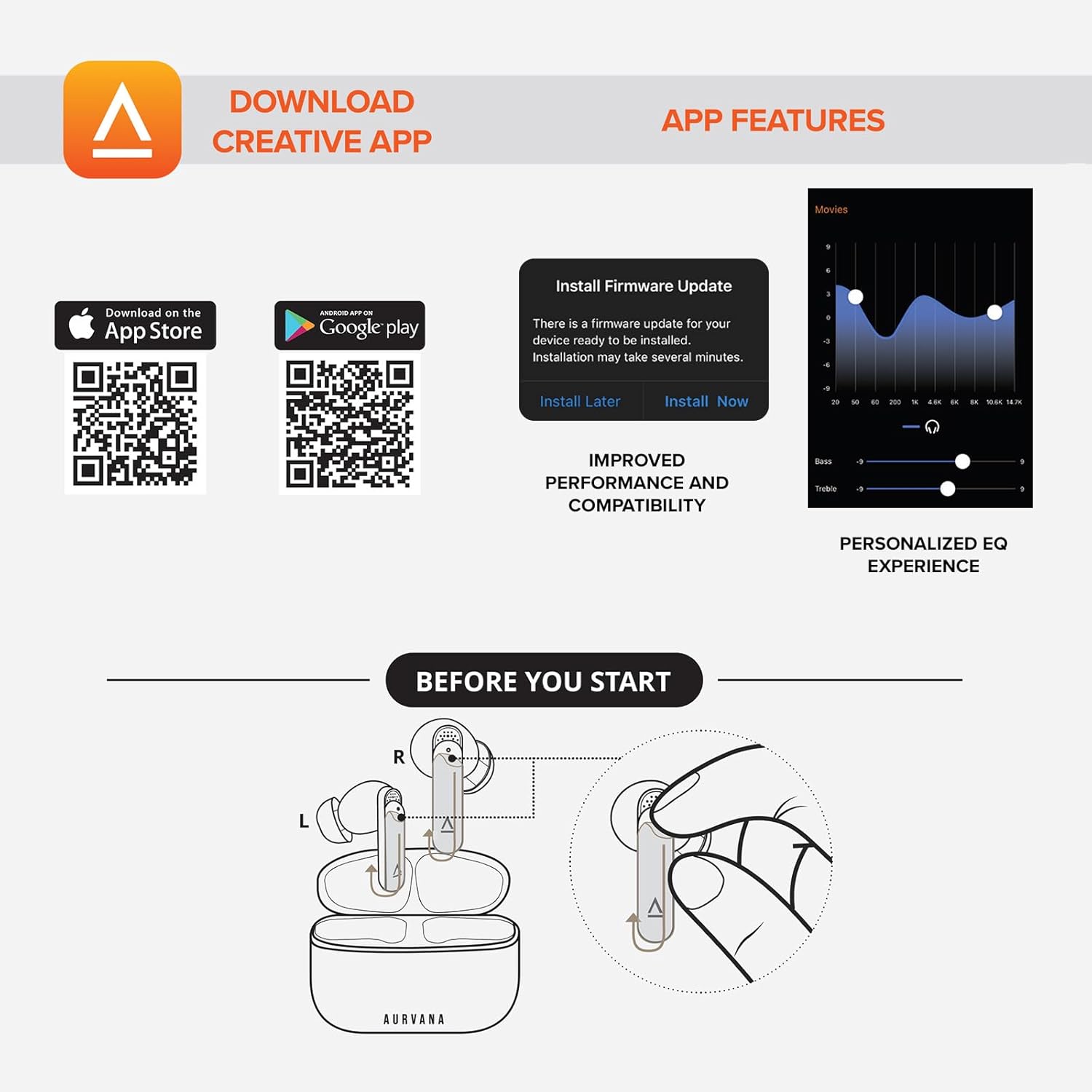
Image: Screenshot showing QR codes for downloading the Creative app from the Apple App Store and Google Play Store, alongside examples of app features such as firmware updates and personalized EQ settings.
Scarica per Android: Negozio Google Play
Scarica per iOS: Negozio di applicazioni Apple
4. Istruzioni per l'uso
4.1 Comandi touch
The Creative Aurvana Ace 2 earbuds feature touch-sensitive controls on each earbud. Functions can be customized via the Creative app. Common controls include:
- Singolo tocco: Riproduci/Metti in pausa l'audio, Rispondi/Termina chiamata.
- Doppio tocco: Next track, Activate voice assistant.
- Tap triplo: Previous track, Toggle ANC/Ambient Mode.
- Premere a lungo: Volume control (customizable).

Image: Graphic depicting a finger tapping an earbud, symbolizing touch controls.
4.2 Noise Control (Adaptive ANC & Ambient Mode)
The earbuds feature Adaptive Active Noise Cancellation (ANC) and Ambient Mode. These modes can be toggled via the touch controls or the Creative app.
- ANC adattivo: Riduce i rumori esterni per un'esperienza di ascolto immersiva.
- Modalità ambiente: Lascia passare i suoni ambientali, migliorando la consapevolezza della situazione.
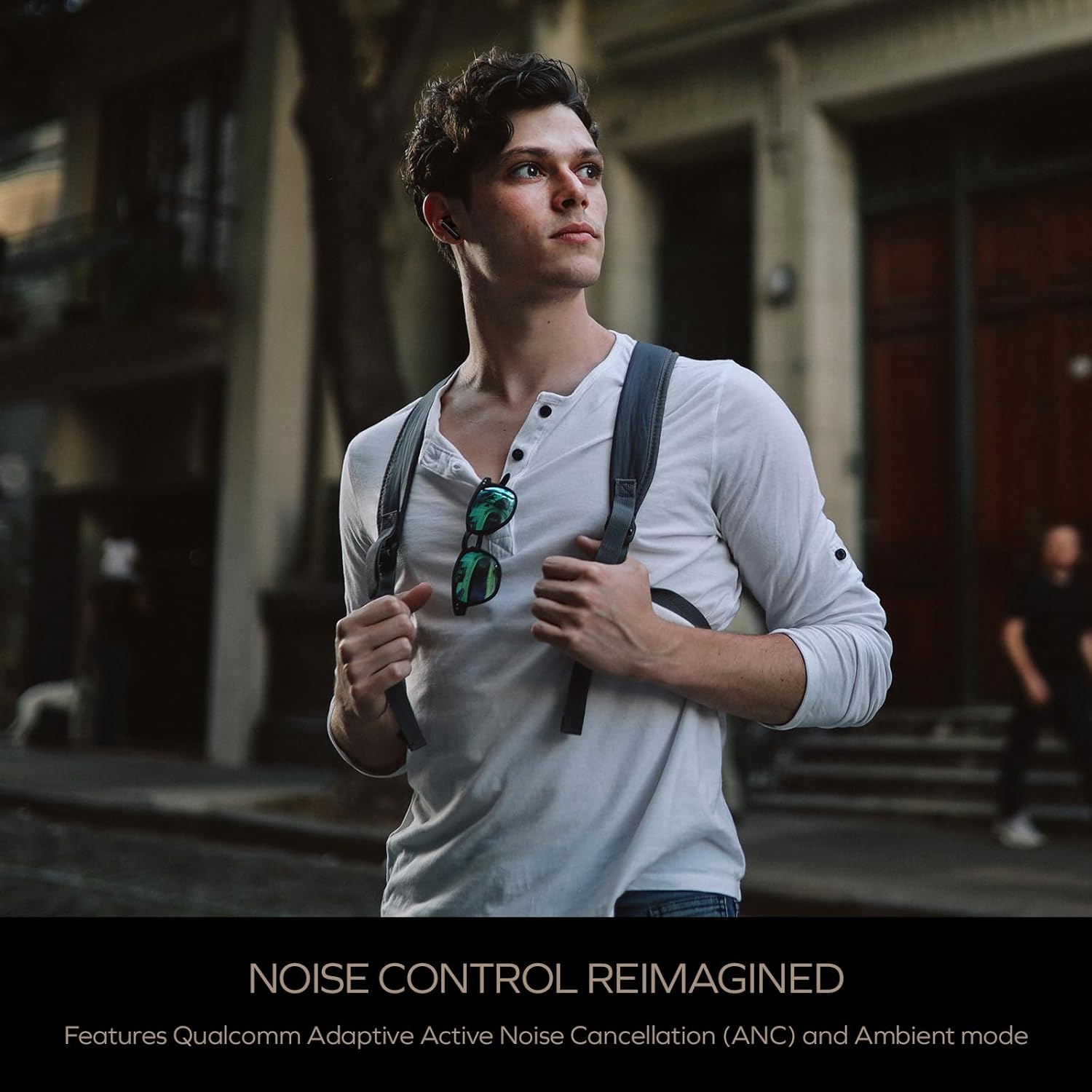
Image: A person wearing the Creative Aurvana Ace 2 earbuds while walking outdoors, illustrating the use of noise control features in various environments.
4.3 Audio Technologies (xMEMS, aptX Lossless, Bluetooth LE Audio)
The Aurvana Ace 2 incorporates advanced audio technologies for high-fidelity sound:
- xMEMS Technology: Provides precise and detailed audio reproduction.
- Qualcomm aptX Lossless: Delivers CD-quality audio over Bluetooth for compatible devices.
- Bluetooth LE Audio: Offers improved wireless audio quality with lower power consumption and Unicast mode for a more stable connection.

Immagine: dettagliata view of the earbud's internal components, highlighting the xMEMS drivers and 10mm dynamic drivers responsible for audio output.

Image: The Qualcomm aptX Lossless logo, indicating support for high-fidelity audio streaming.

Image: A microchip labeled 'LE Audio', representing the Bluetooth LE Audio technology integrated into the earbuds.
4.4 Voice Assistant and Call Quality
The earbuds support voice assistant activation (e.g., Siri, Google Assistant) via touch controls. Equipped with Qualcomm cVc (clear voice capture) noise cancellation technology and six built-in microphones, the Aurvana Ace 2 ensures clear voice calls.

Image: Graphic showing an earbud with Google Assistant and Siri icons, accompanied by sound wave visualizations, indicating voice assistant support and clear audio transmission.
5. Manutenzione
5.1 Pulizia
Regular cleaning helps maintain optimal performance and hygiene. Use a soft, dry, lint-free cloth to wipe the earbuds and charging case. For ear tips, remove them from the earbuds and clean with mild soap and water, then dry thoroughly before reattaching. If charging issues occur, gently clean the charging contacts on both the earbuds and inside the case with a cotton swab lightly dampned con alcol denaturato.
5.2 Conservazione
Quando non li usi, riponi gli auricolari nella loro custodia di ricarica per proteggerli e mantenerli carichi. Conserva la custodia in un luogo fresco e asciutto, lontano dalla luce solare diretta e da temperature estreme.
6. Risoluzione Dei Problemi
If you encounter issues with your Creative Aurvana Ace 2 earbuds, refer to the following common solutions:
| Problema | Possibile causa | Soluzione |
|---|---|---|
| Gli auricolari non si associano o non si connettono | Protective film on contacts, low battery, out of range, incorrect pairing mode. |
|
| Gli auricolari non si caricano | Dirty charging contacts, improper placement, faulty cable/power source. |
|
| Frequent disconnections or audio dropouts | Interferenze, distanza dal dispositivo, batteria degli auricolari scarica. |
|
| Screeching sound in Ambient Mode | Pressure on earbuds, improper fit. |
|
| Audio glitching or shrill noises | Software issue, interference. |
|
| I controlli touch non rispondono | Incorrect gesture, dirty sensor, temporary software glitch. |
|
7. Specifiche
| Caratteristica | Dettaglio |
|---|---|
| Nome del modello | EF1160 |
| Tecnologia di connettività | Wireless (Bluetooth 5.2, LE Audio) |
| Tipo di driver audio | xMEMS Driver, 10 mm Dynamic Driver |
| Codec audio | aptX Lossless, aptX Adaptive, AAC, SBC |
| Controllo del rumore | Adaptive Active Noise Cancellation (ANC), Ambient Mode |
| Microfoni | 6 built-in mics with Qualcomm cVc Noise Cancellation |
| Durata della batteria (auricolari) | Fino a 6 ore (ANC disattivato) |
| Tempo di gioco totale con custodia | Fino a 24 ore (ANC disattivato) |
| Tempo di ricarica | Approximately 2 hours for earbuds and case |
| Interfaccia di ricarica | USB-C, ricarica wireless |
| Portata Bluetooth | Fino a 10 metri (33 piedi) |
| Risposta in frequenza | 20 Hz - 20,000 Hz |
| Metodo di controllo | Tocco, Voce |
| Materiale | Plastica |
| Dimensioni del prodotto | 3.58 x 4.33 x 1.53 pollici |
| Peso dell'articolo | 5.3 once |
| Codice UPC | 054651196032 |
8. Garanzia e supporto
Creative products are covered by a limited warranty. For specific warranty terms and conditions applicable to your region, please refer to the warranty card included with your product or visit the official Creative websito.
For technical support, frequently asked questions, and driver/firmware downloads, please visit the Creative support page:
You can also contact Creative customer service directly for assistance.


