1. Introduzione
The Formuler Z Mini is a compact and powerful Android OTT Media Streamer designed to deliver a high-quality entertainment experience. This device features MyTV Online 3, runs on Android 12, and supports 4K HDR 10+ content, providing stunning visuals and smooth performance. With 2GB DDR4 RAM and 8GB of internal storage, it offers efficient operation and ample space for essential applications. This manual provides comprehensive instructions for setting up, operating, maintaining, and troubleshooting your Formuler Z Mini.

Image 1.1: The Formuler Z Mini media streamer, its remote control, and the product packaging, showcasing the compact design and included accessories.
2. Informazioni sulla sicurezza
Si prega di leggere attentamente tutte le istruzioni di sicurezza prima di utilizzare il dispositivo. Il mancato rispetto di queste istruzioni può causare scosse elettriche, incendi o danni al dispositivo.
- Non esporre il dispositivo ad acqua, umidità o temperature estreme.
- Evitare di posizionare il dispositivo vicino a fonti di calore come termosifoni, bocchette di riscaldamento, stufe o altri apparecchi (inclusi amplificatori) che producono calore.
- Utilizzare solo l'alimentatore fornito con il dispositivo.
- Non ostruire le aperture di ventilazione. Installare secondo le istruzioni del produttore.
- Proteggere il cavo di alimentazione dal calpestio o schiacciamento, in particolare in corrispondenza di spine, prese multiple e nel punto in cui escono dal dispositivo.
- Scollegare l'apparecchio durante i temporali o quando non viene utilizzato per lunghi periodi di tempo.
- Affidare tutte le operazioni di manutenzione a personale di assistenza qualificato. L'assistenza è necessaria quando l'apparecchio è stato danneggiato in qualsiasi modo.
3. Contenuto della confezione
Verifica che tutti gli articoli elencati di seguito siano inclusi nella confezione. Se alcuni articoli risultano mancanti o danneggiati, contatta il rivenditore.
- Formuler Z Mini Android OTT Media Streamer
- Bluetooth Remote Control (BT1)
- Cavo di prolunga HDMI
- Cavo di alimentazione USB-C
- Adattatore di alimentazione
- 2 batterie AAA (per il telecomando)
- Guida di installazione rapida

Image 3.1: Contents of the Formuler Z Mini package laid out on a wooden surface, including the streamer, remote, and box.
4. Guida all'installazione
Follow these steps to set up your Formuler Z Mini for the first time.
- Collegamento alla TV: Insert the HDMI connector of the Formuler Z Mini directly into an available HDMI port on your television. If direct connection is difficult due to space, use the provided HDMI extension cable.
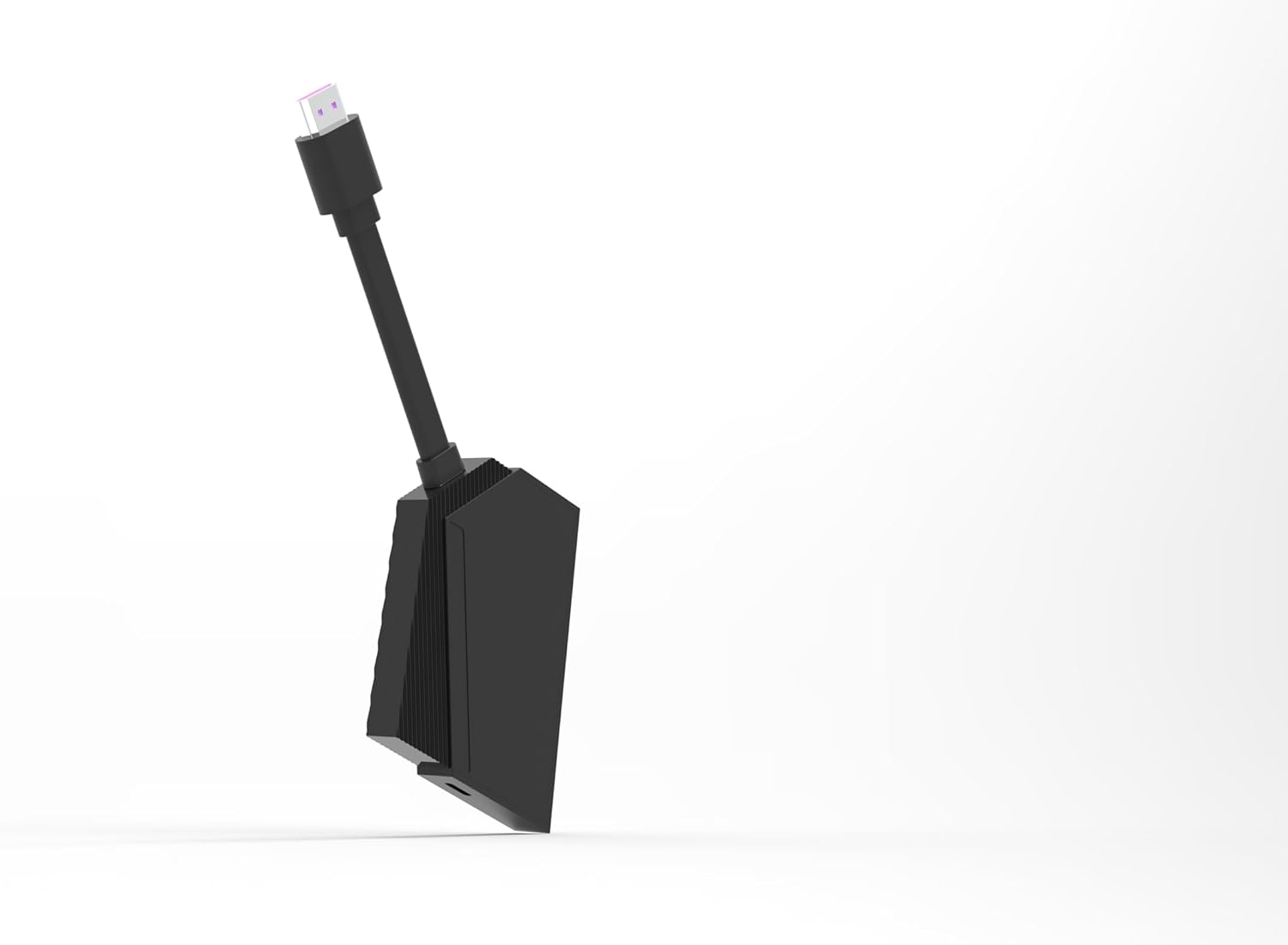
Image 4.1: The Formuler Z Mini device, highlighting its HDMI connector ready for TV connection.
- Collegamento elettrico: Connect the USB-C power cable to the Formuler Z Mini and then plug the other end into the supplied power adapter. Plug the power adapter into a wall outlet. Alternatively, if your TV has a powered USB port, you may be able to power the device directly from the TV's USB port.
- Inserire le batterie nel telecomando: Open the battery compartment on the back of the Bluetooth Remote Control and insert the two AAA batteries, ensuring correct polarity (+/-).

Image 4.2: The Formuler Z Mini streamer alongside its BT1 Bluetooth remote control.
- Initial Boot-up and Network Configuration:
Turn on your television and select the correct HDMI input. The Formuler Z Mini will boot up. Follow the on-screen instructions to complete the initial setup, which includes:
- Selezione della lingua.
- Connecting to your Wi-Fi network (enter your network password when prompted).
- Signing in with your Google account (optional, but recommended for app downloads).
- Goditi lo streaming: Once the setup is complete, you can begin using your Formuler Z Mini to access various streaming services and applications.

Image 4.3: The side of the Formuler Z Mini packaging illustrating the four easy setup steps: Connect to TV, Insert USB-C Power, Configure Network, and Enjoy Streaming.
5. Istruzioni per l'uso
The Formuler Z Mini operates on Android 12, providing a user-friendly interface for accessing your favorite content.
5.1. Navigazione di base
Use the included Bluetooth Remote Control to navigate the interface. The directional pad (D-pad) allows you to move through menus, and the 'OK' button confirms selections. The 'Back' button returns to the previous screen, and the 'Home' button takes you to the main Android home screen.

Immagine 5.1: Un dettaglio view of the Formuler Z Mini streamer and its Bluetooth remote, showing the button layout for navigation and control.
5.2. MyTV Online 3 Application
MyTV Online 3 is the primary application for accessing IPTV services and other media content.
- Launching MyTV Online 3: Locate and select the MyTV Online 3 icon from the home screen or app drawer.
- Content Navigation: Within MyTV Online 3, you can browse live TV channels, video-on-demand (VOD), and TV series. Use the D-pad to navigate and 'OK' to select.
- Cambio canale: The remote control allows for fast channel zapping, enhancing the live TV viewesperienza di acquisizione.
5.3. 4K HDR 10+ Playback
The Formuler Z Mini supports 4K Ultra HD resolution with HDR 10+, providing vibrant colors and incredible detail. Ensure your television is 4K and HDR compatible to fully utilize these features.
5.4. USB Recording (DVR)
The device supports USB Recording (DVR) functionality. To use this feature, you will need an external USB storage device (e.g., USB flash drive or external hard drive) connected to a compatible USB port on your television or a USB hub connected to the Formuler Z Mini (if available). Refer to the MyTV Online 3 application settings for recording options and scheduling.
6. Manutenzione
Proper maintenance ensures the longevity and optimal performance of your Formuler Z Mini.
- Pulizia: Per pulire il dispositivo, utilizzare un panno morbido e asciutto. Non utilizzare detergenti liquidi o spray aerosol.
- Ventilazione: Ensure the device has adequate ventilation. Do not cover the ventilation openings.
- Aggiornamenti software: Periodically check for software updates through the device's settings menu to ensure you have the latest features and security patches.
- Magazzinaggio: Quando non si utilizza il dispositivo per lunghi periodi, conservarlo in un luogo fresco e asciutto.
7. Risoluzione Dei Problemi
If you encounter issues with your Formuler Z Mini, refer to the following common problems and solutions.
| Problema | Possibile causa | Soluzione |
|---|---|---|
| Nessuna alimentazione/Il dispositivo non si accende | Power cable not connected properly; Power adapter faulty; Wall outlet not working. | Check all power connections. Try a different wall outlet. Ensure the USB-C cable is fully inserted. |
| Nessun segnale sullo schermo TV | Incorrect HDMI input selected on TV; HDMI cable loose or faulty; Device not powered on. | Ensure your TV is set to the correct HDMI input. Check HDMI cable connections. Verify the device is powered on. |
| Il telecomando non risponde | Batteries are low or incorrectly inserted; Remote not paired (for Bluetooth remote). | Replace batteries, ensuring correct polarity. If it's a Bluetooth remote, re-pair it according to the device's on-screen instructions (usually found in settings). |
| Problemi di connessione Wi-Fi | Incorrect Wi-Fi password; Router too far or signal interference; Router issues. | Double-check Wi-Fi password. Move the device closer to the router or reduce interference. Restart your Wi-Fi router. |
| Applicazioni che si bloccano o si bloccano | Insufficient memory; App specific issue; Outdated software. | Close background applications. Clear app cache/data in settings. Update the app or device firmware. Restart the device. |
8. Specifiche
Detailed technical specifications for the Formuler Z Mini Android OTT Media Streamer.
- Marca: Formulatore
- Nome modello: Z Mini
- Colore: Nero
- Fattore di forma: Stick TV
- Sistema operativo: Androide 12
- Memoria RAM: 2 GB DDR4
- Magazzinaggio: 8 GB
- Risoluzione: 4K Ultra HD, HDR 10+
- Tecnologia di connettività: HDMI, Wi-Fi
- Tipo di connettore: HDMI, USB-C (for power)
- Caratteristiche speciali: Registrazione USB (DVR)
- Servizi Internet supportati: La mia TV
- Tipo di controller: Bluetooth Remote Control (BT1), App Control
- Dispositivi compatibili: Televisione
- Batterie: 2 x AAA (for remote, included)
- ASIN: B0CWYY5JYT
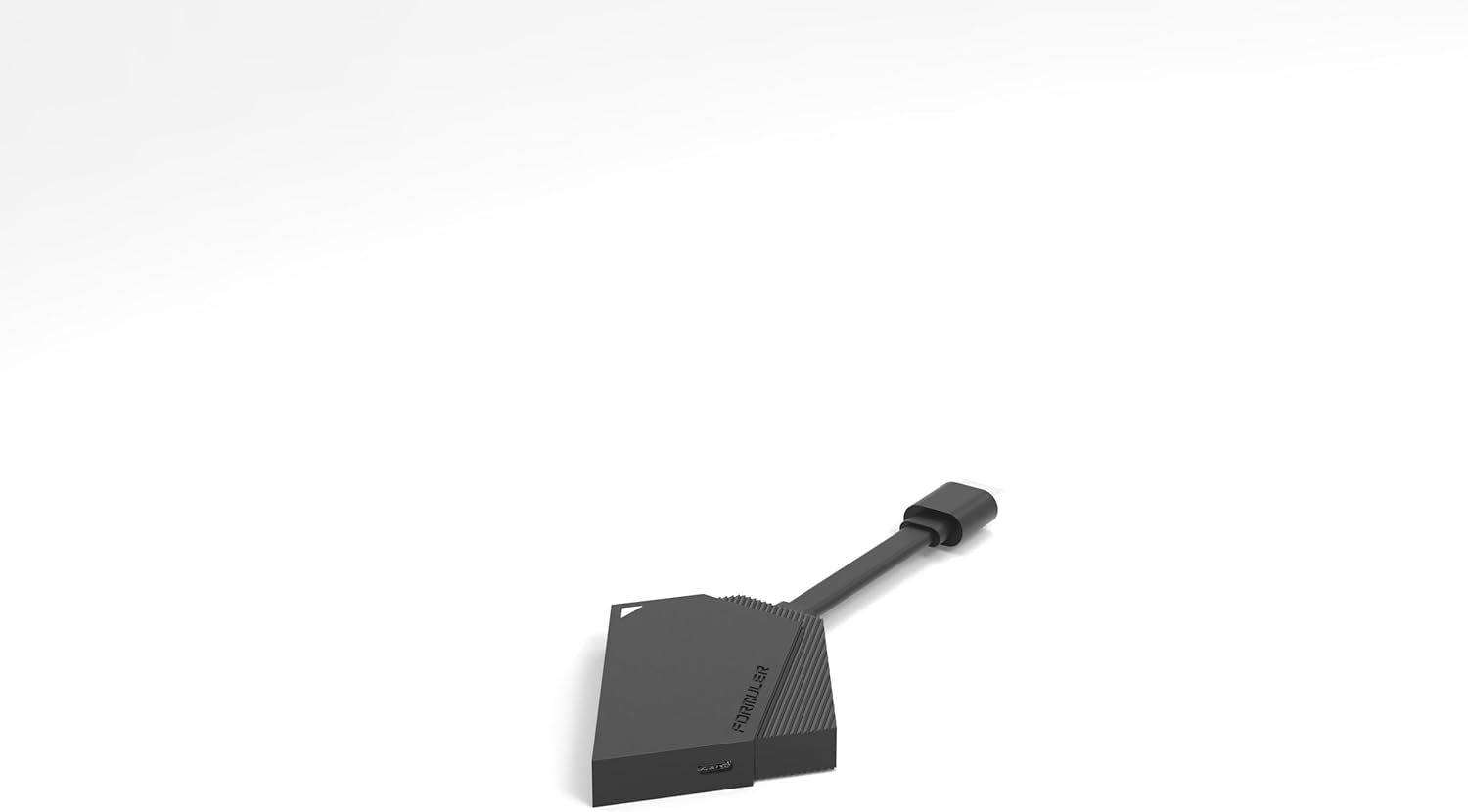
Immagine 8.1: Lato A view of the compact Formuler Z Mini device, illustrating its small form factor.
9. Garanzia e supporto
For detailed warranty information, please refer to the warranty card included with your product or visit the official Formuler websito.
If you require technical support or have questions not covered in this manual, please contact Formuler customer support or your authorized retailer.
- Produttore: Formulatore
- Ufficiale Websito: www.formuler.tv (Exampil collegamento (il collegamento effettivo può variare)


