Introduzione
The Formuler Z Mini is a compact and powerful Android 12 streaming media player designed to deliver a high-quality 4K entertainment experience. This manual provides comprehensive instructions for setting up, operating, and maintaining your device to ensure optimal performance.
Cosa è incluso
- Formuler Z Mini device
- Cavo di alimentazione
- Controllo vocale Bluetooth
- Case Cover for Remote Control
- Tastiera remota Extra Air retroilluminata
- Extra Desk Stand Mount

Image: Contents of the Formuler Z Mini package, showing the main unit, remote control, power adapter, and included desk stand.
Impostare
Collegamento del dispositivo
- Connect the Formuler Z Mini to your television using an HDMI cable.
- Connect the provided power cable to the device and then plug it into a functional power outlet.
- Turn on your television and select the correct HDMI input source that corresponds to the connected device.
- Il dispositivo si accenderà automaticamente non appena riceverà corrente.
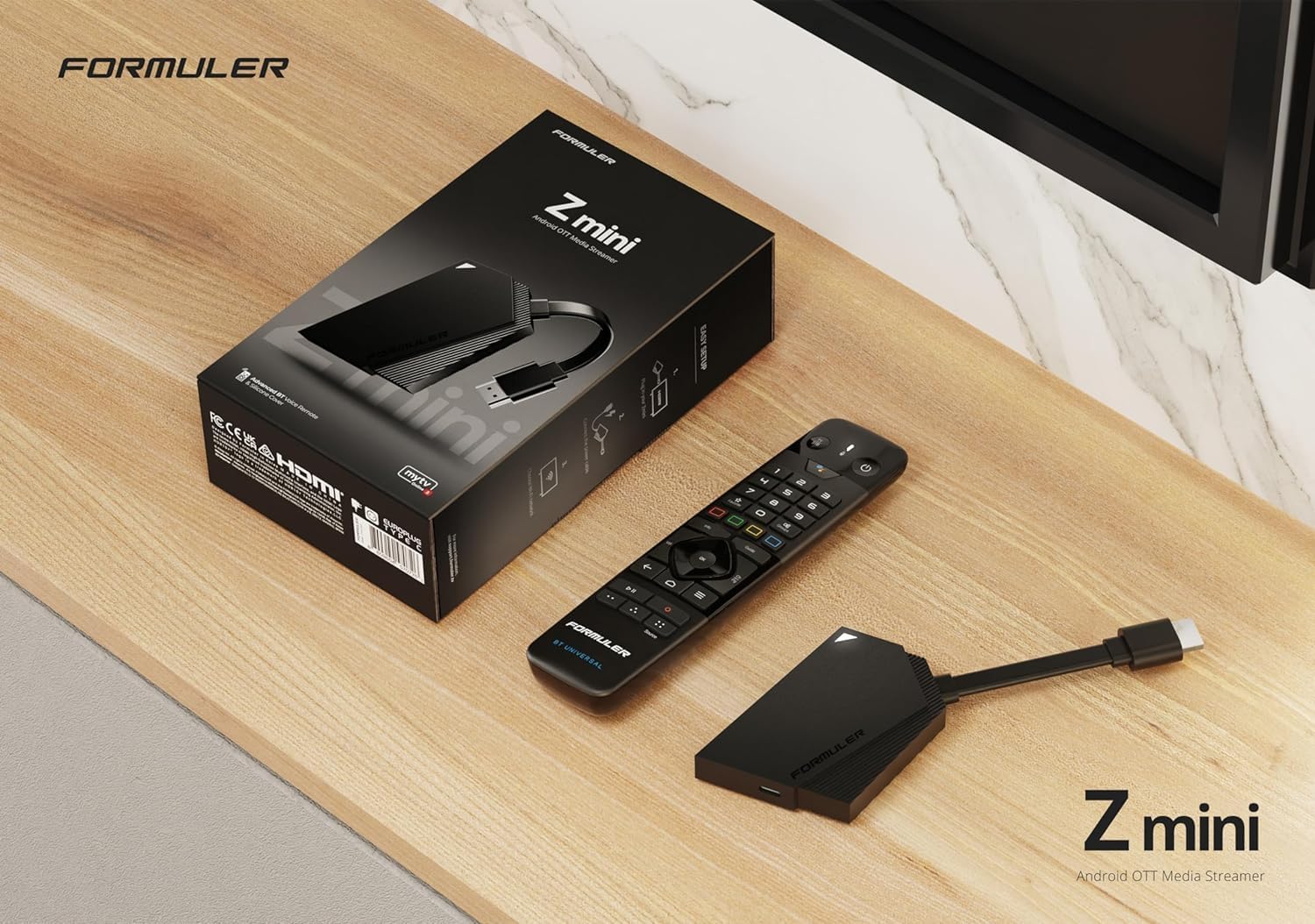
Image: The Formuler Z Mini device connected to a television, illustrating a typical setup.
Configurazione iniziale
Upon first power-on, follow the on-screen prompts to complete the initial setup process. This typically includes:
- Selezione della lingua
- Network connection (Wi-Fi or Ethernet via adapter)
- Accesso all'account Google
- Aggiornamenti di sistema
For network connection, the device supports Dual Band 5G 2x2 AC Wi-Fi. An Ethernet connection may require a USB-C hub with an Ethernet adapter, which is not included with the standard package.
Istruzioni per l'uso
Utilizzo del telecomando
The Formuler Z Mini is operated using the included Bluetooth Voice Remote Control. Familiarize yourself with its functions:
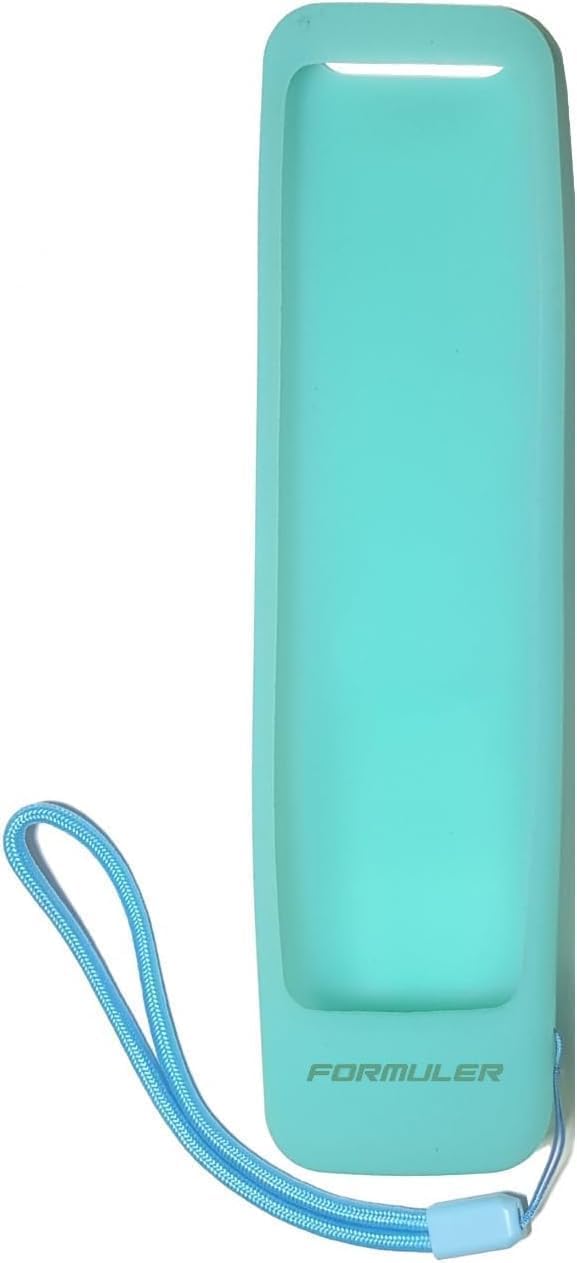
Immagine: dettagliata view of the Formuler Z Mini remote control, highlighting various buttons and their functions.
- Pulsante di accensione: Press once to put the device into standby mode. Press and hold to display the Power Menu.
- Pulsante Assistente Google: Activates the Google Assistant for voice commands and search.
- Tastierino di navigazione (pulsante OK): Utilizzato per navigare nei menu e selezionare le voci.
- Pulsanti del volume: Regola il volume di uscita audio.
- Pulsante Indietro: Ritorna alla schermata o al menu precedente.
- Pulsante Home: Navigates directly to the System Home screen.
- Pulsante Menu: Displays the Main Menu or context-sensitive options.
- Pulsante preferito: Used to show or set favorite channels.
- Pulsante informazioni: Press twice to display detailed information about current content.
- Pulsante Guida: Apre la Guida elettronica ai programmi (EPG).
- Controlli di riproduzione: Includes buttons for Timeshift/Resume, Pause playback, and Start recording.
- Tastiera numerica: Allows for direct channel number input.
Navigazione su Android 12
The Formuler Z Mini operates on Android 12, providing access to a wide range of applications available through the Google Play Store.
- Use the remote control's navigation pad to move between apps and settings on the user interface.
- Download and install your preferred streaming applications, games, and utility tools.
- Utilize the voice search feature via the Google Assistant button for quick content discovery and command execution.
Streaming 4K
The device supports an output resolution of 4K (3840 x 2160). To experience content in true 4K, ensure that your television and the content you are viewing also support 4K resolution.
Manutenzione
Aggiornamenti software
Regularly check for and install system updates to ensure your device operates with optimal performance, security, and access to the latest features.
- Vai a Impostazioni menu sul tuo dispositivo.
- Selezionare Di or Sistema.
- Scegliere Aggiornamento del sistema or Aggiornamento software.
- Seguire le istruzioni visualizzate sullo schermo per scaricare e installare gli aggiornamenti disponibili.
Pulizia
Use a soft, dry cloth to clean the exterior of the device and the remote control. Avoid using liquid cleaners, solvents, or abrasive materials, as these can damage the surfaces.
Magazzinaggio
The device is equipped with 8GB of eMMC internal storage. If additional storage capacity is required for applications or media, external USB storage devices can be connected via a compatible USB-C hub (not included).
Risoluzione dei problemi
| Problema | Soluzione |
|---|---|
| Nessuna alimentazione/Il dispositivo non si accende | Ensure the power cable is securely connected to both the device and a functional power outlet. Try a different outlet if necessary. |
| Nessun segnale sulla TV | Verify that the HDMI cable is properly connected to both the device and the TV. Confirm your TV is set to the correct HDMI input source. |
| Il telecomando non risponde | Check the batteries in the remote control and replace them if necessary (requires 2 AA batteries). Ensure the remote is properly paired via Bluetooth. |
| Problemi di connessione Wi-Fi | Restart your Wi-Fi router. Ensure the device is within range of the Wi-Fi signal. Re-enter the Wi-Fi password if prompted. |
| External USB storage not recognized | Ensure the USB device is properly formatted (e.g., FAT32, exFAT) and connected via a compatible USB-C hub. Try restarting the device after connecting the storage. |
| Il dispositivo è lento o si blocca | Close any unused applications running in the background. Clear the cache for problematic apps. If issues persist, consider performing a factory reset (Note: This will erase all data and settings on the device). |
Specifiche
- Risoluzione di uscita: Risoluzione 4K (3840 x 2160)
- Memoria RAM: 2GB LPDDR4 @2400MHz
- Magazzinaggio: 8 GB eMMC
- Sistema operativo: Androide 12
- Creazione di reti: Wireless: AC 2x2, Bluetooth: 5.0
- Dimensions (Length x Width x Thickness): Dimensioni: 83 mm x 60 mm x 12.5 mm
- Colore: Nero
- Peso dell'articolo: Circa 1.61 libbre
- Energia: Power Cable included
- Batterie remote: 2 batterie AA (incluse)
Garanzia e supporto
For detailed warranty information, terms, and conditions, please refer to the official Formuler website or the documentation provided with your purchase. For technical support and customer service inquiries, please contact Formuler directly through their official channels.
Extended protection plans may be available for your device, such as 2-Year or 3-Year Protection Plans. Please inquire with your retailer for more details on these options.
For additional product information and community support, you may visit the pagina del prodotto su Amazon.


