Introduzione
Thank you for choosing the Vention TGESB USB-C Docking Station. This manual provides essential information for the proper setup, operation, and maintenance of your device. Please read it thoroughly before use to ensure optimal performance and longevity.
Prodotto finitoview
The Vention TGESB is a versatile 5-in-1 USB-C docking station designed to expand the connectivity of your USB-C enabled devices. It features multiple ports for data transfer, video output, and power delivery.

Figure 1: Vention TGESB USB-C Docking Station with port labels.
Caratteristiche principali:
- USB-C Power Delivery (PD) 100W: Supports fast charging for compatible laptops and devices.
- Porte USB 3.0 (x3): Provides high-speed data transfer up to 5Gbps.
- Porta HDMI: Supporta l'uscita video fino a una risoluzione 4K a 30 Hz.
- Guscio in alluminio resistente: Ensures heat dissipation and product longevity.
- Design compatto: Facile da trasportare e utilizzare in movimento.
Contenuto della confezione
- Vention TGESB USB-C Docking Station (x1)
- Manuale utente (x1)
Istruzioni di installazione
- Connetti al dispositivo host: Plug the USB-C connector of the Vention TGESB docking station into an available USB-C port on your laptop, tablet, or smartphone. Ensure your device's USB-C port supports video output (DisplayPort Alternate Mode) and power delivery for full functionality.
- Connetti le periferiche:
- Dispositivi USB: Connect USB flash drives, external hard drives, keyboards, mice, or other USB peripherals to the USB 3.0 ports.
- Schermo HDMI: Collegare un cavo HDMI dalla porta HDMI della docking station al monitor o alla TV.
- Adattatore di alimentazione (opzionale): If your host device requires charging, connect your original USB-C power adapter to the PD (Power Delivery) port on the docking station. This will pass power through to your host device.
- Installazione del driver: The Vention TGESB is typically plug-and-play and does not require additional drivers for most operating systems (Windows, macOS, Linux, Android). If you encounter issues, ensure your operating system is up to date.
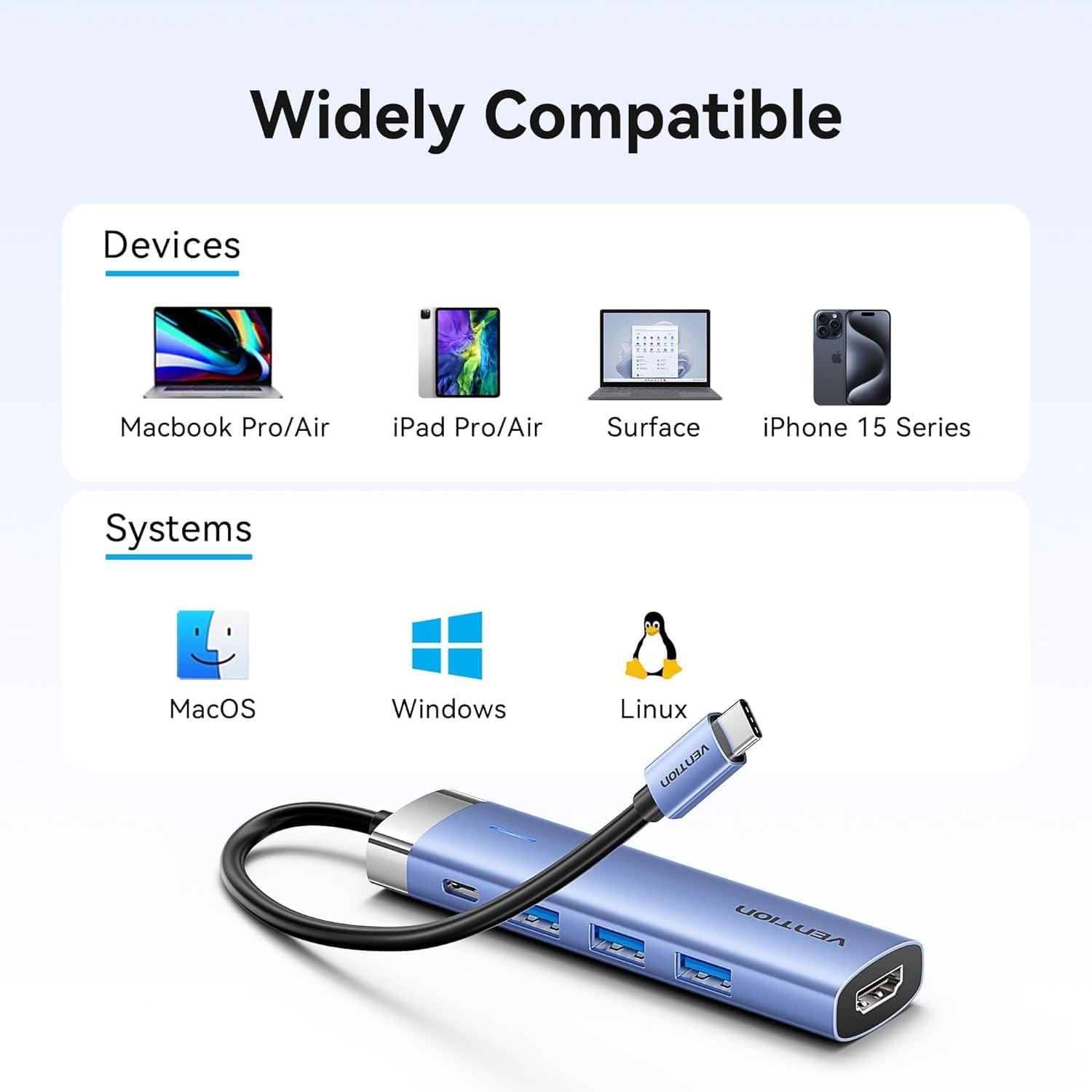
Figura 2: Compatibilità tra dispositivi e sistemi operativi.
Istruzioni per l'uso
Using USB 3.0 Ports:
Connect your USB devices to any of the three USB 3.0 ports. These ports support data transfer speeds up to 5Gbps, allowing for quick file transfers. For optimal performance, ensure your connected USB devices also support USB 3.0.
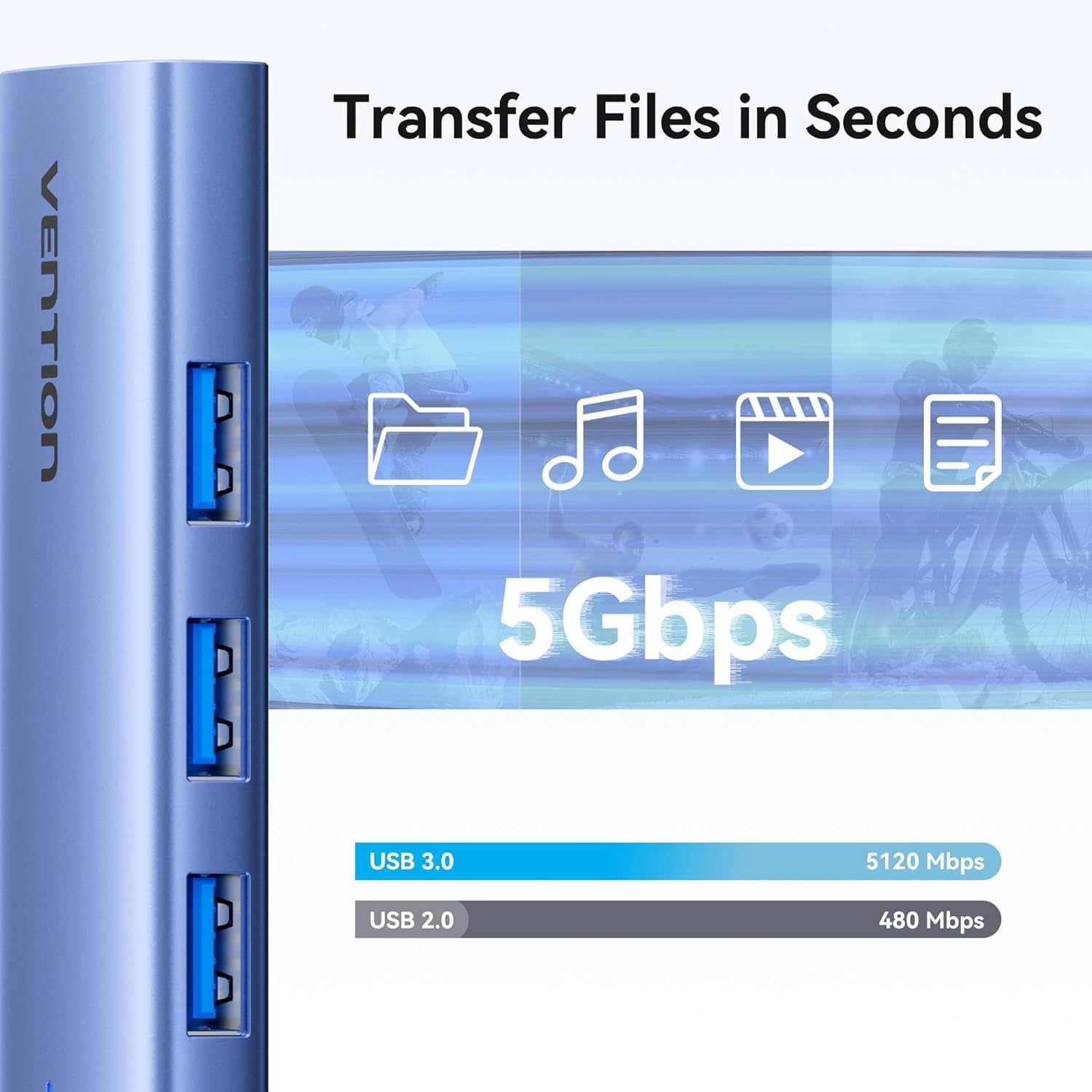
Figura 3: Trasferimento dati ad alta velocità tramite porte USB 3.0.
Using HDMI Output:
The HDMI port supports resolutions up to 4K at 30Hz. After connecting your monitor, your operating system should automatically detect the external display. You can configure display settings (mirror mode, extend mode) through your device's display settings.

Figure 4: Multiple display modes (Mirror and Extend).
Using Power Delivery (PD) Port:
Connect your laptop's original USB-C power adapter to the PD port on the docking station. This port supports up to 100W power delivery, allowing you to charge your host device while using the docking station's other features.

Figure 5: Power Delivery 100W fast charging.
Manutenzione
- Pulizia: Utilizzare un panno morbido e asciutto per pulire la superficie della docking station. Evitare l'uso di detergenti liquidi o solventi.
- Magazzinaggio: Conservare il dispositivo in un luogo fresco e asciutto, lontano dalla luce solare diretta e da temperature estreme.
- Gestione: Avoid dropping or subjecting the device to strong impacts. Do not attempt to disassemble the docking station.
Risoluzione dei problemi
| Problema | Possibile causa | Soluzione |
|---|---|---|
| Nessuna uscita video tramite HDMI. |
|
|
| I dispositivi USB non vengono riconosciuti. |
|
|
| Host device is not charging. |
|
|
Specifiche
| Caratteristica | Dettaglio |
|---|---|
| Modello | TGESB |
| Marca | VENZIONE |
| Ingresso | USB-C |
| Porte di uscita |
|
| Dimensioni (L x P x A) | 6.5 x 3.54 x 0.79 pollici (16.5 x 9 x 2 cm) |
| Peso | 2.46 once (0.07 kg) |
| Materiale del guscio | Lega di alluminio |
| Compatibilità | Devices with full-featured USB-C port (supporting DisplayPort Alt Mode and Power Delivery). Compatible with Windows, macOS, Linux, Android. |
Garanzia e supporto
Vention products come with a standard manufacturer's warranty. For detailed warranty information, technical support, or customer service, please visit the official Vention webo contattare il distributore locale. Conservare la prova d'acquisto per eventuali reclami in garanzia.
Official Vention Websito: Vention Store on Amazon (Link provided for reference, actual official webil sito può variare)


