1. Informazioni sulla sicurezza
Please read all safety instructions carefully before using this device. Keep this manual for future reference.
- Non esporre il dispositivo a pioggia, umidità o temperature estreme.
- Evitare di posizionare il dispositivo vicino a fonti di calore o alla luce diretta del sole.
- Utilizzare solo l'adattatore di alimentazione e il caricabatteria per auto forniti.
- Tenere il dispositivo lontano dalla portata dei bambini e degli animali domestici.
- Non tentare di smontare o riparare da soli il dispositivo. Contatta l'assistenza clienti per assistenza.
2. Contenuto della confezione
Verificare che tutti gli articoli siano presenti nel pacco:
- Lettore DVD portatile da 15.6 pollici
- Guida rapida
- Controllo remoto
- Cavo AV 3 in 1
- Caricabatterie per auto
- Adattatore CA

Image: All components included in the pofoto PD15 Portable DVD Player package.
3. Prodotto finitoview
The pofoto PD15 Portable DVD Player features a 15.6-inch HD screen designed for an immersive viewing experience. It includes dual stereo speakers and supports various media formats.
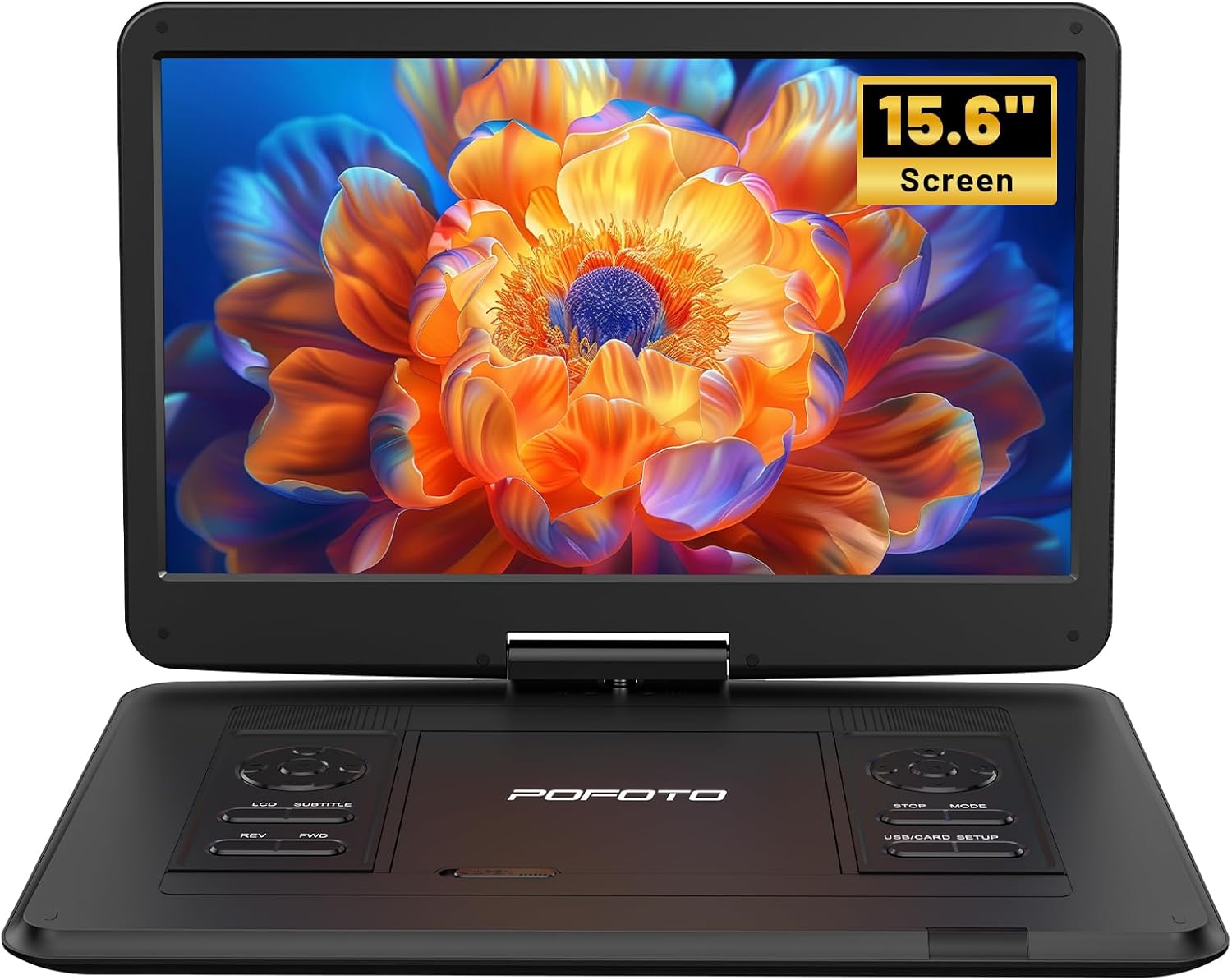
Immagine: Frontale view of the pofoto PD15 Portable DVD Player with its 15.6-inch screen open.
3.1. Caratteristiche dello schermo
The 15.6-inch screen offers a resolution of 1280*800 pixels. It can rotate 270° and flip 180°, allowing for optimal viewangoli di inclinazione.

Immagine: Lato view of the pofoto PD15 Portable DVD Player highlighting the large 15.6-inch screen.
3.2. Pannello di controllo e porte
The device features intuitive control buttons on the base and various ports for connectivity.
- Porta USB: For connecting USB drives (up to 32GB) to play media files.
- Slot per scheda SD: For inserting SD cards (up to 32GB) to play media files.
- Jack per cuffie: Jack da 3.5 mm per l'ascolto privato.
- USCITA AV: Audio/Video output for connecting to external displays.
- INGRESSO AV: Audio/Video input for connecting external media sources.
- DC IN: Power input for charging and operating the device.
- Interruttore di alimentazione: Physical ON/OFF switch located on the side.
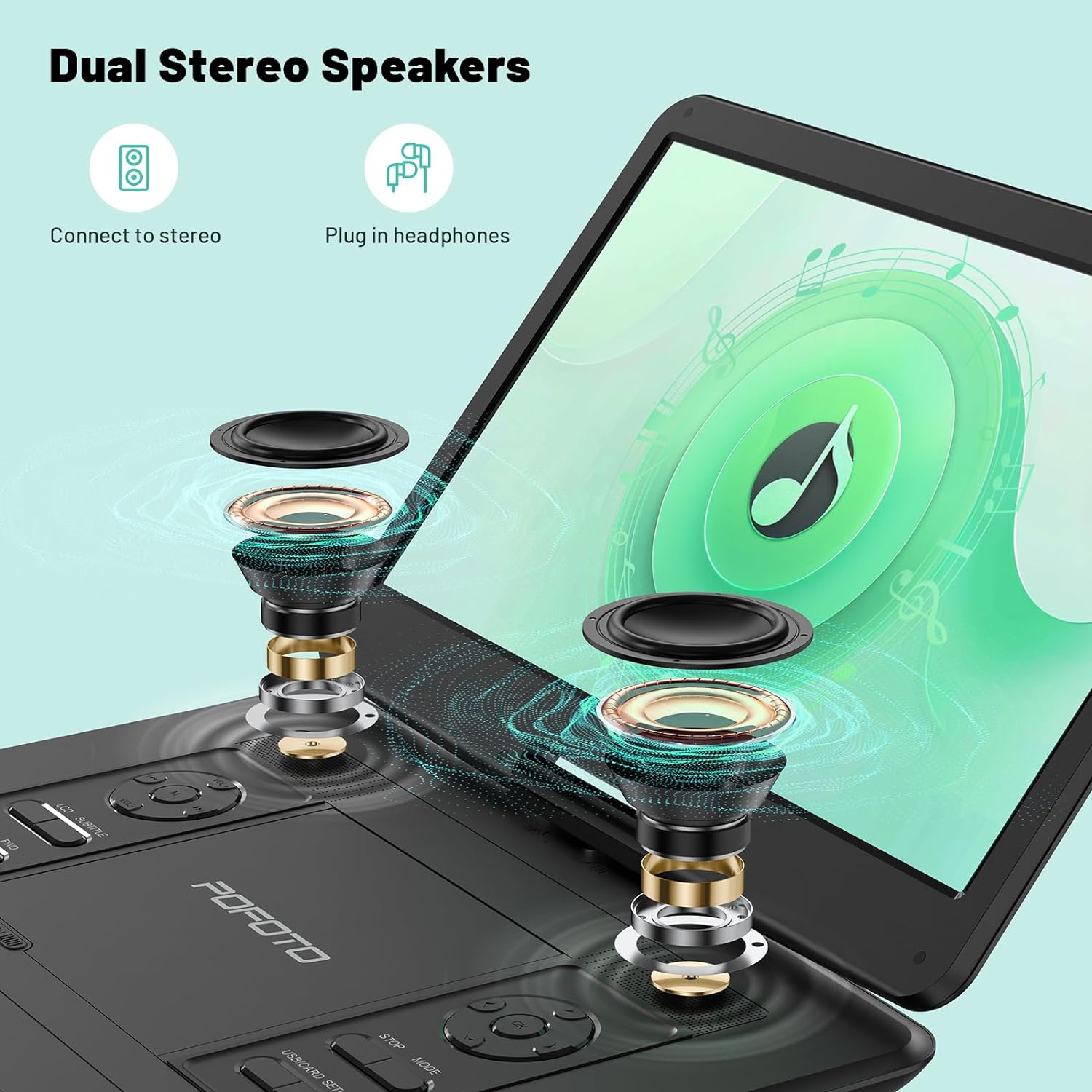
Image: Close-up of the side panel of the pofoto PD15 Portable DVD Player, detailing the various input and output ports.
4. Impostazione
4.1. Ricarica iniziale
Before first use, fully charge the device using the provided AC adapter. The charging indicator light will show the charging status.
4.2. Accensione/Spegnimento
- Per accendere: Slide the physical power switch on the side to the 'ON' position. Then, press the 'POWER' button on the control panel.
- Per spegnere: Press the 'POWER' button on the control panel, then slide the physical power switch to the 'OFF' position.
4.3. Inserimento di un disco
- Gently open the disc cover by sliding the 'OPEN' latch.
- Posizionare il DVD o il CD sul perno con l'etichetta rivolta verso l'alto. Assicurarsi che scatti in posizione.
- Chiudere saldamente il coperchio del disco finché non si blocca.
5. Istruzioni per l'uso
5.1. Riproduzione di base
- After inserting a disc or connecting a USB/SD card, the player will typically begin playback automatically.
- Utilizzare il RIPRODUCI/PAUSA pulsante per avviare o mettere in pausa la riproduzione.
- Utilizzare il FERMARE pulsante per interrompere la riproduzione.
- Regolare il volume utilizzando il Volume+ E vol- pulsanti.
- Utilizzare il RIVISTA E Avanti buttons for fast rewind and fast forward.
5.2. Regolazione dello schermo
The screen can be rotated 270° and flipped 180° for flexible viewing. Adjust the screen gently to your desired position.
5.3. Compatibilità dei media
The player is region-free and compatible with a wide range of formats:
- Dischi: CD, DVD, CD-R/RW, DVD±R/±RW, VCD/SVCD (Blu-ray and pirated discs are not supported).
- USB & SD Cards (Max 32GB): Supports VOB, AVI, MPEG, MP3, WMA, JPEG formats.

Image: The pofoto PD15 Portable DVD Player displaying its compatibility with various disc and digital media formats.
5.4. Funzione di ultima memoria
The device features a last memory function that resumes playback from where you last stopped, even after powering off.
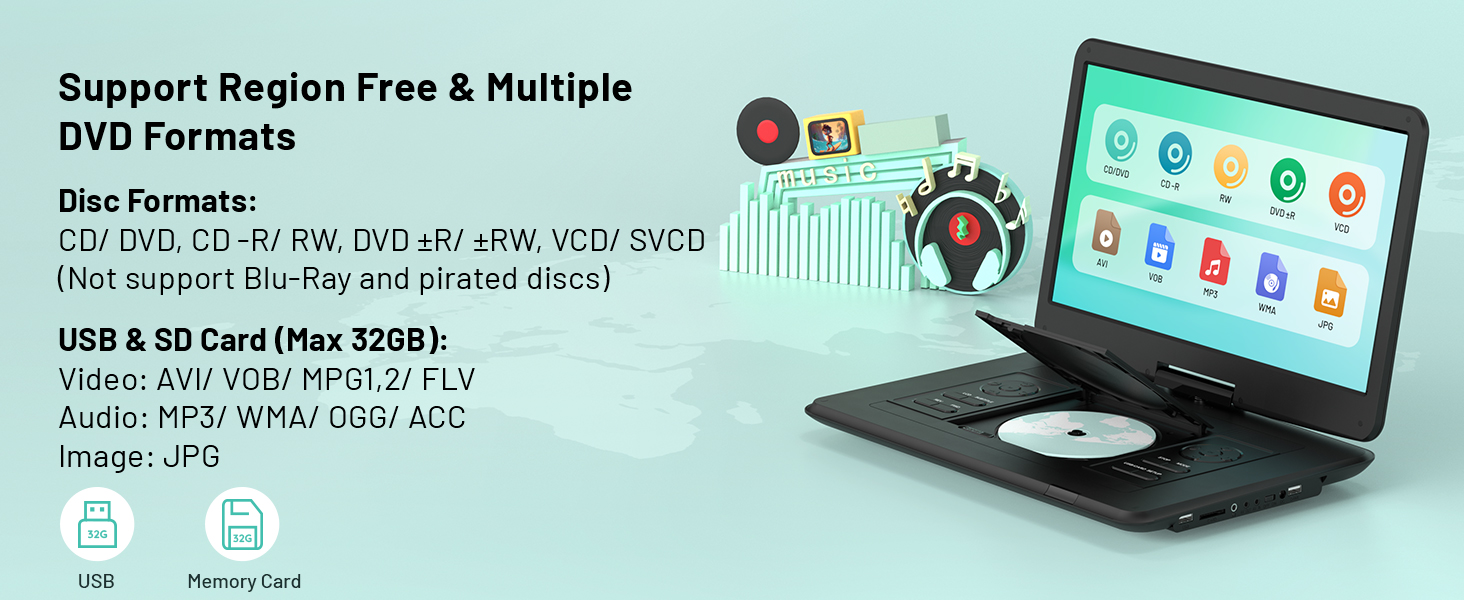
Image: Visual representation of the Last Memory Function, showing a movie resuming after the player is powered on again.
5.5. Advanced Playback Options
- Ripeti AB: Use the 'A-B' button on the remote to select and loop specific video segments.
- Rallentatore: Easily slow down the current playback speed by pressing the 'SLOW' button on the remote.
6. Connessione a dispositivi esterni
The pofoto PD15 can connect to various external devices for an enhanced viewesperienza di acquisizione.
- Sync to TV: Use the AV OUT port and the provided 3-in-1 AV cable to connect to a television.
- Sync to Projector: Connect to a projector via the AV OUT port for a larger display.
- Sync to Similar Player: Connect two compatible portable DVD players for synchronized viewing.

Image: The pofoto PD15 Portable DVD Player connected to a television, demonstrating its screen sharing feature.
7. Batteria e ricarica
The device is equipped with a 5000mAh rechargeable battery, providing up to 6 hours of continuous playback.
7.1. Metodi di ricarica
- Adattatore per corrente alternata: Use the certified AC adapter for charging at home or any standard power outlet.
- Caricabatterie per auto: Use the included car charger to power and charge the device in your vehicle.
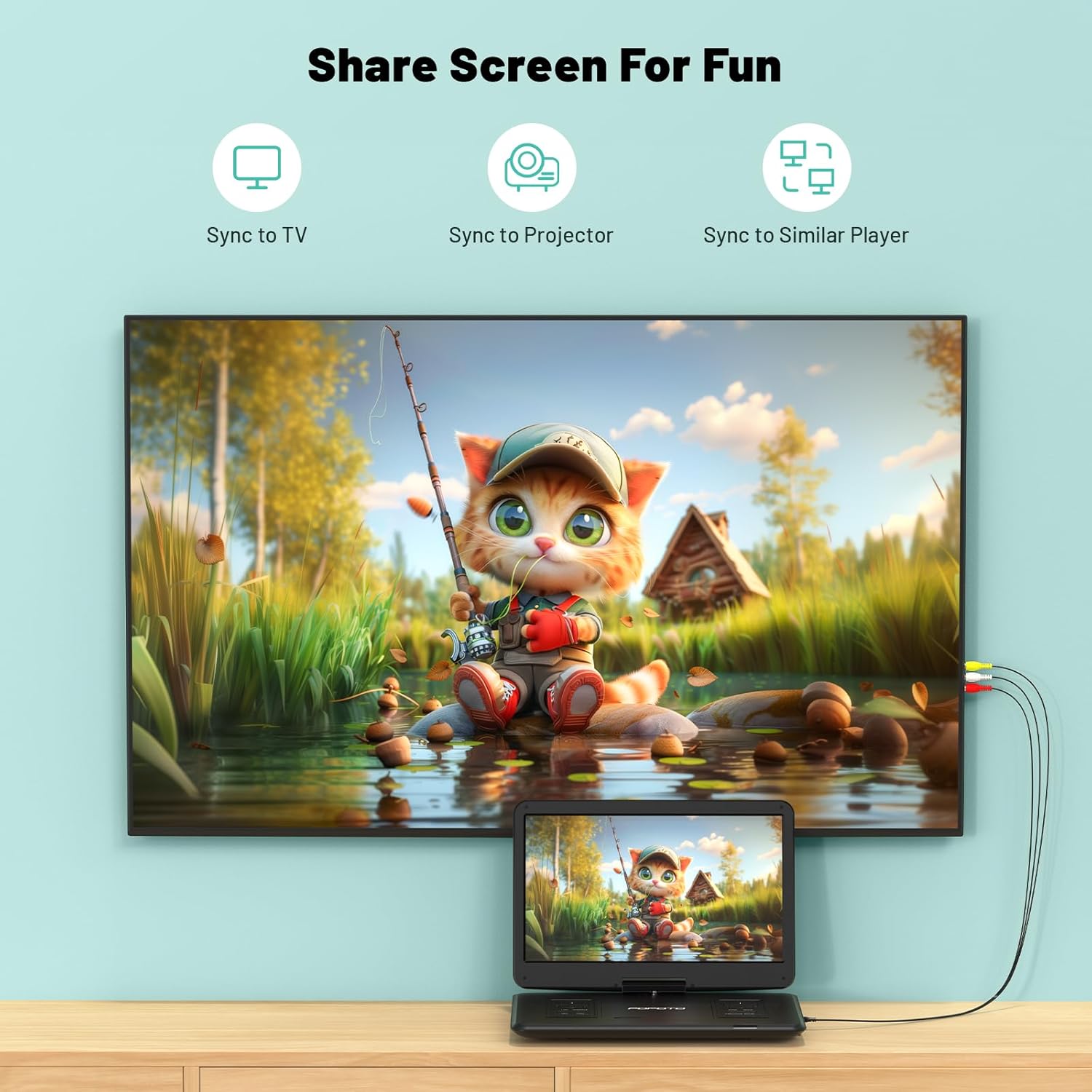
Image: The pofoto PD15 Portable DVD Player illustrating its 6-hour battery life and various charging options.
8. Manutenzione
- Pulizia: Use a soft, dry cloth to clean the screen and exterior. Do not use liquid cleaners or aerosols.
- Magazzinaggio: Conservare il dispositivo in un luogo fresco e asciutto, lontano dalla luce solare diretta quando non viene utilizzato.
- Cura del disco: Handle discs by the edges to avoid fingerprints and scratches. Clean discs with a soft, lint-free cloth.
9. Risoluzione Dei Problemi
- Nessun potere: Ensure the device is charged or connected to a power source, and the physical power switch is in the 'ON' position.
- Disco non in riproduzione: Check if the disc is inserted correctly (label side up) and is clean. Ensure the disc format is supported (not Blu-ray or pirated).
- Nessun suono: Check the volume level. Ensure headphones are properly connected if in use. If connected to an external device, check its volume and connections.
- Scarsa qualità dell'immagine: Ensure the disc is clean and unscratched. Adjust screen brightness and contrast settings if available.
- Anti-Shock Function: The built-in anti-shock function helps maintain smooth playback during movement, ideal for car travel.
10. Specifiche
| Caratteristica | Dettaglio |
|---|---|
| Marca | foto |
| Nome del modello | PD15 |
| Dimensioni dello schermo | 15.6 pollici |
| Risoluzione | 1280 x 800 pixel |
| Capacità della batteria | 5000mAh |
| Durata della batteria | Fino a 6 ore |
| Tipi di media supportati | CD, DVD, CD-R/RW, DVD±R/±RW, VCD/SVCD, USB, SD Card (VOB, AVI, MPEG, MP3, WMA, JPEG) |
| Caratteristiche speciali | Anti-Shock, Region Free, Last Memory, Portable, Rechargeable |
| Peso dell'articolo | 5.51 libbre |
| Dimensioni del prodotto | 14.9 x 10.6 x 1.9 pollici |
| Tecnologia di connettività | USB, SD, 3.5mm Headphone Jack, AV In/Out |
11. Garanzia e supporto
Your pofoto PD15 Portable DVD Player comes with a Servizio post-vendita di 24 mesi. If you encounter any issues or have questions, please reach out to our customer support team. We aim to respond within 24 hours to assist you.
Video: Official pofoto guide demonstrating the use of the 17.5" Portable DVD Player. This video provides a visual walkthrough of the product's features and basic operation.


