1. Introduzione
The Logitech Combo Touch is a versatile keyboard and trackpad case designed for the iPad Pro 11-inch (2024). It transforms your iPad into a productivity powerhouse, offering a comfortable typing experience, precise trackpad navigation, and comprehensive protection. This manual provides essential instructions for setup, operation, maintenance, and troubleshooting to ensure optimal use of your device.
2. Compatibilità
This Logitech Combo Touch Keyboard Case is specifically designed for the iPad Pro 11-inch (M4) (2024). Compatible iPad models include A2836, A2837 e A3006. Please note that this case is non designed for use with iPad Pro models featuring nano-texture glass.
3. Impostazione
Per configurare la custodia con tastiera Logitech Combo Touch, segui questi passaggi:
- Collega l'iPad: Align your iPad Pro 11-inch (2024) with the case. The iPad will magnetically snap into place, ensuring a secure fit and proper alignment with the Smart Connector.
- Collegare la tastiera: The keyboard automatically connects to your iPad via the Smart Connector when the iPad is properly seated in the case. No Bluetooth pairing or separate charging is required for the keyboard.
- Regolare il cavalletto: Open the kickstand on the back of the case to your desired viewing or typing angle. The flexible kickstand allows for a wide range of adjustments.
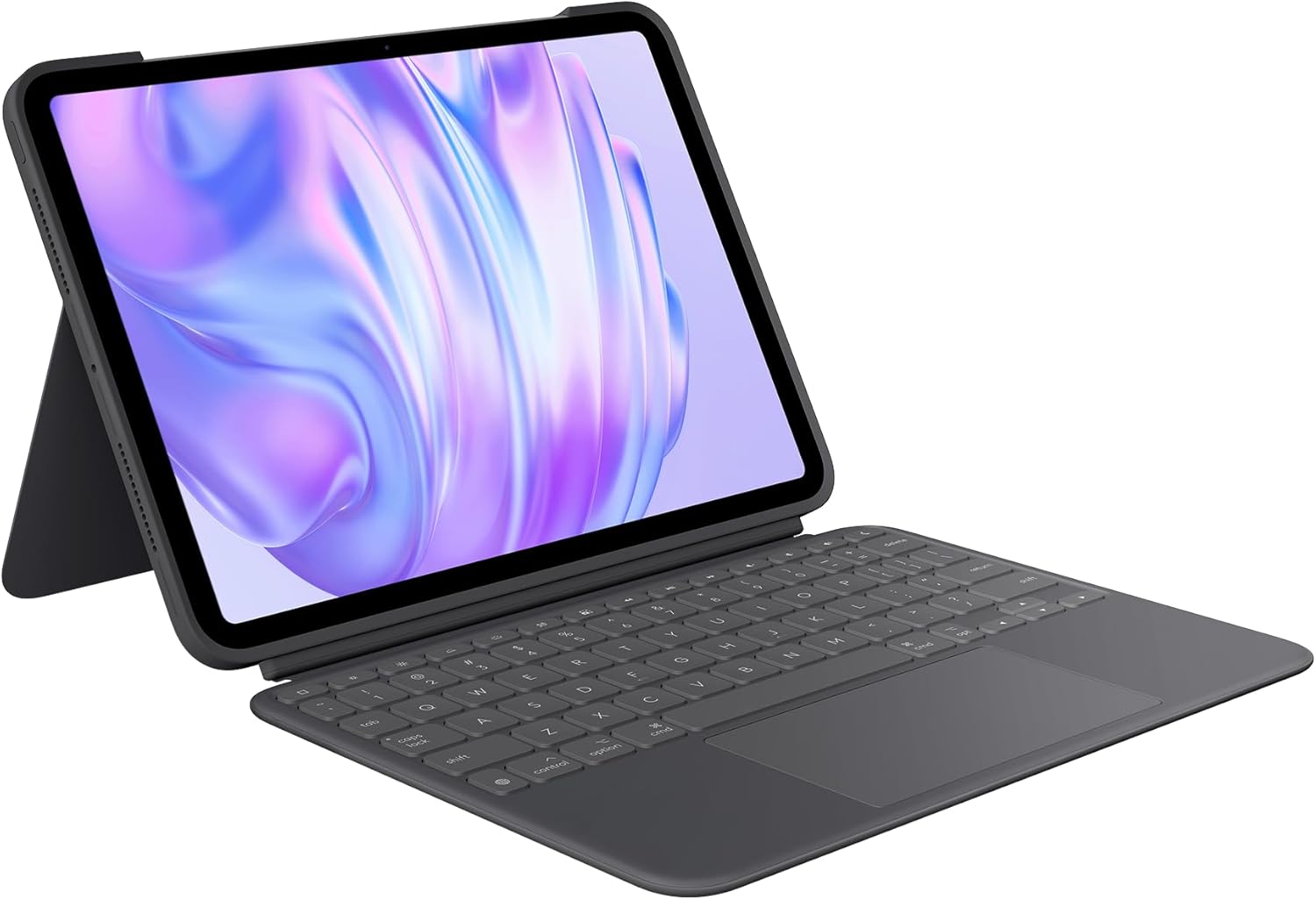
Image: The Logitech Combo Touch Keyboard Case with an iPad Pro 11-inch securely attached, ready for use.

Immagine: un primo piano view demonstrating the flexible kickstand, allowing for various viewangoli di inclinazione.
4. Istruzioni per l'uso
4.1. Modalità d'uso
The Combo Touch offers multiple modes to adapt to your tasks:
- Modalità di digitazione: Position the iPad upright with the keyboard attached and the kickstand extended for comfortable typing.
- ViewModalità di ing: Stacca la tastiera e regola il supporto per guardare video o presentazioni.
- Modalità schizzo: Fully extend the kickstand to a low angle, and detach the keyboard for drawing or writing with an Apple Pencil (not included).
- Modalità di lettura: Fold the kickstand flat and detach the keyboard for a comfortable handheld reading experience.

Image: Visual representation of the four versatile usage modes: Typing, Viewing, Drawing, and Reading.

Image: A close-up showing the backlit keyboard detached from the iPad case, highlighting its modular design.
4.2. Keyboard and Trackpad Functions
- Tasti retroilluminati: The keyboard features adjustable backlighting for comfortable typing in various lighting conditions. Brightness can typically be adjusted via function keys on the keyboard.
- Full Row of iPadOS Shortcut Keys: Access common iPad functions directly from the keyboard, including media controls, volume, screen brightness, and more.
- Ampio trackpad multi-touch: The integrated trackpad supports familiar multi-finger gestures for precise navigation, including swiping, pinching, and double-tapping. Refer to iPadOS settings for trackpad gesture customization.
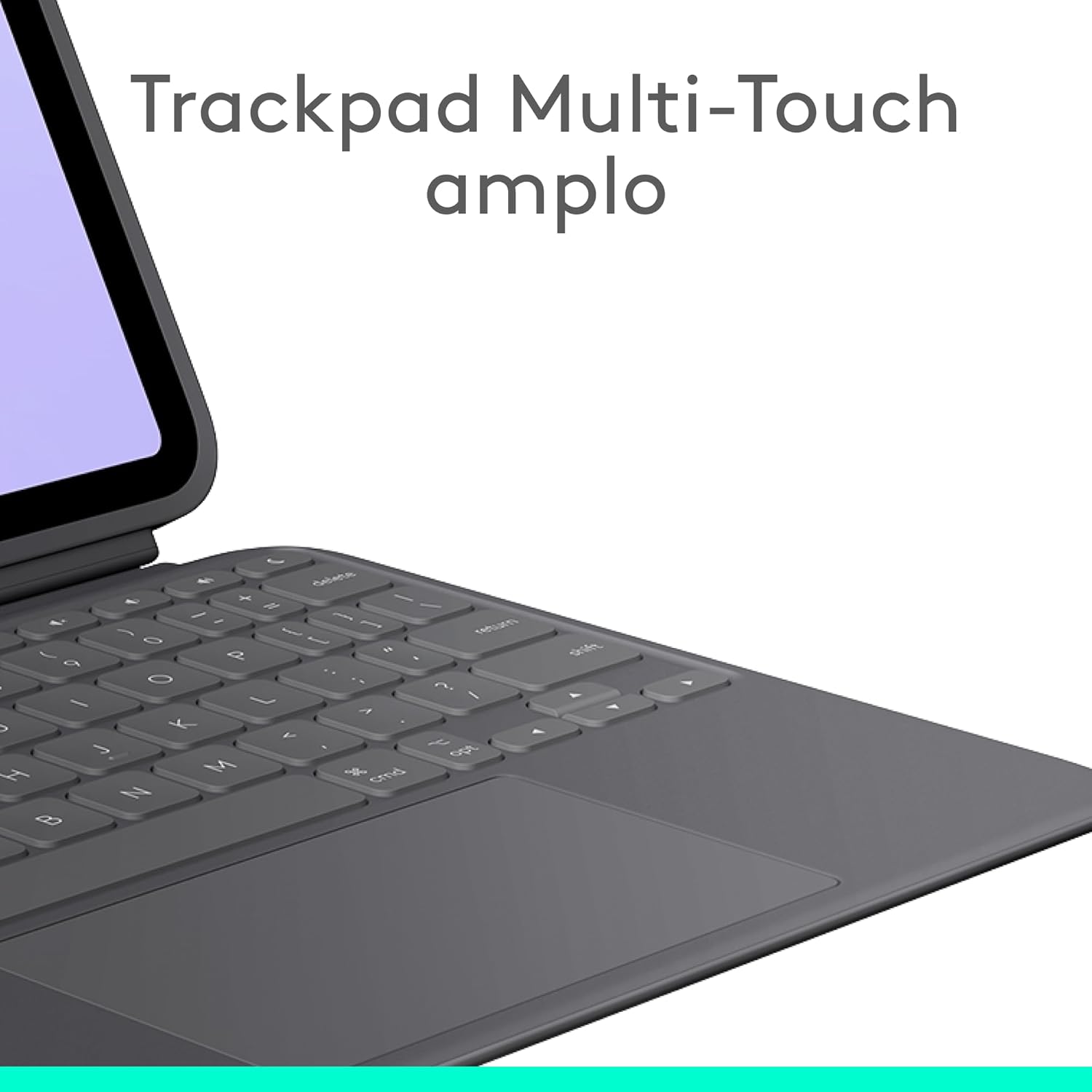
Immagine: Un dettaglio view of the large multi-touch trackpad, designed for intuitive gesture control.
5. Manutenzione
To ensure the longevity and performance of your Logitech Combo Touch Keyboard Case:
- Pulizia: Utilizzare un morbido, damp cloth to gently wipe the exterior of the case and keyboard. Avoid harsh chemicals or abrasive materials. For the trackpad, use a microfiber cloth.
- Magazzinaggio: When not in use, keep the case closed to protect both the iPad and the keyboard. Store in a cool, dry place away from direct sunlight.
- Protezione: The case is made from a rubberized material designed to protect your iPad from scratches and minor impacts. While durable, avoid dropping the device from significant heights.
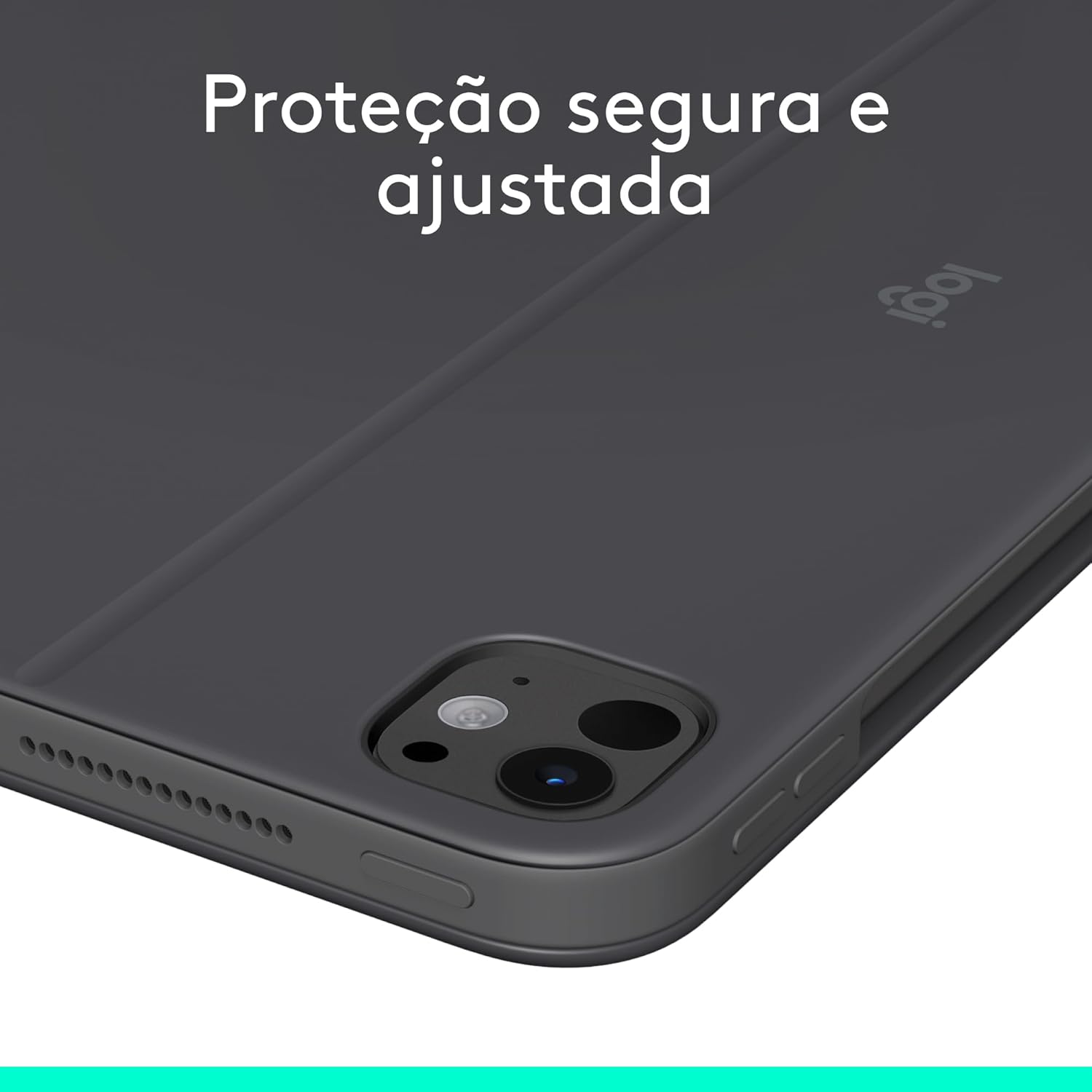
Image: The back of the case, illustrating its secure and snug protection for the iPad, safeguarding against scratches and damage.
6. Risoluzione Dei Problemi
- Problem: Keyboard or trackpad is not responding.
- Soluzione: Ensure your iPad is correctly seated in the case and aligned with the Smart Connector. Remove and reattach the iPad to re-establish the connection. Check iPadOS settings to ensure external keyboard and trackpad support is enabled.
- Problem: Backlighting is not working.
- Soluzione: Use the dedicated backlight brightness keys on the keyboard (usually F5/F6 or similar) to adjust the brightness. Ensure your iPad's battery is not critically low, as this can affect accessory power.
- Problem: Keys are sticky or unresponsive.
- Soluzione: Gently clean around the affected keys with a soft, dry brush or compressed air to remove any debris. Avoid spilling liquids on the keyboard.
7. Specifiche
| Caratteristica | Dettaglio |
|---|---|
| Marca | Logitech |
| Produttore | Logitech |
| Serie | Tocco combinato |
| Numero di modello | 920-012659 |
| Colore | Grafite |
| Larghezza del prodotto | 7.46 pollici |
| Tecnologia di connettività | Apple Smart Connector |
| Numero di pulsanti | 19 |
| Fonte di alimentazione | Battery Powered (via iPad Smart Connector) |
| Batterie incluse | NO |
| Numero di unità | 1 |
| Materiale | gommato |
| Peso del prodotto | 473 grammi |
| Dimensioni del prodotto | Dimensioni: 25.4 x 18.95 x 1.37 cm |
| Codice EAN | 0097855196026 |
| Dispositivi compatibili | Tablet (iPad Pro 11-inch M4 2024) |
| Descrizione della tastiera | Membrana |
| Idoneità del radiocomando | Graphic design, note-taking, media editing |
8. Informazioni sulla garanzia
Logitech products are manufactured to high quality standards. This product comes with a limited hardware warranty. For specific warranty terms and conditions, please refer to the warranty documentation included with your purchase or visit the official Logitech support websito.
Potrebbero essere disponibili opzioni di estensione della garanzia per l'acquisto:
- Extended Warranty against failures and defects for 12 months.
- Extended Warranty against failures and defects for 24 months.
9. Supporto
For further assistance, product updates, or to access additional resources, please visit the official Logitech support websito:
You can also find frequently asked questions and community forums on the support page.


