1. Introduzione
Grazie per l'acquistoasing the ErGear Electric Standing Desk. This manual provides detailed instructions for assembly, operation, and maintenance to ensure safe and efficient use of your new desk. This desk is designed to offer a seamless transition between sitting and standing positions, promoting a healthier and more dynamic work environment.
Key features include a one-piece desktop for a sleek look, a powerful motor for smooth height adjustments, memory presets for convenience, and robust construction tested for durability.
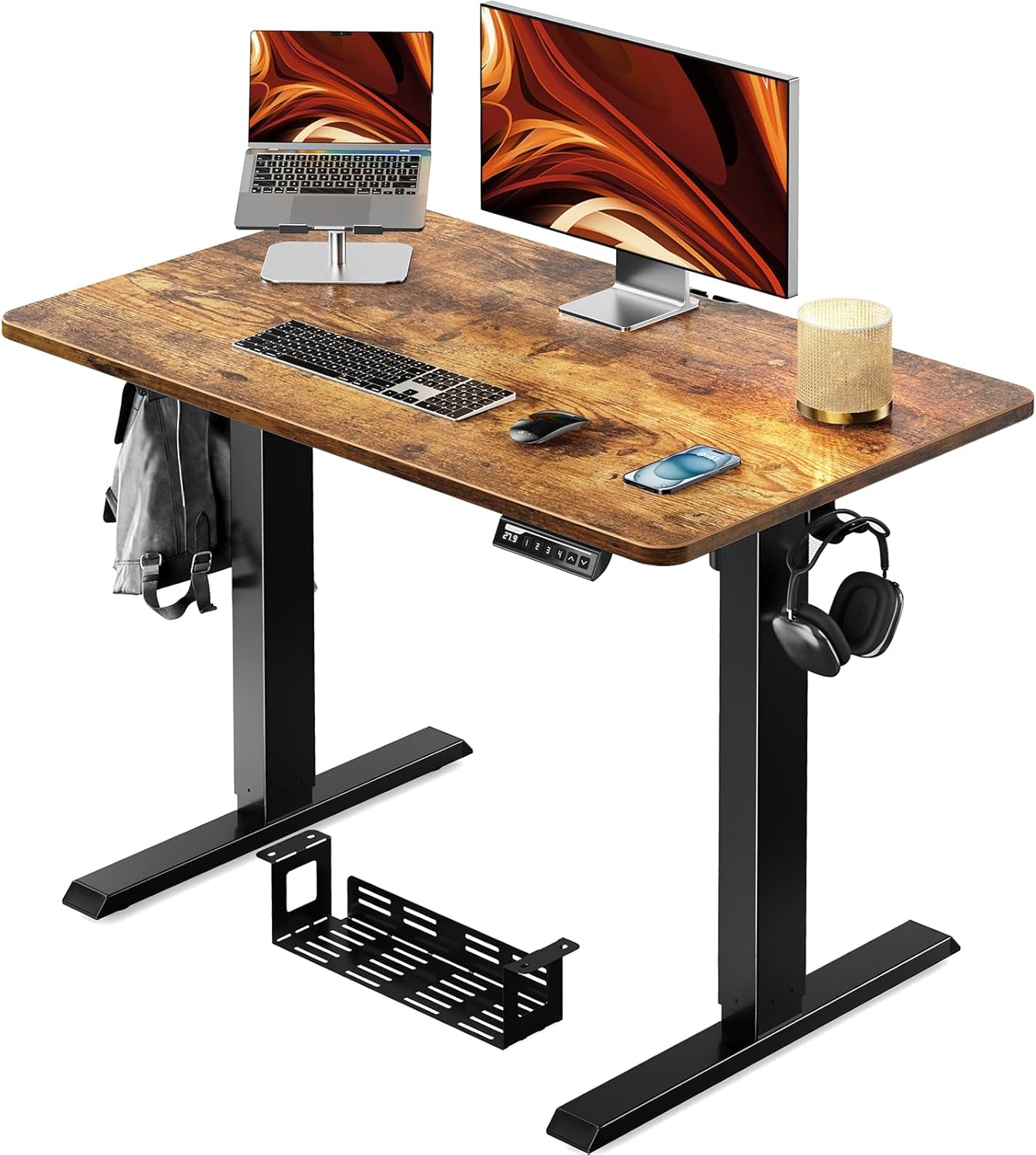
Figure 1.1: ErGear Electric Standing Desk (100x60cm Vintage)
This image shows the complete ErGear electric standing desk setup, featuring a vintage wood-grain desktop, black metal legs, a control panel, and a cable management tray. A laptop, monitor, and other office accessories are placed on the desk, demonstrating its functionality.
2. Prodotto finitoview
2.1 Dimensioni
The ErGear Electric Standing Desk (100*60cm Vintage model) has the following dimensions:
- Desktop Width: 100 centimetri
- Desktop Depth: 60 centimetri
- Intervallo di altezza regolabile: da 71 cm a 119 cm

Figura 2.1: Dimensioni del prodotto
This image illustrates the key dimensions of the ErGear electric standing desk, including its 100cm width, 60cm depth, and adjustable height range from 71cm to 119cm. The overall footprint of the desk base is also shown.
2.2 Componenti
Il pacchetto include i seguenti componenti principali:
- One-Piece Desktop (Vintage finire)
- Colonne di sollevamento elettriche (gambe)
- Pannello di controllo con display digitale
- Vassoio per la gestione dei cavi
- Ganci di stoccaggio
- Adattatore di alimentazione e cavi
- Ferramenta e utensili per l'assemblaggio

Figure 2.2: Cable Management and Hooks
This image highlights the integrated cable management tray located underneath the desk, designed to keep wires organized. It also shows a convenient storage hook on the side of the desk, ideal for hanging headphones or bags, and the sturdy T-shaped leg design.
3. Istruzioni per l'installazione
The ErGear Electric Standing Desk features a one-piece desktop, significantly simplifying the assembly process compared to multi-piece tops. Please follow these steps carefully:
- Disimballare i componenti: Carefully remove all parts from the packaging. Check the packing list to ensure all components and hardware are present.
- Fissare le colonne di sollevamento: Place the desktop upside down on a soft, clean surface to prevent scratches. Attach the electric lifting columns (legs) to the designated mounting points on the desktop using the provided screws. Ensure they are securely fastened.
- Install Crossbar and Control Box: Connect the crossbar between the two lifting columns. Mount the control box to the underside of the desktop, typically near one of the legs.
- Collegare i cavi: Connect the motor cables from the lifting columns to the control box. Connect the control panel cable to the control box. Finally, connect the power adapter to the control box.
- Install Cable Tray and Hooks: Attach the cable management tray and storage hooks to the underside or sides of the desktop as desired.
- Capovolgi la scrivania: Con l'aiuto di qualcuno, capovolgi con cautela la scrivania assemblata in verticale e posizionala nella posizione desiderata.
- Accensione iniziale: Plug the power adapter into a wall outlet. The desk is now ready for initial calibration or operation.

Figure 3.1: Simplified Assembly
This diagram illustrates the simplified assembly process of the ErGear electric standing desk, highlighting how the one-piece desktop significantly reduces setup time by eliminating the need to join multiple desktop sections.
4. Istruzioni per l'uso
4.1 Regolazione dell'altezza
The desk's height can be adjusted smoothly within the range of 71cm to 119cm. Use the up and down arrow buttons on the control panel to achieve your desired height.
- Pulsante Su (▲): Tieni premuto per sollevare la scrivania.
- Pulsante Giù (▼): Tieni premuto per abbassare la scrivania.

Figure 4.1: Standing and Sitting Positions
This image demonstrates the versatility of the ErGear electric standing desk, showing a woman comfortably seated at the desk set to its lowest height (71cm) and a man standing at the desk set to its highest height (119cm), illustrating the seamless transition between sitting and standing work modes.
4.2 Preimpostazioni di memoria
The control panel allows you to save up to 4 preferred height settings for quick adjustments:
- Imposta una posizione di memoria: Adjust the desk to your desired height using the up/down buttons. Press the 'M' button, then press one of the numbered preset buttons (1, 2, 3, or 4) within 3 seconds. The display will show 'S-' followed by the number, indicating the height is saved.
- Richiama una posizione di memoria: Basta premere il pulsante preimpostato numerato corrispondente (1, 2, 3 o 4). La scrivania si sposterà automaticamente all'altezza salvata.
4.3 Anti-Collision Detection
The desk is equipped with an anti-collision system. If the desk encounters an obstacle during movement, it will automatically stop and reverse slightly to prevent damage. Ensure the area around the desk is clear before adjusting the height.
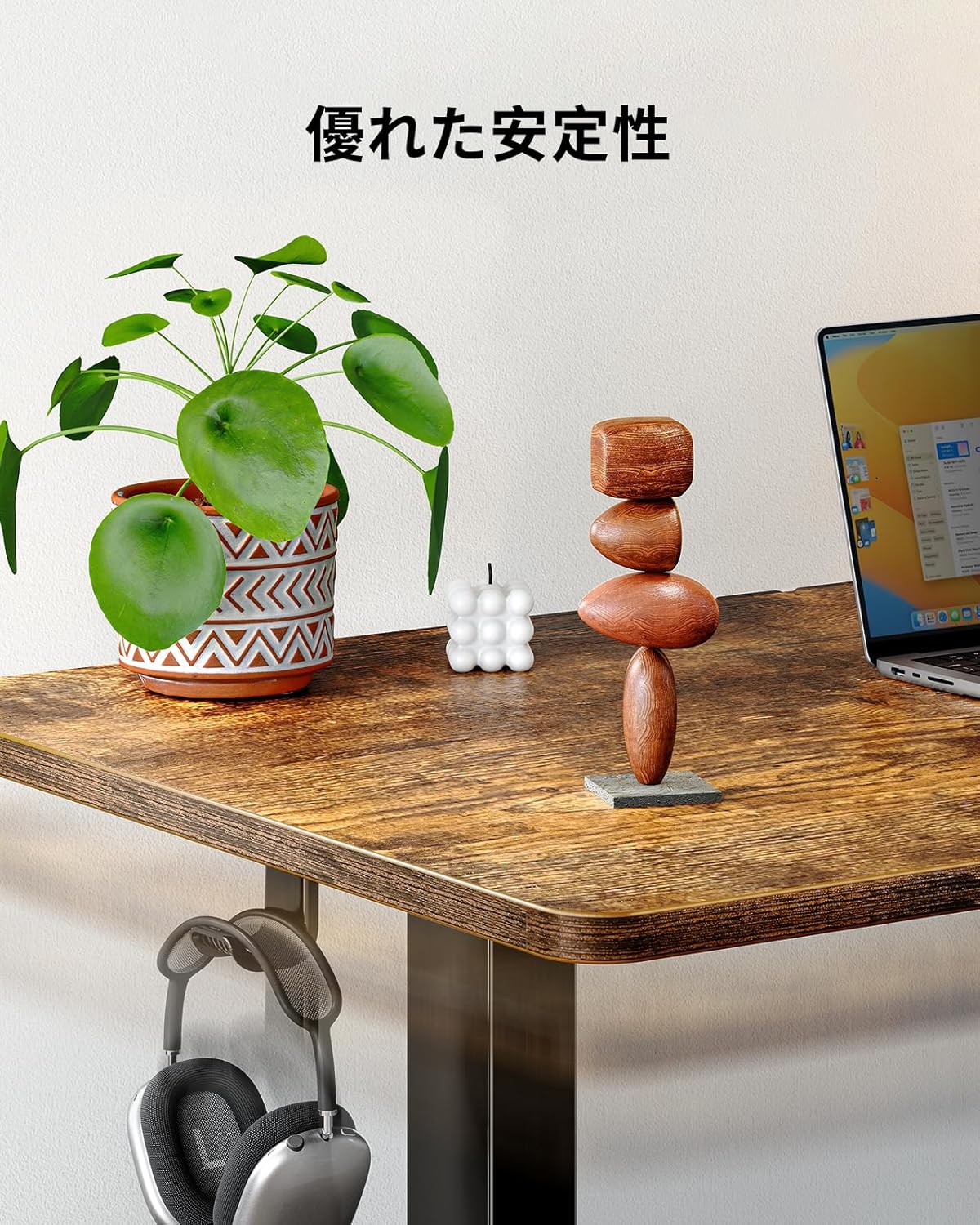
Figura 4.2: Pannello di controllo
This close-up image displays the ErGear desk's control panel, featuring a digital height display, up and down arrow buttons for manual adjustment, and four numbered memory preset buttons for saving and recalling preferred heights. An 'M' button is also visible for setting these memory positions.
5. Manutenzione
Per garantire la longevità e le prestazioni ottimali della tua scrivania elettrica ErGear, segui queste semplici linee guida per la manutenzione:
- Pulizia: Pulisci il desktop e la cornice con un panno morbido eamp cloth. Avoid using harsh chemicals or abrasive cleaners, as they may damage the surface.
- Controllare le connessioni: Controllare periodicamente tutte le viti e i collegamenti per assicurarsi che siano ben serrati. Serrare nuovamente se necessario.
- Gestione dei cavi: Keep cables organized using the integrated cable tray to prevent tangles and damage.
- Evitare il sovraccarico: Do not exceed the recommended maximum weight capacity of 50kg to prevent strain on the motor and frame.
6. Risoluzione Dei Problemi
Se riscontri problemi con la tua scrivania elettrica ErGear, fai riferimento ai seguenti passaggi comuni per la risoluzione dei problemi:
| Problema | Possibile causa | Soluzione |
|---|---|---|
| La scrivania non si muove / Nessuna alimentazione | Power cable disconnected; Outlet issue; Control box malfunction. | Check if the power cable is securely plugged into the desk and the wall outlet. Try a different outlet. Ensure all cables are properly connected to the control box. |
| Codice di errore E07 visualizzato | Overload; Motor issue; Initialization required. | Remove all items from the desk. Perform a reset: Press and hold the 'Down' button until the desk reaches its lowest point, then release and press 'Down' again for 5-10 seconds until it slightly moves up. If the error persists, contact customer support. |
| Desk wobbles at high height | Collegamenti allentati; pavimento irregolare. | Ensure all screws are tightened, especially those connecting the legs to the desktop and the crossbar. Adjust the leveling feet at the bottom of the legs to stabilize the desk on uneven surfaces. |
| La funzione di memoria non funziona | Incorrect setting procedure; Power cycle. | Ensure you follow the correct procedure: adjust to height, press 'M', then press the preset number. If the issue persists, unplug the desk for 30 seconds and plug it back in to reset the control panel. |
If the problem persists after trying these solutions, please contact ErGear customer support for further assistance.
7. Specifiche
| Marca | Ingranaggio Er |
| Modello | 100*60cm Vintage |
| Dimensioni del prodotto (L x P x A) | Dimensioni: 100 cm x 60 cm x 71-119 cm |
| Peso del prodotto | 21 kg |
| Peso massimo consigliato | 50 kg |
| Materiale del telaio | Acciaio al carbonio |
| Altre funzioni | Height adjustable, Electric operation |
| Utilizzo della batteria | NO |
| Dimensioni del pacco | Dimensioni: 109 x 68.5 x 13 cm |
| Peso del pacco | 22 kg |
| ASIN | B0D3V988NH |
| Data di prima disponibilità su Amazon.co.jp | 2024/5/10 |
8. Garanzia e supporto
ErGear is committed to providing high-quality products. For information regarding product warranty, please refer to the warranty card included in your product packaging or visit the official ErGear websito.
For any technical support, troubleshooting assistance beyond what is provided in this manual, or inquiries about parts, please contact ErGear customer support. You can typically find contact information on the product packaging, the official brand website, or through your point of purchase (e.g., Amazon's customer service portal).
When contacting support, please have your product model number (100*60cm Vintage) e ASIN (B0D3V988NH) ready to expedite the process.


