1. Introduzione
This manual provides detailed instructions for the installation, operation, and maintenance of your TP-Link TC82 KIT Solar-Powered Outdoor Security Camera. This device is designed to provide reliable outdoor surveillance with the convenience of solar power, offering 2K 3MP video resolution, color night vision, and smart person detection.
2. Contenuto della confezione
Verify that all components are present in your package. The TP-Link TC82 KIT typically includes:
- TP-Link TC82 Security Camera
- Pannello solare
- Staffa di montaggio e viti
- Cavo di ricarica USB
- Guida rapida
Nota: il contenuto specifico può variare. Fare riferimento alla confezione per i dettagli esatti.
3. Configurazione e installazione
The TC82 KIT offers flexible, wire-free installation thanks to its solar power capabilities. Ensure the camera is fully charged before initial setup.
3.1 Caricamento della fotocamera
Before mounting, connect the camera to a power source using the provided USB cable to ensure it has sufficient charge for initial setup. A full charge is recommended for optimal performance.
3.2 Installazione dell'app e configurazione dell'account
- Download the Tapo app from your device's app store (iOS or Android).
- Crea un ID TP-Link o accedi con uno esistente.
- Follow the in-app instructions to add your TC82 camera.
3.3 Montaggio della telecamera e del pannello solare
Scegliere una posizione che fornisca un'esposizione ottimale alla luce solare per il pannello solare e una vista libera view for the camera. The camera and solar panel can be installed as a compact unit or separately using the 4-meter cable for flexible placement.
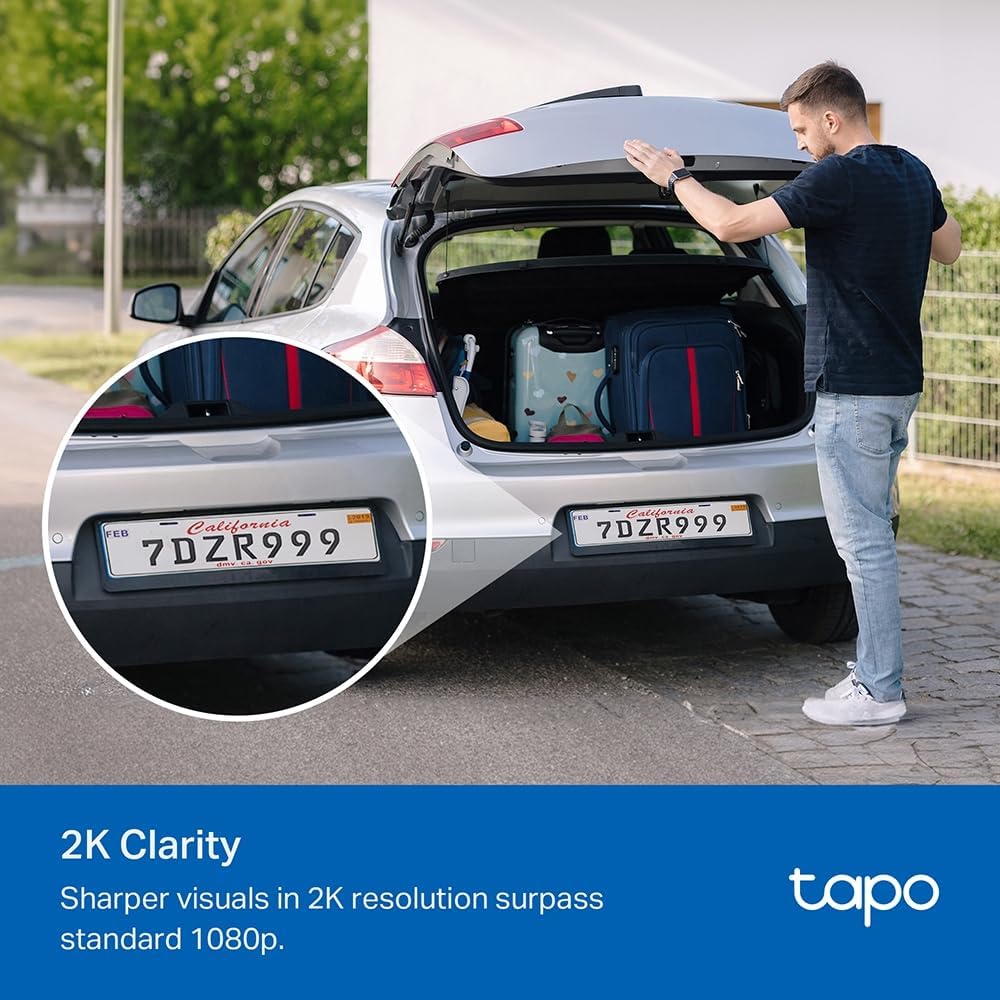
Image: The TP-Link TC82 KIT camera and solar panel are shown mounted on a wall, illustrating the flexible installation options where they can be attached together or separately with a cable for optimal sun exposure.
- Posizionamento del pannello solare: Ensure the solar panel receives at least 45 minutes of direct sunlight daily for continuous monitoring.
- Posizionamento della fotocamera: Position the camera to cover the desired surveillance area. The camera is IP65 weather-resistant, suitable for outdoor use.
- Use the provided mounting template and screws to securely attach the bracket to a wall or suitable surface.
- Attach the camera and solar panel to the bracket.
- Collegare il cavo del pannello solare alla telecamera.
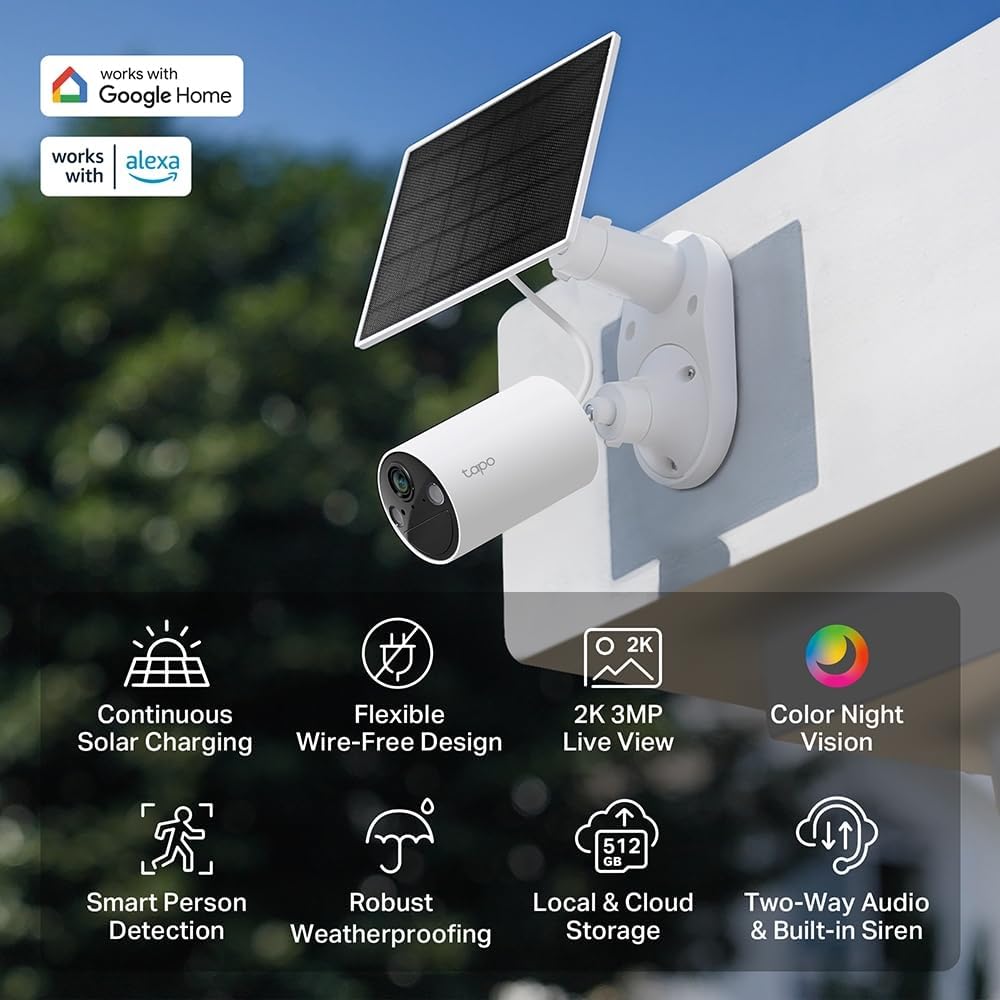
Immagine: Un overview of the TP-Link TC82 KIT camera and solar panel, highlighting key features such as continuous solar charging, wire-free design, 2K 3MP live view, color night vision, smart person detection, robust weatherproofing, local and cloud storage, and two-way audio with a built-in siren.
4. Istruzioni per l'uso
Operate your TC82 KIT camera using the Tapo app on your smartphone or tablet.
4.1 Vivere View e Registrazione
- Open the Tapo app and select your TC82 camera to view il feed dal vivo.
- The camera provides 2K 3MP resolution for clear visuals, surpassing standard 1080p.
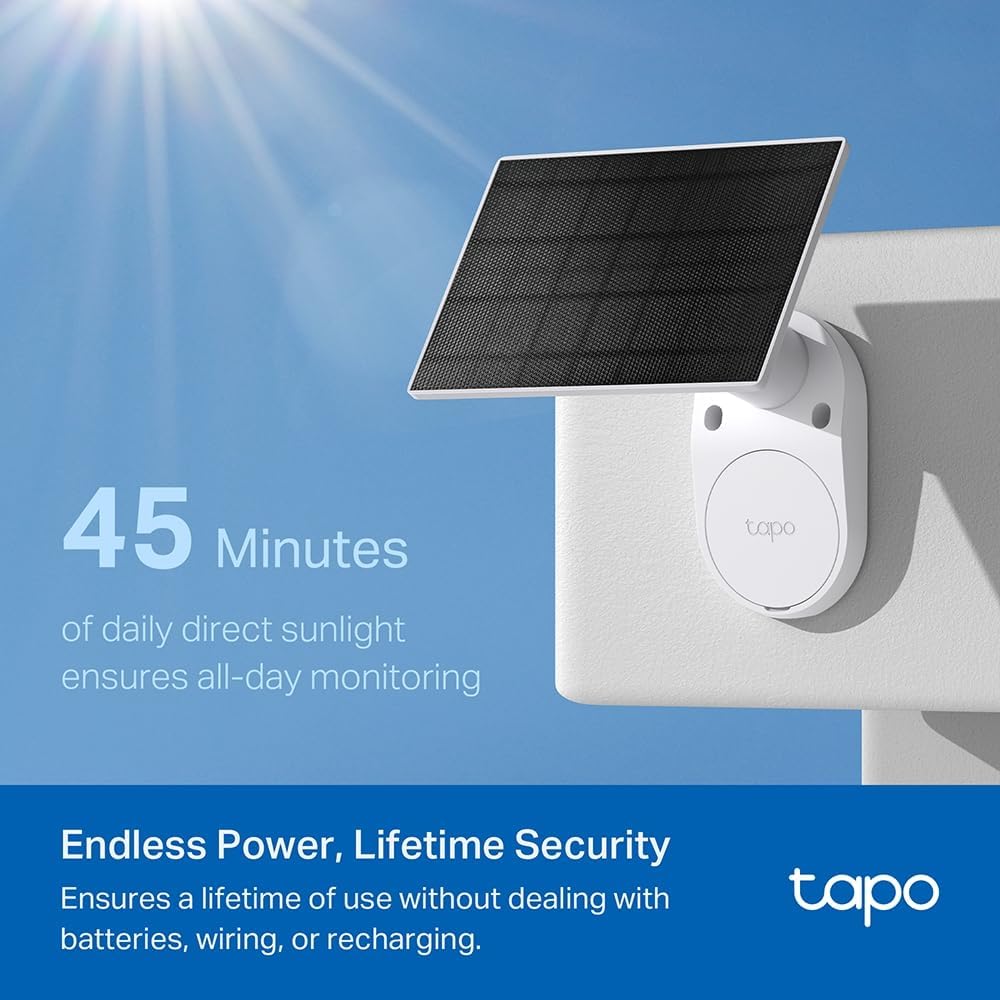
Image: A car's license plate is displayed with a magnified section, illustrating the superior 2K clarity of the TP-Link TC82 KIT camera, which offers sharper visuals compared to standard 1080p.
4.2 Visione notturna
The camera features color night vision, capturing detailed and vivid nighttime colors up to 30 feet (9 meters).
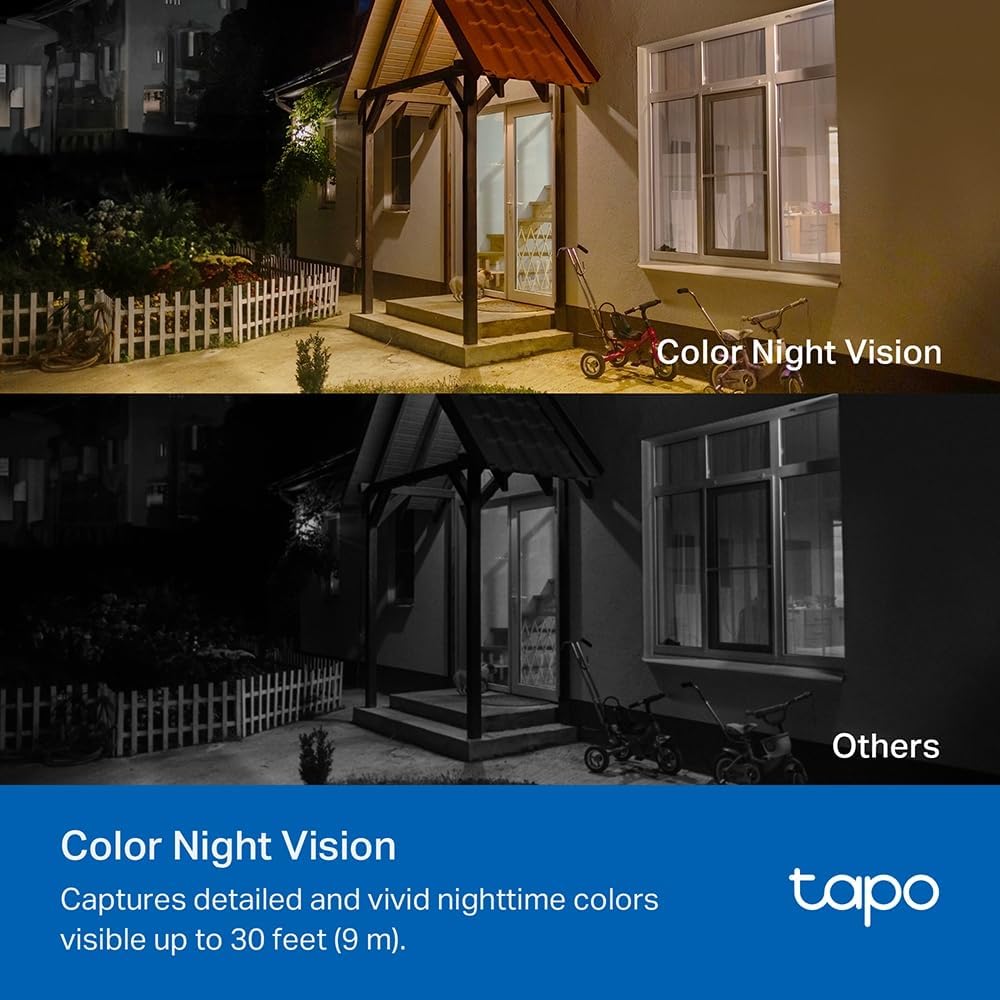
Image: A comparison image showing a house at night. The upper portion demonstrates the camera's color night vision, displaying the scene with natural colors, while the lower portion shows a typical monochrome night vision view, labeled 'Others'.
4.3 Rilevamento intelligente delle persone
The TC82 KIT utilizes smart person detection to identify human figures, reducing false alerts from pets or other moving objects. You will receive notifications on your phone when a person is detected.

Image: A child is depicted playing with a soccer ball in a yard, with a blue box highlighting the child, demonstrating the camera's smart person detection capability that alerts users when a person is identified.
4.4 Audio bidirezionale
Use the two-way audio feature via the Tapo app to communicate with visitors or deter intruders.
4.5 Opzioni di archiviazione
The camera supports both local storage (via microSD card, up to 512GB) and cloud storage options (subscription may be required).
5. Manutenzione
Una manutenzione regolare garantisce prestazioni ottimali e longevità della telecamera di sicurezza.
- Pulizia: Pulire periodicamente l'obiettivo della fotocamera e il pannello solare con un panno morbido eamp panno per rimuovere polvere e detriti. Evitare detergenti abrasivi.
- Efficienza del pannello solare: Ensure the solar panel remains free from obstructions (e.g., leaves, snow) that could block sunlight.
- Aggiornamenti del firmware: Check the Tapo app regularly for firmware updates to ensure your camera has the latest features and security enhancements.
- Stato della batteria: While solar-powered, monitor battery status via the app, especially during prolonged periods of low sunlight.
6. Risoluzione Dei Problemi
If you encounter issues with your TC82 KIT, refer to the following common solutions:
6.1 La fotocamera non si connette al Wi-Fi
- Assicurati che la tua rete Wi-Fi sia a 2.4 GHz.
- Verifica che la telecamera si trovi nel raggio di azione del router Wi-Fi.
- Riavvia il router e la telecamera.
- Verify the Wi-Fi password entered in the Tapo app is correct.
6.2 Scarsa qualità video
- Controlla la velocità della tua connessione Internet.
- Pulisci l'obiettivo della fotocamera.
- Assicurarsi che non vi siano ostacoli nel campo di ripresa della telecamera view.
6.3 Solar Panel Not Charging
- Assicurarsi che il pannello solare riceva luce solare diretta per diverse ore al giorno.
- Pulire la superficie del pannello solare.
- Controllare il cavo di collegamento tra il pannello solare e la telecamera.
- Verificare che la temperatura ambiente rientri nell'intervallo operativo.
6.4 Avvisi di falsi movimenti
- Adjust the motion detection sensitivity settings in the Tapo app.
- Define activity zones to monitor specific areas and ignore others.
7. Specifiche
| Caratteristica | Specificazione |
|---|---|
| Numero di modello | KIT TC82 |
| Risoluzione di registrazione video | 2K (2304 x 1296 pixel) |
| Risoluzione fissa efficace | 3 Megapixel |
| Tecnologia di comunicazione wireless | Wifi |
| Protocollo di connettività | Wifi |
| Fonte di alimentazione | Energia solare |
| Gamma di visione notturna | 30 piedi (9 metri) |
| Caratteristiche speciali | Two-way audio, Motion detector, Night vision |
| Livello di resistenza all'acqua | Impermeabile (IP65) |
| Materiale | Plastica |
| Tipo di montaggio | Montaggio a parete |
| Dimensioni (L x P x A) | 20.3 x 26.1 x 9.7 centimetri |
| Composizione della batteria | Ioni di litio (1 incluso) |
| Dispositivi compatibili | Smartphone, Tablet |
| Tipo di controllore | Amazon Alexa |
| Usi consigliati del prodotto | Outdoor Security, Indoor Security |
8. Garanzia e supporto
For detailed warranty information, technical support, and access to the latest software updates, please visit the official TP-Link website or contact their customer support. Information regarding spare parts availability and guaranteed software updates is not provided in this document.
In genere puoi trovare risorse di supporto, FAQ e informazioni di contatto su www.tp-link.com/support.


