1. Introduzione
This manual provides essential information for setting up, operating, and maintaining your DOOGEE T40PRO 12-inch Android 14 Tablet. Please read it thoroughly to ensure proper usage and to maximize your device's capabilities.
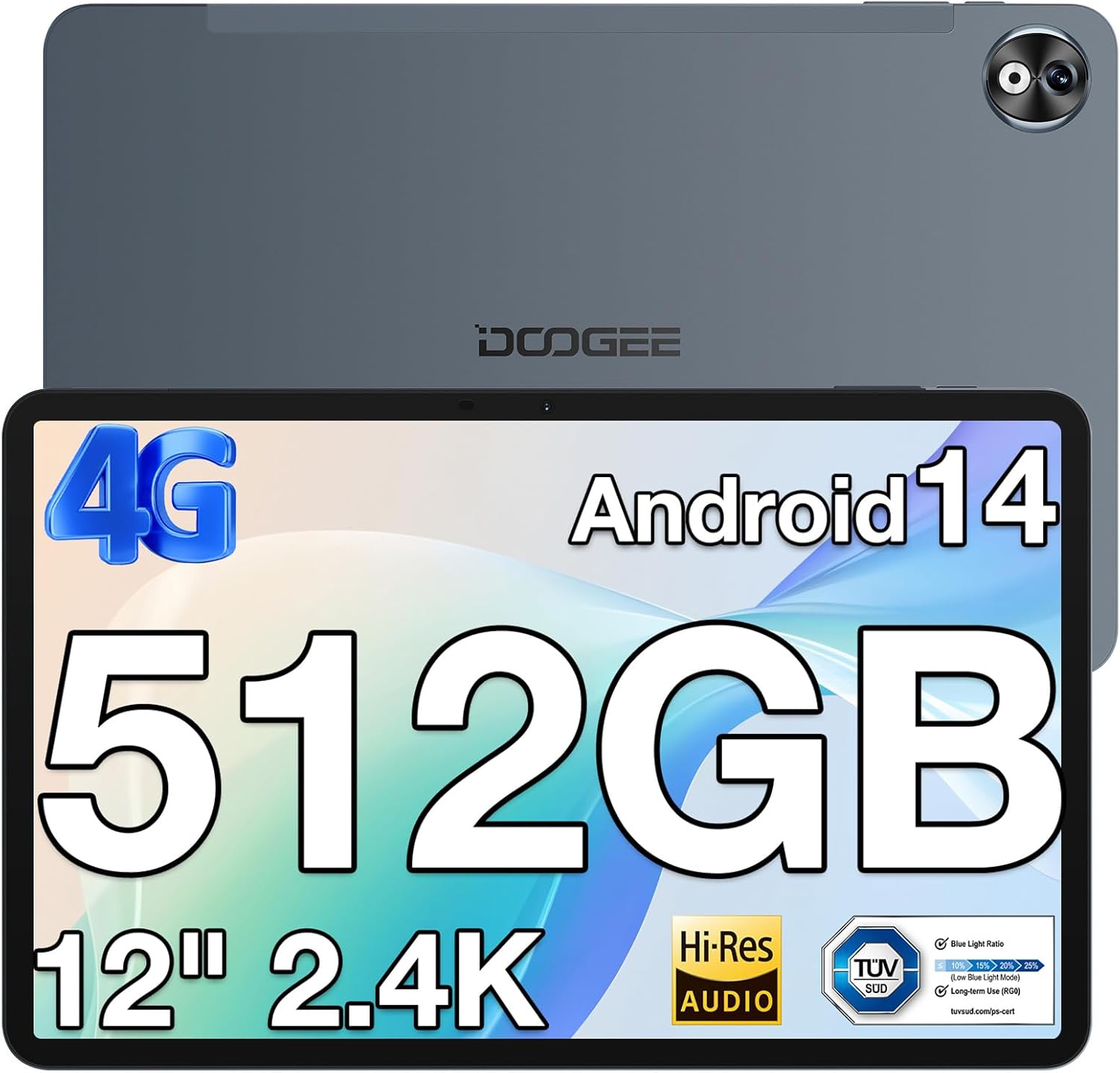
Immagine 1: Fronte e retro view of the DOOGEE T40PRO Tablet.
2. Impostazione
2.1 Contenuto della confezione
Verificare che tutti gli articoli siano presenti nella scatola:
- DOOGEE T40PRO Tablet Android 14 (x1)
- Caricabatterie (x1)
- Cavo USB di tipo C (x1)
- Tool for taking card (SIM ejector tool) (x1)
- Manuale utente (x1)
- Tempered Glass Protective Film (x1)

Image 2: Illustration of the DOOGEE T40PRO Tablet package contents.
2.2 Carica iniziale
Before first use, fully charge your tablet using the provided 18W Type-C fast charger and cable. The tablet features a 10,800mAh battery.
Video 1: Demonstrates the charging process of the DOOGEE T40PRO Tablet.
2.3 Installazione della scheda SIM e della scheda Micro SD
The T40PRO Tablet supports dual SIM/Micro SD slots. Use the provided ejector tool to open the tray. Insert your SIM cards (GSM, WCDMA, FDD, TDD networks supported) and/or a Micro SD card (up to 2TB expandable storage) into the designated slots.

Image 3: Shows the dual SIM/Micro SD card slots and the tablet's navigation capabilities.
2.4 Accensione/spegnimento
Per accendere, tieni premuto il pulsante di accensione finché non appare il logo DOOGEE. Per spegnere, tieni premuto il pulsante di accensione, quindi seleziona "Spegni" dalle opzioni.
3. Istruzioni per l'uso
3.1 Visualizzazione e immagini
The tablet features a 12-inch 2.4K FHD In-Cell Touchscreen with a 1200x2000 resolution and a 16:10 aspect ratio for clear and vibrant visuals.

Image 4: Comparison highlighting the 12-inch 2.4K Fullview Display of the T40PRO.
3.2 Prestazioni
Powered by the Helio G99 octa-core processor (2x ARM Cortex-A76 2.2GHz + 6x ARM Cortex-A55 2.0GHz) and 20GB RAM (8GB physical + 12GB virtual), the tablet offers smooth performance for gaming and applications.

Immagine 5: Dettagliata view of the Helio G99 Octa-core Processor specifications.
Video 2: Shows the tablet's performance during gaming, highlighting its capabilities.
3.3 Conservazione
The tablet comes with 512GB of internal storage, expandable up to 2TB via a TF card, providing ampspazio per media e applicazioni.

Image 6: Visual representation of the tablet's massive storage capacity.
3.4 Connettività
Enjoy fast and stable connections with 5G/2.4G dual-band Wi-Fi, Bluetooth 5.0, and 4G Dual SIM support. Integrated GPS, Galileo, Beidou, and Glonass systems ensure accurate navigation.
Fotocamera a 3.5°
Cattura i momenti più belli con la fotocamera posteriore da 16 MP e quella anteriore da 8 MP.
3.6 Audio
Experience immersive sound with quad speakers. A 3.5mm headphone jack and FM radio are also included for your convenience.
Video 3: Demonstrates media playback and volume control on the tablet.
3.7 Software e funzionalità
The tablet runs on the latest Android 14 operating system, offering enhanced privacy and multitasking capabilities. It is GMS certified, allowing access to Google Play Store apps. WPS Office is pre-installed for document editing.

Immagine 7: Passoview of the Android 14 system features on the tablet.

Image 8: Demonstrates the use of WPS Office for productivity on the tablet.
3.7.1 Multitasking e schermo diviso
Utilize the split-screen feature for enhanced productivity, allowing two applications to run side-by-side.
Video 4: Shows the tablet's split-screen functionality, ideal for multitasking.
3.7.2 Sblocco col sorriso
Securely unlock your device using the face unlock feature for instant access.

Image 9: Demonstrates the Face Unlock feature for quick and secure access.
3.7.3 Reading Modes
The tablet offers various reading modes, including Dark Mode, Eye-protection Mode, and Power-saving Mode, to optimize your viewesperienza di acquisizione.

Image 10: Illustrates the different reading modes available on the tablet.
4. Manutenzione
4.1 Cura della batteria
To prolong battery life, avoid extreme temperatures and fully discharge and recharge the battery periodically. Use only the provided charger and cable.
4.2 Pulizia
Utilizzare un panno morbido e privo di lanugine per pulire lo schermo e il corpo del tablet. Evitare materiali abrasivi o sostanze chimiche aggressive.
4.3 Aggiornamenti software
Regularly check for and install system updates to ensure optimal performance, security, and access to the latest features of Android 14.
4.4 Gestione dell'archiviazione
Periodicamente riview and manage your stored files and applications to maintain sufficient free space for smooth operation. Utilize the expandable storage option for large files.
5. Risoluzione Dei Problemi
If you encounter issues with your DOOGEE T40PRO Tablet, consider the following common solutions:
- Blocco del dispositivo: If the tablet freezes, press and hold the power button for approximately 10-15 seconds to force a restart.
- Problemi di ricarica: Ensure the Type-C cable and charger are securely connected and undamaged. Try a different power outlet.
- Problemi di connettività: For Wi-Fi, restart your router and the tablet. For 4G, ensure your SIM card is correctly inserted and your plan is active.
- Malfunzionamenti dell'app: Cancella la cache e i dati dell'app problematica in Impostazioni > App. Se il problema persiste, disinstalla e reinstalla l'app.
- Prestazioni lente: Close unnecessary background apps, clear cache, and ensure sufficient storage space.
Per problemi persistenti, fare riferimento al supporto ufficiale DOOGEE websito o contattare il servizio clienti.
6. Specifiche
| Caratteristica | Specificazione |
|---|---|
| Nome del modello | T40PRO |
| Sistema operativo | Androide 14 |
| Dimensioni dello schermo | 12 pollici |
| Risoluzione dello schermo | 2000x1200 (2.4K) |
| Processore | Helio G99 Octa-core (2.2 GHz) |
| Memoria RAM | 20 GB (8 GB fisici + 12 GB virtuali) |
| Memoria interna | 512 GB |
| Archiviazione espandibile | Fino a 2 TB (tramite scheda TF) |
| Capacità della batteria | 10,800mAh |
| Ricarica | Ricarica rapida di tipo C da 18 W |
| Telecamera posteriore | 16MP |
| Fotocamera frontale | 8MP |
| Connettività wireless | Wi-Fi 2.4G e 5G, Bluetooth 5.0 |
| Connettività cellulare | 4G Dual SIM (GSM, WCDMA, FDD, TDD) |
| Navigazione | GPS, Galileo, Beidou, Glonass |
| Dimensioni | 10.9 x 6.8 x 0.29 pollici (spessore 7.66 mm) |
| Peso | 2.64 libbre (578 g) |
7. Garanzia e supporto
The DOOGEE T40PRO Tablet comes with a 1-year warranty. For any issues or support inquiries, please contact DOOGEE customer service. Contact details can typically be found on the official DOOGEE websito o tramite il rivenditore presso il quale è stato acquistato il prodotto.


