1. Introduzione
Grazie per aver scelto il neroview AirBuds 10 Open Ear Headphones. These wireless earbuds are designed for comfort and situational awareness, making them ideal for sports and daily activities. This manual provides detailed instructions to help you get the most out of your device.
2. Prodotto finitoview
2.1 Contenuto della confezione
- Neroview AirBuds 10 Open Ear Headphones (Left and Right)
- Custodia di ricarica wireless
- Cavo di ricarica USB (tipo C)
- Manuale d'uso
2.2 Caratteristiche principali
- Design a orecchio aperto: Flexible ear hooks provide a secure and comfortable fit without entering the ear canal, allowing awareness of surroundings.
- Audio migliorato: Equipped with 16.2mm dynamic drivers for a rich listening experience.
- Cancella chiamate: Dual microphones with Environmental Noise Cancellation (ENC) reduce ambient noise for clear voice transmission.
- Bluetooth 5.3: Ensures stable connection, lower power consumption, longer transmission range, and reduced latency.
- Controllo touch intuitivo: Gestisci musica, chiamate e volume direttamente dagli auricolari.
- Durata prolungata della batteria: Fino a 45 ore di riproduzione totale con la custodia di ricarica.
- IPX7 impermeabile: Resistant to water splashes and sweat, suitable for various activities.

Figura 1: Neroview AirBuds 10 Open Ear Headphones and Charging Case.

Figure 2: The open-ear design allows for comfort and environmental awareness.
3. Impostazione
3.1 Ricarica degli auricolari e della custodia
Before first use, fully charge the earbuds and the charging case. Place the earbuds into the charging case. Connect the Type-C charging cable to the charging port on the case and a power source. The charging indicator lights will show the charging status. A full charge for the earbuds takes approximately 1.5 hours. The charging case provides multiple charges, offering up to 45 hours of total playtime.
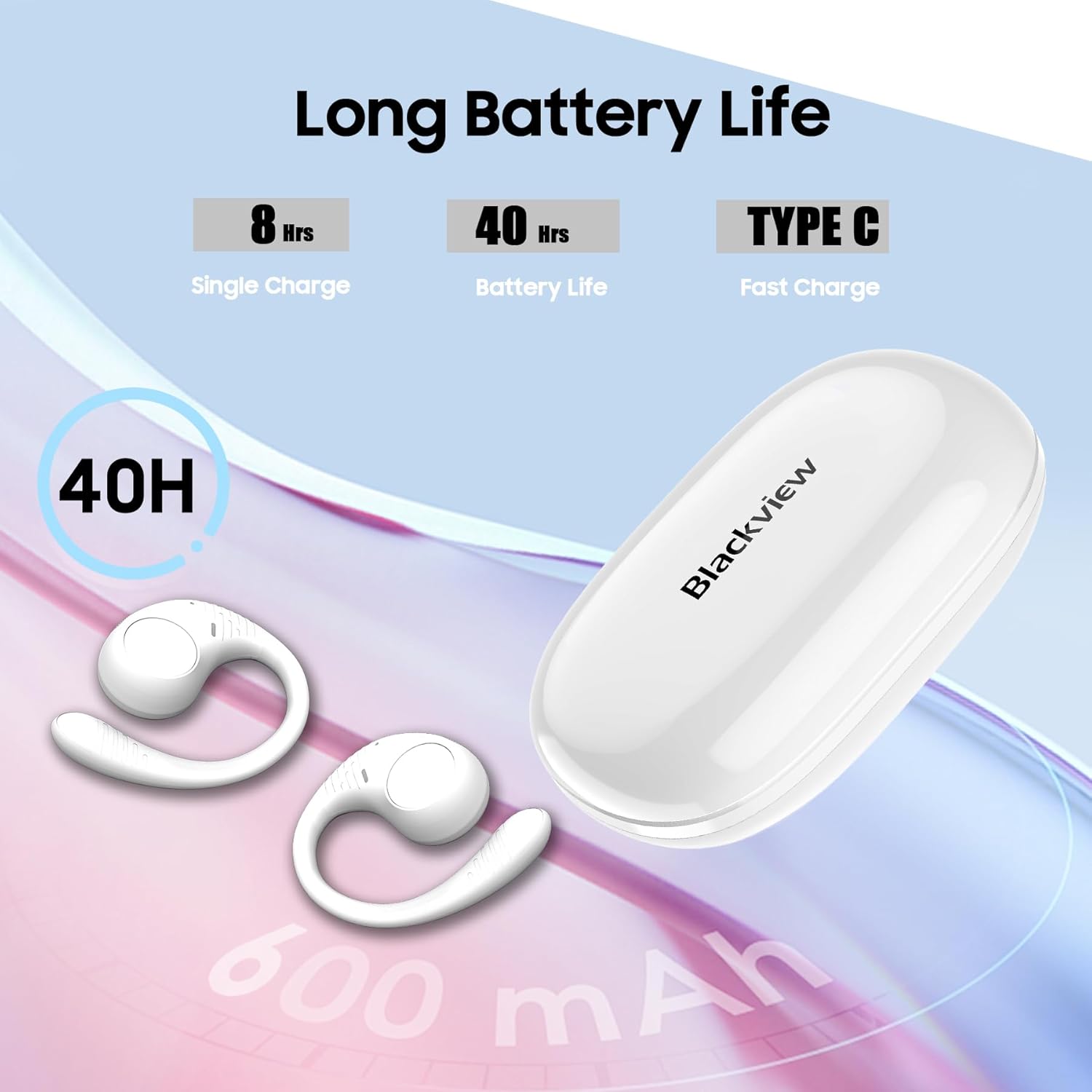
Figura 3: Informazioni sulla durata della batteria e sulla ricarica.
3.2 Associazione Bluetooth
- Assicurati che gli auricolari siano carichi.
- Aprire la custodia di ricarica. Gli auricolari entreranno automaticamente in modalità di associazione, indicata da una luce LED lampeggiante sugli auricolari.
- Sul tuo dispositivo (smartphone, tablet, computer), attiva il Bluetooth e cerca i dispositivi disponibili.
- Seleziona "Neroview AirBuds 10" from the list of devices.
- Once connected, the LED indicator on the earbuds will turn off or show a steady light, and you will hear an audible confirmation.
- After the initial successful pairing, the earbuds will automatically connect to the last paired device when removed from the case.
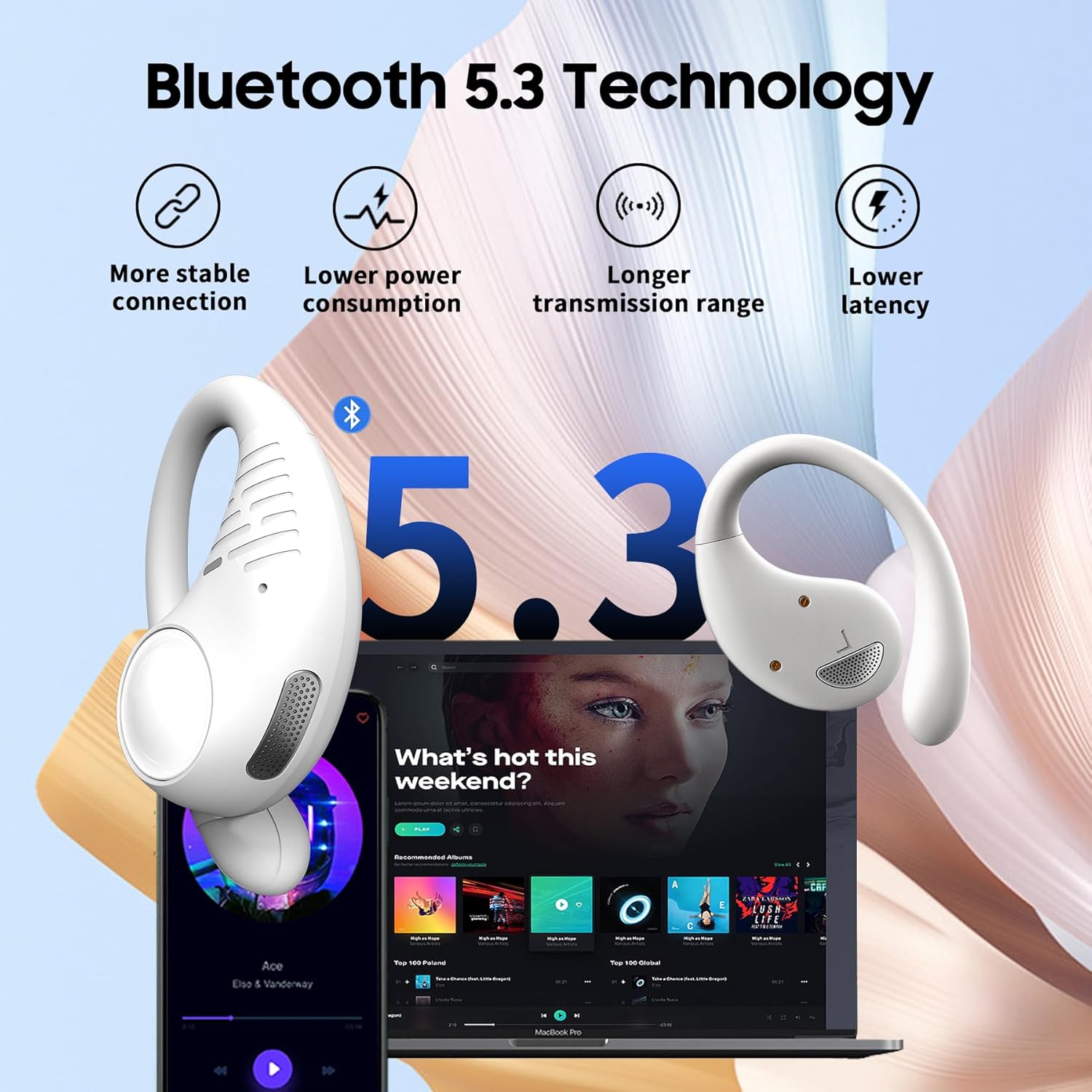
Figure 4: Bluetooth 5.3 connectivity for stable pairing.
4. Istruzioni per l'uso
4.1 Indossare gli auricolari
Gently place the earbud over your ear, ensuring the ear hook wraps securely behind your ear. Adjust for a comfortable and stable fit. The open-ear design means the earbuds rest outside your ear canal.

Figure 5: The earhook design ensures a secure fit during activities.
4.2 Comandi touch
The AirBuds 10 feature touch-sensitive areas on each earbud for easy control of various functions:
- Riproduci/Pausa musica: Tocca due volte l'auricolare sinistro/destro.
- Traccia successiva: Triple-tap the R earbud.
- Traccia precedente: Triple-tap the L earbud.
- Aumenta volume: Single-tap the R earbud.
- Volume basso: Single-tap the L earbud.
- Rispondi/Termina chiamata: Tocca due volte l'auricolare sinistro/destro.
- Rifiuta chiamata: Press and hold the L/R earbud for 2 seconds.
- Attiva l'Assistente vocale (Siri/Assistente Google): Press and hold the L/R earbud for 3 seconds.

Figura 6: Funzioni di controllo touch intelligenti.
4.3 Modalità auricolare singolo
You can use either the left or right earbud independently. Simply remove one earbud from the charging case, and it will automatically connect to your device. The other earbud can remain in the case or be charged.
5. Manutenzione
5.1 Pulizia
Regularly clean your earbuds and charging case with a soft, dry, lint-free cloth. Avoid using abrasive materials, solvents, or spray cleaners. Do not submerge the charging case in water.
5.2 Conservazione
Quando non li usi, riponi gli auricolari nella loro custodia di ricarica per proteggerli e assicurarti che rimangano carichi. Conservali in un luogo fresco e asciutto, lontano da temperature estreme.
5.3 Resistenza all'acqua (IPX7)
Il Neroview AirBuds 10 are IPX7 waterproof, meaning they can withstand splashes, rain, and sweat. They are not designed for swimming or prolonged submersion. Ensure the earbuds are dry before placing them back into the charging case to prevent damage.
6. Risoluzione Dei Problemi
| Problema | Possibile soluzione |
|---|---|
| Gli auricolari non si accoppiano | Ensure earbuds are charged. Turn off and on Bluetooth on your device. Forget "Blackview AirBuds 10" from your device's Bluetooth list and re-pair. Place earbuds back in case, close, then reopen to re-enter pairing mode. |
| Nessun suono da un auricolare | Check battery level of both earbuds. Try placing both earbuds back in the case, closing it, and then taking them out again. Re-pair the earbuds with your device. |
| La custodia di ricarica non si ricarica | Assicurati che il cavo di ricarica sia collegato saldamente sia alla custodia che alla fonte di alimentazione. Prova un cavo di ricarica o un adattatore di alimentazione diverso. |
| Basso volume | Adjust volume on both your connected device and using the earbud touch controls. Due to the open-ear design, a slightly higher volume may be needed. |
| Gli auricolari cadono facilmente | Ensure the ear hooks are properly positioned and adjusted for a snug fit around your ears. |
7. Specifiche
| Caratteristica | Dettaglio |
|---|---|
| Nome del modello | Airbuds 10 |
| Tecnologia di connettività | Wireless (Bluetooth) |
| Versione Bluetooth | 5.3 |
| Portata Bluetooth | 10 metri |
| Dimensioni del driver audio | 16.2 millimetri |
| Durata della batteria (auricolari) | Fino a 8 ore (carica singola) |
| Tempo di riproduzione totale (con custodia) | Fino a 45 ore |
| Tempo di ricarica | 1.5 ore (auricolari) |
| Livello di resistenza all'acqua | Grado di protezione IPX7 |
| Tipo di controllo | Controllo touch |
| Microfono | Dual Microphone with ENC |
| Dispositivi compatibili | Cellphones, Tablets, Computers (Bluetooth enabled) |
| Capacità della batteria della custodia di ricarica | 550 milioneamp Ore |
| Peso dell'articolo | 7.8 once |
| Codice UPC | 810175522166 |
8. Garanzia e supporto
For warranty information and customer support, please refer to the warranty card included in your product packaging or visit the official Blackview website. If you encounter any issues not covered in this manual, please contact Blackview servizio clienti per assistenza.


