Benvenuto
Thank you for choosing the boAt Nirvana Crystl True Wireless Earbuds. This manual provides essential information for setting up, operating, and maintaining your earbuds. Please read it carefully to ensure optimal performance and longevity of your device.
Prodotto finitoview
Video: Un oltreview of the boAt Nirvana Crystl True Wireless Earbuds, showcasinil loro design e le caratteristiche principali.
Caratteristiche principali
- Up to 32 dB Active Noise Cancellation for an immersive audio experience.
- boAt 360° Spatial Audio for captivating, cinematic sound.
- Fino a 100 ore di riproduzione totale con la custodia di ricarica.
- Quad Mics with ENx Technology for crystal-clear calls.
- boAt Hearables App compatibility for personalized settings and controls.
- Bluetooth v5.3 for stable and efficient wireless connectivity.
- Multipoint Connectivity to seamlessly switch between two devices.
- boAt Adaptive EQ by Mimi for tailored listening based on your hearing profile.
- In-Ear Detection for automatic play/pause functionality.
- Google Fast Pair for quick and easy initial setup.
Cosa c'è nella scatola
- Auricolari TWS
- Cavo di ricarica
- Auricolari aggiuntivi (punte auricolari)
- Manuale d'uso
Iniziare
Ricarica degli auricolari e della custodia
Before first use, fully charge your boAt Nirvana Crystl earbuds and charging case. Connect the provided USB cable to the charging port on the case and a compatible power source. The charging time is approximately 2.5 hours for a full charge. A 10-minute charge provides up to 220 minutes of playback.
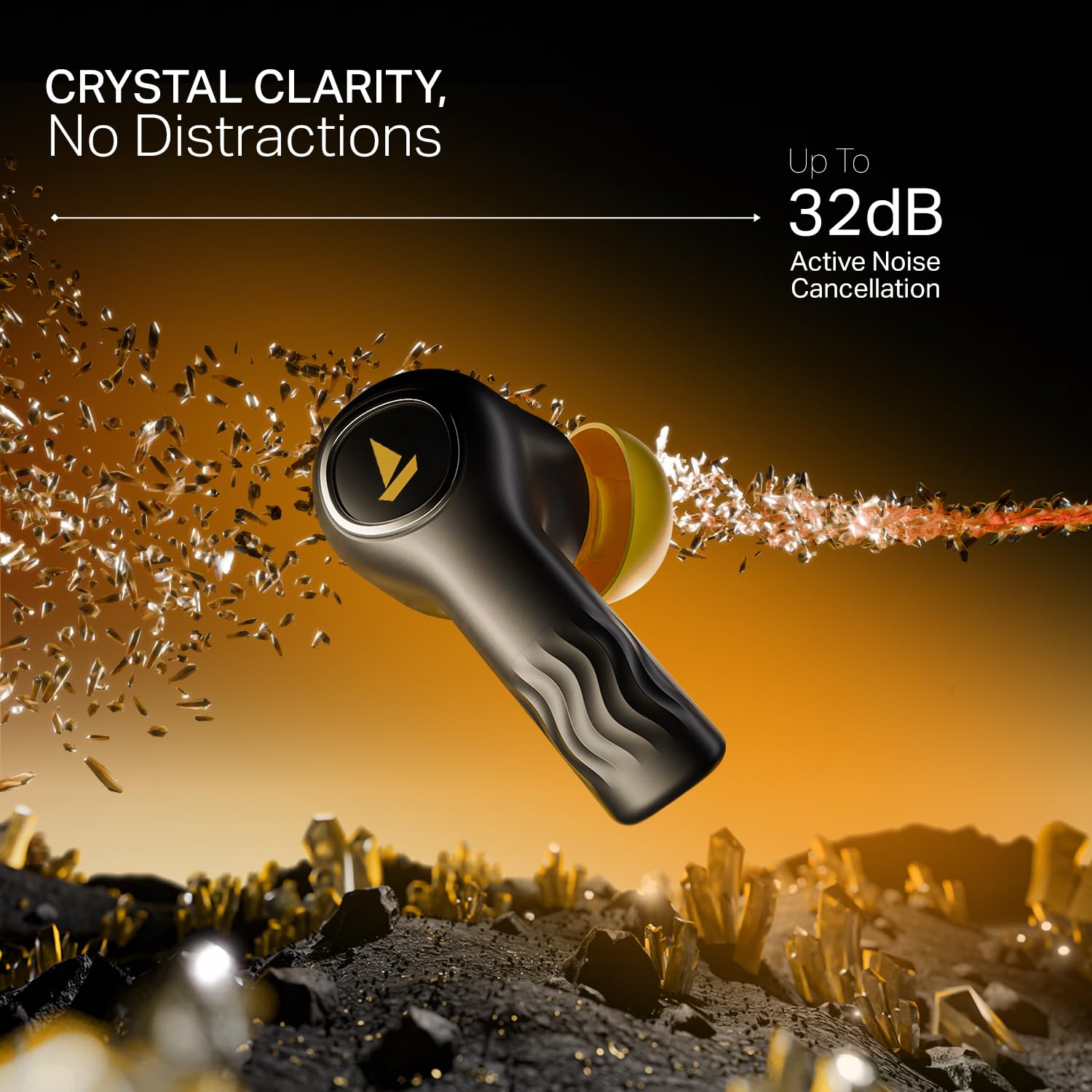
Image: The boAt Nirvana Crystl earbuds and case, illustrating the 100-hour playback and fast charging capabilities.
Associazione degli auricolari
Associazione iniziale (Google Fast Pair):
- Aprire la custodia di ricarica. Gli auricolari entreranno automaticamente in modalità di associazione.
- On your Android device, a Google Fast Pair notification will appear. Tap to connect.
- For other devices, go to your device's Bluetooth settings and select "Nirvana Crystl" from the available devices.
Riassociazione: Una volta estratti dalla custodia, gli auricolari si connetteranno automaticamente all'ultimo dispositivo associato.
Compatibilità dell'app boAt Hearables
Download the boAt Hearables App from your device's app store. The app allows you to customize touch functions, enable Spatial Audio, adjust the equalizer with boAt Adaptive EQ by Mimi, view battery levels, and manage connectivity status.
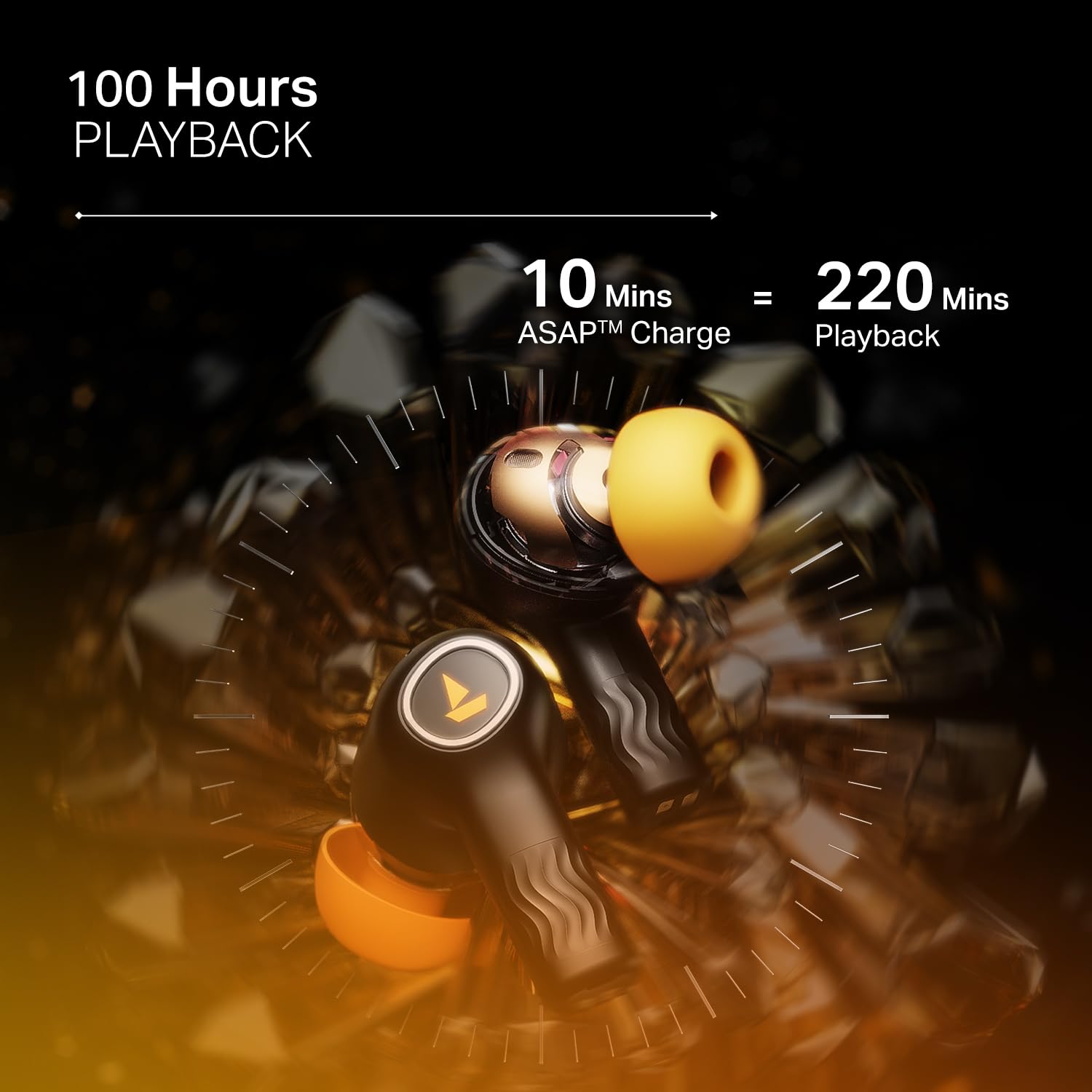
Image: The boAt Hearables App interface, demonstrating options for noise cancellation, equalizer, and spatial audio settings.
Utilizzo degli auricolari
Active Noise Cancellation (ANC)
The Nirvana Crystl earbuds feature Active Noise Cancellation up to 32 dB, allowing you to minimize ambient sounds and focus on your audio. Activate or deactivate ANC through the boAt Hearables App or via the earbud touch controls.

Image: A boAt Nirvana Crystl earbud depicted with visual effects representing the active noise cancellation feature.
boAt Audio spaziale a 360°
Experience immersive audio with boAt 360° Spatial Audio, creating a rich, multi-dimensional soundscape for music, movies, and games. This feature can be enabled via the boAt Hearables App.

Image: A person experiencing immersive sound with boAt Nirvana Crystl earbuds, illustrating the 360° Spatial Audio feature.
Microfoni Quad con tecnologia ENx
The earbuds are equipped with four microphones and ENx Technology to ensure enhanced clarity during calls, effectively reducing background noise for clear communication.
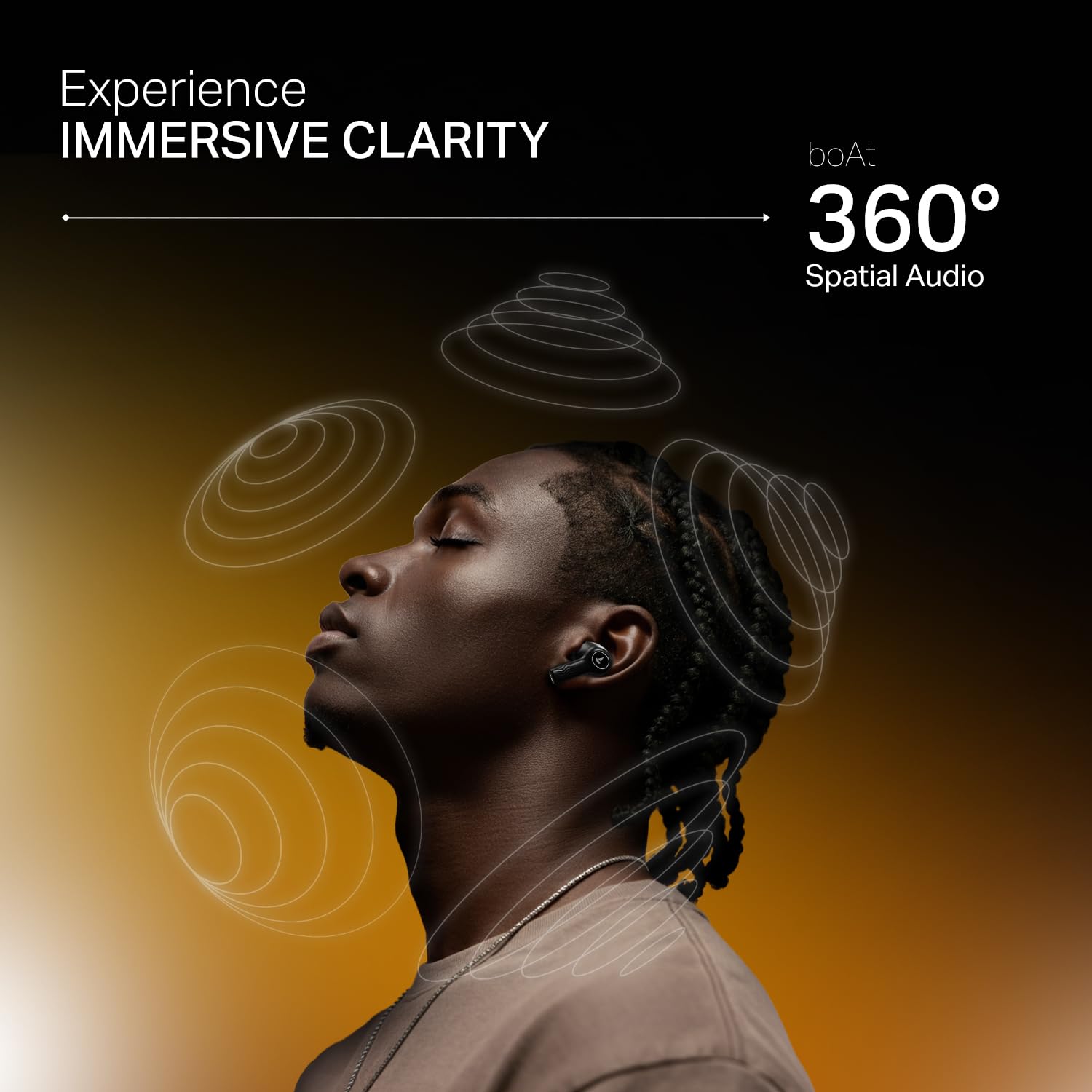
Image: A person making a call with boAt Nirvana Crystl earbuds, emphasizing the clarity provided by 4-mic ENx Technology.
Connettività multipunto
Connect your Nirvana Crystl earbuds to two devices simultaneously and switch between them seamlessly without re-pairing. For example, you can listen to music on your tablet and answer calls on your phone.
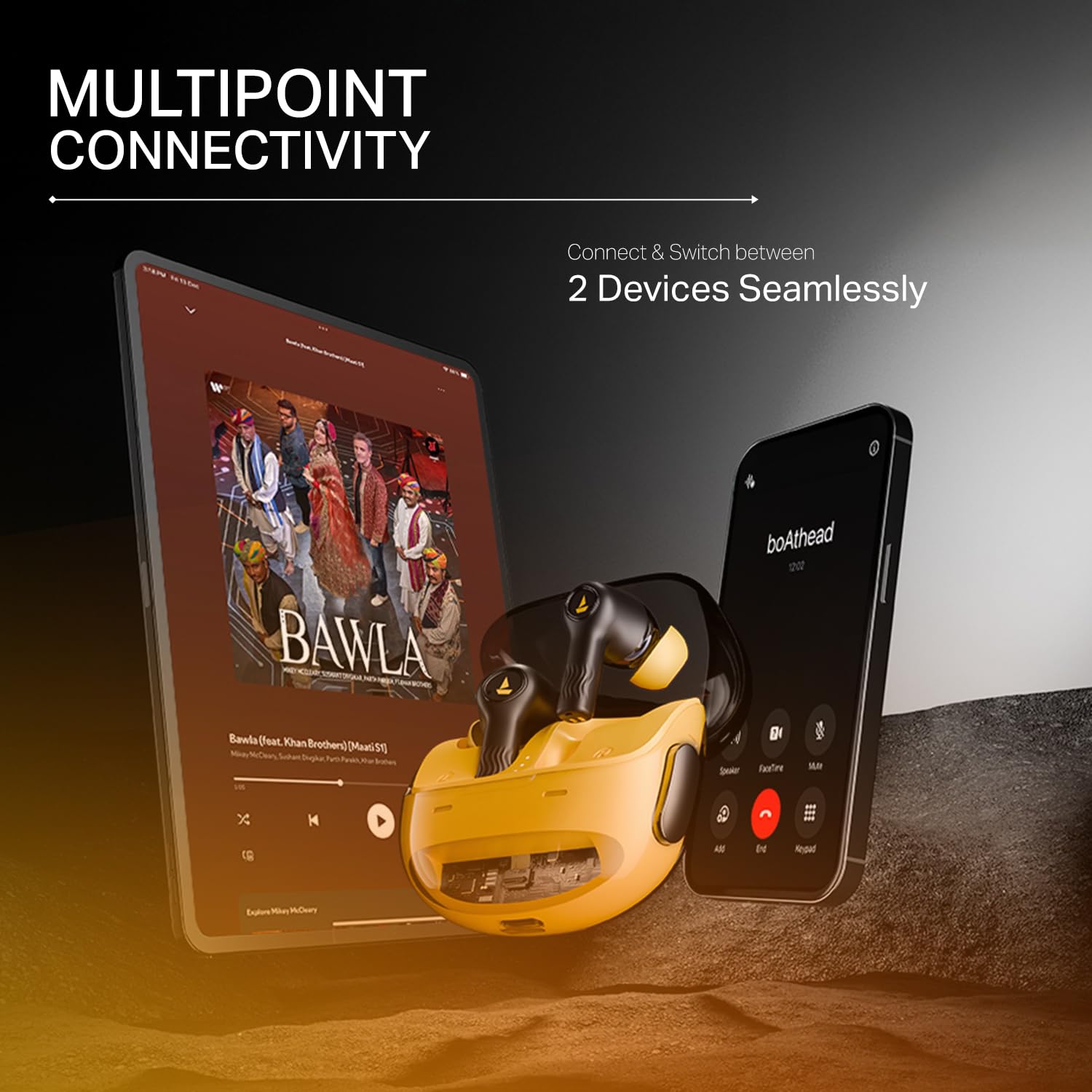
Image: The boAt Nirvana Crystl earbuds shown connected to both a smartphone and a tablet, illustrating multipoint connectivity.
Rilevamento nell'orecchio
The earbuds feature in-ear detection. Music or video playback will automatically pause when you remove an earbud and resume when you place it back in your ear.
Controlli touch
The earbuds feature intuitive touch controls for managing playback, calls, and activating features. These controls can be customized through the boAt Hearables App to suit your preferences.
Cura e manutenzione
- Pulizia: Pulisci regolarmente gli auricolari e la custodia di ricarica con un panno morbido e asciutto. Evita di utilizzare prodotti chimici aggressivi o materiali abrasivi.
- Magazzinaggio: Conserva gli auricolari nella custodia di ricarica quando non vengono utilizzati per proteggerli e mantenerli carichi.
- Resistenza all'acqua: The earbuds are water-resistant. However, they are not waterproof. Avoid submerging them in water or exposing them to heavy rain. Dry them thoroughly if they get wet.
- Temperatura: Evitare di esporre gli auricolari a temperature estreme (calde o fredde), poiché ciò potrebbe compromettere la durata e le prestazioni della batteria.
Risoluzione dei problemi
- Gli auricolari non si associano: Assicurati che entrambi gli auricolari siano nella custodia di ricarica, quindi apri il coperchio per avviare la modalità di associazione. Controlla le impostazioni Bluetooth del tuo dispositivo.
- Funziona solo un auricolare: Riposizionare entrambi gli auricolari nella custodia, chiudere il coperchio, attendere qualche secondo, quindi riaprirlo. Spesso questa operazione ripristina la connessione.
- Scarsa qualità del suono: Ensure the earbuds are properly seated in your ears and try different sized eartips for a better seal. Check the audio source and app equalizer settings.
- Gli auricolari non si caricano: Assicurarsi che il cavo di ricarica sia saldamente collegato sia alla custodia che alla fonte di alimentazione. Verificare che non vi siano detriti nella porta di ricarica.
- Problemi di connettività: Move closer to your paired device. Ensure there are no major obstructions between the earbuds and your device.
Specifiche tecniche
| Caratteristica | Specificazione |
|---|---|
| Nome del modello | Nirvana Crystl |
| Controllo del rumore | Cancellazione attiva del rumore (fino a 32 dB) |
| Tecnologia di connettività | Bluetooth v5.3 |
| Durata della batteria | 100 Hours (Total Playback) |
| Tempo di ricarica | 2.5 ore |
| Microfoni | Microfoni Quad con tecnologia ENx |
| Metodo di controllo | Tocco |
| Livello di resistenza all'acqua | Resistente all'acqua |
| Dispositivi compatibili | Cellulari, laptop, tablet |
| Materiale | Plastica |
| Peso dell'articolo | 120 grammi |
| Dimensioni del prodotto | Dimensioni: 6 x 2 x 5 cm |
| Produttore | Immagina Marketing Ltd |
Garanzia e supporto
For detailed warranty information, product registration, and customer support, please visit the official boAt website or contact their customer service directly. You can reach the manufacturer at info@imaginemarketingindia.com.
Produttore: Immagina Marketing Ltd
E-mail: info@imaginemarketingindia.com


