Introduzione
Thank you for choosing the ErGear EGESD65W Electric Standing Desk. This manual provides detailed instructions for the assembly, operation, and maintenance of your new desk. Designed for both home and office use, this adjustable standing desk promotes a healthier and more productive work environment by allowing you to effortlessly switch between sitting and standing positions. Please read this manual thoroughly before assembly and use to ensure proper function and safety.
Informazioni sulla sicurezza
- Assicurarsi che tutti i componenti siano presenti e integri prima del montaggio. Non utilizzare se qualche componente risulta mancante o rotto.
- Tenere bambini e animali domestici lontani dalla scrivania durante il funzionamento per evitare lesioni causate dalle parti in movimento.
- Do not overload the desk. Refer to the 'Specifications' section for maximum weight capacity.
- Assicurarsi che il cavo di alimentazione sia collegato e instradato correttamente per evitare rischi di inciampo o danni.
- Non versare liquidi direttamente sul pannello di controllo o sui componenti del motore.
- Utilizzare la scrivania solo per lo scopo per cui è stata concepita, ovvero come postazione di lavoro.
Contenuto della confezione
Verifica che tutti i seguenti componenti siano inclusi nel pacchetto:
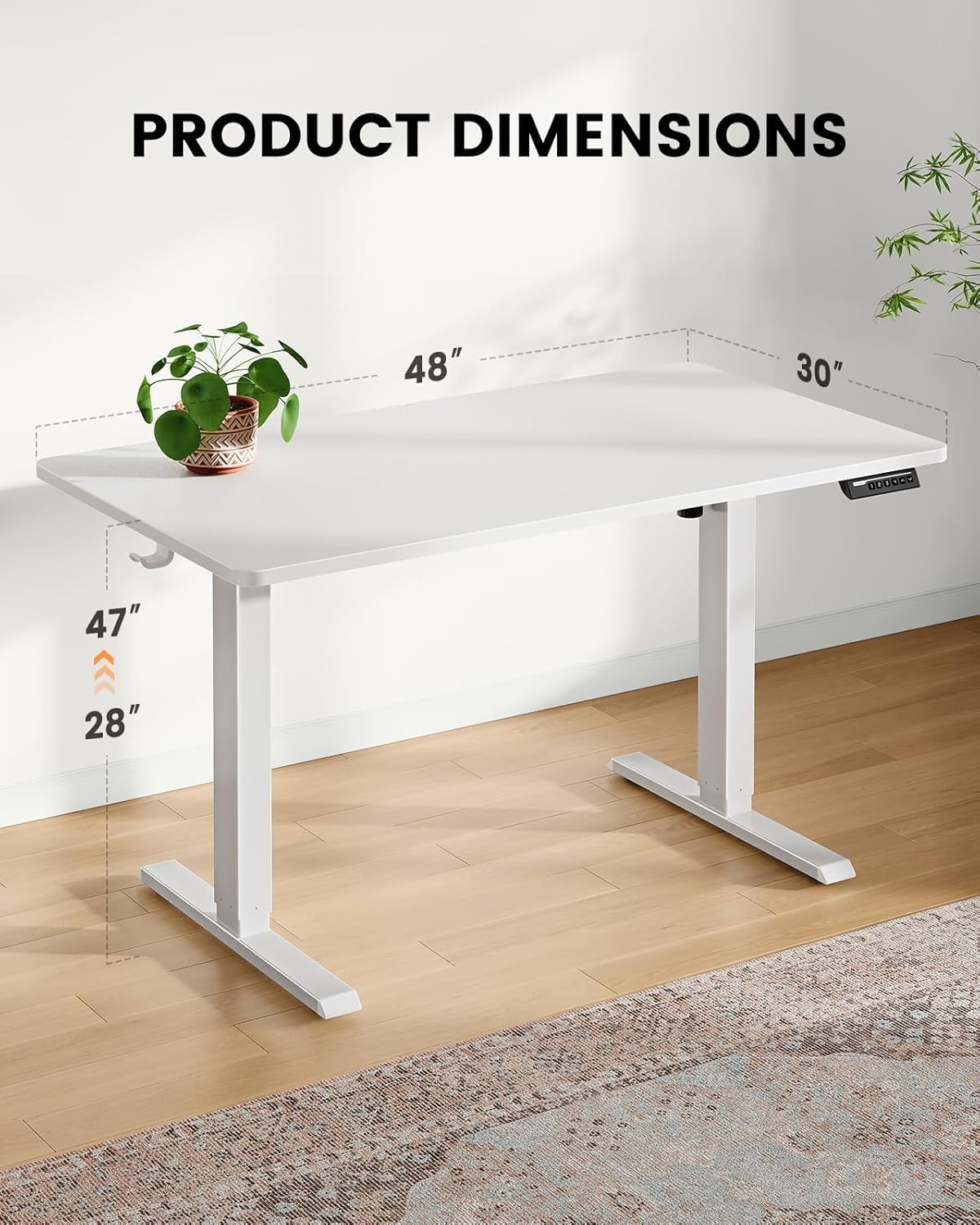
- One-Piece Desktop (48x30 inch)
- Colonne di sollevamento elettriche (gambe)
- Pannello di controllo con display digitale
- Vassoio per la gestione dei cavi
- Adattatore di alimentazione e cavo
- Assembly Hardware Kit (screws, tools)
- Manuale di istruzioni
Installazione e assemblaggio
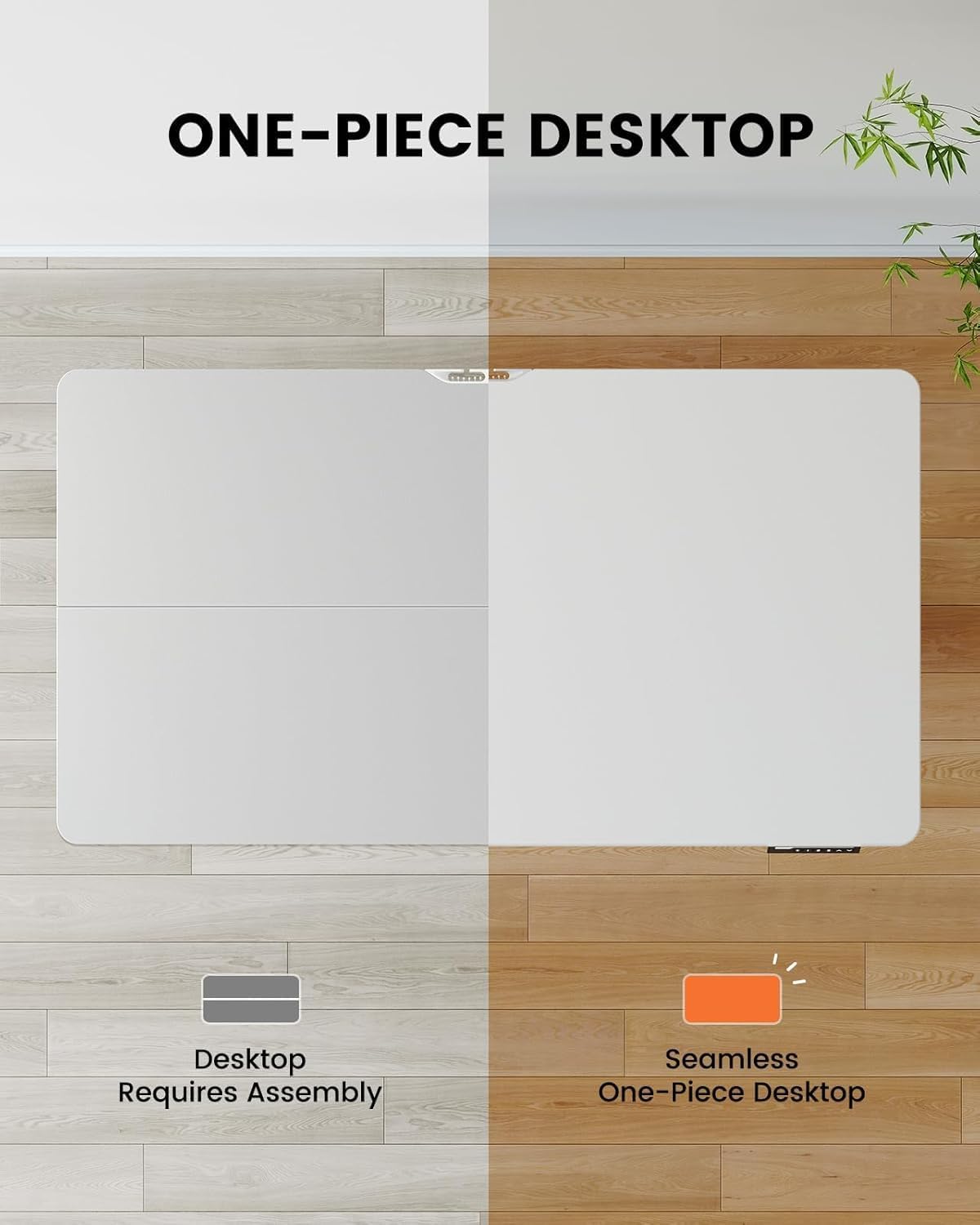
The ErGear EGESD65W features a one-piece desktop for simplified and faster installation. Follow these steps carefully:
- Disimballare i componenti: Estrarre con cautela tutti i componenti dall'imballaggio e disporli su una superficie pulita e morbida per evitare graffi.
- Fissare le colonne di sollevamento: Secure the electric lifting columns (legs) to the underside of the one-piece desktop using the provided screws. Ensure they are aligned correctly with the pre-drilled holes.
- Installa il Pannello di controllo: Mount the control panel to the designated area on the front edge of the desktop.
- Collegare i cavi: Connect the motor cables from the lifting columns to the control box, and then connect the control panel cable to the control box. Finally, connect the power adapter to the control box.
- Attach Cable Management Tray: Install the cable management tray to the underside of the desktop as shown in the diagram, providing a neat solution for your power and data cables.
- Posizione Scrivania: Carefully flip the desk upright and place it in your desired location. Ensure there is enough clearance for height adjustments.

Istruzioni per l'uso
Your ErGear standing desk is equipped with an intuitive control panel for easy height adjustment and memory presets.
Funzioni del pannello di controllo:
- Frecce su/giù (▲ / ▼): Press and hold to continuously adjust the desk height up or down. Release to stop at your desired height.
- Preimpostazioni di memoria (1, 2, 3, 4): Press a numbered button to move the desk to a pre-saved height. To save a height, adjust the desk to the desired position, then press the 'M' button followed by the desired number (1-4). The display will show 'S-' then the number to confirm.
- Display: Mostra l'altezza attuale della scrivania in pollici.


Manutenzione
Una manutenzione regolare garantisce la longevità e il funzionamento regolare della scrivania in piedi ErGear.
- Pulizia: Pulisci il tavolo e le gambe con un panno morbido eamp panno. Evitare detergenti abrasivi o prodotti chimici aggressivi che potrebbero danneggiare la finitura.
- Gestione dei cavi: Periodically check the cable management tray and ensure all cables are neatly organized and not pinched or tangled.
- Serraggio delle viti: Con il tempo, le viti potrebbero allentarsi. Controllare e serrare periodicamente tutte le viti di montaggio per mantenere la stabilità.
- Ispezione del motore: Ensure the motor and lifting columns are free from obstructions. Do not attempt to lubricate or disassemble the motor components.
Risoluzione dei problemi
If you encounter any issues with your ErGear standing desk, please refer to the following common problems and solutions:
| Problema | Possibile causa | Soluzione |
|---|---|---|
| La scrivania non si muove. | Cavo di alimentazione scollegato; Cavo motore allentato; Sovraccarico. | Check power connection; Ensure all cables are securely plugged in; Reduce weight on desk. |
| La scrivania si muove in modo irregolare. | Distribuzione non uniforme del peso; viti allentate. | Distribute weight evenly; Tighten all assembly screws. |
| Il display mostra un codice di errore. | System malfunction; Overheating. | Unplug the desk for 10 minutes, then plug back in. If error persists, contact customer support. |
| La scrivania fa un rumore insolito. | Obstruction in lifting mechanism; Loose components. | Check for obstructions under the desk; Tighten screws. |
Se il problema persiste dopo aver provato queste soluzioni, contattare l'assistenza clienti ErGear per ulteriore assistenza.
Specifiche
Key technical details for your ErGear EGESD65W Standing Desk:
- Numero modello: EGESD65W-US
- Dimensioni del desktop: 48 x 30 pollici
- Intervallo di altezza regolabile: Approximately 28 to 47 inches (71.1 cm to 119.4 cm)
- Materiale del tavolo: Bambù
- Materiale delle gambe: Acciaio inossidabile
- Colore: Bianco
- Componenti inclusi: Vassoio per la gestione dei cavi
- Assemblaggio richiesto: SÌ
- Operazione: Elettrico
Garanzia e supporto
Your ErGear EGESD65W Electric Standing Desk comes with a Limited Warranty. For specific warranty terms and conditions, please refer to the warranty card included in your package or visit the official ErGear websito.
For technical support, troubleshooting assistance, or to inquire about replacement parts, please contact ErGear customer service through the contact information provided on the official ErGear website or your purchase platform. Please have your model number (EGESD65W-US) and purchase date ready when contacting support.


