1. Informazioni importanti sulla sicurezza
Si prega di leggere attentamente tutte le istruzioni di sicurezza prima di utilizzare il televisore. Conservare questo manuale per riferimento futuro.
- Non esporre il televisore alla pioggia o all'umidità.
- Garantire un'adeguata ventilazione intorno al televisore.
- Non ostruire le aperture di ventilazione con oggetti quali giornali, tovaglie, tende, ecc.
- Proteggere il cavo di alimentazione per evitare che venga calpestato o schiacciato.
- Scollegare il televisore durante i temporali o quando non viene utilizzato per lunghi periodi.
- Affidare tutti gli interventi di assistenza a personale qualificato.
2. Cosa c'è nella scatola
Verificare che tutti i componenti siano presenti nella confezione:
- Thomson 43QG5C14 QLED Google Smart TV
- Telecomando
- Cavo di alimentazione
- Central Stand (and screws for assembly)
- Manuale dell'utente (questo documento)
- Batterie per telecomando
3. Impostazione
3.1 Fissaggio del supporto
Carefully place the TV screen-down on a soft, flat surface to prevent damage. Attach the central stand to the bottom of the TV using the provided screws. Ensure the stand is securely fastened.
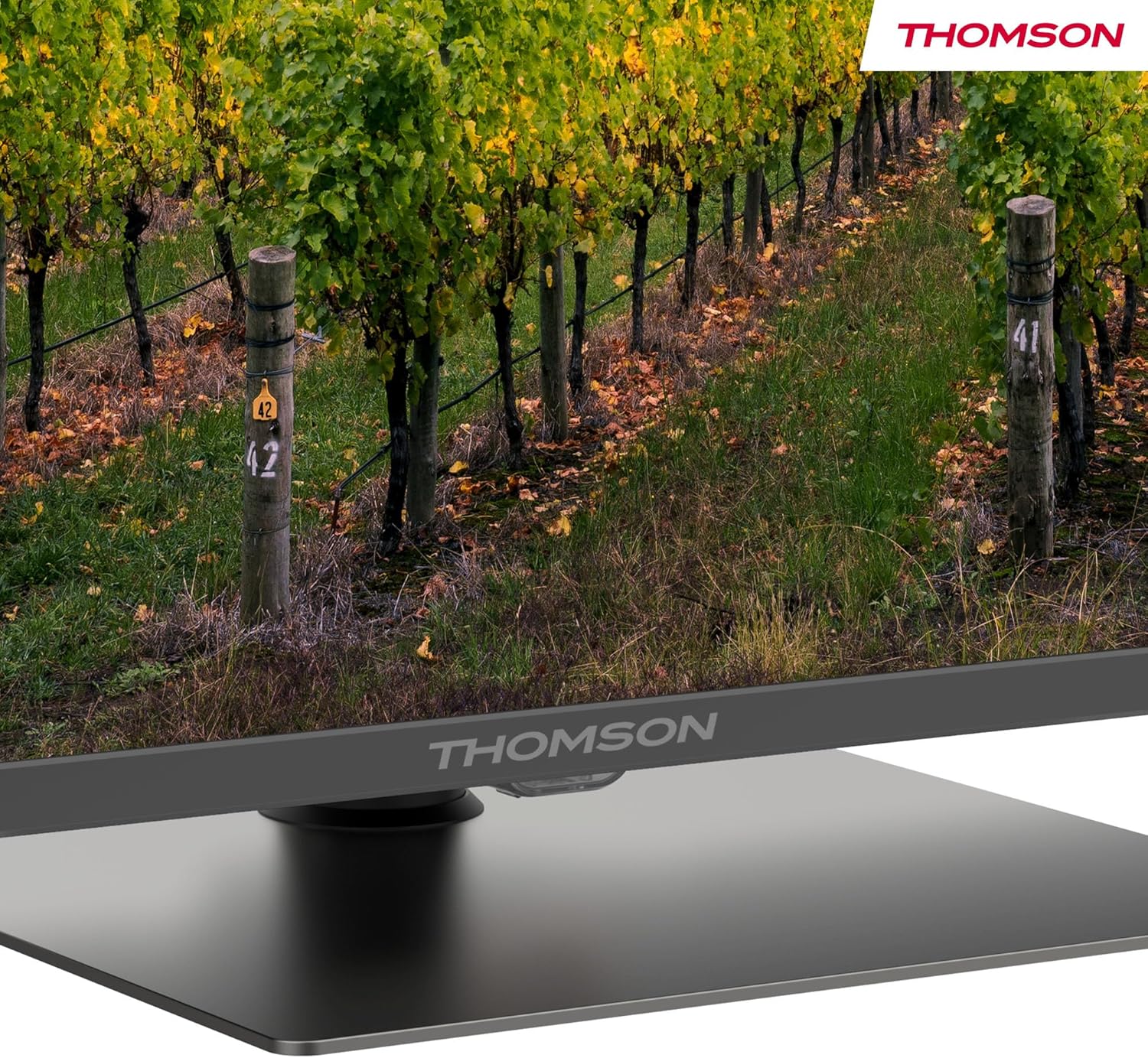
Un dettagliato view of the central stand, featuring the Thomson branding.

This diagram provides the physical measurements of the television, including width, height, and depth, essential for placement and installation.
3.2 Montaggio a parete (opzionale)
If you choose to wall mount your TV, ensure you use a VESA-compatible wall mount kit (sold separately) and follow the instructions provided with the wall mount. Professional installation is recommended.
3.3 Collegamento delle periferiche
Connect your external devices such as set-top boxes, gaming consoles, or sound systems to the appropriate ports on the TV. The TV features multiple HDMI and USB ports, as well as a LAN connection.

This image details the available connection ports on the back of the television, including HDMI, USB, LAN, and antenna inputs.
3.4 Configurazione iniziale
- Collegare il cavo di alimentazione al televisore e a una presa di corrente.
- Premere il pulsante di accensione sul telecomando o sul televisore per accenderlo.
- Segui le istruzioni sullo schermo per selezionare la lingua, il Paese e connetterti alla rete Wi-Fi.
- Accedi con il tuo account Google per accedere alle funzionalità di Google TV e scaricare le app.
4. Istruzioni per l'uso
4.1 telecomando
The included remote control provides easy access to all TV functions. It features backlit buttons for visibility in low light and dedicated buttons for popular streaming services.

The remote control features dedicated buttons for popular streaming services, a Google Assistant button for voice commands, and backlit keys for ease of use in low light.
4.2 Funzionalità di Google TV
Your Thomson TV runs on Google TV, offering a personalized entertainment experience. Access over 400,000 movies and shows from various streaming services. Use the integrated Google Assistant for voice control and the built-in Chromecast to stream content from your smart devices.

This image demonstrates the voice control functionality, allowing users to operate the TV and search for content using spoken commands.

The Google TV home screen provides access to a wide range of streaming applications and personalized content recommendations.
4.3 Display Features: QLED, 4K UHD, HDR10
Experience vibrant and realistic colors thanks to QLED technology with Quantum Dots. The 4K UHD resolution delivers crystal-clear images, offering four times the detail of Full HD. HDR10 support ensures balanced brightness, rich contrast, and precise color reproduction.
4.4 Audio Features: Dolby Atmos
Enjoy a dynamic and immersive sound experience with Dolby Atmos technology, bringing cinematic audio directly to your living room.

This image illustrates the immersive audio experience provided by Dolby Atmos, showing sound waves emanating from the television.
4.5 Connettività
- Wifi: Collegati alla tua rete domestica per accedere a Internet e per lo streaming.
- Bluetooth 5.1: Collega cuffie wireless, soundbar o altri dispositivi Bluetooth.
- HDMI: Multiple HDMI ports (including HDMI 2.1 with eARC) for connecting various external devices.
- USB: USB 2.0 and USB 3.0 ports for media playback from USB drives.
- Triplo sintonizzatore: Integrated tuner for Cable (DVB-C), Satellite (DVB-S2), and Antenna (DVB-T2) reception.
- IC+: Common Interface Plus slot for conditional access modules (CAM) to view canali criptati.
5. Manutenzione
- Pulizia dello schermo: Gently wipe the screen with a soft, lint-free cloth. For stubborn marks, use a screen-cleaning solution specifically designed for TVs.
- Pulizia dell'armadio: Per pulire il mobile TV, utilizzare un panno morbido e asciutto. Non utilizzare detergenti abrasivi o solventi.
- Aggiornamenti software: Ensure your TV's software is up to date for optimal performance and security. Updates can usually be found in the TV's settings menu.
6. Risoluzione Dei Problemi
Se riscontri problemi con la tua TV, fai riferimento alle seguenti soluzioni comuni:
- Nessun potere: Check if the power cord is securely connected and the power outlet is working.
- Nessuna immagine/suono: Verificare che sia selezionata la sorgente di ingresso corretta. Controllare tutti i collegamenti dei cavi.
- Il telecomando non funziona: Sostituisci le batterie. Assicurati che non ci siano ostacoli tra il telecomando e il televisore.
- Scarsa qualità dell'immagine: Adjust picture settings (brightness, contrast, sharpness). Check antenna/cable connection.
- Problemi di connessione di rete: Restart your router. Reconnect the TV to the Wi-Fi network in the settings.
For further assistance, consult the full electronic manual or contact Thomson customer support.
7. Specifiche
| Caratteristica | Specificazione |
|---|---|
| Marca | Tommaso |
| Numero di modello | 43QG5C14 |
| Dimensioni dello schermo | 43 pollici (109 cm) |
| Tecnologia di visualizzazione | QLED |
| Risoluzione | 4K UHD (3840x2160) |
| Frequenza di aggiornamento | Frequenza 60 Hz |
| Caratteristiche speciali | QLED, Dolby Atmos, Dolby Vision, HDR10 |
| Sistema operativo | TV di Google |
| Connettività | Bluetooth 5.1, HDMI, USB, Wi-Fi |
| Proporzioni | 16:9 |
| Dimensioni del prodotto (L x A x P) | Dimensioni: 96 x 59 x 9 cm |
| Peso | 12.5 kg |
Efficienza energetica

The energy label indicates the television's energy efficiency class and annual energy consumption.
Per informazioni dettagliate sull'energia, fare riferimento al EPREL Product Data Sheet.
8. Garanzia e supporto
Your Thomson 43QG5C14 QLED Google Smart TV comes with a Garanzia di 3 anno, ensuring clear images without dead pixels. This product is assembled in Europe, reflecting a commitment to quality.
For technical support, warranty claims, or additional information, please visit the official Thomson website or contact your local customer service.


