1. Introduzione
The Cellularline Ion Pro Square Smartwatch is an advanced wearable device designed to integrate seamlessly into your daily life, offering a blend of style and functionality. It features a vibrant 1.83-inch TFT display, robust water and dust resistance, and comprehensive health and fitness tracking capabilities. This manual provides detailed instructions for setting up, operating, maintaining, and troubleshooting your smartwatch.

Image 1.1: The Cellularline Ion Pro Square Smartwatch, showcasing its square display and black strap.
2. Cosa c'è nella scatola
Upon unboxing your Cellularline Ion Pro Square Smartwatch, please verify that all components are present:
- Cellularline Ion Pro Square Smartwatch
- Cavo di ricarica
- Manuale di istruzioni
3. Per iniziare
3.1. Ricarica dello smartwatch
Before initial use, fully charge your smartwatch. Connect the provided charging cable to the charging port on the back of the smartwatch and plug the USB end into a compatible power adapter (not included) or a computer's USB port. A full charge typically takes approximately 3 hours and provides up to 7 days of battery life.
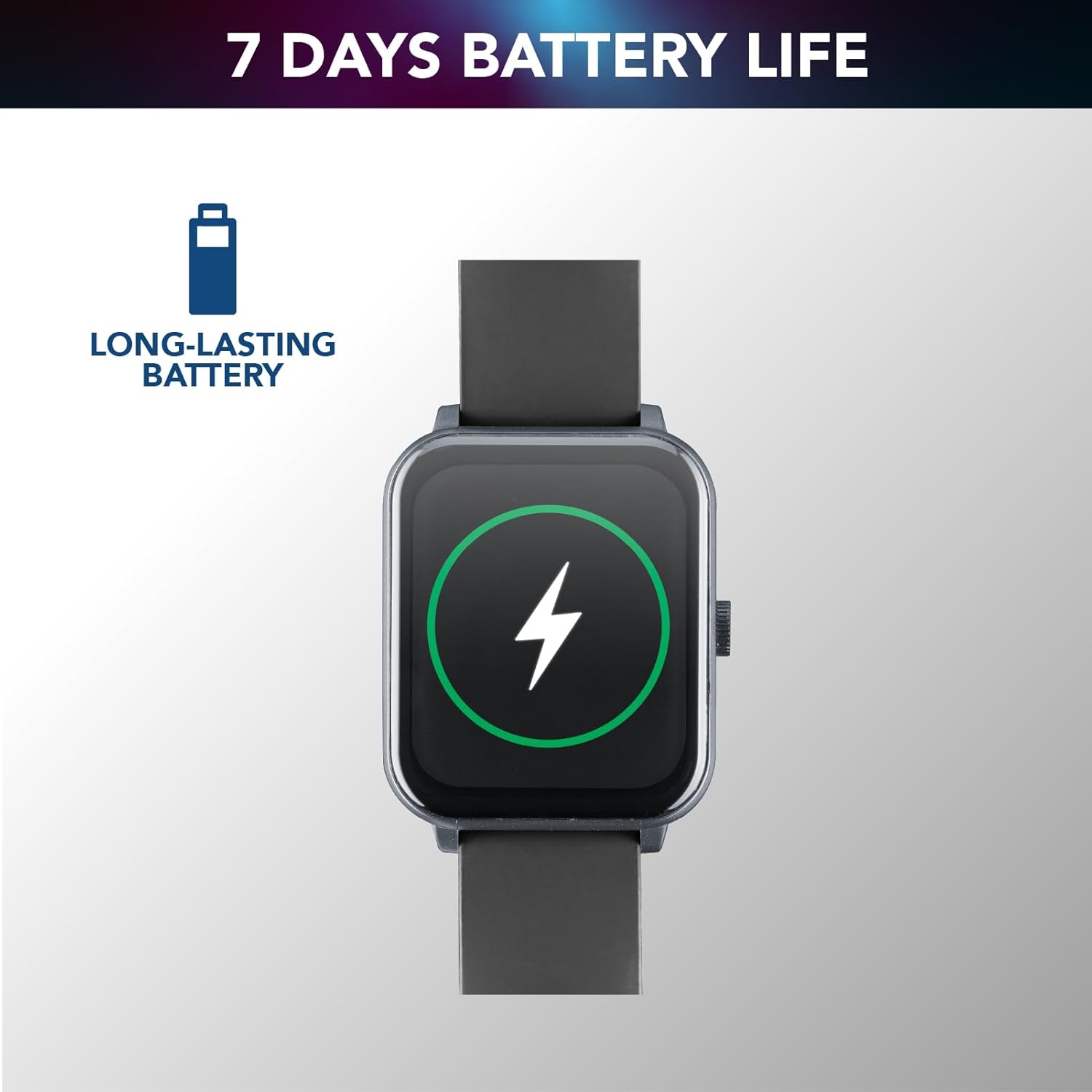
Image 3.1: The smartwatch screen showing a battery charging indicator, illustrating its long-lasting battery capability.
3.2. Installazione e associazione dell'app
Per sfruttare appieno il potenziale del tuo smartwatch, scarica e installa Cellularline ION App on your smartphone. The app is available for both iOS and Android devices. You can find it by scanning the QR code provided in the quick start guide or by searching in your device's app store.
- Download and install the Cellularline ION App.
- Abilita il Bluetooth sul tuo smartphone.
- Open the app and follow the on-screen instructions to pair your smartwatch. This usually involves scanning a QR code displayed on the smartwatch screen or selecting the device from a list of nearby Bluetooth devices.
- Once paired, the smartwatch will synchronize with your phone, and you can customize settings and view your data within the app.
4. Utilizzo dello smartwatch
4.1. Display e navigazione
The Ion Pro Square features a 1.83-inch Full Touch TFT display, providing clear visuals and intuitive navigation. Swipe across the screen to access different functions and menus. Tap to select options.

Immagine 4.1: Lo smartwatch mostraasing its 1.83-inch high-definition display with clear time indication.
4.2. Funzioni di chiamata
Once connected to your smartphone via Bluetooth, the Ion Pro Square allows you to receive and answer calls directly from your wrist. Notifications for incoming calls will appear on the display, and you can use the integrated microphone and speaker for hands-free communication.

Image 4.2: A user tapping the smartwatch screen to answer a call, demonstrating the Bluetooth calling feature.
4.3. Monitoraggio della salute
The smartwatch is equipped with an optical sensor to continuously monitor various health metrics:
- Frequenza cardiaca: Monitoraggio della frequenza cardiaca in tempo reale.
- Pressione sanguigna: Stime dei livelli di pressione sanguigna.
- Ossigeno nel sangue (SpO2): Misura la saturazione di ossigeno nel sangue.
- Monitoraggio del sonno: Tiene traccia dei modelli e della qualità del sonno.
- Monitoraggio dello stress: Fornisce informazioni sui livelli di stress.

Image 4.3: Two smartwatch screens showing heart rate (142 BPM) and sleep monitoring (07:30, Target: 08H) data.
4.4. Monitoraggio delle attività
Track your daily physical activities and fitness progress with the built-in activity monitoring features:
- Contapassi: Registra i tuoi passi giornalieri.
- Calorie bruciate: Stima il consumo calorico.
- Modalità fitness: Dedicated modes for various activities such as walking, running, climbing, and general fitness, providing specific metrics for each.

Image 4.4: The smartwatch screen showing a selection of fitness modes, including walk, run, climbing, and general fitness tracking.
5. Cura e manutenzione
5.1. Resistenza all'acqua e alla polvere
The Cellularline Ion Pro Square Smartwatch is certified IP65, making it resistant to water splashes and dust. This means it can withstand light rain or sweat during workouts. However, it is non suitable for swimming, showering, or prolonged submersion in water. Avoid exposing the device to hot water, steam, or high-pressure water jets.

Image 5.1: The smartwatch screen with water droplets, illustrating its water and dust resistance (Note: Product description states IP65, image states IP67).
5.2. Pulizia e conservazione
To maintain your smartwatch's performance and appearance:
- Pulire lo schermo e il corpo con un panno morbido, asciutto e privo di lanugine.
- Se necessario, leggermente dampen the cloth with water; avoid harsh chemicals or abrasive materials.
- Per garantire una ricarica corretta, pulire regolarmente i contatti di ricarica.
- Conservare lo smartwatch in un luogo fresco e asciutto, lontano dalla luce solare diretta e da temperature estreme.
6. Risoluzione Dei Problemi
If you encounter issues with your Cellularline Ion Pro Square Smartwatch, refer to the following common problems and solutions:
| Problema | Possibile soluzione |
|---|---|
| Lo smartwatch non si accende. | Assicurarsi che il dispositivo sia completamente carico. Collegarlo al caricabatterie per almeno 30 minuti. |
| Impossibile effettuare l'associazione con lo smartphone. | Ensure Bluetooth is enabled on your phone. Restart both the smartwatch and your phone. Make sure the app is updated to the latest version. |
| Dati sanitari imprecisi. | Ensure the smartwatch is worn snugly on your wrist, not too loose or too tight. Clean the sensor on the back of the device. |
| Durata breve della batteria. | Reduce screen brightness, disable unnecessary notifications, and limit continuous heart rate monitoring if not needed. Ensure the device is fully charged. |
| Notifiche non ricevute. | Check app permissions on your smartphone to ensure notifications are allowed. Verify that the smartwatch is properly connected via Bluetooth. |
If the problem persists, please contact Cellularline customer support for further assistance.
7. Specifiche tecniche
| Caratteristica | Specificazione |
|---|---|
| Nome del modello | BTIONWATCHPROSK |
| Marca | linea cellulare |
| Dimensioni dello schermo | 1.83 pollici |
| Tipo di visualizzazione | Schermo a colori |
| Forma | Piazza |
| Composizione della batteria | Polimero di litio |
| Capacità della batteria | 260 mAh (Modifier desconocido) |
| Durata media della batteria | 7 giorni |
| Tempo di ricarica | 3 ore |
| Standard di comunicazione wireless | Bluetooth |
| Tecnologia di connettività | Bluetooth |
| Sistema operativo | Indossare il sistema operativo |
| Resistenza all'acqua | Certificato IP65 |
| Peso del prodotto | 100 grammi |
| Dimensioni | Dimensioni: 16.1 x 9 x 3.1 cm |
| Dispositivi compatibili | Smartphone, compresse |
| Componenti inclusi | Smartwatch, Charging Cable, Instructions |
8. Garanzia e supporto
For information regarding warranty coverage and customer support, please refer to the warranty card included with your product or visit the official Cellularline website. You can also contact their customer service for assistance with product inquiries, technical support, or warranty claims.
Per richieste generali o per esplorare altri prodotti, visita il Cellularline Store on Amazon.


