1. Introduzione
This manual provides detailed instructions for the setup, operation, and maintenance of your TMY Native 1080P Mini Projector. Please read this manual thoroughly before using the projector to ensure proper function and longevity.
2. Cosa c'è nella scatola
- TMY Native 1080P Mini Projector
- Telecomando
- Cavo di alimentazione
- Cavo HDMI
- Manuale d'uso
- Kit di pulizia
3. Prodotto finitoview
The TMY Native 1080P Mini Projector is designed for versatile home entertainment, offering native 1080P resolution and various connectivity options in a compact form factor.

3.1 Porte di connettività
Il proiettore è dotato di più porte per collegare vari dispositivi:

- Porta HDMI: For connecting devices such as TV sticks, PCs, gaming consoles, and DVD players.
- Porta USB: Per collegare unità USB per riprodurre contenuti multimediali files.
- Jack audio da 3.5 mm: For connecting external wired speakers or headphones.
- Potenza in ingresso: Per collegare il cavo di alimentazione.
4. Impostazione
4.1 Posizionamento
Position the projector on a stable, flat surface. The projection distance can range from 1.5 meters to 5 meters, producing a screen size from 40 inches to 200 inches. Ensure there are no obstructions between the projector and the projection surface.
4.2 Collegamento di alimentazione
- Collegare il cavo di alimentazione alla porta di ingresso alimentazione del proiettore.
- Collegare l'altra estremità del cavo di alimentazione a una presa di corrente.
4.3 Accensione iniziale
Premere il pulsante di accensione sul proiettore o sul telecomando per accendere il dispositivo. La spia luminosa si illuminerà.
4.4 Correzione della messa a fuoco e della distorsione trapezoidale
To achieve a clear and rectangular image, adjust the focus ring and keystone correction dial located on the projector. The projector supports ±15° vertical keystone correction.

5. Istruzioni per l'uso
5.1 Collegamento dei dispositivi
Il proiettore offre diversi modi per collegare i tuoi dispositivi:

5.1.1 Collegamento HDMI
Connect your device (e.g., TV Stick, PC, gaming console) to the projector's HDMI port using an HDMI cable. Select the corresponding HDMI input source from the projector's menu.
5.1.2 Connessione USB
Insert a USB drive into the USB port. Navigate to the media player function in the projector's menu to browse and play files.
Connessione WiFi 5.1.3 (Screen Mirroring)
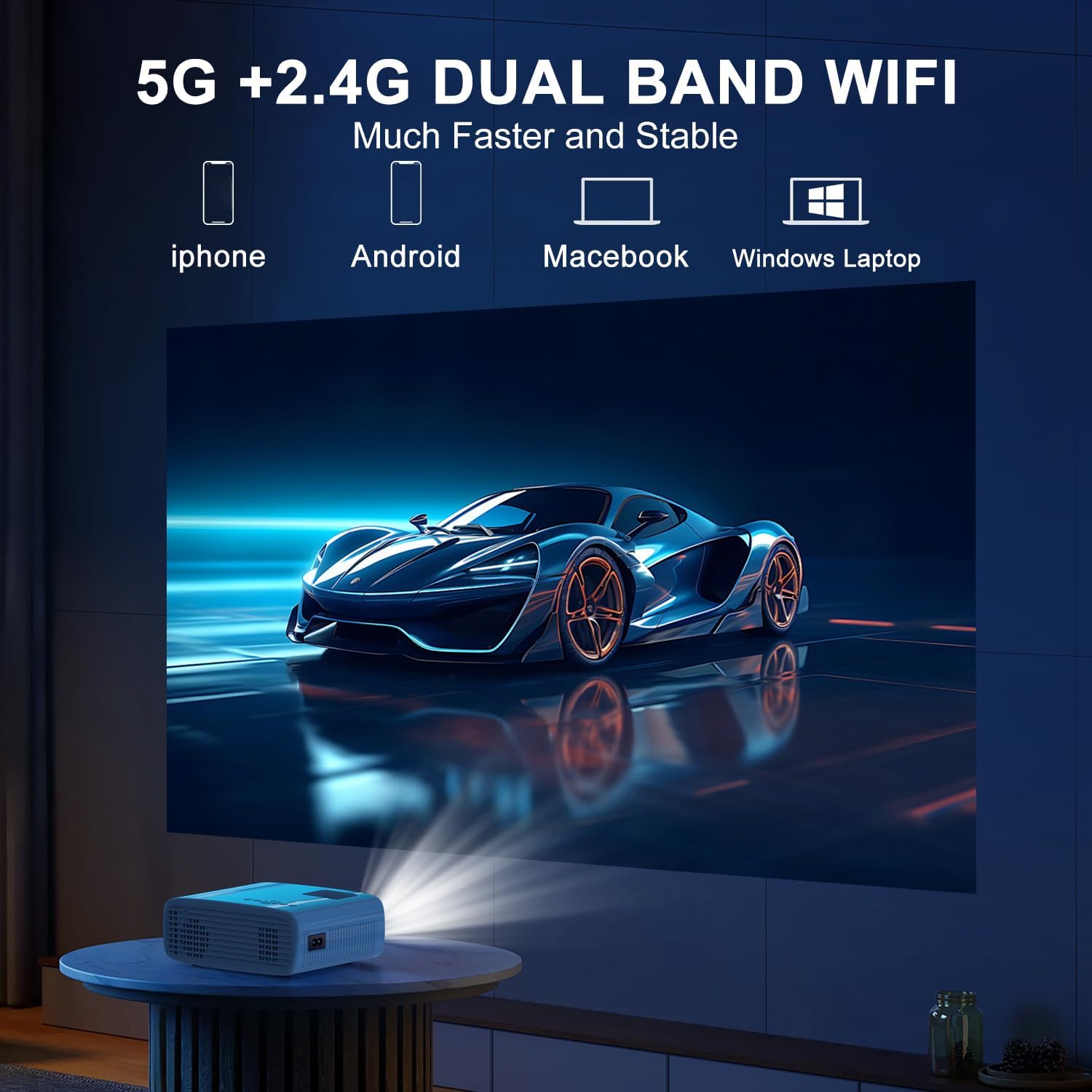
The projector supports 5G/2.4G dual-band WiFi for wireless screen mirroring from compatible smartphones, tablets, and laptops. Access the WiFi settings in the projector's menu to connect to your home network and initiate screen mirroring.

5.1.4 Connessione Bluetooth
The projector features two-way Bluetooth 5.2 technology. It can connect to external Bluetooth speakers or headphones for audio output. Additionally, it can function as a Bluetooth speaker itself, allowing you to connect your smartphone or tablet to play audio through the projector's built-in speakers.
Nota:
- Bluetooth does not support screen mirroring with your phone.
- When connecting to external Bluetooth speakers, ensure the speaker is in pairing mode.
5.2 Funzione Zoom
The projector includes a 100% to 50% zoom function, allowing you to adjust the screen size digitally without physically moving the projector. This feature is accessible through the projector's menu settings.
5.3 Navigazione nel menu
Use the remote control to navigate through the projector's on-screen menu. The menu allows you to select input sources, adjust picture settings (brightness, contrast, color), sound settings, and other system configurations.
6. Manutenzione
6.1 Pulizia
- Lente: Use the provided cleaning cloth or a soft, lint-free cloth to gently wipe the projector lens. Avoid abrasive materials.
- Esterno: Pulire l'esterno del proiettore con un panno morbido e asciutto. Non utilizzare detergenti liquidi o solventi.
- Prese d'aria: Controllare e pulire periodicamente le prese d'aria per garantire un flusso d'aria adeguato ed evitare il surriscaldamento.
6.2 Conservazione
Quando non in uso, conservare il proiettore in un luogo fresco e asciutto, lontano dalla luce solare diretta e da temperature estreme. Utilizzare l'imballaggio originale o una custodia protettiva per evitare l'accumulo di polvere e danni.
7. Risoluzione Dei Problemi
- Nessun potere: Assicurarsi che il cavo di alimentazione sia collegato saldamente sia al proiettore che alla presa di corrente. Verificare che la presa di corrente funzioni correttamente.
- Nessuna immagine: Verify that the correct input source is selected in the projector's menu. Check all cable connections (HDMI, USB).
- Immagine sfocata: Adjust the focus ring on the projector until the image is clear. Ensure the projection distance is within the recommended range.
- Immagine non rettangolare: Use the keystone correction dial to adjust the image until it appears rectangular.
- Nessun suono: Check the volume settings on both the projector and the connected device. If using external speakers, ensure they are properly connected and powered on.
- Sound/Video Lag: For screen mirroring, ensure a stable WiFi connection. For wired connections, try a different cable or port. Note that Bluetooth does not support screen mirroring and may introduce slight audio delay with external speakers.
- Surriscaldamento: Ensure the projector's air vents are not blocked. Operate the projector in a well-ventilated area.
8. Specifiche
| Caratteristica | Specificazione |
|---|---|
| Marca | TMJ |
| Modello | B0DMW2G124 |
| Risoluzione dello schermo | Nativo 1920 x 1080 (1080P) |
| Tecnologia di connettività | Jack da 3.5 mm, Bluetooth 5.2, HDMI, USB, Wi-Fi (5G/2.4G) |
| Caratteristiche speciali | 50%-100% Zoom, Built-In Cooling System, Two-way Bluetooth, Wi-Fi Ready |
| Usi consigliati | Giochi, Home Cinema |
| Peso dell'articolo | 2.51 libbre |
| Dimensioni del pacco | 9.09 x 8.7 x 4.17 pollici |
| Colore | Bianco+Nero |
9. Garanzia e supporto
For warranty information or technical support, please refer to the warranty card included in your product packaging or contact TMY customer service directly. Contact details can typically be found on the official TMY websito o tramite la tua piattaforma di acquisto.


