Informazioni su questa guida
This manual provides comprehensive instructions for navigating and utilizing Windows 11, 2nd Edition. It is designed for both new users and those upgrading from previous Windows versions, offering clear, jargon-free guidance to help you maximize your Windows 11 experience. Whether you are setting up your computer for the first time, managing files, or troubleshooting common issues, this guide aims to simplify the process.
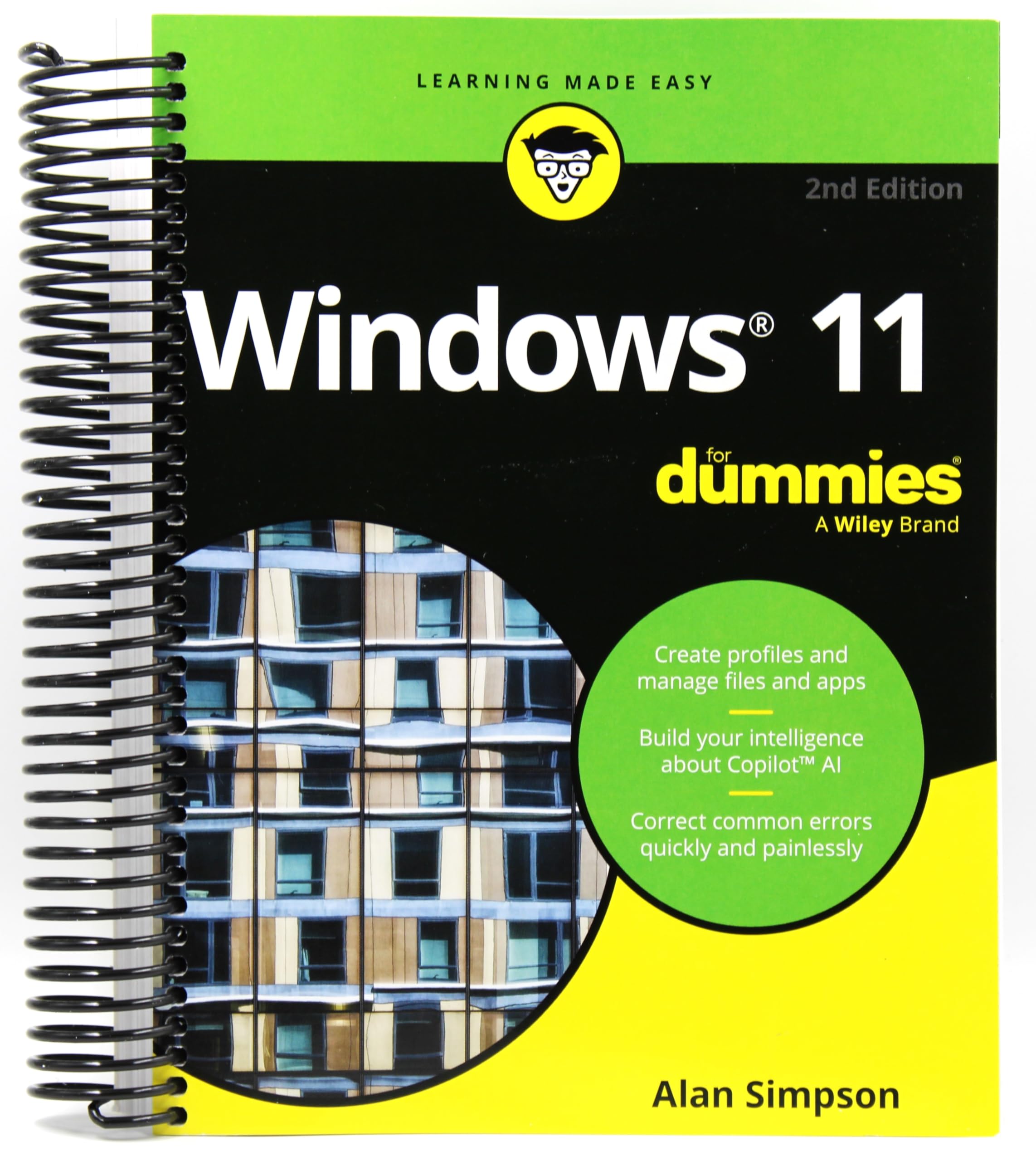
This image displays the front cover of the 'Windows 11 For Dummies, 2nd Edition' book, featuring the distinctive yellow and black 'For Dummies' branding.
Impostare
This section outlines the initial steps for configuring your Windows 11 system and personalizing your user environment.
1. Setting Up Your Computer
Follow the on-screen prompts during the initial boot-up process to configure your Windows 11 device. This typically involves selecting your region, language, and accepting the license agreement.
2. Creating User Profiles
Windows 11 allows for multiple user accounts. To create a new user profile:
- Vai a Impostazioni > Conti > Famiglia e altri utenti.
- Clic Aggiungi account and follow the instructions to set up a new local or Microsoft account.
3. Connessione alle reti
Per connettere il tuo dispositivo a una rete Wi-Fi:
- Fare clic sul Rete icona (Wi-Fi o Ethernet) nella barra delle applicazioni.
- Select the desired Wi-Fi network from the list and click Collegare.
- Se richiesto, immettere la chiave di sicurezza della rete (password).
Operativo
This section covers the fundamental operations and features of Windows 11 to help you navigate and utilize your system effectively.
1. Navigazione Generale
Familiarize yourself with the new Start menu, taskbar, and File Explorer. The Start menu provides quick access to apps, settings, and power options. The taskbar allows for pinning frequently used applications.
2. Finding and Managing Applications
Applications can be launched from the Start menu or by searching in the taskbar. To manage installed apps, go to Impostazioni > Applicazioni > App installate.
3. Locating Lost Files
Use the search bar in the taskbar or File Explorer to quickly find files by name or keyword. You can also browse through common folders like Documents, Pictures, and Downloads.
4. Interacting with Peripherals
To connect a printer or other peripheral device:
- Collega il dispositivo al computer.
- Windows 11 will often detect and install necessary drivers automatically.
- For manual setup, go to Impostazioni > Bluetooth e dispositivi > Stampanti e scanner or Aggiungi dispositivo.
5. Tailoring Your Windows Experience
Personalize your desktop background, themes, and notification settings through Impostazioni > Personalizzazione. Adjust privacy settings in Impostazioni > Privacy e sicurezza.
Manutenzione
Regular maintenance helps ensure your Windows 11 system runs smoothly and securely.
1. Keeping Your Data Safe
- Backup regolari: Utilize Windows Backup or third-party solutions to regularly back up important files to an external drive or cloud storage.
- Software antivirus: Ensure Windows Security (or a third-party antivirus) is active and up-to-date to protect against malware.
- Aggiornamenti di sistema: Keep Windows 11 updated by checking Impostazioni > Aggiornamento di Windows to install the latest security patches and feature enhancements.
Risoluzione dei problemi
This section addresses common issues you might encounter with Windows 11 and provides steps to resolve them.
1. Fixing Common Windows Hiccups
- Riavvia il tuo dispositivo: Often, a simple restart can resolve temporary software glitches.
- Controlla gli aggiornamenti: Ensure your operating system and drivers are up-to-date. Outdated software can cause compatibility issues.
- Run Troubleshooters: Windows 11 includes built-in troubleshooters for various issues. Access them via Impostazioni > Sistema > Risoluzione dei problemi.
- Ripristino configurazione di sistema: If a recent change caused an issue, consider using System Restore to revert your system to an earlier state. Cercare "Create a restore point" in the Start menu.
Specifiche
This section details the physical specifications of the 'Windows 11 For Dummies, 2nd Edition' book.
| Attributo | Dettaglio |
|---|---|
| ASIN | B0DN3DP93J |
| Editore | For Dummies; Spiral-Bound |
| Data di pubblicazione | 20 novembre 2024 |
| Edizione | 2° |
| Lingua | Inglese |
| Lunghezza stampa | 416 pagine |
| Peso dell'articolo | 1.2 libbre |
| Dimensioni | 1.1 x 7.3 x 9.2 pollici |
Garanzia e supporto
As this product is an informational guide (a book), it does not come with a traditional product warranty for electronic devices. For any inquiries regarding the content of the book, printing quality, or other book-specific concerns, please contact the publisher, For Dummies (Wiley Publishing), directly. Their contact information can typically be found on the publisher's website or within the book itself.
Video ufficiali dei prodotti
There are no official product videos available for this instructional book.