Introduzione
Welcome to your new Deli EM110-12 Digit Basic Calculator. This manual provides essential information for setting up, operating, and maintaining your calculator to ensure optimal performance and longevity. Please read these instructions carefully before using the product.
Caratteristiche del prodotto
- 12-Digit Wide Screen Display: Enjoy a clear and spacious display that makes reading numbers easy, even for long calculations.
- Design posteriore antiscivolo: Equipped with a sturdy, anti-slip backside to ensure stability while in use, preventing unwanted movement.
- Doppia fonte di alimentazione: Features solar power for energy efficiency and a battery backup, ensuring uninterrupted performance at all times.
- Costruzione durevole: Realizzato con materiali di alta qualità per un uso duraturo.
- Compatto e portatile: Lightweight and easy to carry, perfect for home, school, or office use.
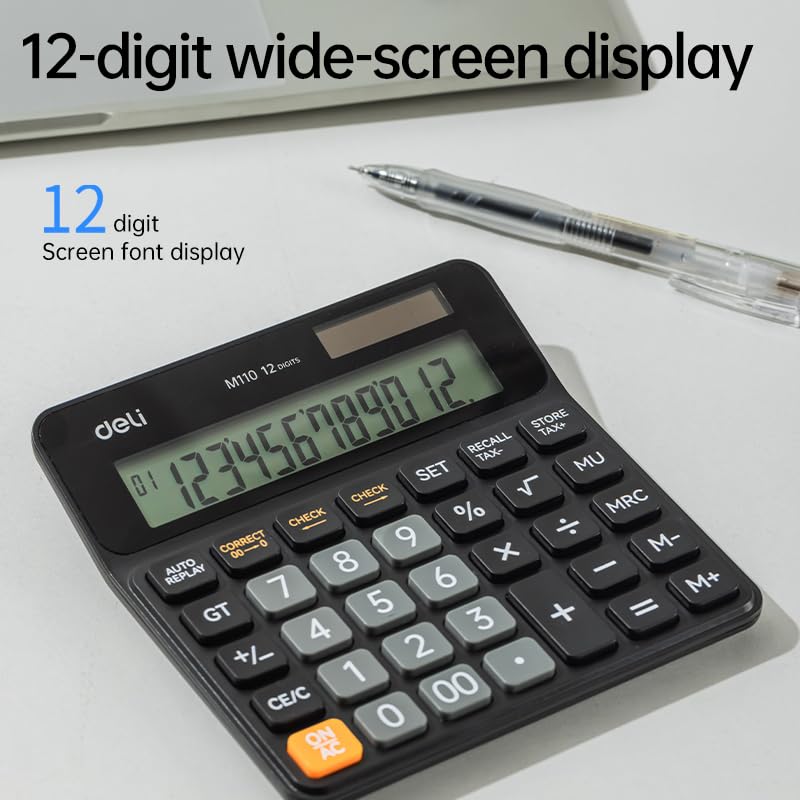
Image: The calculator's 12-digit wide screen display, designed for clear readability.
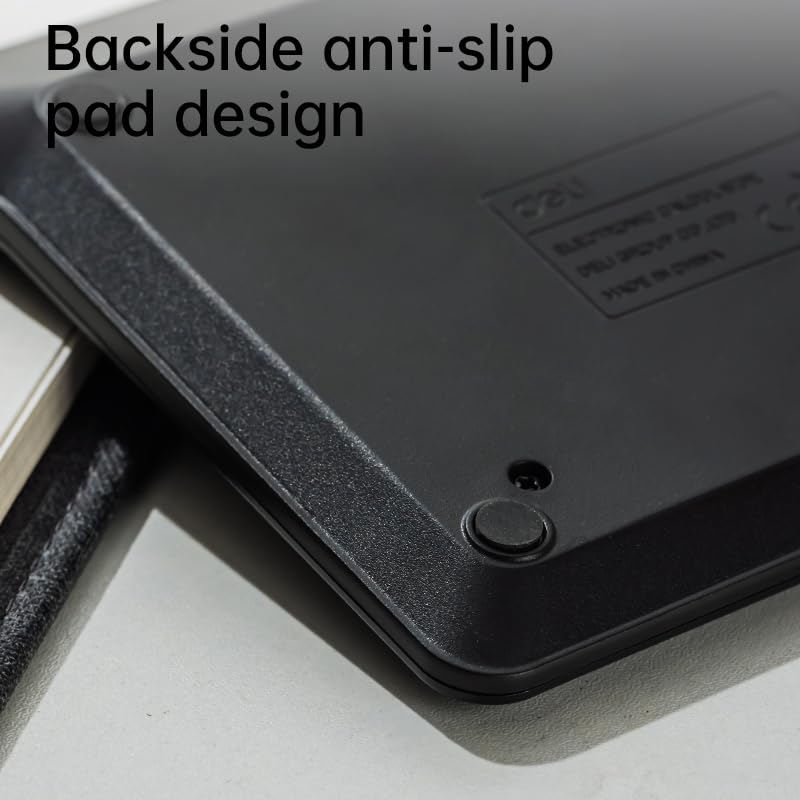
Image: The anti-slip back design, providing stability during use.
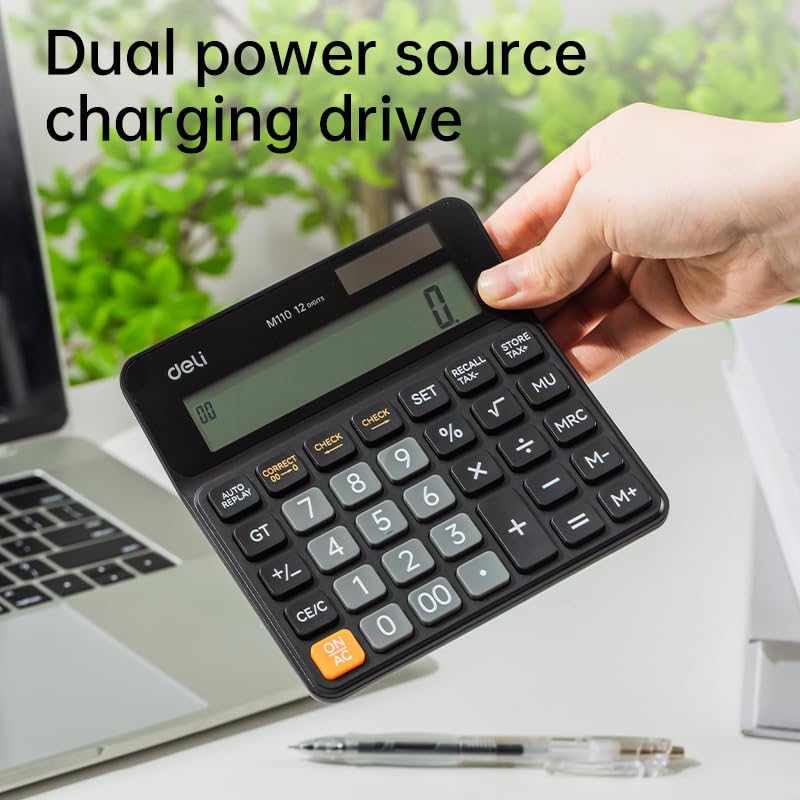
Image: The calculator's dual power source, utilizing both solar energy and battery backup.
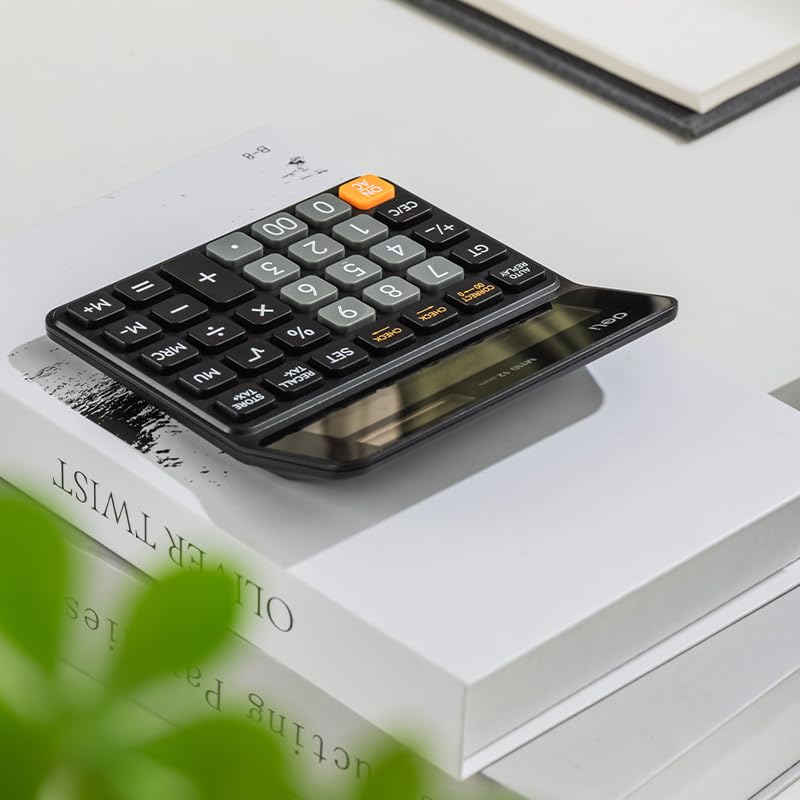
Image: The compact and portable design, suitable for various environments.
Impostare
Fonte di alimentazione
The Deli EM110-12 calculator operates on a dual power system: solar and battery. Under sufficient ambient light, the calculator will automatically utilize solar power for energy efficiency. In low light conditions or when solar power is insufficient, the internal battery will provide power, ensuring uninterrupted performance. No initial setup is required for power; simply ensure adequate lighting or that the battery is functional.
Utilizzo iniziale
To turn on the calculator and clear any previous entries, press the ACCESO/CA button. The display should then show "0", indicating it is ready for use.
Istruzioni per l'uso
Operazioni aritmetiche di base
- Aggiunta (+): Inserisci il primo numero, premi +, inserisci il secondo numero, quindi premi =.
- Sottrazione (-): Inserisci il primo numero, premi -, inserisci il secondo numero, quindi premi =.
- Moltiplicazione (x): Inserisci il primo numero, premi x, inserisci il secondo numero, quindi premi =.
- Divisione (÷): Inserisci il primo numero, premi ÷, inserisci il secondo numero, quindi premi =.
Funzioni chiare
- ON/AC (Tutto libero): Clears all entries and calculations, resetting the calculator to zero.
- CE/C (Clear Entry/Clear): Clears the last entered number. Pressing it twice may clear the entire calculation depending on the sequence.
- CORRECT (->): Corrects the last digit entered, deleting it from the right.
Funzioni di memoria
- M+ (Memoria Plus): Aggiunge il numero visualizzato alla memoria.
- M- (Memoria meno): Sottrae il numero visualizzato dalla memoria.
- MRC (Richiamo/Cancellazione memoria): Premere una volta per richiamare il valore memorizzato. Premere due volte per cancellare la memoria.
Altre funzioni
- % (percentualetage): Utilizzato per percentage calcoli. Esempioample: To calculate 10% of 100, enter 100, press x, inserisci 10, premi %. The result is 10.
- √ (Radice quadrata): Calculates the square root of the displayed number. Enter a number, then press √.
- +/- (cambio di segno): Cambia il segno del numero visualizzato (da positivo a negativo o da negativo a positivo).
- GT (totale complessivo): Displays the grand total of all calculations performed since the last GT clear.
- MU (Mark Up): Utilizzato per il calcolo del margine di profitto.
- CHECK / AUTO REPLAY: Consente di rivieweseguendo i passaggi di calcolo precedenti.
- SET / RECALL TAX / STORE TAX: These buttons are for tax rate setting and calculation. Refer to specific tax calculation instructions if needed.
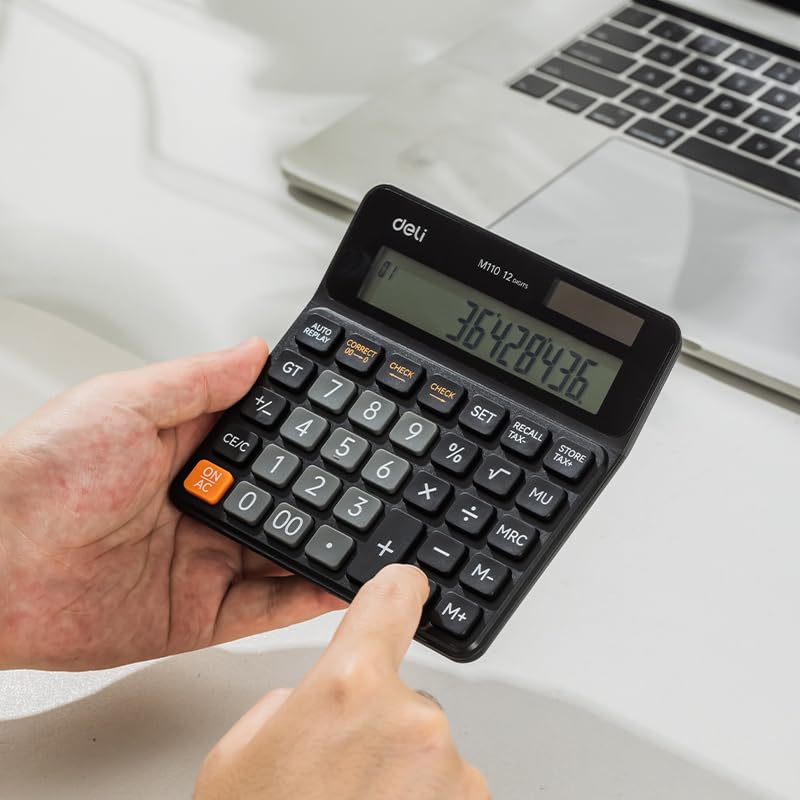
Image: A user operating the calculator, illustrating the key layout for various functions.
Manutenzione
Pulizia
To clean the calculator, use a soft, dry cloth. For stubborn dirt, a slightly damp cloth with mild soap can be used, followed by a dry cloth. Do not use abrasive cleaners, solvents, or immerse the calculator in water, as this can cause damage to the electronic components.
Magazzinaggio
Conservare la calcolatrice in un luogo fresco e asciutto, lontano dalla luce solare diretta e da temperature estreme. Evitare di posizionare oggetti pesanti sopra la calcolatrice per evitare danni al display o ai tasti.
Sostituzione della batteria
If the display becomes dim or unresponsive even in adequate light, the battery may need replacement. Battery replacement should ideally be performed by a qualified technician to avoid damaging the device. Refer to the product packaging or contact customer support for specific battery type and replacement instructions.
Risoluzione dei problemi
| Problema | Possibile causa | Soluzione |
|---|---|---|
| Il display è vuoto o poco luminoso. | Luce insufficiente per l'energia solare o batteria scarica. | Move the calculator to a brighter area. If the problem persists, the battery may need replacement. |
| Risultati di calcolo errati. | Incorrect key input, or memory function active. | Premere ACCESO/CA to clear all entries and restart the calculation. Ensure correct key presses. Clear memory with MRC due volte. |
| La calcolatrice non si accende. | No power from solar or battery. | Ensure adequate light for solar power. If still unresponsive, the battery may be completely depleted or faulty. |
Specifiche
- Marca: gastronomia
- Numero modello: Modello EM110
- Display: 12-Digit Wide Screen
- Fonte di energia: Dual (Solar & Battery)
- Materiale: Plastica
- Colore: Nero
- Peso dell'articolo: 110 grammi
- Dimensioni dell'articolo (LxWxH): 13.3 x 13.4 x 0.1 centimetri
- Tipo di calcolatrice: Funzione standard
Garanzia e supporto
For warranty information and customer support, please refer to the documentation included with your purchase or contact Deli customer service through their official website. Keep your purchase receipt as proof of purchase for any warranty claims or support inquiries.


